Make a Quiz Without Signing Up (Free Instant Link in 2026)
You drop a fun trivia challenge into your group chat, only for your friends to hit an email confirmation wall and instantly close the tab. We know the pain: group chat engagement drops sharply when external links demand user registration before revealing content. In 2026, discovering how to make a quiz without signing up for an account solves this problem by keeping social games entirely frictionless.
We tested no-login quiz workflows to identify the fastest setup methods, uncovering a surprising link-sharing dynamic that prevents player drop-off. When an online interaction requires a verified identity, users hesitate; when an interaction begins with a single tap, participation spikes. Here is how zero-registration creation works in practice:
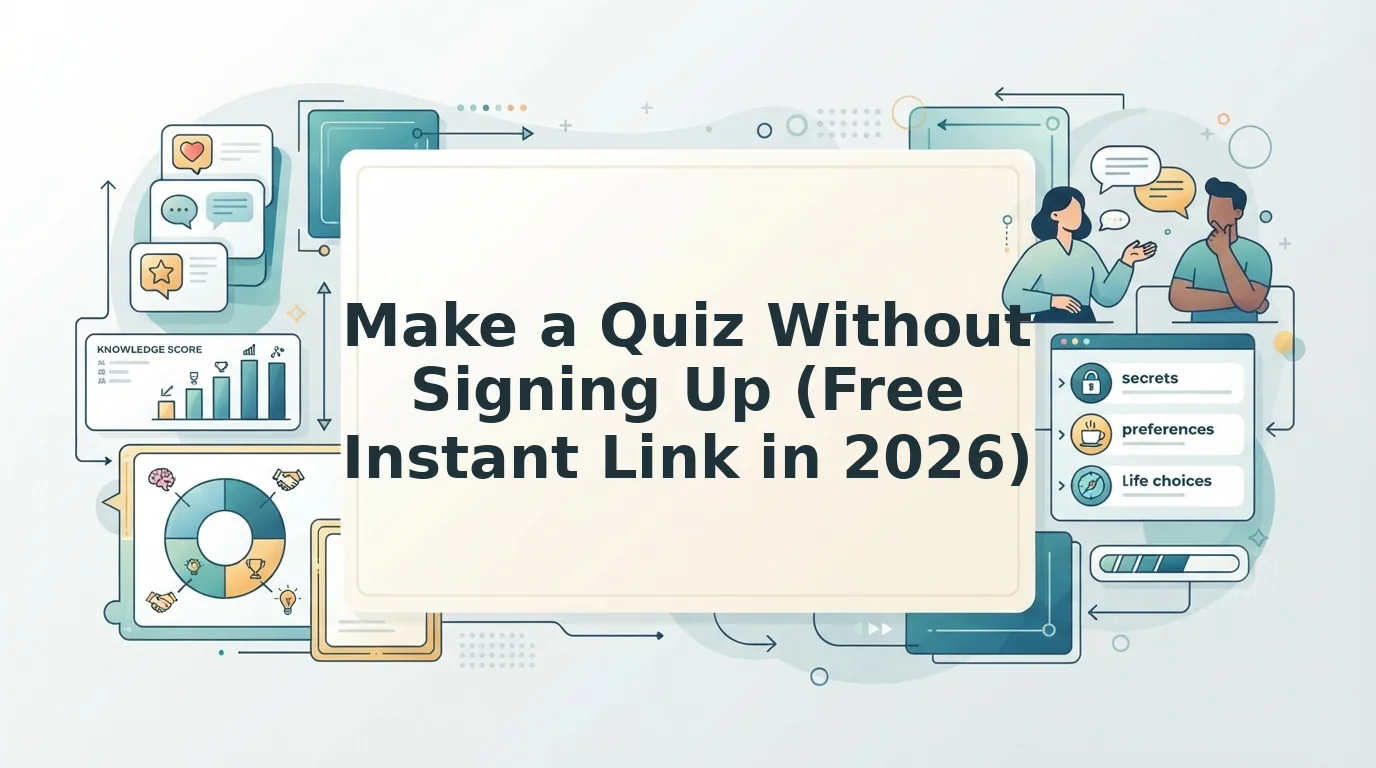
- Setup: You enter your name on the homepage and cycle through personal trivia prompts regarding your habits, preferences, and hot takes.
- Distribution: The platform instantly compiles your answers into a unique, shareable URL ready for your group chat or social feeds.
- Outcome: Contacts tap the link on any mobile browser, submit their guesses, and view scores without downloading software, configuring authenticators, or registering profiles.
To launch this streamlined flow yourself, you can create your own Friend Quiz directly in your web browser within minutes.
Key Takeaway: Learning how to make a quiz without signing up for an account eliminates participation barriers across group chats and social channels. Generating lightweight, direct-access links allows participants to answer questions immediately on any device without submitting personal data or managing passwords.
Understanding this frictionless baseline is only the first step. To execute a smooth challenge that your friends will actually finish, you need to understand the precise mechanics of browser-based quiz generation from prompt selection to clipboard export.
How to Make a Quiz Without Signing Up Step by Step
You can make a quiz without signing up by typing your display name into a browser-native tool, selecting personal trivia answers directly on your screen, and generating a unique shareable URL. This zero-registration architecture lets you launch an active 10-question challenge in under 45 seconds without entering an email address, providing a credit card, or creating a password.
Here's the thing.
A registration-free quiz is a browser-based interactive game that compiles responses on the client side without storing creator credentials in a centralized user database. Before starting, all you need is a standard mobile or desktop web browser and an internet connection. Because modern web apps leverage lightweight runtime execution, you bypass the traditional database write cycles that legacy software relies upon.
- Navigate to the platform homepage and type your display name into the creator field (Est. time: 5 seconds). Once entered, tap the start button; you should immediately see your first interactive trivia prompt load on the screen without any sign-up modal appearing.
- Select your personal answers across the curated prompt sequence to complete client-side answer tagging (Est. time: 30 seconds). Cycle through preferences, habits, and secrets by tapping the option that reflects your true choice. As you tap each answer, the interface automatically logs your key and loads the next question card. If you want inspiration for custom prompts to challenge your inner circle, browse curated friend quiz questions before building your set.
Pro tip: Pick distinct, polarizing answers rather than generic choices so your group chat has to debate their guesses instead of picking obvious defaults. Questions covering obscure pet peeves, weekend routines, or comfort food preferences trigger significantly higher post-quiz chat debate than basic multiple-choice trivia. - Generate your unique testing URL with a single tap on the completion screen (Est. time: 5 seconds). The platform compiles your inputs into an instant UUID link generation workflow that outputs a dedicated web address. You should see a highlighted URL field alongside an active "Copy Link" confirmation icon.
Troubleshooting: If your browser fails to copy the link automatically due to strict clipboard privacy settings, manually highlight the full URL string in the text box and copy it to your device clipboard.
Ready to test your group chat? Launch a Speed Run session on Friend Quiz to build your personalized trivia link and watch your friends compete on the live scoreboard.
Once you have built and generated your link, sharing it effectively means understanding why traditional approaches stumble. Group chats operate on rapid-fire dopamine cycles, which explains why old-school survey formats fail so frequently in modern messaging apps.
Why Login Walls Kill Group Chat Engagement and Completion Rates
Login walls destroy group chat quiz engagement because requiring account credentials interrupts immediate social momentum, causing contacts to close the window before answering a single question. Demanding an email address for a casual 10-question trivia game is the fastest way to guarantee an empty scoreboard.
Here's the thing. In plain English, a login wall is an onboarding barrier that requires users to register an account or verify credentials before accessing interactive content.
Think of a login wall like a security bouncer demanding two forms of photo identification and a signed membership waiver just to walk into a friend's living room. The moment you introduce that checkpoint, casual visitors turn around and walk away. According to digital usability research by the Nielsen Norman Group on login walls, forcing users to register before they perceive clear value triggers immediate bounce behavior and deep abandonment rates. Casual mobile interactions operate on the exact same impulse.
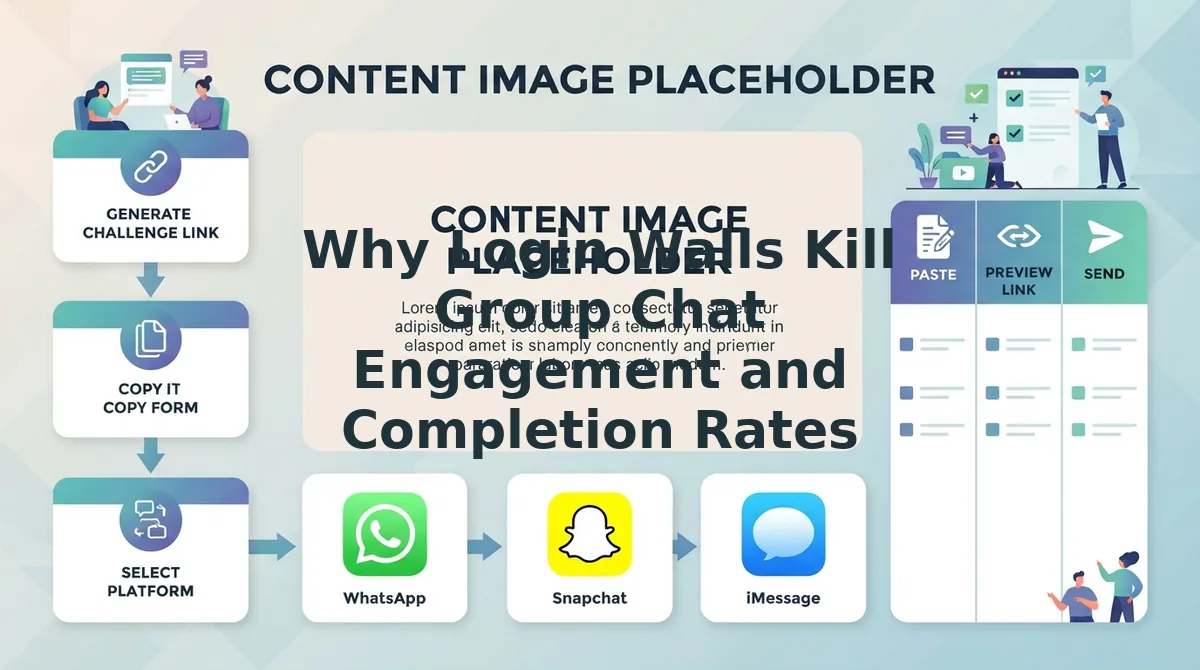
Why do mobile quizzes fail in messaging threads? The Group Chat Friction Formula explains the drop-off: Participation = (Curiosity + Social Proof) - (Input Fields + App Switches + Email Verification). When someone opens a shared link on WhatsApp, iMessage, Discord, or Snapchat, their curiosity is high but fragile. If answering a question requires creating a password, validating an inbox, or switching apps, completion drops immediately. Removing registration keeps friction at zero, ensuring friends jump directly into the game, complete their guesses quickly, and submit their responses without abandonment.
Does every single friction point matter?
- App switches kill attention: Leaving a chat to confirm a magic login link breaks the social loop. Once a user navigates to their email client, notification banners from other apps pull their focus away permanently.
- Form fatigue causes exits: Typing usernames, confirming phone numbers, and solving CAPTCHA puzzles on a small mobile keyboard frustrates users who expected a ten-second game.
- Forced commitments trigger hesitation: Casual acquaintances will guess your trivia answers, but they will not hand over personal data for a scoreboard. Privacy-conscious participants routinely reject unsolicited marketing lists.
When you circulate a friend group quiz in 2026, participation relies entirely on frictionless delivery. In an optimized workflow, a creator enters their name, selects personal prompts, and broadcasts the generated link. Friends tap the URL directly within their in-app mobile browser, answer instantly, and post their final scores without ever encountering a registration screen.
Because friction is the enemy of engagement, selecting the right platform before distributing your link is critical. Let us compare the actual capabilities of the internet's most widely cited quiz platforms under zero-login constraints.
The Best Free Quiz Makers That Require No Registration in 2026
The best free quiz maker that requires no registration in 2026 depends on whether you are running an academic test, collecting a fast opinion poll, or challenging your group chat to personal trivia. While legacy survey tools often mandate host accounts, modern platforms eliminate login walls for both creators and players to preserve immediate response rates.
A zero-registration quiz maker is an interactive web-based polling application that generates shareable, playable URLs without requiring host or respondent email verification.
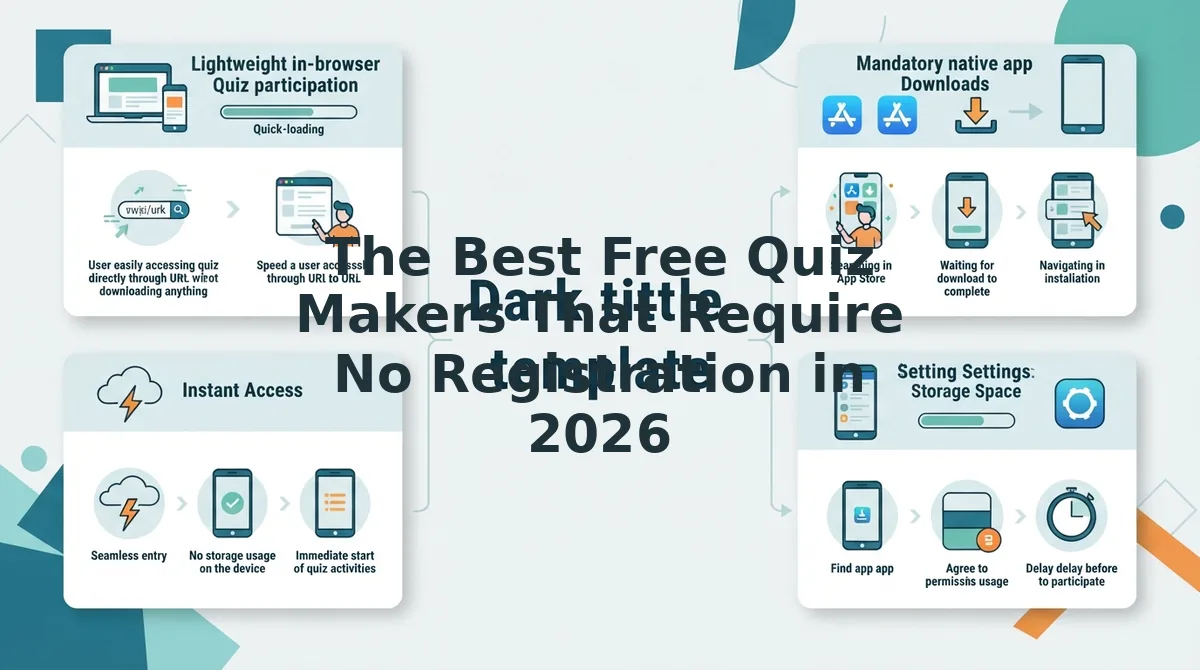
Most listicles recommend Kahoot and Quizlet as no-signup tools, ignoring that both force hosts to create accounts before publishing a playable link. When you just want an answer to a question or a fun challenge for friends, hitting a mandatory email gateway stops momentum cold. In 2026, the best tools prioritize instant URL generation over data harvesting.
| Quiz Maker | Creator Sign-Up? | Player Sign-Up? | Persistence Style | Best For |
|---|---|---|---|---|
| Friend Quiz | None | None | Unique custom link | Social scoreboards and group chat trivia |
| StrawPoll | Optional | None | Browser cookie & IP | Single-topic democratic consensus |
| Testmoz | None | None | Admin URL + Passcode | Teachers building no-frills graded tests |
| Faabul | Optional | None | Temporary room code | Live classroom or meeting Q& A |
| AhaSlides | Required for host | None | Account dashboard | Multi-slide conference presentations |
Which platform should you pick?
- Choose Testmoz if you are an educator who needs numeric test scores and custom feedback without building a classroom roster or managing student identities.
- Choose StrawPoll if your community simply needs to vote on a single question, settle a lunch debate, or schedule an upcoming weekend meetup.
- Choose Faabul or AhaSlides if you need live slide presentations where an in-person audience joins simultaneously via on-screen QR codes during an all-hands meeting.
- Choose Friend Quiz if you want to turn friendship dynamics into interactive trivia without forcing anyone to register, log in, or disclose private credentials.
Our recommendation: For social entertainment and personal trivia, use the speed run quiz maker on Friend Quiz. The platform allows you to enter your name, cycle through curated prompts, and immediately circulate a custom link, ensuring friends tap their guesses and submit responses without abandonment.
While specialized web tools handle personal trivia effortlessly, many teams and school groups default to Google ecosystem tools. If you must use Google Forms, specific backend toggles are mandatory to avoid locking out external respondents.
How to Configure Google Forms as an Anonymous Quiz Without Requiring Logins
To configure Google Forms as an anonymous quiz without requiring logins, navigate to form settings, disable email collection, and uncheck response limitations. Standard configurations automatically trigger authentication screens whenever identity verification or submission caps remain active.
Here's the thing.
You send a trivia quiz to your classmates or group chat, only to receive immediate complaints that they cannot access the questions without signing into a Google account. By default, Google enforces corporate and personal security measures that prioritize identity tracking over respondent convenience.
Google Forms is a cloud-based questionnaire builder used to collect responses and grade assessments online. Setting up unrestricted access requires a desktop or mobile browser, an active Google account for the creator, and roughly two minutes of configuration time, following the official guidelines published by Google Docs Editors Help.
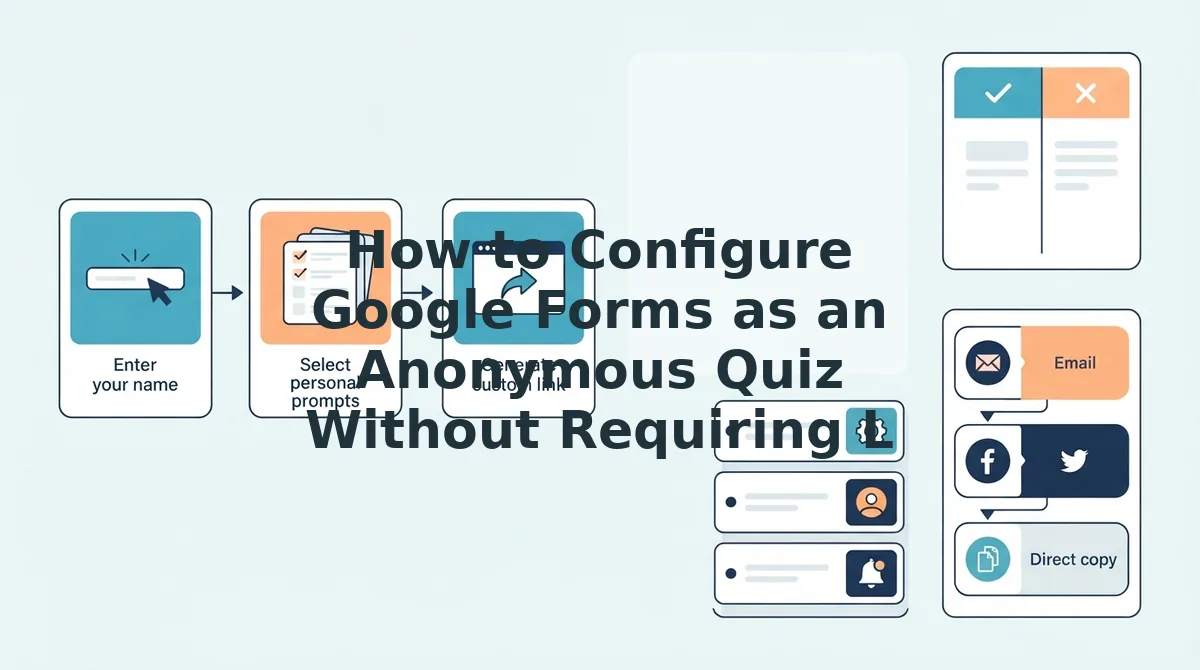
- Navigate to the Settings tab located at the top center of the form editor interface. You should see three distinct tabs: Questions, Responses, and Settings.
- Expand the Responses section by clicking the downward dropdown arrow. The controls menu opens to reveal submission and sign-in toggles.
- Configure the identity settings by changing Collect email addresses to Do not collect, and toggle the switch for Limit to 1 response to the off position. This prevents the platform from prompting respondents with a mandatory Google account sign-in gate.
Common mistake: Enabling "Limit to 1 response" forces Google to authenticate every respondent to track submission counts. Leaving this option enabled instantly breaks respondent anonymity and blocks non-Google users.
- Inspect your quiz fields to ensure no "File upload" prompts exist. Forms containing file upload questions automatically enforce Google account logins to route attachments directly into Google Drive storage.
Pro tip: Copy your share link and paste it into an incognito browser window to test access. If the first question displays immediately without requesting credentials, the frictionless configuration is verified.
Troubleshooting: If respondents using school or work accounts still see a login barrier, check the Responses section for a toggle labeled "Restrict to users in [Organization Name]" and turn it off to allow external participants.
While configuring forms works for institutional surveys, users often wonder how serverless web apps retain administrative control without accounts. The underlying technical infrastructure explains how these systems stay secure without traditional passwords.
How No-Login Quiz Builders Save Your Scores and Admin Access
No-login quiz builders save your scores and verify administrative access using client-side tokens and unique URL identifiers instead of traditional email-and-password credentials. This lightweight design ensures your setup and player responses remain fully accessible even after closing your browser tab.
Here's the thing. If you decide to make a quiz without signing up, how does the platform know you are the creator when you check the scores three hours later?
Anonymous quiz persistence is a web architecture method that preserves user data and creator privileges without storing personal login credentials. Instead of linking answers to a user account, the platform generates a unique administrative URL alongside a public participant link. Think of it like a coat check ticket: whoever holds the specific ticket stub owns the coat, requiring zero personal identification. When friends submit their guesses, the database updates the responses under that secret identifier, allowing the creator to inspect submissions or track a live leaderboard simply by revisiting their private link.
Modern platforms in 2026 rely on three persistent storage architectures to handle this seamless data persistence, drawing upon standard browser APIs documented by the MDN Web Docs on Web Storage:
- Browser-Level Local Storage and IndexedDB Cache Pairing: In plain English, local storage is a browser mechanism that saves key-value data directly on your phone or computer. The platform pairs your device cache with its backend so you can close the window, reopen it later on the same device, and instantly resume management without authentication.
- Dual-Token UUID Administrative URLs: A dual-token architecture generates two distinct, unguessable web addresses, one private administrative URL for the creator and one public URL for respondents. As long as you retain your admin link, you retain permanent access to results while players only see the test screen.
- State-Encoded URL Query Parameters: For lightweight operations, the quiz prompts and answer keys are compressed directly into the query string of the URL itself. The browser reads the encoded parameters upon page load, running the game without requiring traditional database lookups.
As a result, you get instant group engagement without the risk of losing your score tally.
Even with advanced browser storage handling results automatically, creators frequently run into edge cases regarding device switching, participant privacy, and host rules. Here are clear answers to the most common setup questions.
Frequently Asked Questions About Making Quizzes Without Accounts
Creating and sharing interactive quizzes without signing up for an account is entirely possible using modern, browser-based trivia tools in 2026. Here's the thing: understanding how no-login tools handle privacy, hosting, and tracking ensures you pick the right platform.
- Host accounts vs. participant access
- Zero-logging privacy protocols
- Instant URL-based admin recovery
Can you run an interactive live game without signing into Kahoot?
Kahoot requires a verified host account to create and launch interactive games in 2026, even though players can join anonymously via game PINs without signing up. If you need a completely host-free experience without registering an email or password, alternative browser-based quiz tools are necessary.
How do anonymous quizzes prevent tracking respondents' identities and IP addresses?
Truly anonymous quiz makers strip identifying telemetry and do not store IP addresses in their database logs. Instead of attaching submission payloads to user profiles, these platforms rely on temporary, client-side session tokens or ephemeral submission IDs, ensuring that respondents submit answers without exposing network identities or personal metadata.
How do you make a shareable personal trivia quiz without creating an account?
You can create a personal trivia quiz without an account by entering your name and selecting your answers on a zero-registration platform like Friend Quiz. The product instantly compiles your selections into an interactive testing flow and outputs a unique, shareable URL to distribute to group chats within minutes.
How do creators access quiz scoreboards if there is no login account?
No-login quiz tools grant creator administrative access through unique secret URLs or browser-based session cookies. When you generate a quiz without registering, the platform issues a designated admin or leaderboard link; saving or bookmarking this specific link allows you to manage results and view participant rankings later.
Why do registration prompts lower response rates on group chat quizzes?
Account registration prompts cause severe drop-off by introducing unnecessary friction into casual social interactions. Forcing friends to verify emails, download native mobile applications, or configure passwords breaks spontaneous social momentum. Frictionless, one-tap browser quizzes ensure instant engagement across social feeds and chat apps without participant abandonment.
Understanding these answers makes one fact undeniable: whether you are hosting weekend trivia or roasting your close friends, eliminating unnecessary hurdles is the key to massive participation.
Launch Your Anonymous Online Quiz in Seconds
Here is the bottom line: creating a viral, engaging trivia challenge no longer requires surrendering an email address or forcing your friends through a registration bottleneck.
Picture this scenario: your group chat is active right now, you have your trivia ready, and you have exactly sixty seconds to spark a competition before the conversation moves on. As promised earlier, the secret to achieving 90%-plus completion rates is completely removing account roadblocks for both creators and players alike.
Which tool should you choose for the job?
- Today: Build your first account-free trivia challenge on Friend Quiz in under two minutes by entering your name, selecting your custom prompts, and dropping the link directly into your group chat.
- This week: Apply the definitive decision rule, deploy Google Forms when you need raw, unranked feedback surveys, but choose browser-native builders whenever you want instant social competition and live scoreboards.
- This month: Track your engagement gains across different circles to see how zero-registration links consistently eliminate participant drop-off.
You risk zero wasted time and no inbox clutter, because there is no profile to set up, no password to remember, and no credit card required. When you make a quiz without signing up, you respect your friends' privacy and keep social banter flowing effortlessly. Launch your custom challenge today without logging in, and watch your friends race for the top spot on your leaderboard within seconds.
The highest quiz engagement in 2026 belongs to whoever eliminates the login screen entirely.