What this quiz maker actually does
Most quiz tools were built for classrooms or customer surveys, then adapted for fun. This one only does one thing: personal quizzes you share with people who know you.
You answer ten questions about yourself and mark your real answer to each. The tool generates a single link. Anyone who opens it answers the same ten questions guessing what you picked, and gets a score out of ten. Every score lands on that quiz's own scoreboard, ranked, with the country each player is from - so the competition is visible without you having to relay anything.
That's the entire product. There is no dashboard to learn, no template gallery, no export step. The design assumption is that you're making this on a phone, in the middle of a conversation, and it needs to be live before the conversation moves on.
Google Forms vs. a dedicated friend quiz maker
Google Forms is genuinely good at what it's built for, and it's free. If you already live in a Google account and you want responses in a spreadsheet, it will do the job - it self-scores, it handles answer keys, and it gives you a results summary.
The gap is what happens after someone finishes. Forms was designed to collect data, so results go to you privately, in a sheet. A friend quiz is a social object: the point is that everyone sees the scoreboard, argues about it, and tries to beat each other. That competitive layer is the thing Forms has no reason to build, and it's the thing this tool is built entirely around.
Here's the honest comparison:
| Google Forms | FriendQuiz | |
|---|---|---|
| Cost | Free | Free |
| Account needed | Google account required to create | None, for you or your friends |
| Setup time | Around ten minutes - build the form, enable quiz mode, set the answer key per question | Around two minutes |
| Scoring | Automatic, with a results summary | Automatic, out of ten |
| Leaderboard | None - responses land in a spreadsheet | Every quiz gets its own live scoreboard |
| Seeing who's winning | Open the sheet and read rows | Ranked list that updates as friends play |
| Country flags | No | Yes, per player |
| Link preview when shared | Plain link | Custom share card with image |
| Built for | Forms, surveys, classroom tests | Friends, group chats, social sharing |
Use Forms if you need the raw response data or you're running an actual assessment. Use this if you want your group chat to argue for an hour.
Making a quiz that people actually finish
The difference between a quiz that gets forty plays and one that gets four is almost always the questions, not the tool.
Specificity wins. "What's my favourite food?" is answerable by anyone who's met you once. "What do I order every single time at our usual place?" separates people immediately. Aim for three easy questions, four that require real attention, and three only your closest people could get - that spread keeps casual friends playing to the end while still giving your inner circle something to prove.
Keep the answer options short. Most people open your link on a phone in a chat, and long options get skimmed. One deliberately funny wrong answer per question does more for completion than any amount of clever writing.
Then send it with a challenge rather than an announcement. "I bet you can't get 10/10" outperforms "made a quiz, take it" by a wide margin, because the first one is a dare and the second one is homework.
Where a friend quiz actually works
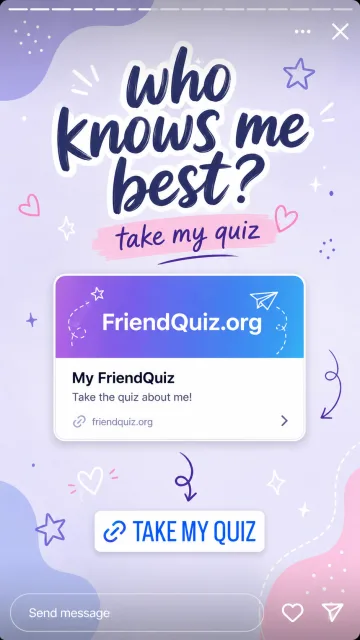
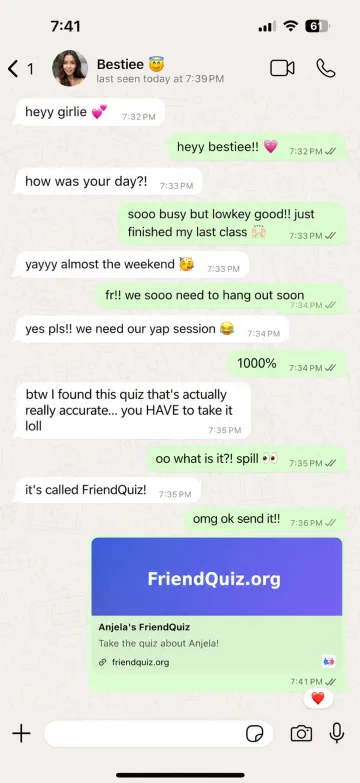
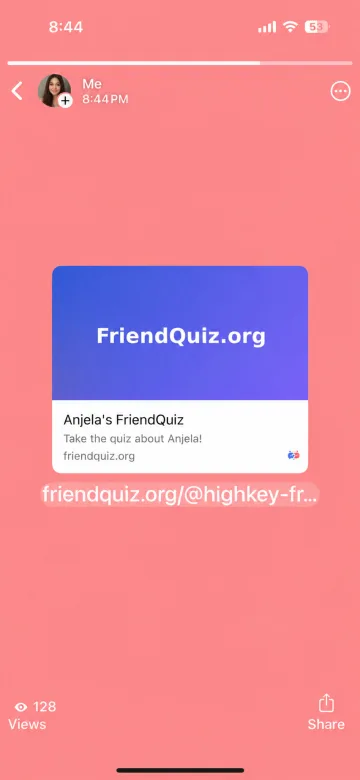
Group chats get the fastest responses - everyone's already there, and the first score triggers everyone else. Instagram and Snapchat stories reach beyond your immediate circle, which is how a quiz escapes your friend group. New classes, teams, and roommates - it's a faster icebreaker than any round of introductions, because it gives people something to compete over immediately. Long-distance friendships - one link does what scheduling a call across time zones never manages.
FAQs
Is this friend quiz maker free?
Yes - free to create, free for friends to play, with no account needed on either side. There's no paid tier and no export you have to pay to unlock.
Do I need to sign up or download anything?
No. You type a name, answer ten questions, and get your link. Your friends don't install anything either - the link opens in whatever browser they already have.
How long does it take to make a quiz?
About two minutes. The longest part is deciding your ten questions, which is why there's a ready-made question bank if you'd rather pick than write.
Is this better than making a quiz in Google Forms?
For a friendship quiz, generally yes - mainly because of the leaderboard. Forms sends results to a private spreadsheet, while this shows everyone a ranked scoreboard, which is what makes the quiz spread. For collecting data or running a real assessment, Forms is the better tool.
Can I edit my quiz after sharing it?
Changing questions after friends have played would invalidate the existing scores, so the quiz is fixed once it's live. If you want a different set of questions, making a fresh quiz takes about two minutes.
How many friends can take my quiz?
There's no limit. One link works for a chat, a group, or your whole story audience, and every score lands on the same scoreboard.
Can I see who took my quiz and what they scored?
Yes - the scoreboard lists each player's name and score, ranked, updating as they finish.