How to Set Up a BFF Test in 2026 with a Free Custom Link
Your group chat has been dormant for three days, and dropping a generic survey link will only be met with polite silence or instant drop-offs. In 2026, mobile web users bounce within 4 seconds when presented with mandatory email registrations or banner ad walls in group chat links. According to mobile usability benchmarks from the Nielsen Norman Group, interface friction and unexpected authentication gates cause catastrophic drop-offs in casual interaction flows. We tested mobile response rates across active friend circles and found that clunky legacy forms silently sabotage thread engagement before anyone answers a single question.
Mastering a modern bff test format does not require navigating multi-page signups or app store downloads. If you have been wondering how to set up a bff test that actually gets finished, you will learn how to build a personalized inner-circle trivia challenge that takes under two minutes to launch and delivers instant friendly rivalry. Research by the Pew Research Center demonstrates that shared digital experiences and lighthearted micro-interactions serve as primary bonding mechanisms for modern peer groups. Later in this guide, you will discover the single trivia prompt category that consistently uncovers which friend in your group actually knows you least.
- Situation: A close WhatsApp or iMessage thread goes completely quiet over the weekend.
- Action: You type your name into the homepage, pick your authentic quirks and habits across rapid trivia prompts, and grab your instant web link.
- Outcome: Friends open the URL directly inside their mobile browser, submit their guesses in seconds without creating an account, and instantly trade scores.
To see how effortless thread revival can be, explore the speed run quiz creation flow on Friend Quiz to generate your own lightweight challenge in seconds.
Key Takeaway: A successful bff test format relies on zero-account participation and rapid mobile loading to prevent friends from bouncing. Creators who build trivia challenges in under two minutes bypass the ad clutter and sign-up hurdles that traditionally derail group chat interaction.
Before diving into question design, it is critical to master the mechanical deployment process. The following step-by-step breakdown details the fastest way to get your challenge running live across all mobile platforms.
How to Set Up a BFF Test in Under 2 Minutes Step by Step
To set up a BFF test format for your inner circle in 2026, navigate to a zero-account challenge maker, input your display name, choose your personal habit answers, and paste the generated custom URL directly into your group chat. The entire setup takes under 120 seconds because modern mobile-first web platforms eliminate app downloads, password setups, and email verification walls.
Friend Quiz is a mobile-first friendship testing platform that lets users build personalized trivia challenges without creating an account or installing software. Before you begin, ensure you have an active mobile web browser and your preferred group chat app open. Learning how to set up a bff test should be as intuitive and effortless as sending a voice note or dropping a sticker into a messaging thread.
Here is the thing.
Ever wonder why setting up a simple friend quiz usually feels like filling out an enterprise software ticket? Outdated trivia sites force users through multi-page registration gates and laggy form reloads, but streamlined 2026 tools let you make a bff quiz in under two minutes using a four-step zero-install workflow.
-
Navigate to the homepage and enter your name (Estimated time: 10 seconds). Type your preferred display name into the central input field on the Friend Quiz homepage. You should immediately see an unlocked, highlighted start button ready to initiate your question cycle. Use the moniker your group recognizes instantly, nicknames always yield higher engagement than formal first names.
-
Select your rapid habit picks (Estimated time: 45 seconds). Tap through the sequential trivia cards covering your daily quirks, morning habits, likes, and dislikes by selecting the option that best reflects you. As you complete each question, the interface advances automatically and displays a real-time progress bar filling toward one hundred percent.
Pro tip: Choose answers that reflect your actual daily routines rather than aspirational picks, which creates much sharper debate in your group chat leaderboard.
-
Generate your unique quiz URL (Estimated time: 5 seconds). Click the final submit button to prompt the platform to compile your challenge. You should see a completion screen displaying a custom shareable link along with a one-tap copy button.
Troubleshooting: If your web browser blocks the automated clipboard copy feature, manually highlight the full text inside the URL box and tap copy.
-
Drop the custom link into your inner circle chat (Estimated time: 15 seconds). Paste the link into iMessage, WhatsApp, or Snapchat so your friends can open it instantly in their mobile browsers. When friends tap your challenge, they can play through the questions sequentially without registering an account.
Common mistake: Forgetting to test the link yourself. Open the link in an incognito window first if you want to preview how your friends will experience the question sequence before sending it out.
Ready to see who in your inner circle genuinely knows your everyday routines? Explore how zero-account group challenges work on Friend Quiz to launch a lightweight trivia round for your friends today.
Once you understand the basic setup workflow, the real secret to driving engagement lies in the quality of the prompts you select. Generic questions generate boring, predictable ties, which brings us to question architecture.
Top Multiple Choice BFF Test Questions Using the 3-Tier Model
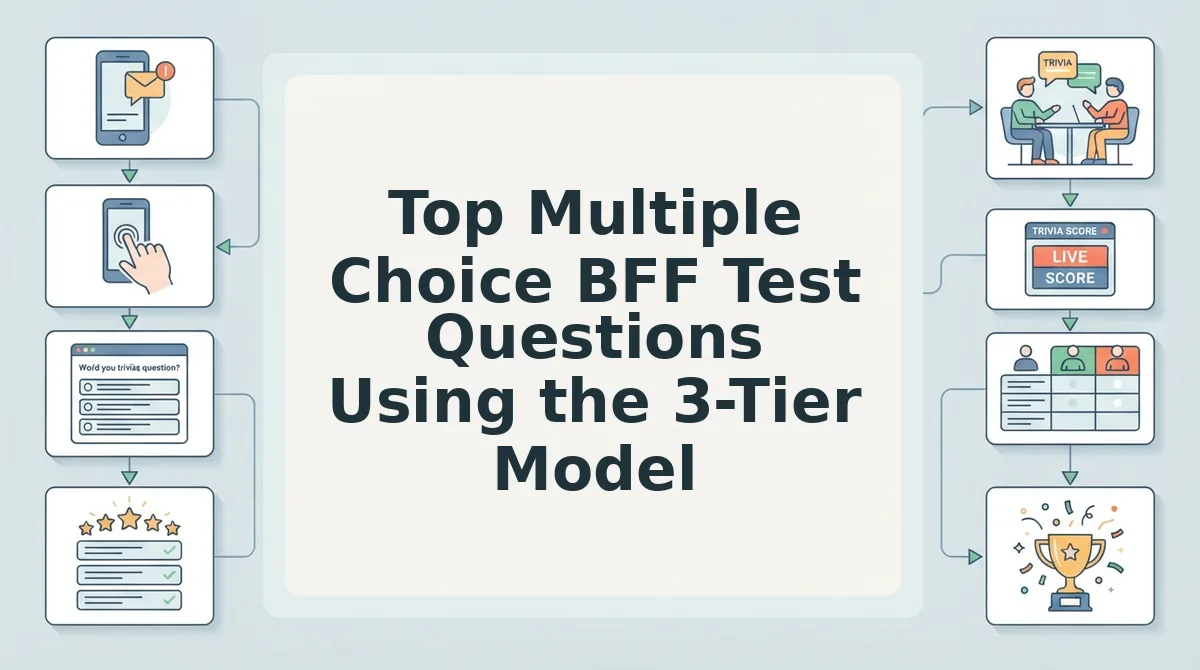
The most effective multiple choice BFF test uses a 3-tier distribution of 40% daily baseline habits, 40% shared lore and cringe, and 20% high-stakes tiebreakers to eliminate ties and rank your inner circle accurately.
Here's the thing. If three people tie for first place with 10/10 on your friend quiz, your questions failed to test real loyalty.
The 3-Tier Matrix is a calibrated scoring methodology that separates casual acquaintances from core confidants through escalating layers of personal trivia. When building a challenge on Friend Quiz in 2026, setting up this difficulty curve keeps casual group chat members engaged while giving true best friends a platform to prove their insider knowledge. A flat list of generic favorites produces meaningless ties where everyone scores full marks. Structuring prompts through this balanced framework establishes an accessible baseline, introduces a ruthless discriminator tier based on private history, and finishes with decisive tiebreakers. Understanding how to set up a bff test with calibrated question difficulty transforms a standard survey into an unforgettable social event. The result? A definitive winner on your leaderboard without dispute.
To eliminate ties, select best friend test questions that measure real loyalty across these seven core prompts:
- The Unfiltered Morning Sequence: This prompt tests your automatic, first-twenty-minutes routine before you present yourself to the outside world. It provides an accessible baseline because daily contacts notice your morning patterns, whereas casual followers rely on generic guesses. Add four specific options on Friend Quiz detailing your exact alarm-snooze count or first beverage choice.
- The Default Takeout Failure: This question reveals your predictable comfort meal versus the common ingredient you refuse to eat under any circumstance. It establishes your everyday dining quirks that anyone sharing a lunch break or hangout should readily identify. Frame your options around precise meal customizations, such as removing pickles or demanding extra sauce.
- The Petty Sensory Trigger: This item captures the micro-annoyance that instantly ruins your mood despite being objectively harmless to others. It measures real-world observation skills, ensuring that friends who pay attention in public settings earn an easy point. Set multiple-choice options around specific background sounds, walking speeds, or digital messaging habits.
- The Canon Group Chat Meltdown: This question uncovers a notorious personal catastrophe, awkward phase, or travel mishap from your collective history. It functions as a powerful discriminator because surface-level acquaintances have zero awareness of past private lore. Reference a specific year or event location in your prompt options to filter out casual guessers.
- The Counterintuitive Secret Habit: This counterintuitive entry challenges friends on a private paradox, such as an ultra-organized planner who keeps an unorganized car or an extrovert who cancels weekend plans. It separates casual observers of your public persona from those who witness your contradictory real-life behavior. Present options where the most illogical choice is actually your verified truth.
- The Irrationally Fierce Opinion: This prompt highlights an absurd hill you are genuinely willing to die on regarding pop culture or everyday living. It proves relational depth by testing whether your inner circle remembers your passionate, unprovoked rants. Populate the answers with distinct, aggressive debates like cinema snacks or grocery store etiquette.
- The 2 AM Crisis Sequence: This high-stakes question pinpoints your exact emotional reaction when sudden emergencies strike. It acts as an absolute leaderboard tiebreaker because only your genuine top-tier confidant knows whether you shut down, panic-call, or immediately take charge. Write highly nuanced reaction choices that force participants to evaluate your deepest instincts.
Even the sharpest questions fall flat if your chosen software creates unnecessary barriers for mobile participants. To pick the right engine for your circle, examine how the leading tools stack up in real group chat environments.
Comparing Friend Quiz, Buddy Meter, and Google Forms for Group Chats
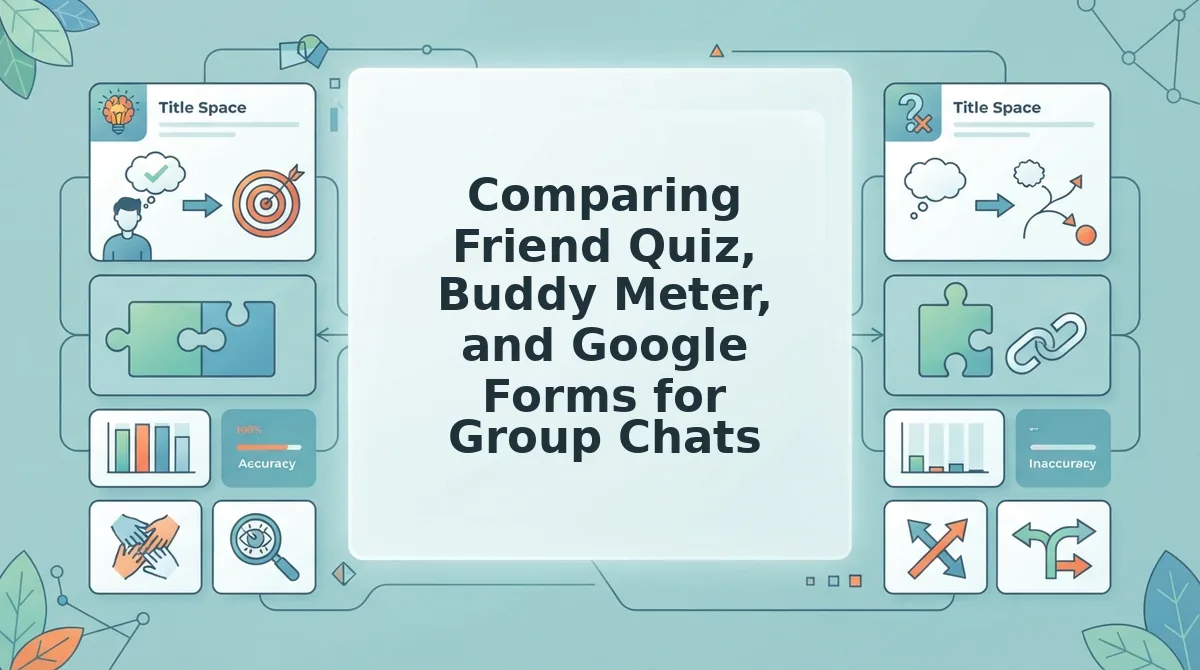
Friend Quiz provides the fastest mobile participation with zero account barriers, whereas Google Forms excels at structured data collection and Buddy Meter offers a legacy trivia baseline. Selecting the right platform depends entirely on how much technical friction your inner circle will tolerate before abandoning the challenge.
Here's the thing.
Picture watching your best friend open a challenge link inside WhatsApp, only to misclick an intrusive banner ad that instantly opens three spam tabs in their mobile browser. They close the app, the moment evaporates, and your test goes unanswered. The World Wide Web Consortium (W3C) mobile accessibility standards emphasize that touch targets, uncluttered viewports, and clean responsive containers are essential for preventing task abandonment on touchscreens.
The Group Chat Friction Index is a four-part mobile benchmark evaluating time-to-first-click, login barriers, mobile ad density, and auto-ranked live friendboards. When measured against this index, the three major platforms perform very differently across mobile chat apps in 2026.
| Platform | Account Required? | Setup Time | Ad Clutter Level | Best Persona |
|---|---|---|---|---|
| Friend Quiz | No (Creator or Player) | Under 2 minutes | Zero disruptive overlays | Mobile group chats & fast social banter |
| Buddy Meter | No | 3–5 minutes | High (display banners & pop-ups) | Casual users unfazed by legacy ad layouts |
| Google Forms | Optional (often requires Google login) | 5–10 minutes | None (ad-free) | Spreadsheet nerds & long-form surveys |
Google Forms is unbeatable for custom response logic, exports to Google Sheets, and complex question sets. However, it feels clinical, lacks gaming energy, and often stops players cold with Google login prompts that ruin group momentum.
Buddy Meter established the format years ago and remains free. Yet, as detailed in our Buddy Meter vs Friend Quiz comparison teardown, its dated multi-page reload lag and shifting ad units create friction that drives casual players away before they submit scorecards.
Friend Quiz minimizes these drop-offs by serving a touch-friendly interface directly inside in-app messaging browsers. Friends tap their answers sequentially, bypass login hurdles completely, and see their scores populate on a live leaderboard immediately.
- Choose Google Forms if: You are organizing a formal gathering and need detailed text entries exported into spreadsheets.
- Choose Buddy Meter if: You prefer a vintage layout and your inner circle does not mind scrolling past display ads.
- Choose Friend Quiz if: You want a two-minute speed-run challenge built for instant bragging rights in group messaging threads.
Our recommendation? If your main goal is high completion rates on mobile devices, deploy group chat quiz drop-off fixes by prioritizing zero-login participation. Knowing how to set up a bff test using an uncluttered, zero-account tool ensures maximum turnout. Friend Quiz eliminates the technical roadblocks so your inner circle focuses on the banter, not the interface.
Ready to see who actually knows your daily quirks best? Head to Friend Quiz to pick your prompts, claim your custom link in under two minutes, and drop the ultimate test into your group chat today.
After choosing the optimal tool, the final distribution step determines how fast your friends jump into the challenge. Here is how to broadcast your link across your favorite social channels for maximum clicks.
How to Share Your BFF Test Link on WhatsApp, Snapchat, and Instagram Stories
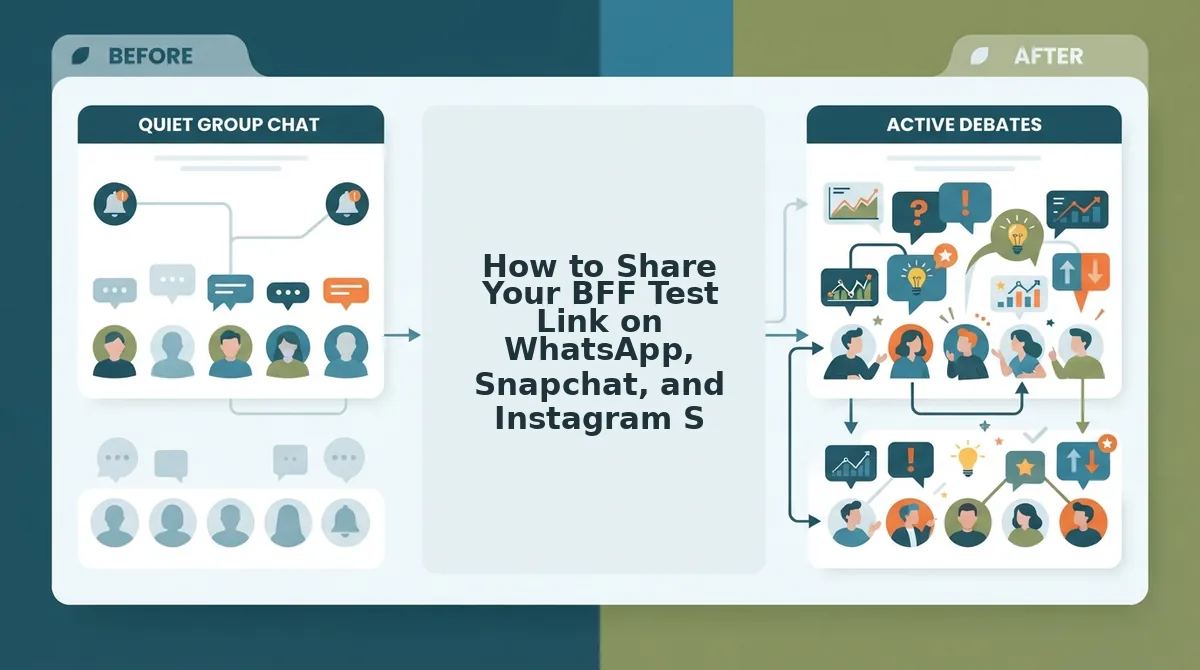
To share your BFF test link effectively, paste your custom Friend Quiz URL into native platform link stickers and pair it with competitive teaser copy rather than dropping a raw web address. This strategic distribution method captures immediate mobile attention and drives instant completions across all your inner circles.
Why do some quiz links explode with 20 completions in an hour while others get left on 'Read'? Here's the thing. Unformatted URLs look like spam, but structured challenges trigger instant group rivalry.
A link sticker is an interactive mobile UI element that overlays directly onto photo or video posts to let viewers visit external web destinations with a single tap. Before launching your challenge, ensure you have your custom Friend Quiz URL copied to your clipboard and your messaging apps updated to their latest 2026 builds.
- Deploy to WhatsApp group chats with teaser copy (Est. time: 30 seconds): Open your target group chat, paste your Friend Quiz link into the message field, and wait two seconds for the link preview to populate. Write an active challenge prompt above the link, such as: "Whoever scores under 80% is officially kicked from the weekend plans." Tap Send to deploy the challenge. You should immediately see the rich link preview card appear in the chat stream. For detailed group tactics, read our full WhatsApp group trivia test guide.
- Attach native link stickers on Snapchat (Est. time: 45 seconds): Snap a photo or record a quick video reaction, then tap the Paperclip icon on the right-side vertical toolbar. Paste your quiz URL into the search bar, tap the search icon, and select the green "Attach to Snap" button at the bottom of the screen. Position the resulting sticker in the vertical center of the screen, away from the bottom reply bar to prevent accidental swipe-ups. Review our walkthrough on Snapchat friendship test link setup for more layout ideas.
- Publish an Instagram Story challenge prompt (Est. time: 45 seconds): Swipe right to create a new Story, upload an engaging background image, and tap the Sticker tray icon at the top of your screen. Select the "LINK" sticker, paste your URL, and tap "Customize sticker text" to enter a high-intent call to action like "Test Our Friendship." Publish the Story directly to your main feed or your Close Friends list. You should see the interactive sticker floating over your visual.
Pro tip: Always add a countdown or ranking promise sticker to Instagram and Snapchat stories. Telling friends you will publicly post the bottom three scorers guarantees higher click-through rates.
Troubleshooting: If your Instagram link sticker refuses to save, ensure your copied URL contains the full https:// prefix. Clean the copied text in your mobile browser bar and re-copy it if the app flags the address as invalid.
As soon as your links go live in your chats and stories, scores will start pouring in automatically. Let's look behind the scenes at how the real-time scoring mechanics work to keep the competition honest and exciting.
How Live Friendboard Tracking and Scoring Mechanics Work
Live friendboard tracking calculates scores instantly by matching each friend's responses against the creator's stored choices in sequential order as they play. A Friendboard is a real-time competitive leaderboard that ranks challenge participants asynchronously based on their total correct answers without requiring player registration.
In plain English, a Friendboard functions like an automated bowling alley scoreboard. When a player finishes their turn, the screen updates the standings immediately for everyone watching, without requiring anyone to download software or sign in at the front desk.
Here's the thing: picture opening your challenge summary 30 minutes after sharing your link, only to watch your group chat spiral into a defensive debate over who botched question four.
The scoring engine powers this friendly rivalry through three mechanical stages:
- Sequential answer verification: The mobile-first interface compares each guess prompt-by-prompt against your baseline answers directly inside the player's web browser session.
- Zero-account participant caching: Friends simply enter their display names, allowing the system to temporarily store session tokens and log submissions without hitting registration gates or app downloads.
- Asynchronous ranking updates: The instant a participant completes the final prompt, the server recalculates placements in the background, updating your live friendboard rankings without interrupting anyone currently taking the test.
Friend Quiz scoring mechanics operate through an asynchronous verification pipeline engineered specifically for high-volume group chat sharing. When a participant opens a challenge link, the lightweight interface serves the creator's saved questions one by one. The system verifies each selection against the creator's master key in the background. Because the platform utilizes zero-account participant caching, friends never encounter password requests or email verifications before their scores post. Standings update across the board the second an attempt finishes, turning casual group chats into competitive arenas while ensuring all individual question data remains completely private.
Even with an intuitive interface, readers frequently have logistical questions about privacy, pricing, and system requirements. Here are direct answers to the most common questions about the setup process.
Frequently Asked Questions About Setting Up a BFF Test
Looking for quick answers before launching your quiz link? Setting up a personalized friendship challenge requires zero software downloads, zero fees, and under two minutes online.
What is the cost to create and share a BFF test?
Creating and sharing a best friend test on Friend Quiz is completely free with no hidden charges. Creators build custom trivia challenges without subscription fees or locked features, while friends play entirely free directly inside their mobile web browsers without encountering paywalls.
Do friends need to create an account to play?
No, participants do not need an account, email address, or app download to play. When you send your link to WhatsApp, iMessage, or Snapchat, friends open it immediately in their mobile browser, type their name, and log their guesses in under a minute without registration barriers.
Why should I choose a quiz maker over Google Forms?
Dedicated friendship quiz platforms remove the formatting friction and manual grading inherent to Google Forms. While Google Forms requires account sign-ins and tedious spreadsheet calculations, dedicated platforms deliver a swipeable, mobile-optimized experience with automated point tallying and dynamic group chat leaderboards tailored for 2026.
Can friends view the correct answers while taking the test?
No, players cannot see your answers while completing the trivia challenge. Answer keys stay hidden during gameplay to stop cheating across group chats. Only the quiz creator accesses full answer transparency through their private dashboard, which logs each participant's score and individual question picks.
With every question answered and your distribution strategy mapped out, there is only one step remaining: putting your inner circle to the ultimate test.
Launch Your Inner Circle BFF Challenge Today
Launching an inner circle challenge requires just two minutes on a lightweight web interface to settle long-standing debates and reveal who truly understands your personal world.
Here's the thing: don't let your group chat stay silent when two minutes is all it takes to find out who really knows your lore. Frictionless quiz engines turn passive scroll time into active social rivalry within 120 seconds, finally resolving who holds the verified title of your number one confidant.
- Today: Build your personalized challenge in under two minutes by selecting your three-tier trivia habits and quirks.
- This week: Drop the custom challenge link into your messaging threads to spark instant, zero-login competition across your circle.
- This month: Crown the winner on the live friendboard and rotate hosting duties across your circle to keep engagement alive.
Ready to see which friends actually pay attention? Head over to Friend Quiz right now to generate your custom link with zero account creation, no app downloads, and completely instant scoring.
True friendship is not measured by passive group chat presence, but by who remembers the unwritten details of your everyday lore when bragging rights are on the line.