How to See Who Scored Highest on a BFF Quiz
You sent your BFF quiz to the group chat at 9:14 PM. By 9:17, six replies have landed, and the only question anyone's asking is the same one you're asking right now: how do I see who scored highest on bff quiz results without digging through screenshots or asking everyone to post their scores?
You're right to expect this to be instant. A friendship quiz is supposed to settle the debate, not start a new one about how to read the results.
Here's the promise: by the end of this article, you'll know the exact tap path to see the top scorer in under 10 seconds, no account, no login, no app download, plus how the rankings update live as each friend submits, and who can see what on the scoreboard. One detail about how the Friendboard reorders itself mid-quiz will probably surprise you, and it's the reason you'll never need to refresh the page again.
How to See Who Scored Highest on a BFF Quiz
The highest scorer on a BFF quiz is the first name listed on the Friendboard. Open the quiz link, tap View Friendboard, and the top entry is your winner, no account or login required.
You need only two things before you start: the quiz link you created (or the one your friend sent you) and a phone or desktop browser. The entire process takes under 10 seconds.
- Open the quiz link. Tap the link you shared in your group chat or the one your friend sent you. The quiz page loads directly in your browser, no app store redirect, no sign-up wall.
- Tap "View Friendboard." Look for the Friendboard button on the quiz page and tap it. You should see a ranked list appear immediately, with names and scores ordered from highest to lowest.
- Read the top entry. The name in the number-one position is the highest scorer. Their score displays next to their name, so you can quote the exact number in the group chat.
- Watch rankings update without refreshing. If some friends haven't finished yet, leave the Friendboard open. Each new submission reorders the list automatically, you'll see names shift positions in real time with no page refresh.
The Friendboard is a live ranking of everyone who has completed your quiz, ordered by score from highest to lowest. When you open the quiz link and tap View Friendboard, the top entry is the highest scorer. Rankings update in real time as each friend submits answers, so you never need to refresh the page or ask friends to screenshot their results. No account, login, or app download is required to view the full leaderboard, just the quiz link.
Once you've spotted the winner, you can settle the bragging rights debate instantly, or start a fresh BFF quiz to give the runner-up a shot at redemption.
How the Live Friendboard Updates Rankings in Real Time
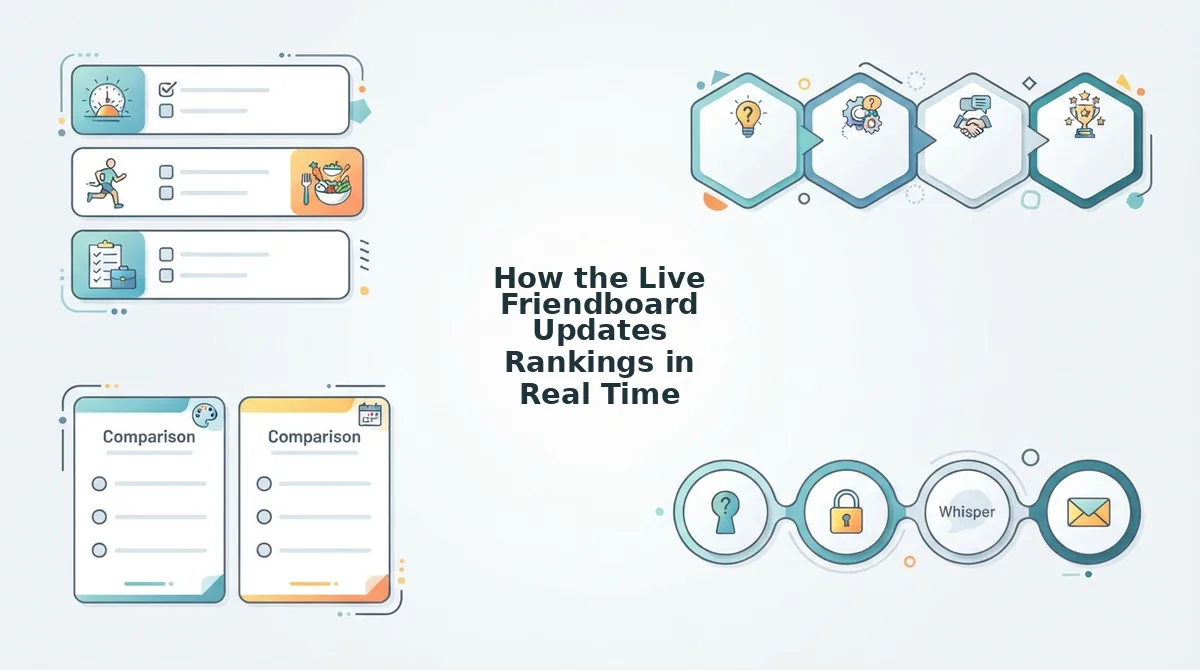
The Friendboard is a live, auto-sorting leaderboard that reorders itself the moment each friend submits their quiz answers. You never refresh the page, the ranking simply rearranges in front of you.
Think of the Friendboard like a race leaderboard at a track meet. Runners don't all cross the finish line at once, and the scoreboard doesn't wait for the last runner before showing who's ahead. Each time a friend finishes, their name slots into the correct position instantly, bumping others up or down.
Here's the exact sequence, step by step. First, you send the quiz link to your group chat. The Friendboard sits empty, waiting. When the first friend submits their answers, their name appears at the top with their score, they're the leader by default. When the second friend submits, the Friendboard compares scores and reorders: if the newcomer scored higher, they take the top spot; if not, they slot in below. This comparison-and-reorder happens automatically with every new submission.
The technical term for this is real-time ranking, which means the order updates continuously as new data arrives rather than waiting for a page reload or a manual refresh. Each submission triggers an instant re-sort, so the list you're looking at is always current to the last completed quiz.
When the final friend submits, the Friendboard performs one last reorder and locks into the final ranking. The top entry at that moment is your definitive highest scorer. This live-updating mechanic is also why the Friendboard drives more repeat engagement than a static score list, a dynamic worth exploring in the Friendboard vs global leaderboard comparison.
Now that you know how the rankings move, the next question is who can actually see what.
Who Sees What: Score Visibility Explained
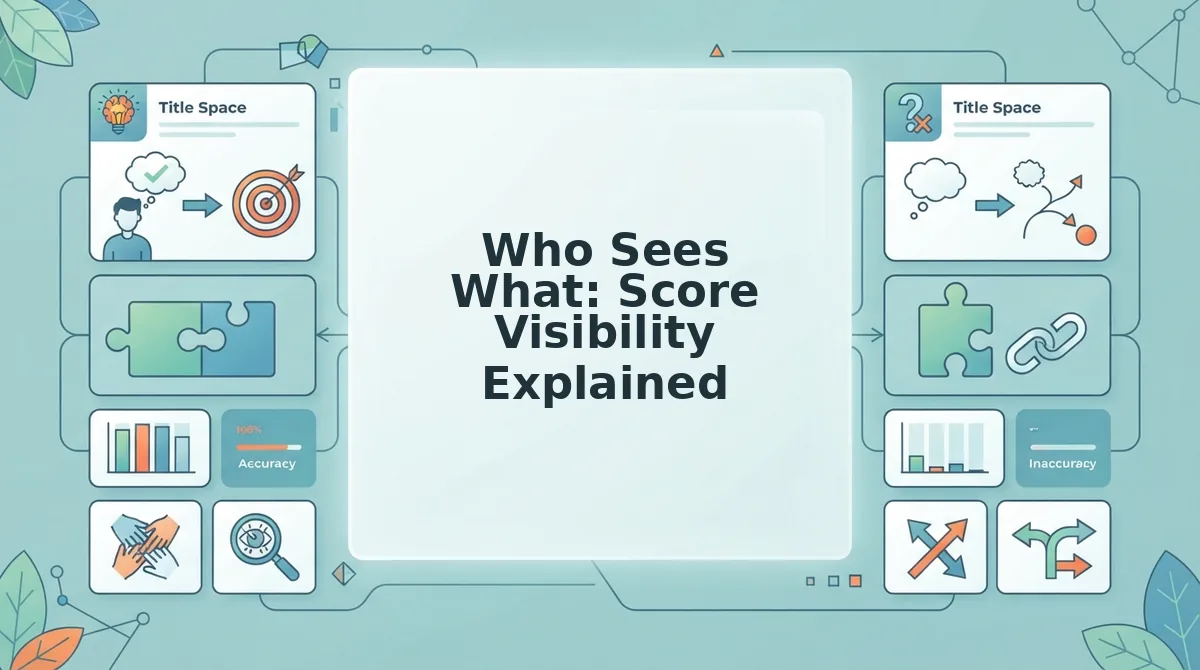
Score visibility on a BFF quiz depends entirely on your role: the quiz creator sees every score and ranking, each participant sees only their own result, and the group chat sees whatever you choose to screenshot and share.
This privacy matrix is rarely spelled out by quiz platforms, yet it directly shapes how comfortable friends feel taking the quiz in the first place. A friend who knows their score stays private is far more likely to answer honestly than one who fears public embarrassment.
| Role | What They See | What They Cannot See | Best For |
|---|---|---|---|
| Quiz creator | All scores, full rankings, tie positions, submission order | Nothing, creator has full visibility | The group chat instigator who wants to settle rivalries with receipts |
| Participant | Their own score and rank on the Friendboard | Other friends' individual scores unless the creator shares them | The competitive friend who wants to know where they stand without exposing others |
| Group chat | Only screenshots or links the creator or participants choose to post | Live rankings unless explicitly shared | The casual friend who wants the fun without the pressure of a public leaderboard |
Buddy Meter and QuizYourFriends take a more open approach: Buddy Meter shows results in a shared feed after account creation, while QuizYourFriends displays a public leaderboard on the quiz page itself. Friend Quiz keeps participant scores private by default, which suits friend groups where not everyone wants their trivia performance broadcast.
So the answer to "do my friends see their own scores or just mine?" is: they see their own score and rank, you see everything, and the group chat sees only what you decide to leak.
What Happens When Two Friends Tie (and Other Score Scenarios)
Score ties and edge cases are where most BFF quiz platforms go quiet. Here are the five scenarios you'll hit within your first quiz, with exact outcomes on Friend Quiz.
- Exact tie: both friends share the same rank. When two participants score identically, the Friendboard lists both at the same position, for example, two friends tied at #2, and the next friend below them appears at #4, not #3. This keeps rankings honest and prevents arbitrary tie-breaking that could feel unfair. You can read the full tie-breaker rules for how identical scores are handled in larger peer groups.
- Retake: the new score replaces the old one. If a friend retakes the quiz, their previous score is overwritten and the Friendboard recalculates instantly. This matters because a friend who bombs the first attempt can redeem themselves without creating duplicate entries that clutter the rankings.
- Late submission: scores appear the moment they're submitted. A friend who takes the quiz hours after everyone else still lands on the Friendboard immediately, slotted into the correct rank position. No one needs to refresh or restart the quiz to include latecomers.
- Score correction: edits trigger automatic reordering. If a friend changes an answer, the Friendboard recalculates their score and reorders all affected rankings without manual intervention. This keeps the leaderboard accurate even when someone second-guesses an answer.
- Multiple ties: the Friendboard stacks them cleanly. When three or more friends tie, all share the same rank and the next distinct score skips the appropriate number of positions. This prevents the leaderboard from becoming a wall of near-identical numbers that's hard to read in a fast-moving group chat.
Why You Don't Need an Account to Check Scores
Guest score access is a quiz feature that lets anyone view their results and ranking without creating a login, downloading an app, or even entering an email address.
Think of it like a restaurant that hands you your order number on a receipt, you don't need a loyalty card to find out if your food is ready. Friend Quiz works the same way: the quiz link itself carries your score context, so the Friendboard knows who you are without asking you to sign up.
This zero-friction design keeps your group chat in the flow. A friend taps your quiz link, answers, and sees their rank immediately, no account wall between the tap and the result. Buddy Meter interrupts this flow by prompting account creation before showing scores, and QuizYourFriends requires a page reload to see updated rankings, which breaks the instant-gratification loop that makes friend quizzes fun in the first place.
If you want the full breakdown of how the no-account model works, read Friend Quiz without account. The practical takeaway: you can create a quiz, share the link, and check the live Friendboard from any device without ever logging in, which is exactly why your group chat will actually finish the quiz instead of abandoning it at a signup screen.
Still wondering about specific score scenarios? The FAQ below covers the most common BFF quiz score questions.
FAQ: BFF Quiz Score Questions Answered
Quick answers to the most common questions about checking scores, seeing rankings, and understanding what your friends can view on the Friendboard.
Do I need an account to check scores on a BFF quiz?
No. Open the quiz link and tap View Friendboard to see every score and rank instantly. Friend Quiz requires no signup, login, or app download, the Friendboard loads directly in your mobile browser.
Can I see rankings update in real time?
Yes. The Friendboard refreshes automatically as each friend submits their answers. You can watch a new top scorer overtake the leader mid-conversation without refreshing the page or sending a new link.
What happens if two friends tie on a BFF quiz?
Both friends appear at the same rank on the Friendboard. The next participant skips a rank position, so a two-way tie for first means the following friend shows as third, not second.
Do my friends see their own scores after taking the quiz?
Yes. Each participant sees their own score and rank immediately after submitting. They also see the full Friendboard, so everyone knows exactly where they stand against the group.
Why does the Friendboard show a different top scorer than I expected?
The Friendboard ranks by raw answer accuracy, not by who took the quiz first or who shares your name. A friend who knows your habits better than your best friend can legitimately outrank them, that is the point of the friendship dare quiz format.
How do I share the Friendboard with someone who hasn't taken the quiz yet?
Send the same quiz link. New participants tap it, answer the questions, and their score appears on the Friendboard automatically. No separate invite or code is required.
The 10-Second Score Check That Ends Every Debate
The entire flow takes under 10 seconds: open the link, tap View Friendboard, and read the top scorer. No account, no login, no app download, just the ranking, live and updated the moment each friend submits.
That speed is what makes the Friendboard the final word in group chat rivalries. Instead of arguing over who knows you best, you point everyone to one link and let the scores settle it in real time.
Your next step: create your BFF quiz, drop the link in the group chat, and watch the Friendboard light up as the rankings shift. The bragging rights belong to whoever actually paid attention.