How to Check Your Friendboard Rank From the Quiz Link
The screenshot in your group chat is already out of date. A friend finished your quiz right after it was taken and the board moved while the image sat frozen â which is why people go hunting for how to check their Friendboard rank instead of trusting the picture.
Your Friendboard is the live results page bound to the quiz link you shared; your rank is your place in that list of friends. You reach both by reopening the same link â no account, no email, no app download at any point. The board surfaces rank and score only, never a friend's private answers.
Below is the return path in three thumb-sized steps, the fixes for a board that won't load, and the mechanic that makes a rank feel unreliable when it's working exactly as designed. One hint at what's coming: your position can drop while your score doesn't move at all.
Starting fresh instead? Spin up a new friendship test and have a shareable link in under two minutes.
How Do You Check Your Friendboard Rank Step by Step?
Reopen the shared quiz link in the same mobile browser you used the first time, scroll to the Friendboard sitting directly under the quiz title, and read your placement against the name in first place. That is the whole check â two taps and a scroll, with no login, no app, and no second screen.
The board renders on the same page as the results, not behind a "Results" button or a separate dashboard, so there is nothing to hunt for once the link loads. Prerequisites are equally thin: the original link, still in a chat thread or browser history, and a couple of minutes.
- Open the quiz link from the chat thread. Tap the link you dropped in WhatsApp, iMessage, or Snapchat. If the thread has scrolled far past it, type your own name into the thread's search bar to jump straight back. Takes roughly ten seconds. You should see the quiz page load with your name as the title.
- Scroll to the Friendboard under the quiz title. Do not look for a menu item or a leaderboard tab â scroll down the page itself until the list of names appears. You should see every friend who has submitted, each with a score attached, and your own row marked out from the rest.
- Read your rank line against the first-place holder. Your placement shows as an ordinal position in that list, phrased like "4th of 9," and it is measured against whoever sits at the top. You should see your score beside it. If a submission landed since your last visit, the number will already read differently.
No sign-in prompt appears at any point, and none is needed. The board is attached to the URL rather than to a profile, so anyone holding the link sees the same list of names and scores across devices.
Pro tip: reopen the link in the same tab and the same browser you used originally. That browser is what remembers you as a player, which is why a fresh tab on an unfamiliar device can look empty even while the board is fully live.
Want a board of your own to refresh? Create a best friend quiz and drop the link in the group chat â the Friendboard builds itself as answers arrive.
What Is a Friendboard and Why Does Your Rank Keep Moving?
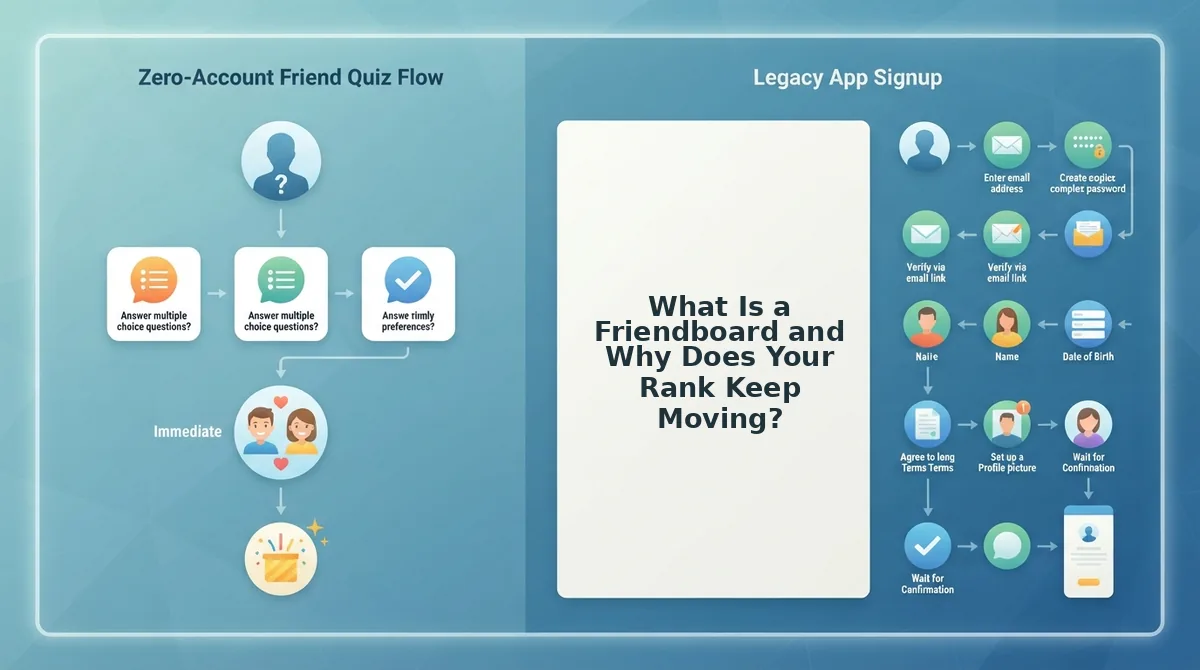
A Friendboard is the live results page generated with your quiz, and your rank is an ordinal position inside it. Neither lives in a profile you log into â the board is a page bound to the share URL, so the link itself is the address of your standing.
That one mechanic, one link and one board, explains most of what feels broken. Your rank isn't saved anywhere waiting to be fetched; it's recalculated each time a friend submits, so what you read on the page is a snapshot of a list that keeps growing.
Rank is a place in a queue, not a score out of ten. Because it's ordinal, your position can fall while your percentage stays identical â a newcomer scoring higher pushes you down without touching your answers. Ties get the same placement rather than being split into fractions, so two friends on identical scores both read as 1st.
| Friends who have played | One player's score | That player's rank |
|---|---|---|
| 1 | 10 of 10 | 1st of 1 |
| 3 | 10 of 10 | 1st of 3 (tied) |
| 6 | 9 of 10 | 2nd of 6 |
| 9 | 9 of 10 | 3rd of 9 |
| 12 | 9 of 10 | 5th of 12 |
Why does my rank change after I already checked it? Because the board is live, not archived. Every completed quiz re-sorts the list, so a rank read at lunchtime can be a rank behind by dinner, and a screenshot only ever captures one moment. The earliest submission also isn't the best one â whoever answered first sits at whatever their score earned, which is often nowhere near the top. For the timing side of that, read how fast the Friendboard updates after a friend plays.
So the flat feeling you had at the start resolves cleanly: the board wasn't wrong, it was simply newer than the image in the chat. Open the link once more and read your line fresh, or browse the public leaderboard to see how standings shift as more people play.
Your next move is one tap: resend the link to whoever hasn't played yet, so the board reflects everyone it should. The standings keep moving whether or not you're watching â which means there's always a reason to look again.