How to bring quiet friends into a friendboard without pressure
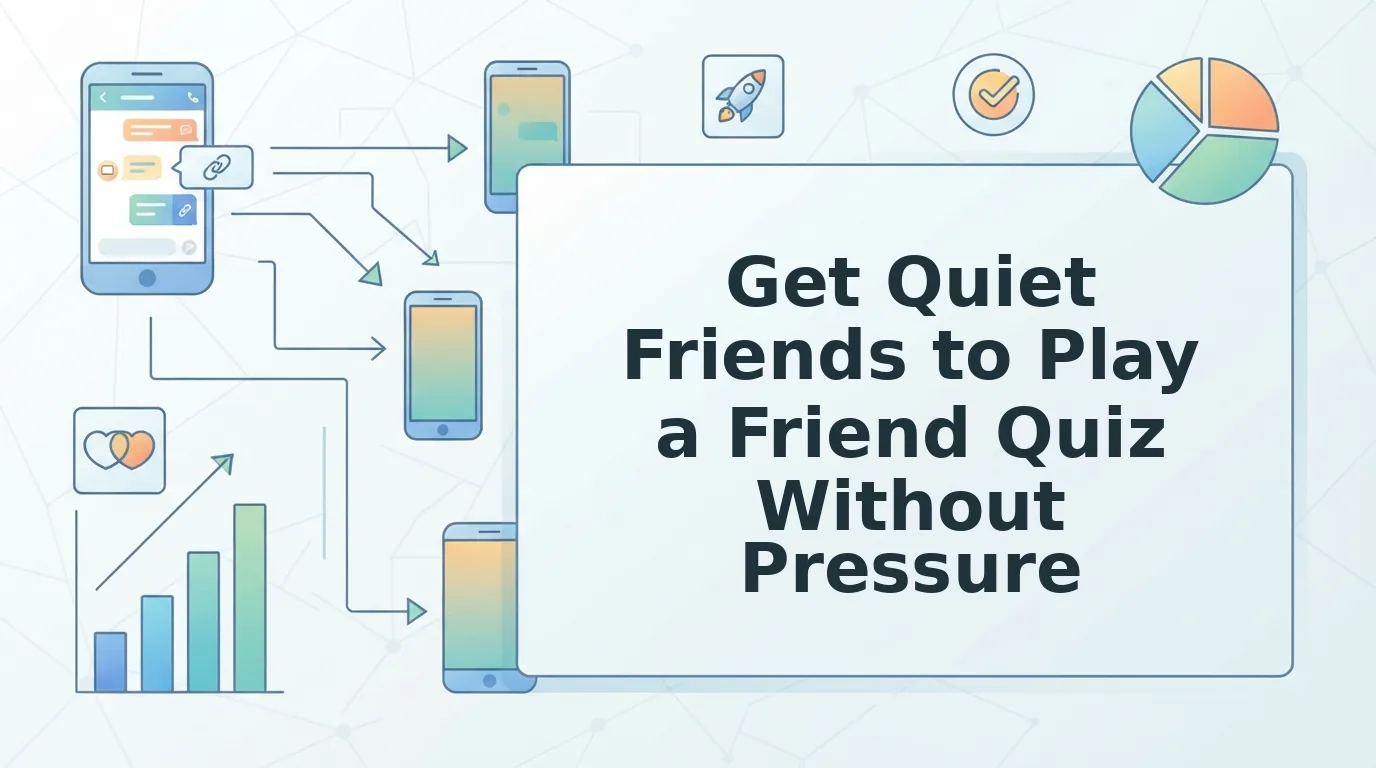
You drop a link into your group chat, watch the receipt switch to "seen by 8," and wait in silence while nobody responds. Group chat lurkers often want to participate, but traditional games require too much effort, making it tricky to get quiet friends to play a friend quiz without feeling aggressive. You can easily bring your silent friends into the banter without putting them on the spot once you understand what actually drives chat ghosting. This guide outlines how to strip away social pressure, remove technical hurdles, and use low-stakes prompts that get quiet friends involved. You will also see how changing a single line in your invitation text completely shifts whether a passive lurker taps your link. Building a custom friend quiz takes under two minutes, bypasses app stores entirely, and gives your circle an effortless reason to break their silence.
Why Quiet Friends Ghost Group Chat Quiz Links
Quiet friends ghost group chat quiz links because high social exposure and administrative friction trigger instant disengagement before the challenge even begins. Lurkers typically avoid activities that demand software downloads, password setups, or the risk of public embarrassment on a group scoreboard.
The Lurker Friction Cascade is a three-stage barrier model that explains why passive group chat members avoid shared activities: app download exhaustion, forced account registration, and scoreboard exposure anxiety. Think of a shared link like an unexpected package delivered to your door; if opening it requires driving across town to sign paperwork, you will leave it on the porch.
Why do group chat lurkers skip shared quiz links? Group chat lurkers skip shared quiz links because multi-step digital obstacles demand immediate cognitive effort and create social risk. When a link demands an app store download, asks for an email address, or displays low scores to an entire WhatsApp or iMessage room, quiet friends abandon the page to protect their privacy and save time. Avoiding these friction points prevents common guest play mistakes and guarantees higher group involvement.
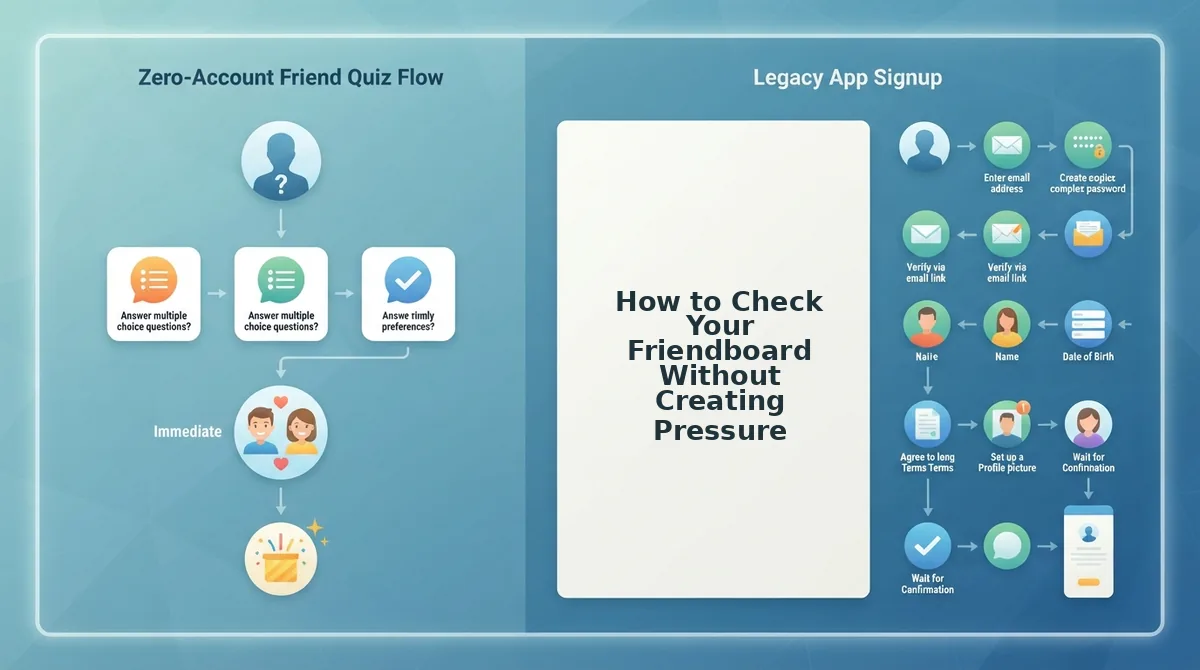
Traditional party games ask participants to surrender contact details, wait for verification emails, and face public score comparisons against outgoing friends. When the technical barrier is zero, silent lurkers participate freely because their answers do not require public exposure or personal data.
How to Get Quiet Friends to Play a Friend Quiz in 3 Steps
To get quiet friends to play a friend quiz, generate a zero-friction challenge link, send it through a private low-stakes channel, and highlight that no app download or registration is required. This simple method removes technical obstacles and social anxiety in three steps.
- Create a zero-login challenge link. Open the browser-based builder, type your name, and cycle through prompts covering your daily habits, quirks, and preferences. Complete the setup in under two minutes to generate an instant challenge link. You will see a ready-to-share web address that requires no app download or user account to open.
- Send the invitation through a low-pressure channel. Paste the link into a one-on-one direct message or accompany it with a casual caption in your group thread. Emphasize that the game takes sixty seconds and runs directly in a mobile browser without signing up. Success occurs when the friend opens the page immediately without encountering a login form or an app store redirect.
- Review the Friendboard together. Check your live dashboard as entries arrive to celebrate funny wrong answers rather than strictly high scores. This reinforces that the game is lighthearted trivia rather than a serious test of loyalty. You will see scores update instantly in real time without forced notifications.
How do I get quiet friends in the group chat to play my friend quiz? Create a custom best friend quiz using a mobile-first web tool that loads directly in a mobile browser without mandatory app installs or email registration. Frame the activity as zero-stakes fun by keeping the trivia to ten fast questions that take sixty seconds to complete. By removing account barriers and private messaging hesitant participants, you eliminate the pressure that usually keeps quiet group members from joining in.
The specific wording you use when dropping the link makes all the difference for hesitant lurkers.
4 Low-Pressure Invitation Scripts That Silent Friends Actually Answer
To engage quiet group chat members, send low-stakes invitation scripts that remove public performance anxiety and bypass competitive tension. Matching the tone of your prompt to specific mobile chat dynamics gives introverts an easy, zero-obligation path to participate.
- The Private Side-Door Script: This direct-message invitation bypasses the crowded main chat to eliminate public visibility concerns entirely. Reaching out individually reassures reserved friends that their score will not be scrutinized in front of everyone. Copy and text: "Sent this in the group chat, but honestly just wanted to see if you remember half my weird habits. Zero pressure if you're busy: [Link]"
- The Reverse Dare Script: This self-deprecating prompt shifts social focus onto your own absurd quirks rather than testing their relationship loyalty. Framing the interaction around whether your answers make sense lowers performance anxiety and creates mutual amusement. Text: "Made a quick friendship dare quiz to see how unhinged my daily coffee order looks on paper. Feel free to guess: [Link]"
- The Zero-Stakes Ping Script: This casual prompt explicitly removes outcome pressure by celebrating wild guesses over perfection. Quiet participants engage faster when there is no expectation of maintaining high accuracy or competing for rank. Text: "Testing out a quick 60-second quiz link for the chat. No need to study, purely guessing wrong answers is fully encouraged: [Link]"
- The Banter Callout Script: This prompt uses gentle, self-aware humor targeting a specific shared memory instead of issuing a broad challenge. Highlighting a single funny topic gives hesitant members an immediate, familiar entry point to click without feeling singled out. Text: "There is a question in here about our late-night diner debates that I know you know the answer to: [Link]"
How to Check Your Friendboard Without Creating Pressure
You can review your Friendboard rankings without creating social tension by treating the scores as conversational springboards rather than a public judgment of friendship. Focusing on mutual inside jokes instead of low percentages keeps group interactions relaxed and welcoming for silent participants.
When scores roll in on your live dashboard, ignore who scored in last place and avoid sharing screenshots of poor results to the group thread. The most effective way to turn quiet participation into lasting group chat banter is sharing the funniest incorrect guesses as shared punchlines where everyone laughs together.
To maintain a low-pressure social dynamic, implement these next steps:
- Highlight humorous wrong answers rather than top scores when posting updates in your group chat.
- Send a private note thanking quiet friends for playing so they feel appreciated without public attention.
- Share a casual friendship test link to keep group interactions fun, light, and completely free of social obligations.
Head to the homepage, enter your name, and create your personalized quiz link in under two minutes to start comparing answers with your friends.