A weekly friendboard ritual for a quiet group chat
Your favorite group chat has gone completely dark, buried under unread receipts, silent notifications, and forgotten memes. Every instigator knows the feeling: you drop an entertaining link, spark a brief twenty-minute flurry of replies, and then watch the chat slide right back into radio silence. One-off trivia links inevitably stall out because the creation burden always falls on one person.
Establishing a weekly friendboard ritual transforms that sporadic burst into recurring weekly banter without requiring anyone to install an app. In this guide, you will learn how to turn casual personal trivia into a self-sustaining weekly tradition using a zero-friction friend quiz link across WhatsApp and iMessage. We will walk through the rotating host framework, thematic prompts, and the Sunday readout protocol.
Along the way, you will discover why forcing the last-place player to host next week's challenge produces higher participation than letting the winner take the reins. Zero-login mobile links on WhatsApp and iMessage prevent signup bounce before question three, letting your crew jump directly into the competition.
What Is a Weekly Friendboard Ritual?
A weekly friendboard ritual is a scheduled group chat tradition where members take turns publishing custom personal trivia quizzes to compete on a live, shared scoreboard. Rather than filling out static personality tests, players answer targeted questions about a rotating host to earn bragging rights each week.
Think of a friendboard like a digital pub trivia scoreboard mounted directly inside your messaging thread. At its simplest level, one person shares a mobile browser link, and chat participants guess answers regarding that person's daily habits, preferences, and pet peeves. At an intermediate level, the experience becomes dynamic: a friendboard offers real-time score ranking that updates dynamically as chat members complete their turns in their mobile browser. Because zero-login browser participation ensures friends on iMessage, WhatsApp, and Snapchat play instantly without friction, nobody abandons the game at a registration barrier.
At an advanced level, recurring friendboards replace chaotic social feeds with close-knit social proof. When friends compete across weeks, the focus shifts away from generic public engagement toward hyper-specific shared memories and private jokes. This dynamic proves that a small friendboard beats a big leaderboard because intimate scoreboards create immediate accountability and spontaneous debate within your core circle.
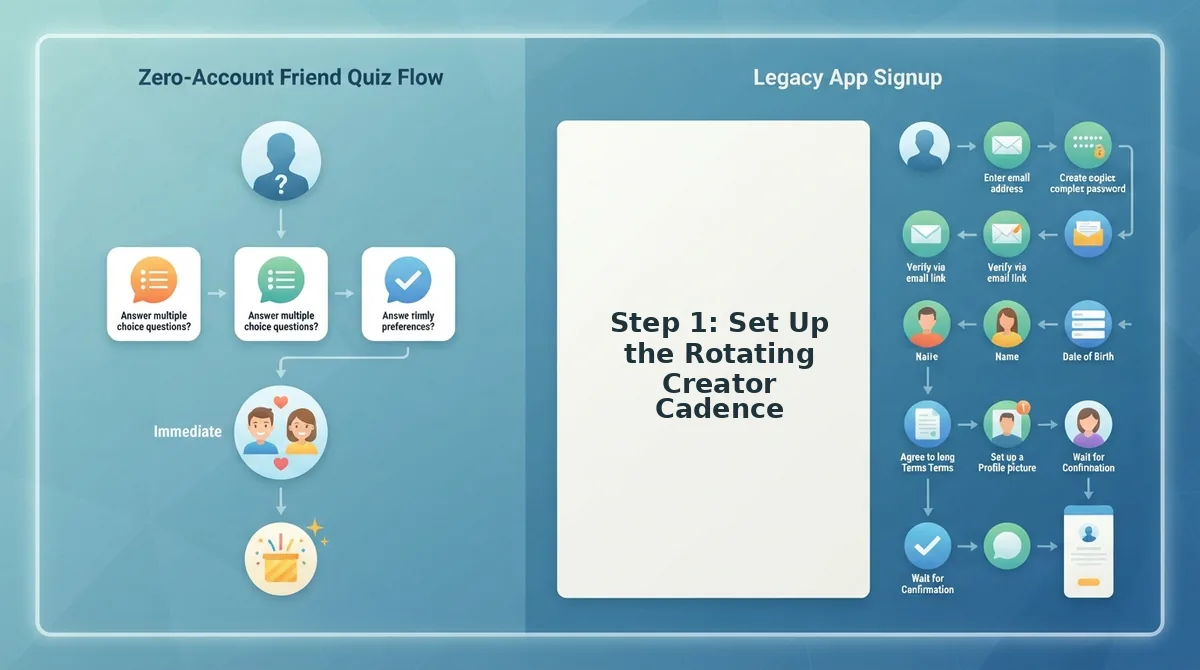
Step 1: Set Up the Rotating Creator Cadence
Setting up a rotating creator cadence requires selecting a single recurring drop day and designating a new quiz author for each weekly cycle. This hosting handoff removes organizer fatigue and ensures every member takes ownership of the group challenge.
Before starting, you need a mobile device with an active internet browser and an open group chat on WhatsApp, iMessage, or Snapchat. Learning how often to send a friend quiz link keeps group chats active without spamming the feed. Establishing a fixed drop day (such as Trivia Tuesday) reduces mental coordination friction by creating a predictable group chat appointment that friends anticipate each week.
Follow these sequential steps to launch the rotation engine:
- Pick a dedicated drop day and time window (1 minute): Select a specific launch window, such as Tuesday at 12:00 PM, to post the challenge. You should see group consensus in the chat confirming the designated day and hour.
- Designate the inaugural quiz author (30 seconds): Nominate the most active chat instigator to build the initial challenge. You should see a designated host named in the chat header or pinned message.
- Create the personalized challenge link (2 minutes): Open your mobile browser, navigate to the homepage, type your name, and answer the trivia prompts. A 10-prompt test takes under two minutes to configure, making weekly rotation sustainable. You should see an instant shareable link on your screen after completing the speed run.
- Deploy the link into the group chat (30 seconds): Paste the custom link directly into your WhatsApp or iMessage thread with a prompt deadline. You should see players tapping the link and their scores populating the live board within minutes.
If your group chat suffers from sporadic engagement, creating a custom best friend quiz using the speed run builder provides an immediate zero-friction entry point without forcing friends to register accounts.
Next, you must vary the topics every cycle to keep the challenge competitive over time.
Step 2: Rotate Question Themes to Prevent Quiz Fatigue
Rotating your trivia categories each round keeps recurring challenges exciting by preventing predictable answers and sparking fresh debate in your group chat. Swapping out generic biographical trivia for dynamic themes ensures that participants look forward to new prompts instead of answering repetitive questions every week.
- Habits and Daily Quirks: Build prompts around odd routines, morning rituals, and specific pet peeves. Habits and pet peeves generate higher response velocity than static biographical facts because friends observe these behaviors directly in real life. Use these prompts to spark immediate arguments about who truly notices everyday idiosyncrasies.
- Travel and Food Crimes: Challenge your circle on contentious vacation habits, weird culinary preferences, and culinary dealbreakers. Nostalgia and travel hot takes create immediate debate in chat replies as friends rush to defend or roast specific opinions. Deploy this category to identify the most chaotic traveler or pickiest eater in the squad.
- Nostalgia and School Lore: Focus on mutual memories, classic embarrassing moments, and throwback era choices. Testing the group on shared history rewards long-term friendships while giving newer members insight into defining inside jokes. Integrate this mix when you want a competitive best friend test that leans heavily into personal history.
- Red Flags and Hot Takes: Force players to guess your boundary lines, pop-culture hill-to-die-on opinions, and social dealbreakers. These subjective questions generate spirited text threads because friends frequently assume they share your exact sensibilities until the answer reveals otherwise. Use this category to challenge assumptions and expose surprise points of disagreement.
Step 3: Run the Sunday Readout and Track Ongoing Friendboard Rankings
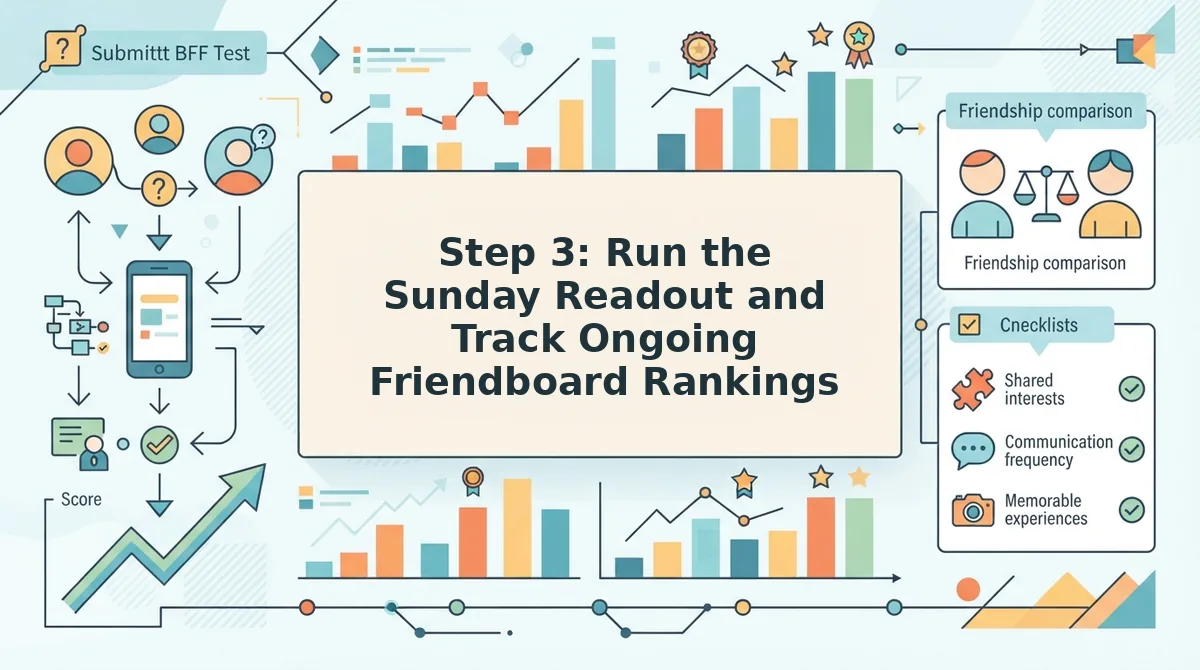
Running a standardized Sunday readout locks in weekly group chat accountability by officially crowning the round champion and passing hosting duties to the next member. Closing the round on Sunday evening captures weekend downtime and sets up the next week's host handoff seamlessly.
Prerequisites: A completed Friend Quiz link with at least three submitted friend scores.
- Open your personal quiz result page to view your current settle friendboard ties guidance if two players share identical scores. (Estimated time: 1 minute).
- Capture the top score, the lowest score, and the runner-up names from the dynamic ranking list. You should see a completed list of all friends who completed the round alongside their numerical totals. (Estimated time: 30 seconds).
- Type out the standardized Sunday Readout message into your group chat thread using the format below. Using a standardized chat summary message reinforces accountability without feeling corporate:
"Weekly Friendboard Round Complete! 🏆 Champion: [Name] ([Score] pts). 🪨 Wooden Spoon: [Name] ([Score] pts). Next Host: [Name] drops their quiz this Wednesday."
You should see immediate message reactions and friendly banter responding to the announced ranks. (Estimated time: 1 minute). - Tag the designated next host in the thread to confirm they have accepted hosting duties for the upcoming round. You should see their acknowledgement in chat, confirming the host baton pass. (Estimated time: 30 seconds).
Start Your Group Chat Weekly Friendboard Ritual Today
A recurring friendboard transforms quiet group chats into lively digital arenas by establishing reliable weekly banter through zero-friction social competition. Moving past the cycle of dead text threads requires only a single person to step up, set the schedule, and ignite the first round of trivia rivalry.
To launch your group ritual right now, follow these concrete steps:
- Pick your squad's recurring drop day and post the scheduled cadence in your chat thread.
- Create the initial trivia challenge to establish baseline bragging rights on live Friendboards without waiting on app downloads or mandatory account signups.
- Share your custom link to your chat and announce the closing deadline for Sunday evening scores.
Go to friendquiz.org, enter your name, and create your personalized trivia challenge in under two minutes to start your group chat's weekly ritual.