Which friend quiz format brings the most friends back
You drop a fresh trivia link into WhatsApp, watch three friends guess your favorite midnight snack, and then the conversation goes completely silent. It is frustrating to watch group chat banter evaporate after a single round when you expected an ongoing contest.
Understanding which friend quiz format brings friends back allows you to bypass dead-end links and keep your chat active across multiple days. In this breakdown, you will discover why specific interactive dare loops spark immediate revenges while static fact-recall tests lose momentum instantly.
Most shared trivia links suffer complete drop-off by question three due to ad density and account friction, masking the real reason why friends stop playing your friend quiz after one round. Yet one overlooked format consistently causes friends to counter-challenge the creator within five minutes of finishing.
Which Friend Quiz Format Makes Friends Come Back for Another Round?
A replay-focused friend quiz format is an interactive social challenge structured to trigger reciprocal counter-quizzes rather than terminating at a static score. High-stakes dare challenges produce the highest return rates by provoking instant revenge rounds, followed by classic trivia showdowns on live leaderboards.
Replay velocity is the speed at which players complete an initial challenge and return to challenge the group back. Think of a standard trivia link like a one-way pop quiz graded by a teacher, whereas a dare format behaves like tossing a beach ball across a circle, the recipient cannot hold it without throwing it straight back at someone else.
Replay velocity hinges on social escalation rather than trivia difficulty, as seen in competitive showdowns where peer banter forces public answer reveals. When participants see exact missed answers on a shared Friendboard, social friction drives them to initiate a rematch. You can easily create a Best Friend Quiz that logs personal habits without login walls, allowing peers to verify scores in real time and start their own rounds directly in their mobile browser.
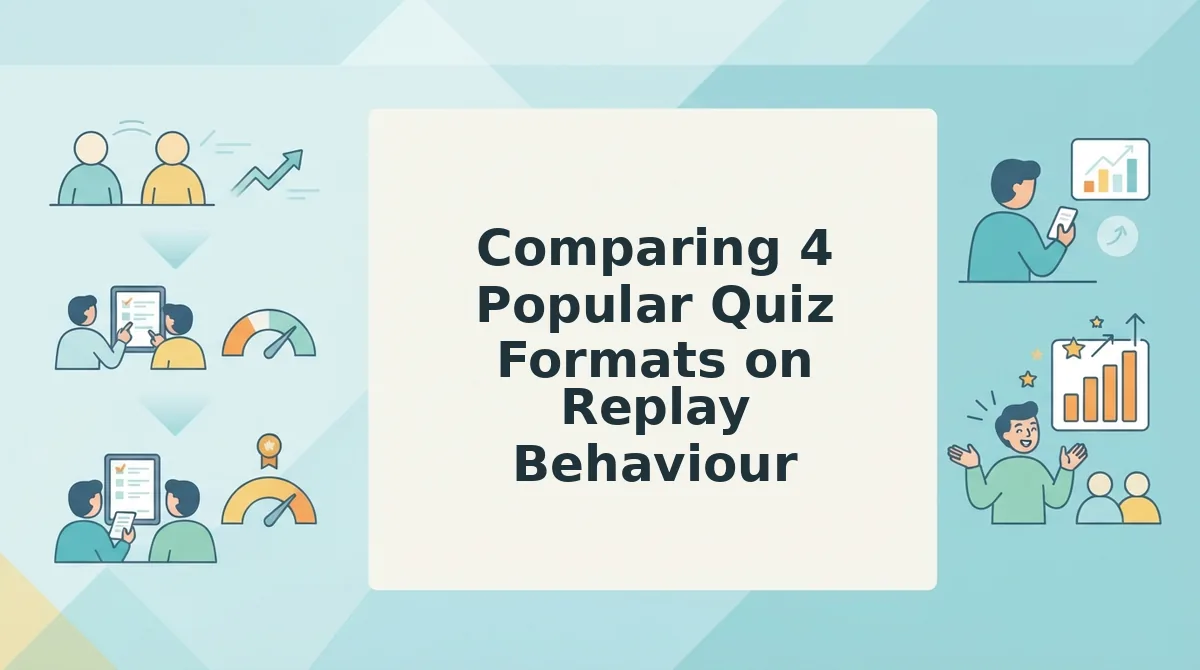
Comparing 4 Popular Quiz Formats on Replay Behaviour
Friendship dares drive the highest chat engagement and repeat attempts, while static compatibility tests experience sharp single-use drop-offs. Selecting the right structure determines whether a link revives an inactive thread or gets buried under everyday banter.
Standard friendship tests act as single-use exams, whereas Friendship Dare links incite immediate retaliation quizzes. When friends complete a traditional fact check, the interaction naturally concludes once their score is posted. Dares change the dynamic by questioning personal loyalty, prompting immediate counter-quizzes to balance the social score.
| Quiz Format | Replay Mechanism | Chat Momentum | Best Persona |
|---|---|---|---|
| Friendship Dare Quiz | Reciprocal challenge provocations | Very High | Best for group chat instigators seeking playful rivalry |
| Best Friend Quiz | Leaderboard rank jockeying | High | Best for close friend duos testing core shared memories |
| Friendship Test | Single-score verification | Moderate | Best for casual acquaintances establishing common ground |
| Love Calculator | Novelty name pairing | Low | Best for party groups wanting quick, passive entertainment |
Traditional tests like the standard friendship test work well for quiet one-on-one evaluations, yet their definitive finality discourages second rounds. Similarly, a playful Love Calculator provides instant novelty laughs in large feeds, but its automated percentage formula provides zero competitive leverage for rematches.
To keep conversations going, launching a high-stakes Friendship Dare Quiz delivers the banter required to fuel repeat participation. Creating a zero-friction challenge takes under two minutes on mobile, giving your peers instant scores and a direct path to fire back their own prompts.
Next, let us look at how to set up a zero-friction rematch in under two minutes.
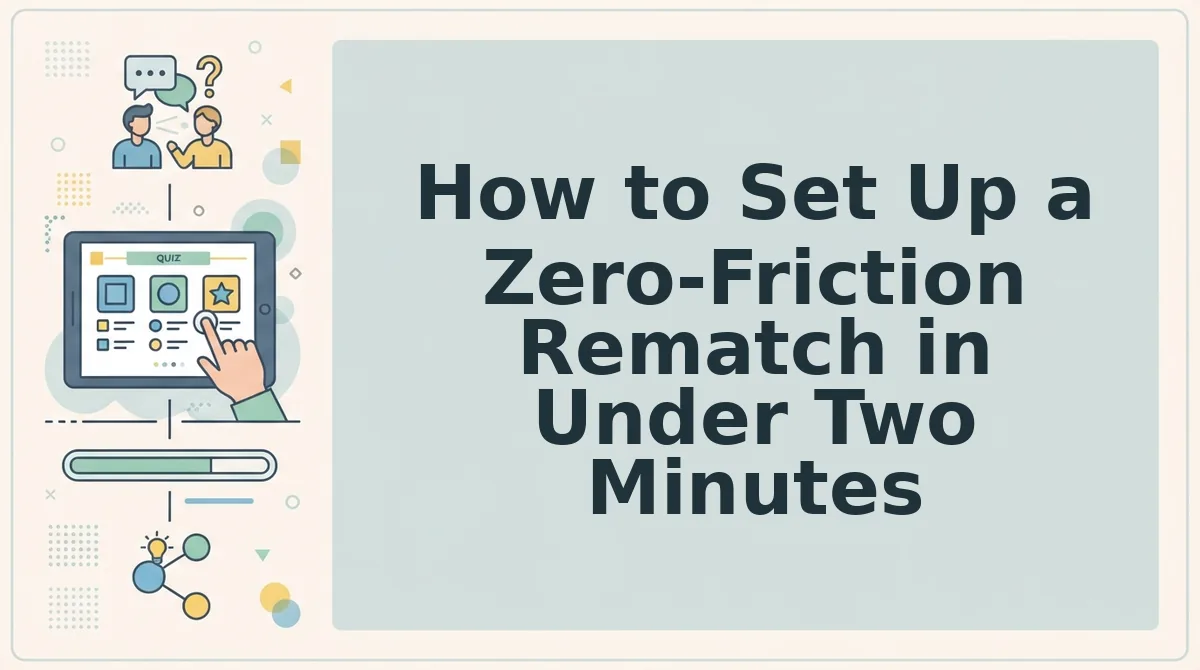
How to Set Up a Zero-Friction Rematch in Under Two Minutes
To set up a zero-friction quiz rematch in under two minutes, open Friend Quiz on your mobile browser, select your trivia questions, generate your unique link, and post it directly to your group chat without requiring accounts or app downloads. This streamlined flow eliminates login barriers so participants can answer immediately.
Before starting, make sure you have an active internet connection on your phone and an open group chat thread in WhatsApp, iMessage, or Instagram. Follow these sequential steps to launch a frictionless rematch challenge:
- Type your name into the text field on the Friend Quiz homepage. (Time: 10 seconds). You should see your name populated on the dynamic challenge card header immediately.
- Select your preferred answers across the sequence of personal habit and trivia prompts. (Time: 60 seconds). You should see each question card turn green with a recorded response checkmark before moving to the next screen.
- Click the "Generate Quiz Link" button located at the bottom of the final question screen. (Time: 5 seconds). You should see a confirmation notification along with a customized, shareable web link.
- Click the "Copy Link" control on your dashboard screen to copy your custom URL to your mobile clipboard. (Time: 5 seconds). You should see the button text briefly switch to "Copied!".
- Paste the copied link into your WhatsApp, iMessage, or Snapchat chat alongside instructions on how to explain a no-login quiz link. (Time: 20 seconds). You should see a clean web card preview generate inside the chat bubble ready for instant tap-through.
Opening links inside in-app mobile browsers like Snapchat or Instagram crashes retention if the tool enforces login popups or native app store redirects. By keeping every interaction strictly browser-based, friends can finish their submissions in 60 seconds without dropping off.
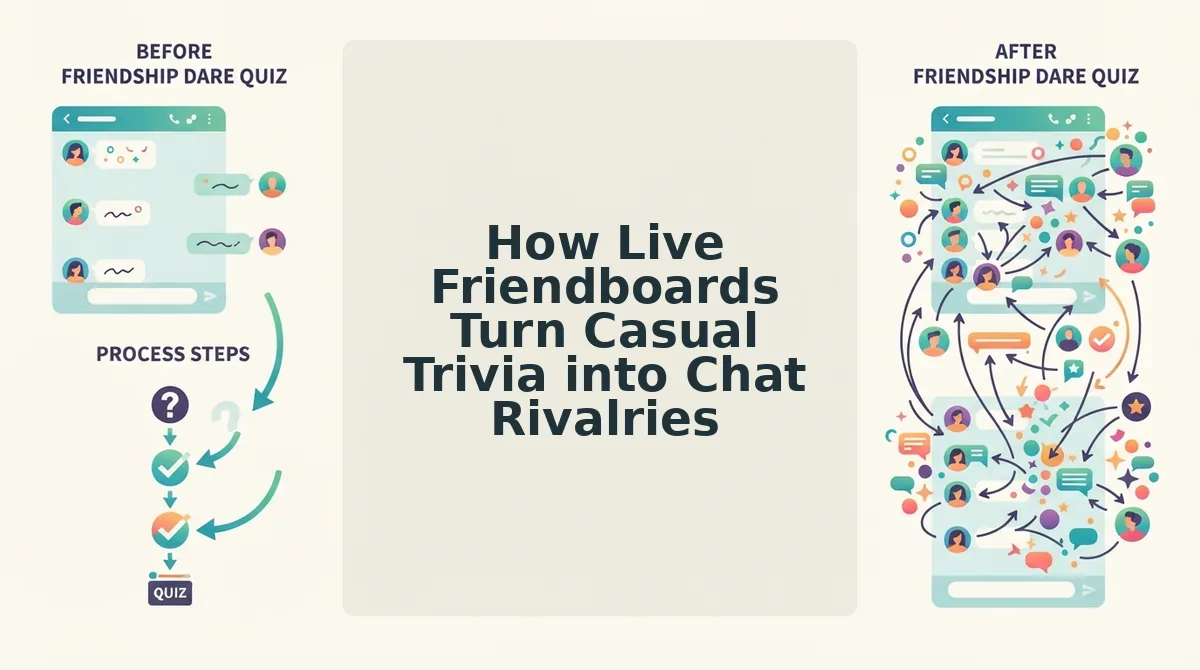
How Live Friendboards Turn Casual Trivia into Chat Rivalries
Live Friendboards turn casual trivia into persistent chat rivalries by instantly updating rankings as friends submit answers, transforming a static quiz into a real-time battle for social bragging rights. When scores update live within the chat thread, participants naturally return to compare placements and challenge low scores.
This dynamic loop settles the central mystery behind friend quiz replay: people do not return for the questions, they return to defend their rank against friends. A compact small Friendboard beats a big leaderboard because peer intimacy raises the social stakes, turning a three-point tie into an immediate demand for a rematch.
To turn your passive group chat into an active competition, take these concrete steps:
- Post your live Friendboard link immediately after three friends have recorded their initial scores to reveal the preliminary standings.
- Tag the lowest-scoring participant directly in your thread alongside the real-time scoreboard preview to prompt an instant counter-quiz.
Go to Friend Quiz, type your name, and create your custom friendship challenge to settle who knows you best once and for all.