Discover feed vs friendboard for repeat quiz plays
Evaluating a discover feed vs friendboard comes down to a clear distinction: algorithmic discover feeds aggregate broad public trivia for solo browsing, while a friendboard serves as a closed-loop friendship quiz leaderboard tracking peer scores to fuel group chat competition.
Every group chat host knows the frustration of dropping a quiz link into WhatsApp or iMessage, watching three friends play, and then seeing the entire conversation freeze. You want continuous banter and friendly score challenges, but generic links often leave participants with nowhere meaningful to go next. Discover feeds and private leaderboards solve completely different distribution problems, and picking the wrong mechanism directly controls whether your chat explodes with jokes or goes totally dark.
Sending group chat members to a public feed dilutes conversation momentum because external links detach players from personal peer rivalries. In this breakdown, you will learn the exact operational differences between public algorithmic discovery and private ranking engines, complete with a structured decision framework for repeat plays. Later in this guide, you will discover the counterintuitive link-sharing choice that prevents your friends from abandoning your challenge entirely.
Creators aiming to ignite high-velocity social competition can launch a custom trivia link in under two minutes at Friend Quiz without requiring app downloads or account logins.
Discover Feed vs Friendboard: Direct Criteria Comparison
A discover feed organizes public trivia based on algorithmic interest signals, whereas a friendboard provides a zero-login, closed-loop scoreboard displaying real-time friendboard rankings among direct peers.
Choosing between these two formats dictates whether players focus on external exploration or localized social competition. Public feeds rely on broad topic signals documented by Google Discover, pulling users toward trending quiz topics across diverse categories. In contrast, friendboard mechanics rely entirely on closed-loop social proof, where every completed submission instantly updates the group standings without forcing participants through an email signup or app install gate.
| Evaluation Metric | Public Discover Feed | Private Friendboard |
|---|---|---|
| Core Purpose | Broad trivia discovery across multiple global creators and themes. | Direct peer score tracking and chat bragging rights. |
| Access Barrier | May require topic filtering, cookies, or account profiles. | Zero-friction mobile browser access with no account setup. |
| Engagement Model | Passive solo reading and algorithmic browsing. | Active social rivalry and immediate counter-challenges. |
| Chat Momentum | Low; exports attention away from the chat into external web topics. | High; anchors scores directly back into the ongoing group thread. |
| Best For | Solo web searchers looking for fresh quiz ideas and inspiration. | Group chat instigators settling rivalries in WhatsApp or iMessage. |
Best for solo explorers: A public discover feed excels when an individual seeks inspiration, wants to browse global challenges, or prefers answering random trivia without social accountability.
Best for group chat instigators: A private friendboard is optimal for friend circles and classmates seeking instant bragging rights, direct peer validation, and real-time score updates that keep chat threads active.
Why Public Discover Feeds Stall Group Chat Momentum
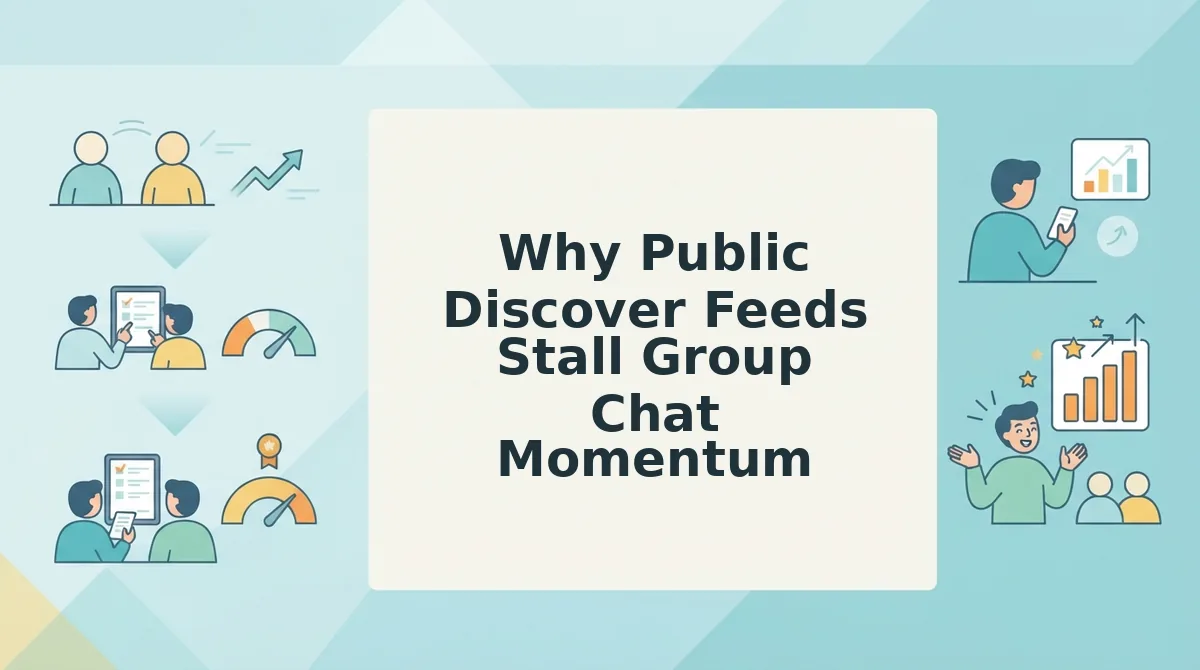
A public discover feed is an algorithmic content stream that aggregates broad web topics to serve individual browsing habits rather than shared group rivalries.
Think of a discover feed like a sprawling public library reading room, while a friendboard is a private whiteboard hanging in your living room. When friends gather around the private whiteboard, every mark directly impacts the people standing in that room. If you send those same friends out into the public library, they quickly wander down separate book aisles, lose track of each other, and forget what they were doing together in the first place.
At an entry level, a participant clicks a quiz link expecting to answer questions about a close peer. Once completed, standard algorithmic discovery systems surface global entertainment challenges or trending internet trivia. Google documentation confirms interest feeds prioritize personal web habits rather than direct peer interaction, causing immediate chat exit. Instead of running back to WhatsApp to tease the creator about a missed question, the player gets funneled into automated recommendations that have nothing to do with their friend group.
On an advanced level, this attention fragmentation creates an immediate retention leak. When users encounter unrelated algorithmic recommendations, the social feedback loop breaks. This friction explains why many friends drop off after round one instead of generating a retaliatory challenge. Without a persistent peer ranking visible on the final screen, the competitive trigger disappears, and the shared conversation stalls completely.
Understanding these feed drop-offs highlights exactly why dedicated scoring structures keep social banter alive.
How a Friendboard Triggers Real-Time Replays and Banter
A personal friendboard drives repeat plays by turning private trivia scores into visible group chat stakes without requiring logins or app downloads. Unlike passive content feeds, live scoreboard rankings instantly trigger counter-challenges because peer visibility creates immediate social accountability.
How does a friendship quiz leaderboard maintain chat momentum after quiz completion? When friends complete a best friend quiz, their scores post directly to a shared scoreboard visible to everyone in the chat. Seeing a close friend or rival claim the number-one spot introduces instant social tension that broad algorithmic feeds cannot replicate. Participants immediately challenge questionable answers, demand rematches, and build sustained banter around specific point differentials, turning a one-time link click into an active social loop.
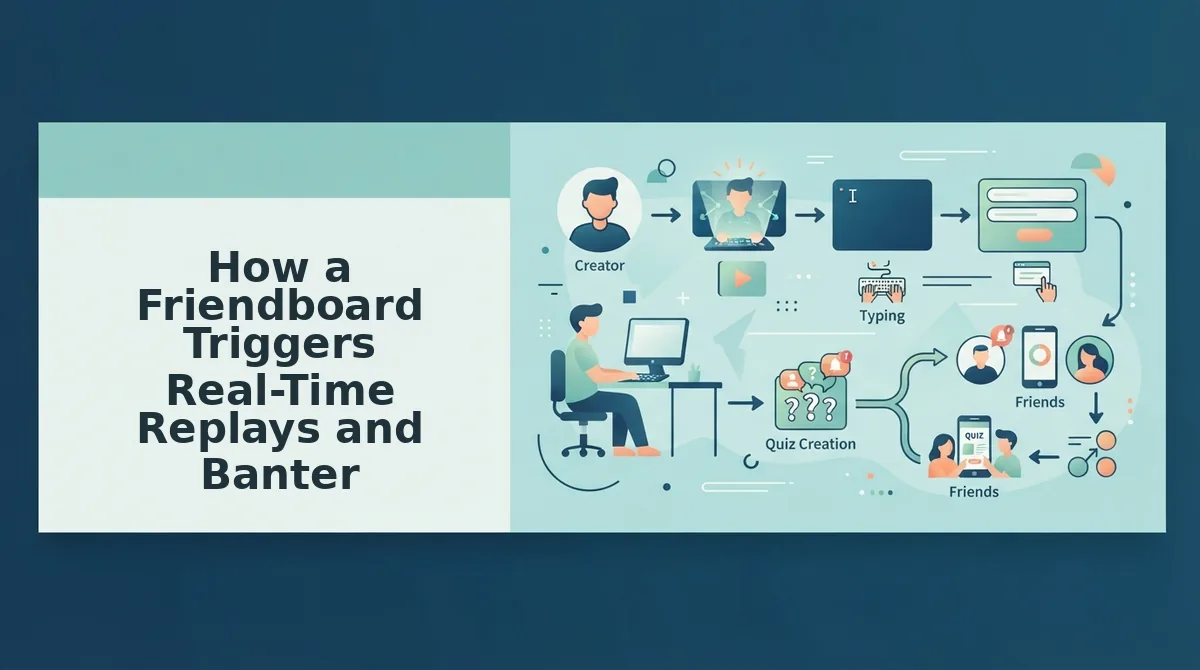
To deploy an active scoreboard that sparks natural group rivalry in WhatsApp or iMessage, follow this sequential four-step process. You only need a web browser and an active messaging thread.
- Type your display name on the creation screen (30 seconds): Open the mobile browser quiz builder, enter your name into the text field, and select your first round of habit-based trivia prompts. You should see your custom answer selections lock in immediately without an account prompt.
- Copy and paste the generated challenge URL into your group chat (15 seconds): Select the Share Link button once your questions are complete, copy the unique web link, and drop it directly into your WhatsApp, iMessage, or Snapchat thread. You should see an active link preview appear in the chat composer.
- Monitor incoming friendboard rankings as scores submit (2 to 5 minutes): Click your personal dashboard link as friends finish answering to track real-time position changes. You should see player names appear sequentially on the leaderboard sorted from highest accuracy to lowest.
- Screenshot the top three standings and tag your chat participants (30 seconds): Capture the current scoreboard display on your phone, upload the image directly to your messaging thread, and call out the current runner-up. Research shows that small friendboards drive deeper banter because tight-knit peer groups react intensely to visible rankings.
If you want to settle who knows you best without registration hurdles, start a mobile challenge to seed your group chat with an instant, interactive scoreboard.
Where Friendboards Fall Short and When Feeds Win
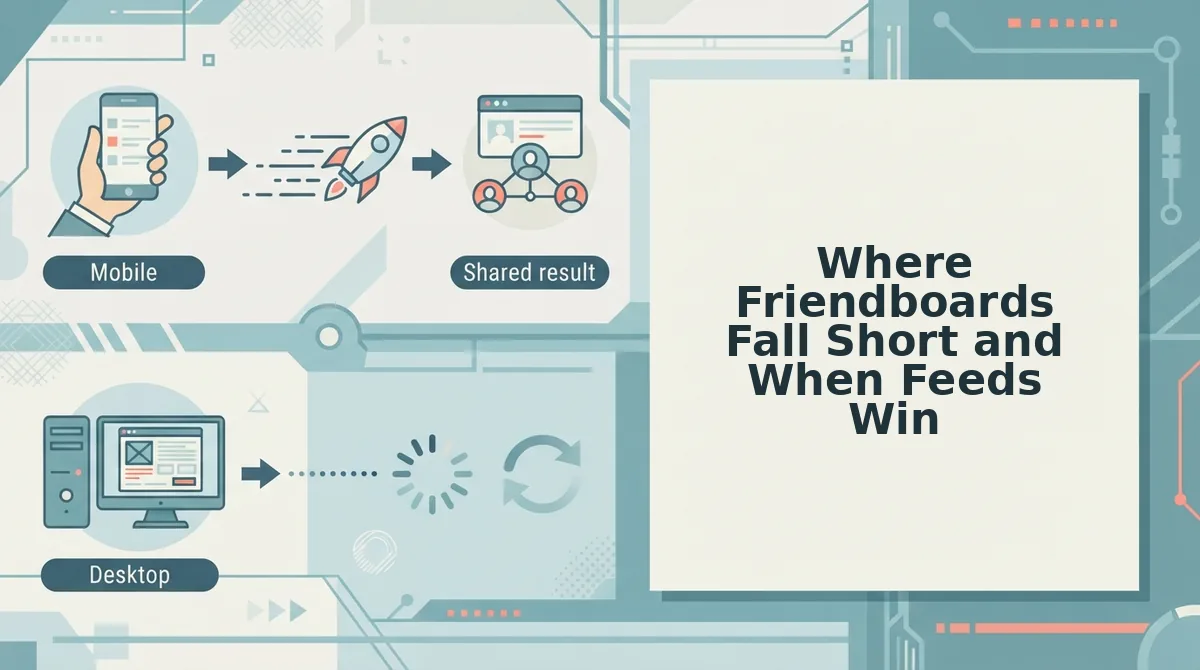
Closed-loop scoreboards outperform discovery feeds inside tight social circles, but they lose effectiveness when private participant pools shrink or inside jokes run dry. Public discovery channels remain superior when creators lack an established peer group or need fresh, crowdsourced quiz inspiration.
- Critical mass failure: A private scoreboard stalls completely when a group chat drops below three active participants because rank competition requires active rivalry. When dealing with limited participants, broad discovery feeds provide continuous activity by substituting absent personal friends with algorithmic traffic.
- Prompt and trivia exhaustion: Static scoreboards lose replay value once every peer memorizes the creator's specific habit preferences and inside references. Algorithmic discovery streams solve this retention ceiling by rotating endless varieties of trending cultural topics and novel trivia prompts.
- Cold-start distribution friction: Closed leaderboards require an existing network of contacts willing to open an external link at the same time. Open discovery feeds eliminate this dependency by automatically serving user-generated quizzes to an active stream of unprompted, casual players.
Choosing the Right Quiz Link for Your Next Group Challenge
Public discovery feeds offer endless passive entertainment, but closed scoreboards remain the undisputed engine for igniting real-time rivalries inside private messaging channels. Choosing a personal leaderboard closes the engagement loop by transforming trivia from a solitary browsing session into an active social competition.
Broad algorithmic feeds deliver infinite scroll depth, yet they fail to generate conversational momentum because players have no personal investment in strangers' answers. A dedicated friendboard anchors every score to someone you talk to daily, giving participants an immediate reason to defend their ranking, call out wrong guesses, and share reciprocal challenges.
To turn your group chat into a live competition, take these concrete steps:
- Pick personal questions based on daily habits, quirks, and real-life preferences rather than generic trivia facts.
- Post your unique challenge link into your primary chat thread rather than broad social media stories to protect the intimacy of the banter.
You can create a custom friend quiz in under two minutes with zero sign-ups, app downloads, or email requirements. Set your questions now, send the live link to your chat, and settle your group's bragging rights today.