Guest play mistakes that lose friends before question three
You drop your quiz link in the group chat. Two friends reply "omg doing this now," and then the thread goes quiet: no scores, no arguments about your go-to snack, and an empty Friendboard.
It is easy to decide your friends are flaky. More often, the silence comes from guest play mistakes in a friend quiz setup, not short attention spans. Guest play means answering a friend quiz in a mobile browser with no account, email, or install, and every extra bit of friction pushes players out.
Most quizzes die at question three, not question ten. That makes abandonment a setup problem, not an attention problem. This guide maps where friends drop off, names seven mistakes that cause it, and gives you a one-line fix for each.
One of those leaks happens before anyone sees a single question, and it may already be sitting in your link preview. Read the funnel first, then check your own quiz against the list.
Why do friends quit a friend quiz before question three?
Friends quit early because something in the guest play setup slowed them down before the fun started. The usual causes are a sign-in wall, a stalling link, form-style questions, or a spoiled answer.
Guest play abandonment is the point where a friend taps your quiz link but leaves before submitting. It usually happens because the link, the first screen, or the opening questions ask for more effort than a quick group-chat moment allows.
Think of it like a coffee shop queue. People rarely walk out at the tenth customer. They walk out the moment they step inside and the line looks slow.
Most quiz drop-off happens early because a friend in a group chat decides within the first few taps whether a quiz is worth finishing. If the link opens a login page, they leave before question one. Our guide on why a friend quiz link asks your friends to sign in covers that trap. If the first questions read like a form, momentum dies around question three. Once a friend is several questions in, they are invested, so the opening experience matters more than total length.
Popular friend-quiz videos, such as Beta Squad's BFF test and BuzzFeed UK's two-person test, show players' reactions. They do not show where players leave. The Six-Step Drop-Off Funnel below matches each step to the mistake that causes the loss there.
| Funnel step | What the friend does | Guest play mistake that loses them |
|---|---|---|
| 1. Send | Sees your caption in the chat | Caption reads like a form, not a dare |
| 2. Tap | Opens the link | Link redirects or stalls in the messaging browser |
| 3. Question one | Reaches the first prompt | Account wall or install prompt |
| 4. Question three | Decides whether to keep going | Too many questions for one sitting |
| 5. Submit | Finishes the quiz | Results page is a dead end |
| 6. Share back | Posts a score in the chat | Spoiled answers make the score meaningless |
Illustrative math, not measured data: suppose each step loses about one friend in five. Ten invited friends then shrink to roughly 8, 6, 5, 4, 3, and finally 2 or 3 who share back. About half of the loss happens before question one.
Friend Quiz is built to close those early leaks. Friends answer in their mobile browser with no account, email, or download, and their scores land on a real-time Friendboard.
Which guest play mistakes break a friend quiz?
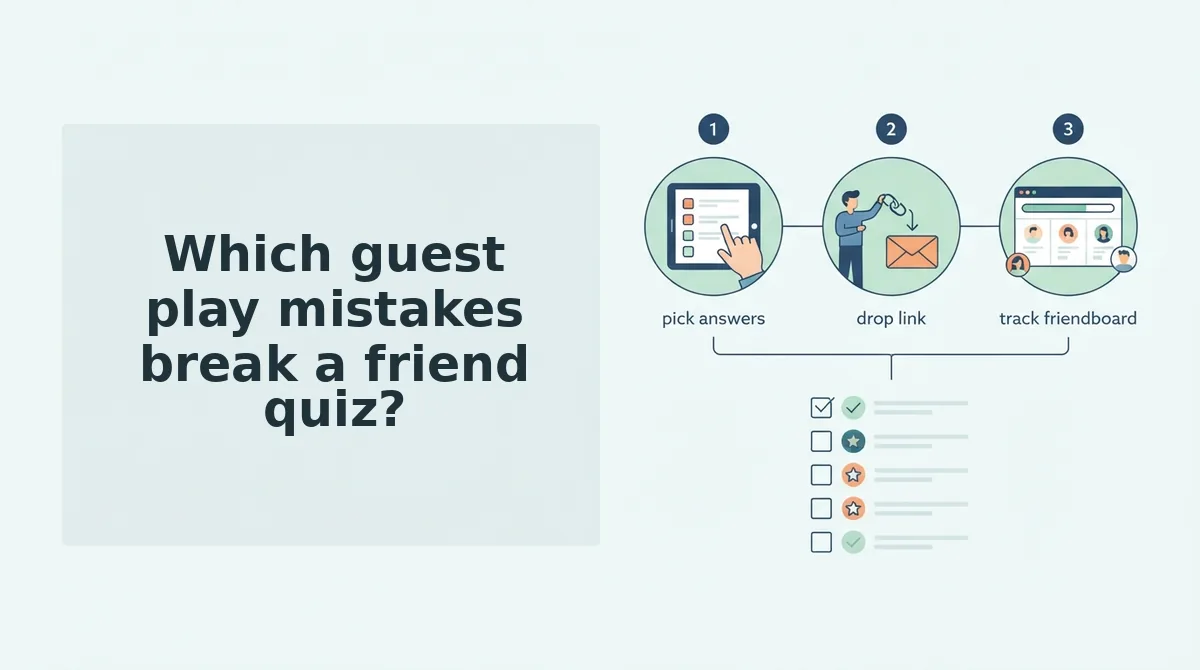
Seven setup mistakes cause most early drop-off, from account walls to spoiled answers. They are ranked below by how much damage each one does, with the funnel step it affects and a one-line fix.
- Putting an account wall in front of question one (Question one). Asking guests to sign up or log in turns a five-second tap into a chore, and most people close the tab. Fix: use a flow with no wall. On Friend Quiz, you enter your name, answer the prompts, and share the link.
- Writing more questions than one sitting can hold (Question three). A long quiz feels heavy by question three because the pacing drags, not because friends lack stamina. Fix: keep it to eight to ten questions so the quiz fits one group-chat sitting, whether it is a best friend test or a quick dare.
- Sharing with an intake-form caption (Send). A caption like "Please complete the following questionnaire about me" reads like homework. A caption like "Bet none of you know my worst food take. Prove me wrong ð" reads like a challenge. Fix: rewrite the caption in the voice you actually use in the chat before you post.
- Leaking your own answers (Share back). If an answer slips into your caption or the link preview, friends get the spoiler before they play, and every score loses its meaning. Fix: before you send, check that no caption or preview text reveals an answer.
- Sending a link that stalls in the messaging browser (Tap). Chat apps often open links in their own built-in browser, and a redirect or slow load there loses players before question one. Fix: open the link on your own phone inside the chat app before the group sees it.
- Making the results page a dead end (Submit). A score with nowhere to go gives friends nothing to brag about. Fix: point finishers to the Friendboard so they can see their rank and invite a retake or a rematch with a BFF quiz.
- Using cramped tap targets (Question one to question three). Tiny answer buttons cause mis-taps on a phone, and one wrong tap can make the quiz feel broken. Fix: write short answer options so each choice stays easy to tap, especially in a longer friendship test.
Catching these mistakes is easiest before anyone else taps the link.
How do you check a quiz before the group chat opens it?
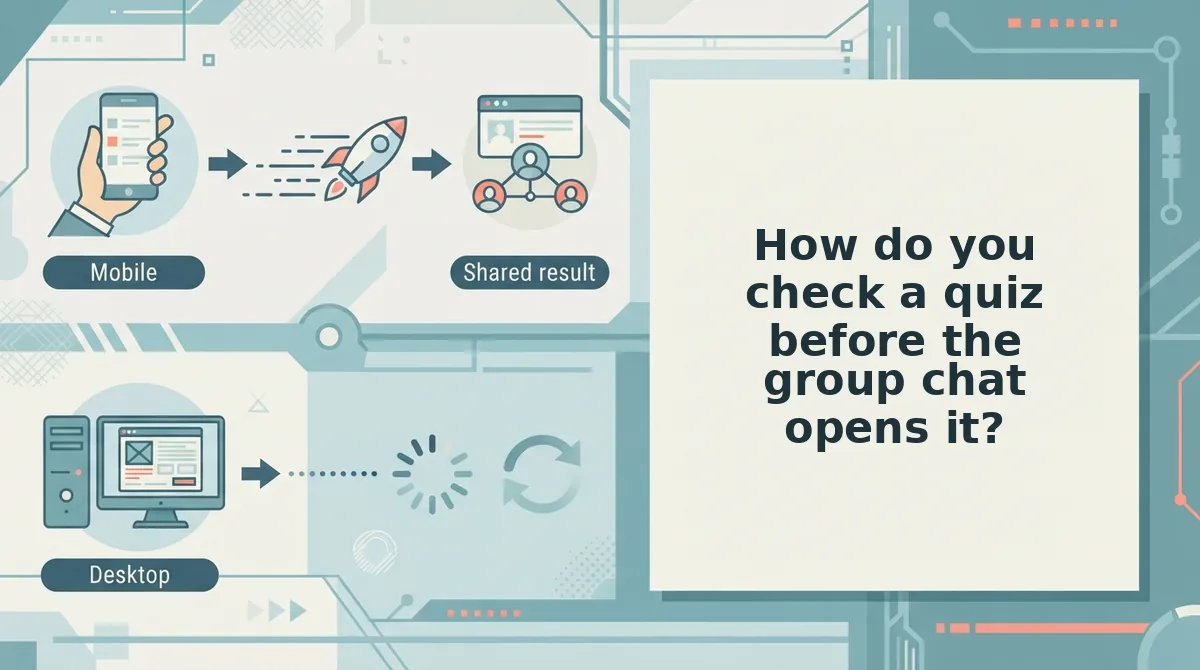
Run six checks on your phone, inside the chat app you plan to share into, in about two minutes. Anything that fails here costs you a guest after you hit send.
What you need: your phone rather than a desktop, the messaging app you'll post to, and your quiz link copied to the clipboard. No account, install, or extra tool is required.
- Open the link in the in-app browser â paste it into a chat with yourself in WhatsApp or iMessage and tap it. You should land on question one with no redirect screen. About 15 seconds.
- Confirm there's no signup prompt â scan for a login or email field before question one. You should see the question itself; a form here means guests bounce.
- Count the questions â scroll the whole quiz and tally them. You should count seven or eight; past ten, the finish line stops feeling close.
- Read the preview text â inspect the link bubble for a caption quoting one of your answers. A neutral title with no spoiler is the pass.
- Play to the results page â answer every question as yourself and submit. You should get a scored results page in under a minute, with no dead end. About 60 seconds.
- Confirm the share-back prompt â look for a way to post your score into the thread. One tap back to the chat is the pass.
Step one is the ten-second fix: if your link fails in the in-app browser, it fails for everyone, and no amount of clever quiz writing rescues it. Desktop testing hides this. Chat apps open links in their own stripped-down webview, which handles redirects, long URLs, and small tap targets differently from Chrome or Safari on a laptop. Tap the link on the phone you actually text from, watch where it lands, and only then judge the rest of the quiz. If it stalls, test a quiz link before your group chat opens it walks through each failure mode.
The whole review fits in the two minutes before you paste the link. Create your quiz at friendquiz.org, run the six checks once on your own phone, and the version your friends open is the version that works.
Questions About Guest Play Creators Still Ask
The ten-second fix from the top of this article is the whole answer in miniature: open your own link on your own phone and watch what happens. The questions below cover the four details creators still ask about after they've trimmed their quiz and checked the tap targets.
Do my friends need an account to play?
No. Friends play as guests â no email, no signup, no install. Anyone who taps the shared link lands on question one and finishes as an anonymous visitor, which is exactly why a stray login form kills completion.
How many questions should a friend quiz have?
A friend quiz should have eight questions. Eight gives you enough spread for a real score and a clear winner, while staying short enough to finish in about two minutes on a phone in a group chat.
Why won't the link open properly in WhatsApp?
Usually the preview, not the quiz. Check that the link bubble shows a neutral title with no leaked answer, shorten any tracking tail on the URL, make the tap target obvious, and tell guests to choose "Open in browser" if the in-app view stalls.
Do retakes and live rankings need a login?
No login is needed to retake a quiz or to see where you land on a Friendboard. Guests can replay, compare scores, and share the result back to the thread without creating anything.
Start with the smallest step: open friendquiz.org, type your name, and build the eight-question version. Send it to one friend first, not the whole group â a single test guest tells you more than a silent thread ever will.