QuizYourFriends vs Friend Quiz for friends who never log in
You drop a quiz link in the group chat, three friends open it at once, and then the typing stops â one of them hit a signup form before question one. That silence is the whole "quizyourfriends vs friend quiz login" debate in miniature: not which site has better trivia, but how many taps stand between a friend and the first question.
Agreed, that's a real annoyance, and it's not your fault for noticing. You picked a quiz to start banter, not to run a registration desk for nine people who already know each other.
Here's what this page settles: who has to log in on each side of the link â creator versus player â and how the mobile flow behaves when someone taps through from WhatsApp or iMessage. You'll get a tap-and-field audit you can scan in about ten seconds, then a decision framework built around three actual group-chat situations instead of a one-sided winner.
One finding up front, because it cuts against the obvious assumption: a login wall isn't automatically the villain. Sometimes it's the thing keeping a quiz from being scraped or spammed by strangers. The surprise is which side of the link most of the friction actually sits on.
Does QuizYourFriends Make Your Friends Create an Account?
The question hides two separate gates, and most comparisons blur them: what the creator needs to build a quiz, and what each player needs to answer one.
Short answer: On Friend Quiz, nobody creates an account â the creator enters a name, answers prompts, shares the link, and friends play in their browser. QuizYourFriends has historically required creators to log in; player-side requirements vary by quiz, so verify on the live site.
Door friction is everything standing between tapping a shared link and reading question one â a redirect, a name field, an email box, a "sign in with" button, an app-install prompt. Each one is a chance for a friend to leave. A player-side account is a stored login a friend must create before answering, which is a different thing from a creator account that only the quiz maker ever touches. Think of a party: the host unlocking the door is expected; asking every guest for ID at the threshold is how the room empties.
Simple version: one field is tolerable. Intermediate version: a name field plus a login button is where casual players start negotiating with themselves. Advanced version: friction is cumulative, not binary â three small asks in a row read as one big no, and the group chat has already moved to a different topic by then.
Build flows change without notice, so treat any comparison â this one included â as a snapshot and check each live site before you send a link. On Friend Quiz, the entire build is name, prompts, share: no account, no email, no download.
Tap-and-Field Audit for QuizYourFriends vs Friend Quiz
Count what stands between a shared link and question one, and the two platforms stop looking like near-identical quiz makers. Friend Quiz publishes a no-account path on both sides of the link; QuizYourFriends runs on creator logins, with player-side behavior that shifts by quiz.
| Audit item | QuizYourFriends | Friend Quiz |
|---|---|---|
| Account to create a quiz | Login required to build and save â verify before publish | None â no account, email, or download |
| Creator fields before building | Verify before publish | Name, then a sequence of habit and opinion prompts |
| Account to play | Varies by quiz setting â verify before publish | None â plays in the mobile browser |
| Email field for players | Verify before publish | None |
| App download prompt | Web-based â verify whether a mobile app is pushed | None |
| Steps from link to first question | Verify before publish | Open link, answer question one |
| Opens in mobile browser from WhatsApp or iMessage | Yes, web-based â confirm current behavior | Yes |
Nothing in that table is a knock on QuizYourFriends' quiz format. It has carried the same familiar name for years, which is why a link from it often gets opened out of recognition rather than curiosity â and that recognition is worth something in a chat full of ignored forwards.
Best for the archivist: pick QuizYourFriends if you want a named account holding your quiz history and you don't mind asking friends to clear a gate. Best for the group-chat instigator: pick Friend Quiz if the quiz has to be answered in the ninety seconds before the conversation drifts, with no install and no login on either end. Run the same audit on a friendship test you've already sent and see how many friends actually reached the last question.
The creator side is only half the story, though â the player side is where most quiz links quietly die.
What a Friend Meets at a QuizYourFriends Link
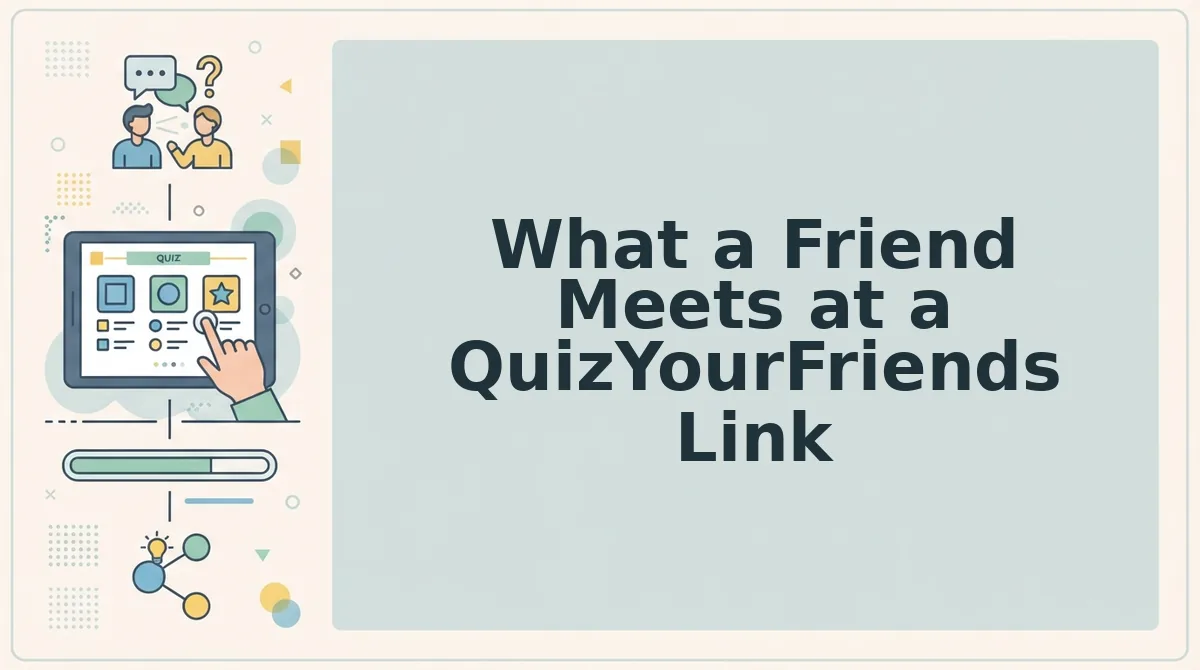
A friend who opens a QuizYourFriends link meets a browser quiz on quizyourfriends.com. The same brand also promotes an App 2.0 listing. The lists below describe only what the site and that listing present, so check current field counts on the live site before you rely on them.
Creator path
- Start on quizyourfriends.com. The creator builds the quiz in a web browser. Any account or login prompt would show up at this point, so check for one before you pick the tool.
- Set up the questions. The creator fills in the quiz content on the site. Write questions your group chat will argue about, because that is what gets people to reply.
- Copy the share link. The finished quiz becomes a link that you paste into a chat. Send it to one friend first so you can see exactly what players meet.
Player path
- Open the shared link. The friend taps the link from the chat and lands on the quiz page. Watch for any name, email, or login field before question one, because each extra field is another reason to quit.
- Notice the app context. QuizYourFriends promotes its App 2.0 listing alongside the web flow, so players may see the app presented as an option. Check whether the quiz still continues in the browser for friends who will not install anything.
- Answer the questions. The friend works through the creator's prompts. Their score is the payoff that gets them to post in the group chat.
Worked example one: You drop a QuizYourFriends link into your group chat and a friend taps it. That friend then meets the quiz page, any entry fields the site shows, any app messaging tied to App 2.0, and then the questions, in that order.
What a Friend Meets at a Friend Quiz Link
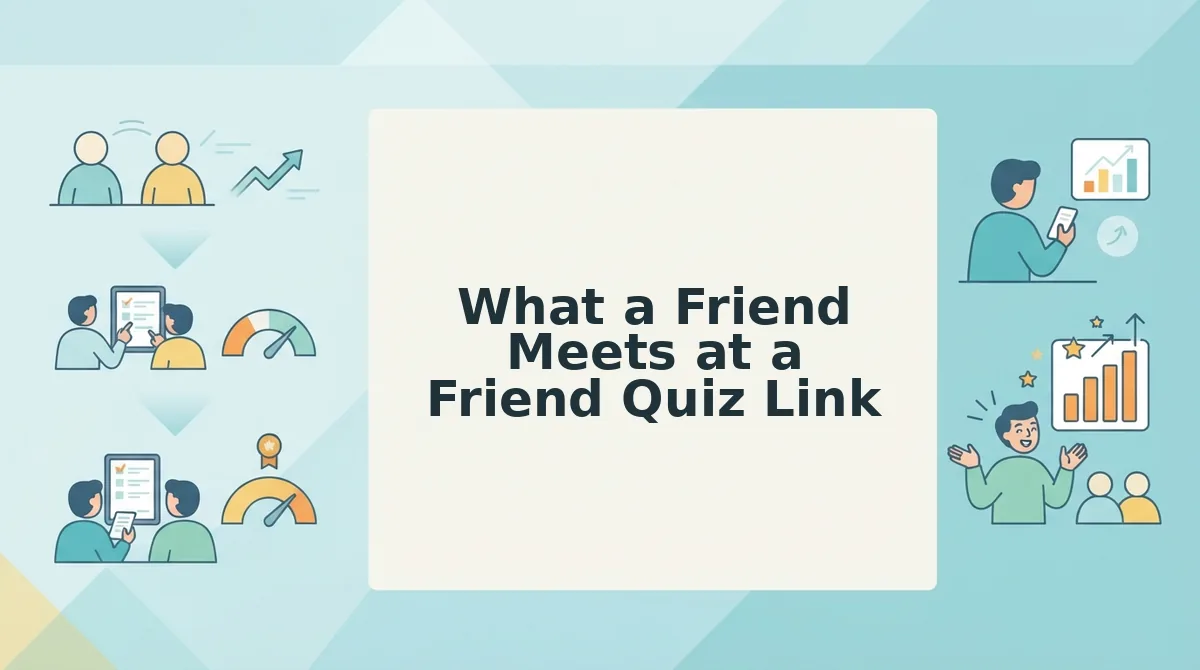
A friend who opens a Friend Quiz link meets three steps: open the link, enter a name, and answer. There is no account, no email field, and no app download at any point.
Prerequisites: a phone with a mobile browser and a quiz link shared in WhatsApp, iMessage, or Instagram. The creator builds that link in under two minutes by typing a name on the homepage, answering personal prompts, and sharing the generated link.
Worked example two: This is the same group-chat share, now arriving at the second door.
- Open the link. Tap the quiz link inside WhatsApp, iMessage, or Instagram. The quiz loads in the mobile browser, and no install prompt or store page should appear.
- Enter a name. Type your first name or a nickname in the name field. This is the only thing asked before question one, and you should see the creator's first prompt next.
- Answer the prompts. Tap the answer you think matches the creator's habits, quirks, likes, and dislikes. When you finish the last prompt, your result appears and you can compare scores in the chat.
Per platform: On WhatsApp, iMessage, and Instagram, friends play the shared link directly in the mobile browser with no app needed. For a closer look at the chat-side experience, see one-tap play inside WhatsApp.
If your problem is friends who drop off at signup screens, build a best friend quiz now. Then paste the link straight into the group chat that never logs in.
When a Login Wall Helps and Where Friend Quiz Falls Short
A login wall helps when a quiz needs a verified owner. A no-account flow trades that ownership for speed. A login wall is a screen that requires an account before someone can create, edit, or play a quiz.
Think of it like a locked front door. It slows guests down, but it also stops strangers from rearranging the furniture.
The case for a login wall: An account ties each quiz to one identified creator, so only that person can change the questions after the link starts spreading. It also gives a site a way to slow down spam, because throwaway quizzes and fake entries are harder to produce when every action is linked to an account. For creators who plan to keep a quiz running for weeks, or who worry about someone tampering with it, that protection can be worth the extra tap.
Friend Quiz deliberately skips that door. The trade-off is that a no-account quiz is not tied to a login the way an account-based quiz is, so the protections that come from account ownership do not apply in the same way.
Why do some quiz links ask for a name or email before question one? A name field simply labels a player's score on the results board. It costs one short entry and reveals little about the person. An email field asks for a lasting contact detail, which can support accounts or follow-ups, but it adds friction and a privacy decision before the fun starts. That is why friends often abandon quizzes at this step. Read more on why a quiz link asks friends to sign in.
On whether a creator sees who answered what, check each site's own policy. Start with the Friend Quiz privacy policy, and read QuizYourFriends' policy page on quizyourfriends.com.
- A long-running quiz you want locked down: Pick QuizYourFriends if an account-backed setup suits you. Pick Friend Quiz if speed matters more.
- A fast group-chat dare tonight: Pick Friend Quiz, since there is no signup between your friends and question one.
- Friends who already use the App 2.0: Pick QuizYourFriends. For browser-only friends, pick Friend Quiz.
So which link belongs in your chat?
Which Quiz Link Should You Send to Your Group Chat?
So which one should you send? If your chat moves fast, send the link that opens a quiz, not a form.
The tap-and-field audit has a boring answer and a useful one. Both sites eventually reach question one. Only one gets there without asking your friend for anything first.
Three things to do before you paste anything:
- Count the doors. Open your own link the way a friend would and note every field between the tap and question one.
- Time it. If the first question takes longer than the scroll back to your chat, the link dies there.
- Match the door to the room. A slow, private group can afford a name field. A fast one cannot.
Start soft with the BFF test so you see the flow from the player's side. Run your own link to yourself before the group gets it â that pre-share check is the whole audit in one tap. If your chat likes dares, add a dare round too.
The shorter the path to question one, the more friends actually arrive at it.
Then enter your name and send the link.