Buddy Meter Ads Blocking the Submit Button and How to Avoid It
Your friend taps the quiz link inside WhatsApp and races through the questions. Then a sticky banner sits right on top of the submit button, and every tap either opens an ad or does nothing.
That is buddy meter ads blocking submit in its most common form, and it is maddening when the whole point was quick group chat banter. You are not doing anything wrong, and your phone is probably fine.
This guide ends in one of two ways. Either you reach the submit button, or you get a clear sign that the site is the problem and your phone is not. You need only the quiz link and your phone's full browser, such as Safari or Chrome.
First, you will see why the page layout collides with your thumb. Then you will work through five quick steps and a troubleshooting table. You will also see why the fix most people try first, an ad blocker, can leave the button just as dead.
Why Do Buddy Meter Ads Block the Submit Button on Phones?
Sticky banner ads anchor to the bottom of a small phone screen. That same strip holds the submit button and your one-handed thumb zone, so the banner either covers the button or catches the tap meant for it.
The Thumb-Zone Collision is what happens when a pinned ad and the main action button share the part of the screen your thumb reaches most easily. Picture a car parked across your driveway: the street is clear, but the one exit you need is blocked.
The Thumb-Zone Collision at a Glance
| Screen zone | What sits there | What breaks |
|---|---|---|
| Top | Question text | Rarely anything. It is hard to reach, but you only read it. |
| Middle | Answer options | Usually fine, though some options can be partly cut off. |
| Bottom | Sticky banner and submit button together | The button gets hidden, and taps land on the ad by mistake. |
A sticky banner is an ad pinned to one spot that stays put while the page scrolls underneath it. Quiz pages put submit at the end, so the button scrolls straight into the spot the banner never leaves.
Why does the submit button seem broken on Buddy Meter? Friend Quiz's competitor analysis notes several recurring problems on phones. Banners cover the submit button, pages lag while they reload between questions, and the forms feel dated, which makes every misplaced tap more costly. An accidental ad tap can pull you out of the quiz, and the reload lag makes it unclear whether your answer was saved. The cause is the layout, not your phone. The ad and the button are competing for the same few millimeters at the bottom of the screen.
Mobile-first quizzes that keep the bottom of the screen clear avoid this collision entirely. For a side-by-side look at how the two sites handle layout and sharing, see Friend Quiz vs Buddy Meter.
How to Reach a Hidden Submit Button Step by Step
Scroll, close the banner, rotate, switch to your full browser, or zoom out, in that order. Most people reach the button within the first few steps, and the whole sequence takes about two minutes.
Before you start: make sure you have the quiz link (it is still in the chat) and a full browser, either Safari on iPhone or Chrome on Android.
- Scroll the page upward slowly until the submit button rises above the banner. This takes about 10 seconds. You should see the full button sitting above the ad.
- Find the banner's small X, usually in one of its top corners, and tap it precisely with your fingertip. This takes about 15 seconds. The banner should disappear or shrink.
- Rotate your phone to landscape. This takes about 5 seconds. The page should reflow so the button and the ad no longer overlap.
- Open the link in your full browser. Tap the menu in the chat's browser view and choose "Open in Safari" or "Open in Chrome," or copy the link and paste it into the browser. This takes about 30 seconds. The quiz should load in a full tab.
- Pinch two fingers together to zoom out. This takes about 10 seconds. The whole page should shrink until the button is visible.
Here is how step 4 plays out. The player copies the quiz link from the chat, opens it in Safari or Chrome instead of the in-app browser, and gets more room below the answers to tap submit.
Symptom-to-Fix Troubleshooting
| Symptom | Fix |
|---|---|
| The banner covers the button | Scroll up, or close the banner with its X |
| Tapping opens an ad | Zoom out, then tap the center of the button |
| The page freezes | Open the link in your full browser |
| Your answers vanish | Do not reload the page in the middle of the quiz |
If none of these steps work, the problem is the site and not your phone. A clean, mobile-first friendship test keeps the button clear from the start.
Some common habits can undo these fixes, so it is worth knowing which ones to avoid.
6 Mistakes That Keep the Submit Button Covered
The six mistakes that keep a submit button covered are rapid tapping, staying in the in-app browser, adding an ad blocker mid-quiz, reloading, blaming the phone, and re-sending the same link. Each one either triggers an accidental ad tap or wipes answers, which is how ad overlays, reload lag, and account walls stall a group chat before friends reach question three.
- Tapping the button repeatedly. Rapid taps often land on the ad above the button, which can open a new tab or reload the page. Tap once, wait a second, then scroll slightly to shift the ad before trying again.
- Staying in the chat app's in-app browser. The built-in viewers in WhatsApp, iMessage, and Snapchat have less screen room and fewer controls, so overlays cover more of the page. Use the menu to choose "Open in browser" before answering.
- Installing an ad blocker mid-quiz. A blocker can hide the scripts a quiz form depends on, along with the ads. Switch browsers instead of adding new software halfway through.
- Reloading after a laggy page. A refresh can reset the quiz and erase every answer you already picked. Wait a few seconds for the page to settle, then scroll to reveal the button.
- Assuming the phone is broken. Restarting or clearing storage rarely helps when an ad is sitting on top of the layout. Test the link in a second browser before changing any settings.
- Re-sending the same link to the group. If the button is covered for you, every friend who opens that link hits the same wall. Rebuild the quiz on a platform that keeps the thumb zone clear, such as a BFF quiz without an account.
An ad blocker does not reliably fix a submit button hidden by ads, because it can trade one dead button for another. Blockers filter page elements and scripts by pattern, and a quiz form may rely on scripts that load alongside its ads to record your answer and move you to the next question. If the blocker strips one of those scripts, the overlay may disappear while the button quietly stops responding, so opening the link in your phone's full browser is the safer first move.
How to Check It Worked, or Know It Is the Quiz Site
The fix worked if your answer submits, the next question loads, and your score appears at the end. If the button stays covered in every browser you try, the problem is the quiz site's layout, not your phone.
A submit button overlay is an ad layer placed on top of a page's form controls, so your tap reaches the ad instead of the button. Think of it like a sticky note stuck over a light switch: the switch works fine, but you can only flip it once the note moves.
Use this decision flow to tell whether the player or the creator can fix it:
- If the button works in your full browser, the chat app's in-app browser was the cause. Tell friends to open the link the same way.
- If the button stays covered in every browser, the site layout is the cause. Players cannot fix that, and only the creator can solve it by switching platforms.
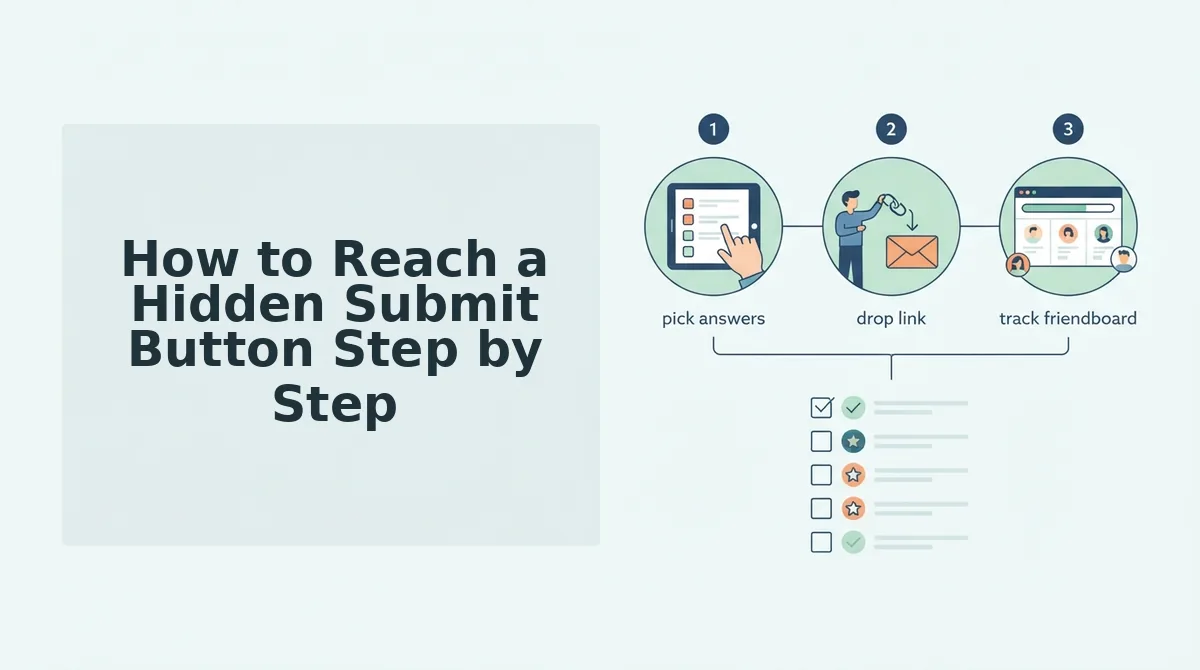
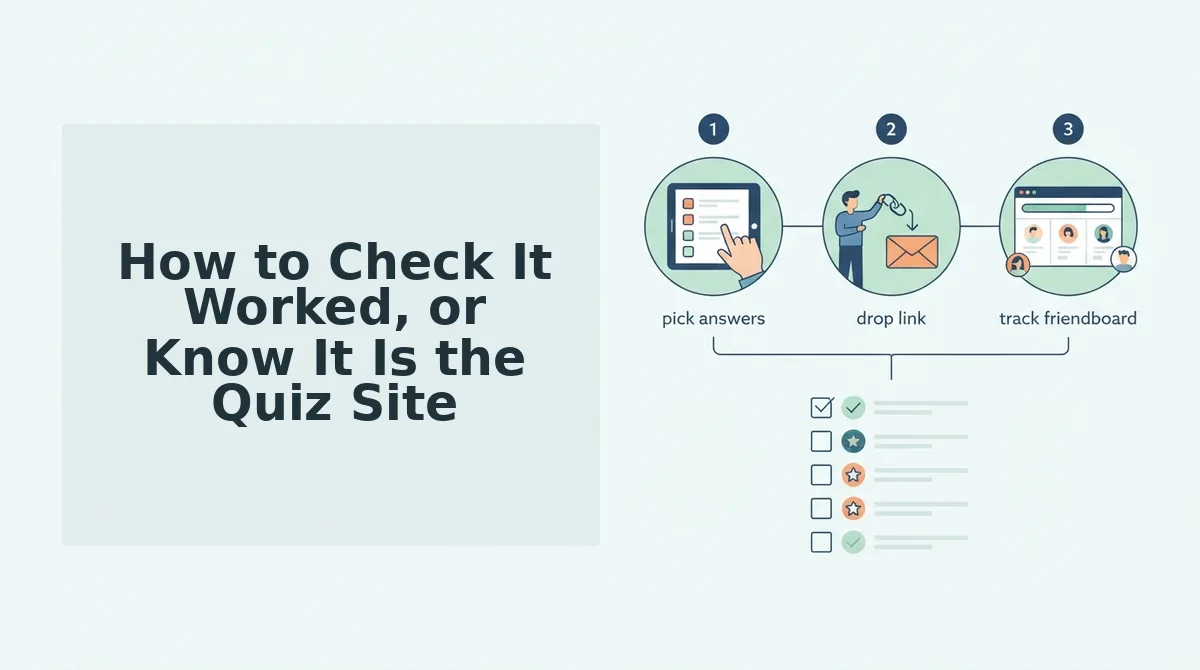
Picture a creator whose friends keep stalling on a covered button. They enter a name on Friend Quiz, answer the personal prompts, and get a share link in under two minutes, with no account, email, or app download, then drop the new link in the group chat.
Friends play straight in their mobile browser and compete for the top spot on live Friendboards. Make a friend quiz in under two minutes, or send a best friend test to settle who really knows you.
Send a Quiz Your Friends Can Actually Finish
A quiz only works if friends can finish it, so the lasting fix is a layout that never puts an ad where a thumb lands. Ad blockers turned out to be a trap rather than a cure, because they can quietly break the form you are trying to rescue.
- Players: scroll, close the X, and open the link in your full browser. Skip ad blockers and reloads while the quiz is in progress.
- Creators: move the group to a touch-friendly quiz that keeps the thumb zone clear.
Friend Quiz takes three steps: enter your name, answer the prompts, and share the link, with no account, email, or app download required. Type into "Enter Your Name" on the homepage and make a friend quiz in under two minutes. Your group chat's next round of banter begins the moment the link lands.