Is Buddy Meter Safe for Your Answers or Is Friend Quiz Better?
You've typed your answers about your coffee order, your worst habit, and your childhood nickname, and your thumb is hovering over Send in a WhatsApp group chat. Before you tap, ask one question: who else ends up seeing this? That moment is why people search "is buddy meter safe," and it deserves a straight answer instead of a vague reassurance.
Hesitating here makes sense. Friendship quizzes run on personal trivia, and personal trivia travels further than you expect once a link leaves your phone.
This guide gives you a clear verdict and a 5-point check you can reuse on any quiz site. You need three things: your phone, the quiz link, and about two minutes.
A quick disclosure: Friend Quiz publishes this article. Buddy Meter is a long-running, widely used quiz site and is treated fairly here, with every point framed as something you can check yourself.
First, run the five checks. Then compare both sites side by side. Pay close attention to check #5, because it's the one most people skip.
Is Buddy Meter Safe to Use for a Friendship Quiz? Run This 5-Point Check
Yes. Buddy Meter is a legitimate, widely used friendship quiz site, and the research for this article turned up no reported data breaches. Whether it is safe for your answers depends on three things: what it asks you to hand over, what appears on screen while you play, and what you choose to type.
Exposure matters more than reputation on any quiz site. A friendship quiz link is a shareable URL that anyone holding it can open. Once it lands in a group chat, you no longer control who forwards it, screenshots it, or plays it. The five checks below take about two minutes on a phone and show you what a site collects, what it displays, and how far your trivia can travel.
Before you start: have your phone, a mobile browser, and the quiz link or buddymeter.com open. Note today's date, because ad setups and policies change.
- Count the signup fields (30 seconds). Open buddymeter.com and tap the button that starts a new quiz. Write down every field you're asked to fill in before your first question, such as name, email, phone number, or social login. Done when: you have a full list of the fields, and you've entered nothing beyond a first name or nickname.
- Watch ad behavior during play (1 minute). Open the quiz link in a private tab and answer three questions the way a friend would. Note any pop-ups, full-screen ads, redirects, or requests for notification or location access. Done when: you've closed every ad without leaving the quiz and tapped Block on every permission prompt.
- Check who can see answers and scores (30 seconds). Finish the quiz and look at the results page. Check whether it shows other players' names and scores, and whether it reveals your correct answers to everyone who finishes. Done when: you know exactly what a stranger holding the link would see.
- Test how far the link travels (30 seconds). Copy the link and paste it into a private window where you're signed out of everything. Done when: you've confirmed whether the quiz opens fully. If it does, anyone the link gets forwarded to can play.
- Review your question content (1 minute). An account-recovery question is a prompt such as "What was your first pet's name?" that banks and email providers use to confirm your identity. Scroll through your answers, then change or skip any that match one: first pet, birth city, first school, mother's maiden name, or childhood street. Done when: none of your answers could help someone unlock one of your accounts.
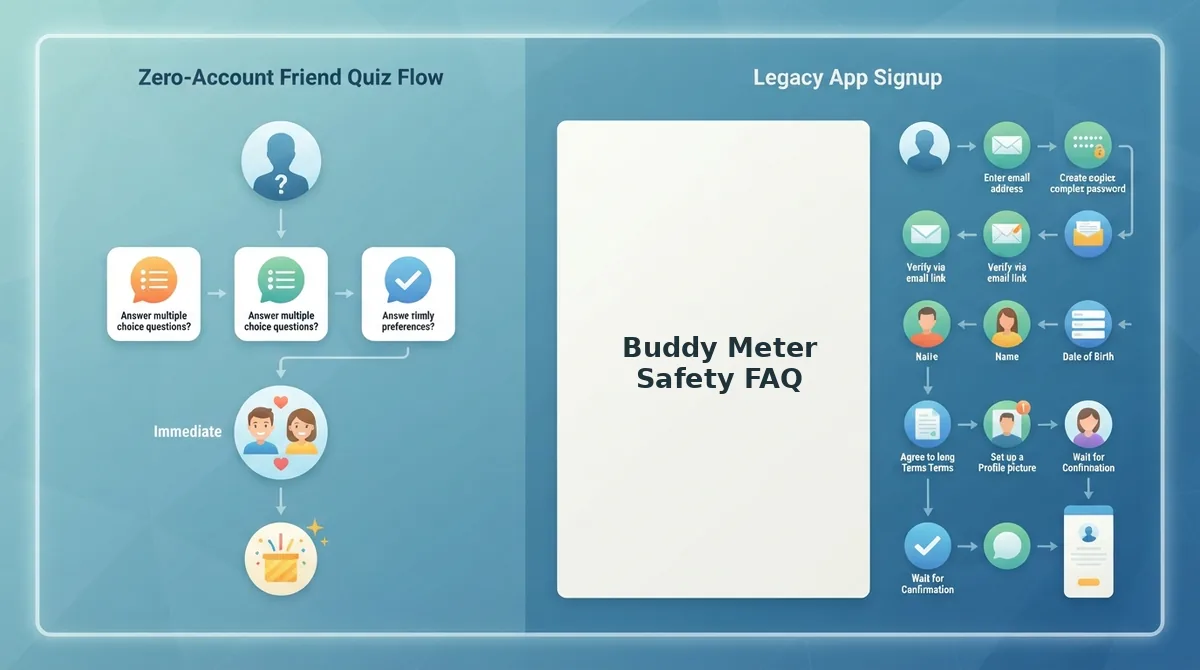
Also open the site's privacy policy and check the date at the top, because only the current version applies. To hold the publisher to the same standard, read the Friend Quiz privacy policy. Creating a Friend Quiz requires no account, email, or app download.
Buddy Meter vs Friend Quiz for Ads, Signup, and Answer Privacy
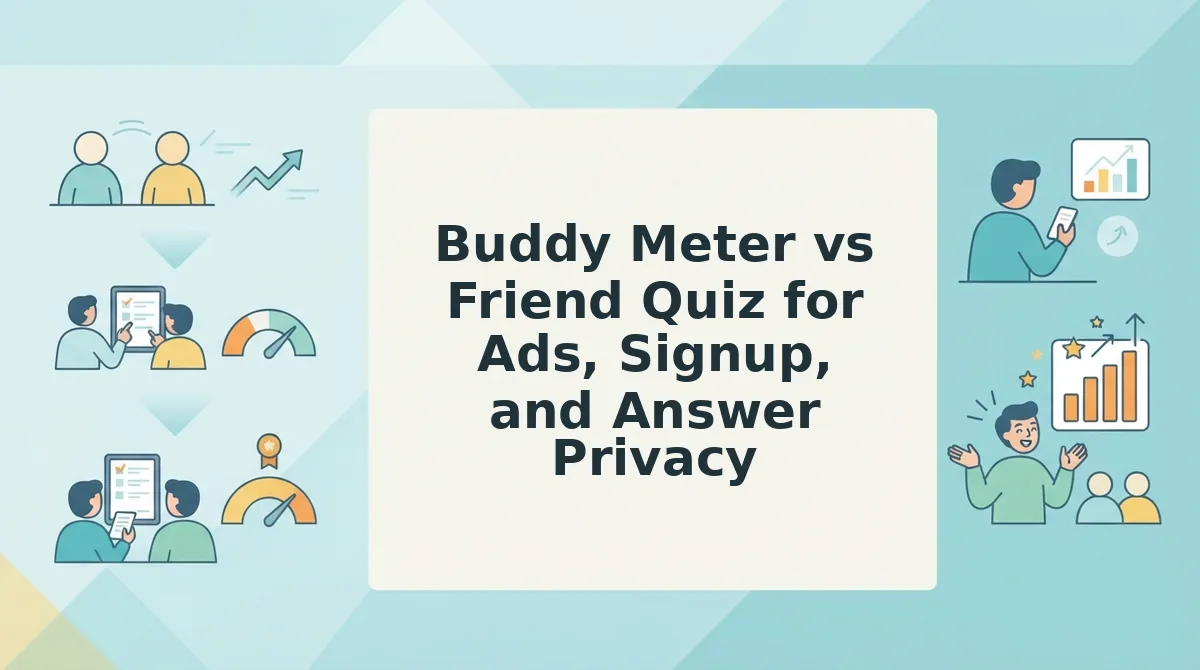
Both sites can be used safely. The practical difference is what each one asks of you and your friends before the first question. Buddy Meter offers familiarity, and Friend Quiz is built around no-account, mobile-browser play.
| Check | Buddy Meter | Friend Quiz |
|---|---|---|
| 1. Signup data | Verify live: list the fields shown before question one | Name only; no account, email, or app download |
| 2. Ads during play | Verify live: note any pop-ups or redirects per question | Run step 2 yourself; don't take the publisher's word for it |
| 3. Who sees scores | Verify live on the results page | Scores appear on the Friendboard |
| 4. Link reach | Test in a private window | Anyone with the link can play in a mobile browser |
| 5. Question content | Your responsibility | Your responsibility |
Write your check date next to each Buddy Meter cell. Friend Quiz details come from its 2026 product information.
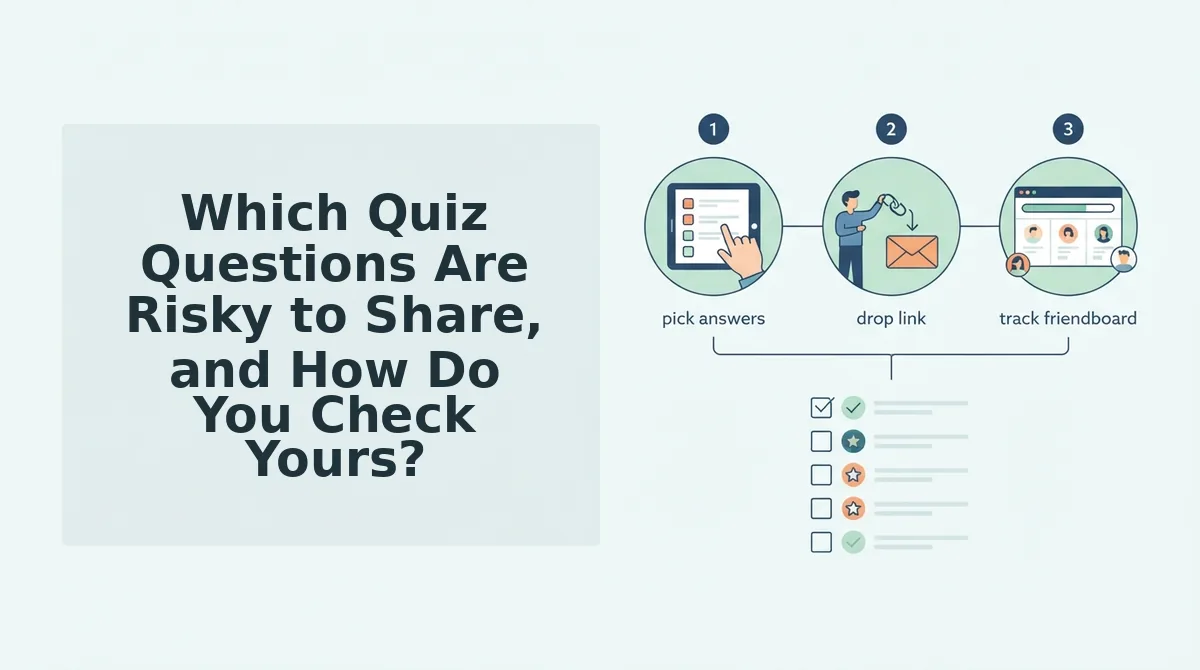
To trace a share, start with the creator: they enter a name, answer the prompts, and drop the link into WhatsApp. On Friend Quiz, a friend taps the link, the quiz opens in their mobile browser in under two minutes from creation, and they play without an account. On Buddy Meter, open the link yourself and count the screens before question one.
A Friendboard is Friend Quiz's real-time score ranking, so everyone holding the link can see who knows you best.
- Best for groups who already use it: Buddy Meter, a long-running site your friends may recognize instantly.
- Best for casual group chats: Friend Quiz. Players can join without signing up, which helps keep casual players from dropping out before question three.
If dropout is your problem, try a no-signup best friend quiz and share it straight into your group chat.
The platform is only half of it, though. Your questions matter just as much.
Which Quiz Questions Are Risky to Share, and How Do You Check Yours?
The riskiest quiz questions are the ones that double as account-recovery answers, like a pet's name, first school, birth city, or maiden-name-style prompt. Swap them for trivia only your friends would care about, then reread every question before you share.
- Swap "pet's name" for "go-to snack." First-pet questions are classic security prompts, so a shared quiz can hand out a working reset answer. Your favorite snack is just as fun to guess and useless to a stranger.
- Swap "first school" for "worst habit." School names often appear in recovery questions and are easy to pair with a public profile. A worst habit sparks better banter and protects nothing worth stealing.
- Swap "birth city" for "most-used emoji." Birthplace is both a recovery answer and an identity detail. Emoji questions are quick to answer on mobile and reveal nothing exploitable.
- Swap family-surname questions for "song I overplay." Maiden-name-style prompts are among the most common security questions. Music taste keeps the quiz personal without the risk.
Question content shapes your exposure more than platform choice, because a link can escape any chat. Picture your quiz played on a public video in the style of the Anti Yami Buddy Meter Challenge uploads, where creators play other people's quizzes on stream. Every question and answer then becomes visible to any viewer, not just your group chat. This is a situation, not proof of harm, but it shows why the questions matter. If your quiz includes a pet's name or birth city, that detail is now public. If it asks about your go-to snack, nothing useful leaks.
To check your quiz, reread every question and ask: could a stranger use this to reset one of my accounts? If yes, swap it. Need replacements? Browse these best friend test questions to rebuild your quiz.
Buddy Meter Safety FAQ
These short answers cover the Buddy Meter safety questions people ask most, from answer visibility to kids' use.
Can friends see my Buddy Meter answers?
Yes, friends who finish your quiz can usually see which answers they got right or wrong on the results page. That reveals your answers to every quiz taker, so treat each question as something you're comfortable sharing with anyone holding the link.
Is Buddy Meter safe for kids?
It depends on adult supervision and the questions kids choose. Younger users should avoid prompts about addresses, schools, pets, or family names. Parents should read the site's live terms and privacy policy for current age requirements before a child signs up.
Is Buddy Meter legit?
Yes, Buddy Meter is a real, long-running friendship quiz site, not a scam. Being legitimate doesn't make every quiz safe, though. Your exposure still depends on what you put in your questions and where the link ends up.
What if my quiz link gets posted publicly?
Anyone who sees a public link can open and play your quiz, on Buddy Meter or any other platform. You can't fully control where a link travels, so use share-safe questions from the start and assume every answer may eventually be seen.
Where Should You Share Your Personal Trivia?
Share your trivia on whichever platform fits your group, as long as your questions are share-safe. That was the real finding: what you ask matters more than where you ask it.
Use this quick decision guide:
- Choose Buddy Meter if you're fine with its signup and ad flow and you stick to share-safe questions.
- Choose a no-signup option if your group chat bounces off account walls or pop-ups, or you want answers seen only by people with the link.
Your next step is simple. Create a friend quiz in under two minutes with no account needed, using snack, habit, and emoji questions instead of recovery-style prompts. Want more chaos in the chat? Try the friendship dare quiz.
Smart questions turn your quiz into pure bragging rights, wherever the link ends up.