What to Look for in a Good Public Friend Quiz
A friend drops a quiz link into the group chat. Everyone taps. You hesitate, because you've been burned by slow loaders, account walls, and quizzes that feel like data traps. Most people check zero things before opening a quiz link, and that's exactly why bad quizzes keep spreading.
You're right to be selective about what to look for in a public friend quiz. A good one loads in under 3 seconds, never asks for an account, shows results instantly, and respects answer privacy. This guide gives you a 30-second evaluation method you can run on any phone, plus the deeper checks that separate genuinely fun quizzes from friction-filled time sinks.
Here's the roadmap: a screenshot-ready pre-share checklist, a deep dive into load speed, and a closer look at question quality. Stick around, the third check reveals something most quiz makers get wrong, and it changes which links you'll ever open again. When you're ready to build your own, Friend Quiz's speed-run creator gets you from idea to shareable link in under two minutes.
The 30-Second Pre-Share Checklist
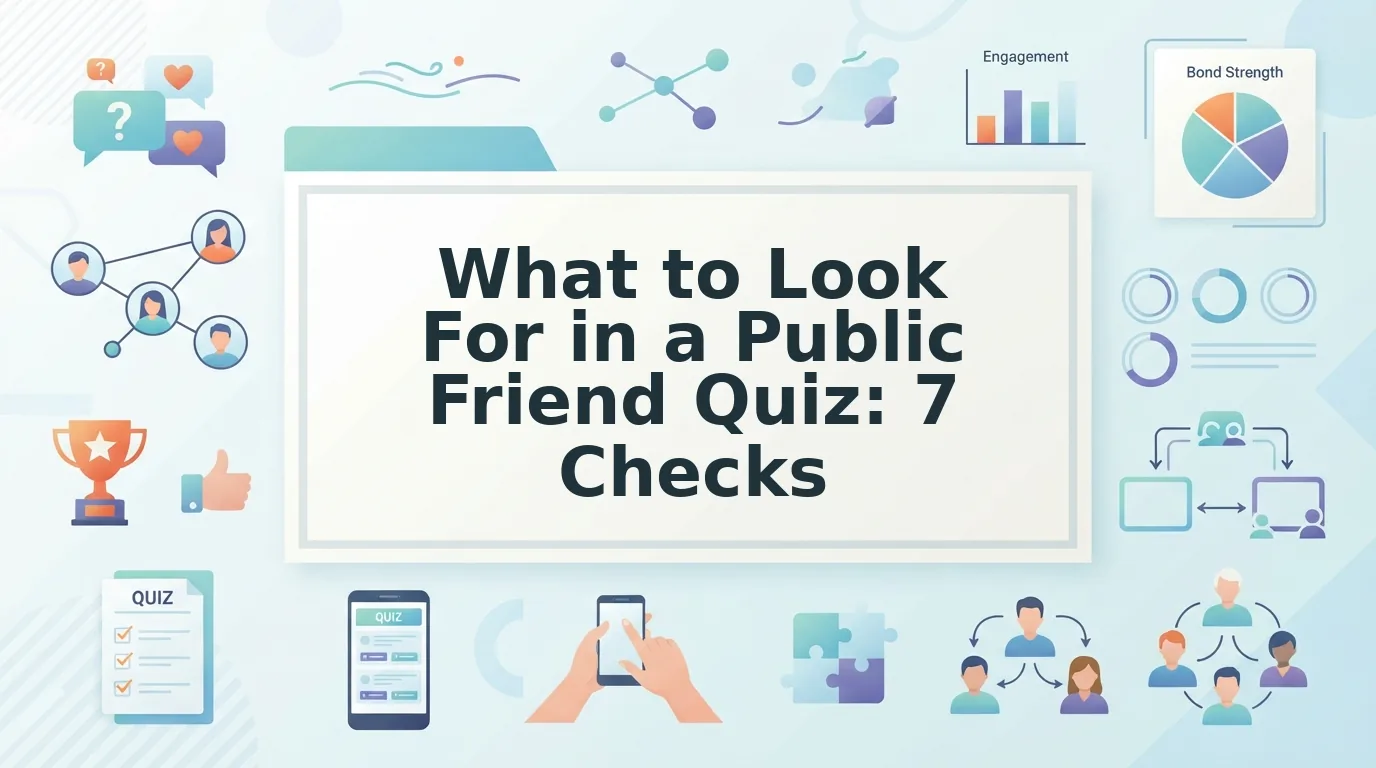
A good public friend quiz passes seven quick checks, each takes five seconds or less on a phone, and together they tell you whether a link deserves your group chat. Run these before you share, not after.
- Loads fast. The quiz page appears in under 3 seconds on mobile data. A slow quiz kills the shared group-chat moment before anyone answers a single question.
- Questions are personal. The prompts reference the creator's actual habits, quirks, and preferences, not generic trivia anyone could answer. Personal questions are the entire point of a friend quiz.
- No account wall. You can answer without creating a login or entering an email. Any quiz that demands registration before showing results is harvesting data, not testing friendship.
- No permission requests. The page doesn't ask for contacts, location, camera, or notifications. A friendship test needs none of these to work.
- Instant results. Scores appear immediately after the last answer, with no "processing" spinner or redirect. Delayed results break the momentum of a group-chat challenge.
- Self-explanatory link. The URL or preview card tells you what the quiz is before you tap. Vague links hide vague content.
- Would you open it from a stranger? If the quiz feels safe and fun without knowing the creator, it's built on good mechanics. If it only works because you trust the sender, the quiz itself is weak.
These seven checks form a complete pre-share filter: speed, personalization, privacy, and clarity. If a quiz fails any one of them, it fails the group-chat test, because your friends will bounce just as fast as you would.
Does It Load Fast on a Phone?
Load speed is the first and most important filter, a quiz that takes more than 3 seconds to appear on mobile data has already lost most of its audience. A slow quiz kills the shared moment in a group chat because the excitement window closes before anyone answers.
Think of a fast-loading quiz like a vending machine that drops your snack the second you press the button. A slow one is like waiting for a barista to remake your order twice, the anticipation curdles into annoyance.
On a technical level, fast quizzes keep page weight low, avoid heavy scripts, and serve content from servers close to the user. You don't need to inspect code to judge this: open the link on cellular data, not Wi-Fi, and count. If the questions appear before you can say "who knows me best," it passes.
Friend Quiz's speed-run approach applies the same standard to creation: under two minutes to build, instant to open. For a step-by-step breakdown, see this fast friend quiz setup workflow. Speed gets people in the door, but the next check determines whether they stay.
Are the Questions Actually About You?
A personalized friend quiz is a quiz whose questions could only have been written by someone who has spent real time with you, not a generic personality test wearing a friendship costume. The fastest way to tell the difference is to read three questions and ask: could a stranger answer these correctly?
Think of it like a birthday card. A card that says "Happy Birthday" works for anyone. A card that references the time you got locked out of your apartment in a towel is proof of an actual relationship. A good public friend quiz works the same way: the questions are the evidence.
Generic quizzes ask about favorite colors or dream vacations, answers anyone can guess. Personalized quizzes ask about your coffee order, your weird shower thoughts, or the snack you hide from your roommates. Those details come from lived experience, not a template.
Before you share a quiz, check whether the personal trivia prompts reference specific habits, quirks, or inside jokes. If every question could apply to anyone, the quiz is content filler. A quiz with questions only your actual friend could write is worth sharing, because getting one right feels like proof you were paying attention.
Does It Ask for Anything Before Showing Results?
A trustworthy friend quiz shows results immediately after the last question. If you hit a wall before seeing your score, the quiz is harvesting something from you, not testing your friendship. Here are the red flags to walk away from, ranked by how aggressively they interrupt the experience:
- Email gates. If a quiz demands your email "to send results," it is collecting addresses for marketing lists, not delivering friendship insights. A real quiz renders your score on the page instantly.
- Account creation walls. Any quiz that forces a signup before revealing results has inverted the value exchange. You are the product, not the participant.
- App download prompts. A quiz that requires installing software to see a score is not a quiz, it is an acquisition funnel. Mobile web quizzes should work in your browser.
- Permission requests. Contact access, location, or notification permissions have no role in scoring a friendship test. Deny them and leave if the quiz breaks.
- Ad-blocked submit buttons. If disabling your ad blocker is a precondition for submitting answers, the quiz is monetizing your attention before rewarding it.
- Multi-page reloads between questions. Each unnecessary page reload is a chance to serve another ad or drop your session. A good quiz flows without friction.
If a quiz demands your email "to send results," it is harvesting addresses, not testing friendship. The best experience is a friend quiz without account requirements, answer, submit, see your score, share it. Anything else is a trade show booth wearing a party hat.
What Happens to Your Answers?
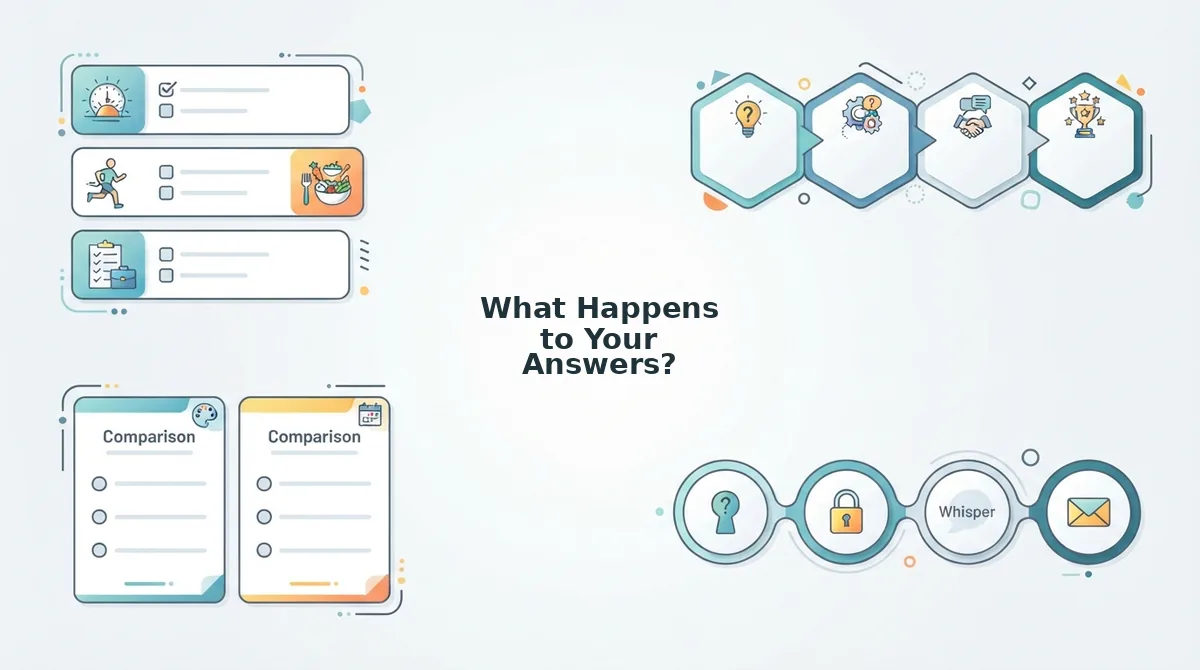
Answer privacy is the practice of keeping your quiz responses from being stored, profiled, or exposed to anyone beyond the moment of scoring. In a zero-account quiz, your answers are processed in your browser session and discarded, they are never tied to an email, a profile, or a persistent identifier.
Think of it like a paper fortune teller from middle school. You pick a number, unfold a flap, and read your fortune. Nobody writes down which flap you picked, and the paper gets crumpled afterward. A well-designed friend quiz treats your answers the same way: momentary inputs, not permanent records.
The gap appears in tools like Buddy Meter, where answers can be visible to the quiz creator. That means the person who made the quiz may see exactly what you guessed, before, during, or after you submit. For a friendship test, that visibility can turn a fun challenge into a performance. Zero-account participation removes that pressure entirely, which is why you can create a BFF quiz without an account and keep every answer private by default. But privacy only matters if the quiz gives you something worth protecting.
Is There a Score, a Board, or Just a Dead End?
A quiz payoff is the moment the taker sees how they performed relative to the quiz creator and everyone else who has taken it. Without that moment, the quiz is just a form with a submit button.
Start simple: does the quiz show a score at the end, or does it just say "thanks for answering"? A bare thank-you page is a dead link. The intermediate step is a score that compares the taker to the creator, like "You got 7 out of 10 right about Maya." The advanced version is a live ranking board that updates as more friends take the quiz, so everyone can see who sits at the top.
Think of a quiz without a scoreboard like a game of basketball where nobody keeps points. You can run around and shoot, but there is no reason to care who wins. Friend Quiz's real-time Friendboard works the same way: it shows who scored highest the moment each friend finishes, which is exactly what group chats need to keep the rivalry going. Research on micro leaderboards and friend group retention shows that visible rankings give people a reason to come back and challenge the current leader. A quiz without a payoff is a dead link.
Can You Share It Without Explaining It?
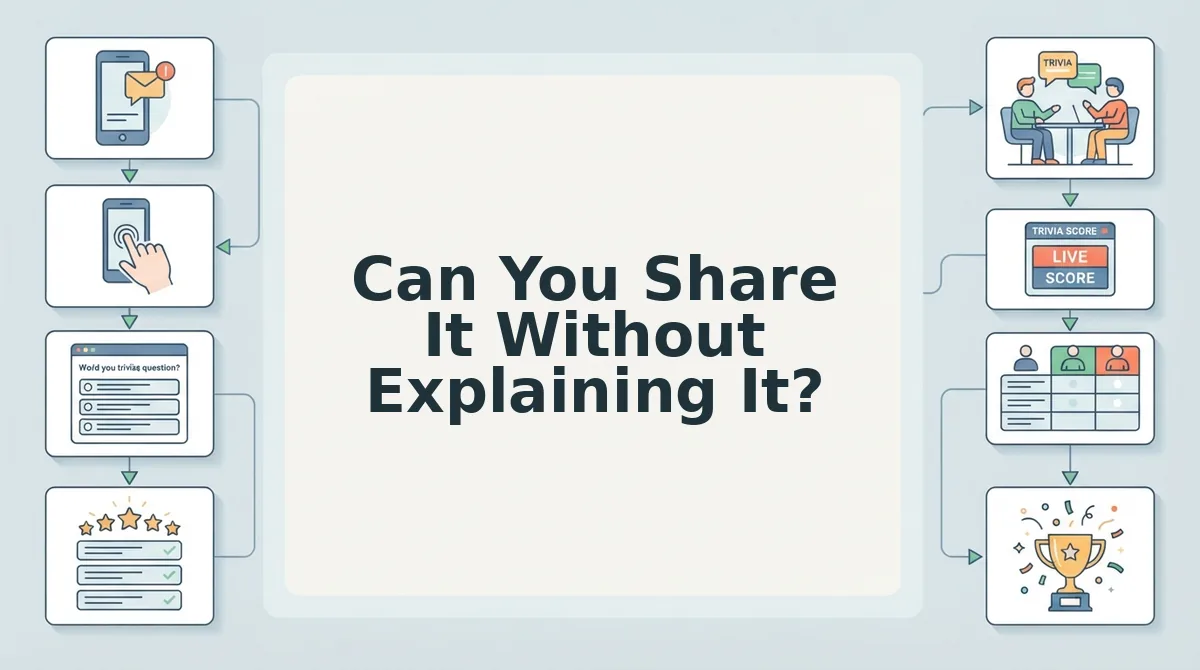
Shareability is the quality of a link that tells the recipient what it is, who made it, and why they should tap it, all before they open it. A good public friend quiz passes this test in under two seconds.
The simplest check: send the link to yourself in a group chat and look at the preview. Does the title say something like "How well do you know Maya?" or just a random string of characters? The intermediate level is the first question. If it immediately pulls the taker into the creator's world, like "What is Maya's go-to coffee order?", the quiz explains itself. The advanced level is when the share flow includes a one-tap copy button and a preview image that shows the quiz name and creator.
Think of a self-explanatory quiz link like a movie trailer. You should know the genre, the star, and whether you want to watch, all within a few seconds. If you need to type a paragraph of context before sending the link, it has already failed the group chat test. A friendship dare quiz with instant sharing removes the friction entirely: the title and first question carry the whole pitch, so the link sells itself.
FAQ: Public Friend Quiz Safety and Fun
How do I know a friend quiz link is safe to open?
Check that the link uses HTTPS and comes from a domain you recognize or that the sender personally vouches for. A safe quiz never asks for passwords, payment details, or permissions like contacts or camera access before showing results. If the page redirects multiple times or pushes a download, close it.
Why do some friend quizzes make me create an account before showing results?
Account walls exist to collect emails and build marketing lists, not to improve the quiz experience. A good public friend quiz shows your score immediately after the last question. If a quiz demands signup before revealing results, the creator is monetizing your data, not testing your friendship.
What makes a friend quiz actually fun to share versus annoying?
A fun quiz is short, personal, and ends with a score or ranking you want to screenshot and post. An annoying quiz is long, generic, and ends with a signup form. The best quizzes give you a result worth bragging about or arguing over in the group chat.
Do friend quiz answers get stored or shared publicly?
It depends on the platform. A trustworthy quiz states its privacy policy clearly and does not publish individual answers publicly. Avoid quizzes that require a social login or post results to your feed without explicit consent. When in doubt, treat every answer as potentially visible.
Can I make a friend quiz without downloading an app?
Yes. Web-based quiz makers like Friend Quiz let you create and share a personalized quiz entirely in a mobile browser. No app install, no account creation, and no multi-page reloads. You type your name, answer a few prompts about yourself, and get an instant shareable link.
Your next quiz link just got easier to judge.
Your Next Quiz Link Just Got Easier to Judge
The seven checks take less than 30 seconds total, and they transform how you experience every quiz link that lands in your group chat. A good public friend quiz loads fast, asks nothing, shows results instantly, and respects privacy. That is the whole bar, and most quizzes fail it.
Here is the payoff: you no longer have to gamble on a link before tapping it. Run the checklist once, and you will know within half a minute whether the quiz is worth your attention or a data-harvesting dead end.
Your next three moves:
- Judge first. Apply the 30-second checklist to the next friend quiz link you receive before answering a single question.
- Build your own. Skip the friction entirely and create a quiz that passes every check by design.
- Prove it. Start your Friend Quiz now, share the link, and see who actually knows you.
The quizzes worth your time are the ones that respect it. A quiz that loads instantly, asks nothing upfront, and shows a real score is not just fun, it is a signal that the person who made it cared enough to send you something good.
A friend quiz should feel like an inside joke, not a sign-up form.