What makes a friend quiz leaderboard feel personal not global
You send a quiz to your group chat, everyone plays within minutes, and the results roll in. But the moment the leaderboard shows 4,000 strangers above your best friend's name, the fun evaporates. That's the core problem this article solves: how to make a friend quiz leaderboard feel personal not global, so the competition stays inside your circle, not the entire internet.
You're right to want that. Group chat instigators don't need another anonymous scoreboard; they need a living-room scorecard where every name is someone they actually know. Friend Quiz is built exactly for this: settle friendly rivalries and track bragging rights on real-time Friendboards without app downloads or account logins.
Here's what you'll learn: the psychological framework that separates a personal leaderboard from a global one, the three specific ways global leaderboards kill engagement, and the design levers that make a leaderboard feel like your group chat. Stick around, the "stranger effect" we unpack in Section 3 explains why even a perfect score feels hollow when the competition is anonymous.
Ready to build one yourself? Create a friend quiz with a personal leaderboard and see the difference in your next group chat.
What Makes a Leaderboard Feel Personal? The Stadium vs. Living Room Framework
A personal leaderboard is a ranked list of participants limited to a small, named group, typically under 20 people, where every entry is someone the quiz creator actually knows. A global leaderboard, by contrast, ranks anonymous users at scale, often into the thousands or millions.
Think of the difference like this: a stadium scoreboard shows you the top 100 runners in a marathon, but you can't see your own name anywhere. A living room whiteboard shows five friends' scores from last night's game, and your name is right there next to your best friend's. The stadium is impressive but forgettable. The living room is intimate and motivating.
Here's where most quiz makers get it wrong: they assume bigger numbers mean better engagement. The psychology says otherwise. Social comparison theory shows that people compare themselves most intensely to those who are nearby, in skill, in relationship, in social proximity. A competitor ranked one spot above you who you actually know motivates you to replay. A stranger ranked 400 spots above you is just noise.
This is the stranger effect in action: anonymous entries make competition feel meaningless because there's no social stake. When you can't picture the person you're beating, or losing to, the emotional payoff disappears. Bragging rights only work when the audience is people who know you.
For a deeper comparison of these two models, see our breakdown of Friendboard vs global leaderboard engagement.
To summarize the framework:
| Dimension | Stadium (Global) | Living Room (Personal) |
|---|---|---|
| Participant count | Hundreds to millions | Under 20 named friends |
| Anonymity | High, most entries are strangers | Zero, every name is known |
| Motivation source | Abstract rank chasing | Social proximity and rivalry |
| Bragging rights | Weak, no audience that cares | Strong, audience is your actual circle |
| Replay incentive | Low, feels unwinnable | High, one spot up is achievable |
A personal leaderboard works because it converts competition from an abstract metric into a social event. Every rank change is a conversation starter, not a statistic.
Why Global Leaderboards Kill Friendship Quiz Engagement
A global leaderboard is a ranked list that includes every user who has ever played, regardless of relationship to the quiz creator, and it's the fastest way to drain the fun out of a friendship quiz.
Think of it like shouting your score into a crowded stadium versus whispering it to your best friend. The stadium doesn't care. Your best friend does. Global leaderboards create the stadium effect every time.
Here's where most quiz makers get it wrong: they bolt on a global ranking system thinking it adds competitive depth, when it actually removes the only thing that made the quiz fun in the first place, social proximity.
- The stranger effect. When your leaderboard is filled with anonymous usernames, competition feels meaningless. You can't celebrate beating someone you've never met, and losing to a stranger carries no sting. The emotional engine of a friendship quiz runs on known rivals, not random handles.
- Infinite scale makes effort feel unwinnable. A leaderboard with 50,000 entries tells every new player the same thing: you will never reach the top. That's demotivating. A leaderboard with 8 friends tells a different story: one more correct answer moves you up a spot. Achievable progress drives replays.
- Bragging rights require a small audience. Bragging only works when the people who see your rank actually know you. Posting "I'm #1 on a global quiz" to your group chat gets a shrug. Posting "I beat Sarah by 2 points on your quiz" starts a war, in the best way.
The fix is structural, not cosmetic. A leaderboard that only shows named friends, the people in your actual group chat, preserves the rivalry, the banter, and the replay loop. For more on why small leaderboards outperform large ones, read why micro leaderboards increase friend group retention.
Next, we'll look at the four specific design levers that make a leaderboard feel like your group chat, not a public scoreboard.
The 4 Design Levers That Make a Leaderboard Feel Like a Group Chat
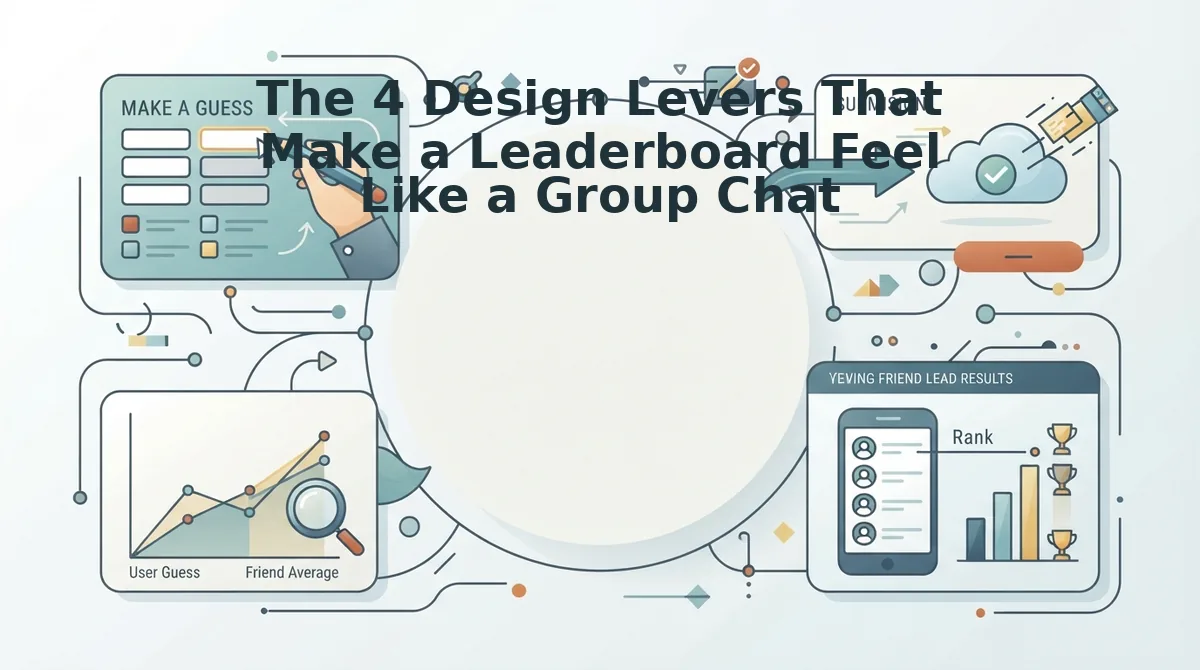
A personal leaderboard works because it feels like a conversation, not a competition. You need four design levers: a capped participant list, named entries, real-time updates, and shareable results. You'll need a quiz link and a group chat where your friends already talk. Each lever takes under two minutes to apply.
- Cap the participants, keep the list under 20 names. Open your quiz settings and limit entries to the friends you actually invited. A leaderboard with 8 to 15 names reads like a dinner table; 200 names reads like a stadium. You should see a tight, scannable list where every name is someone you could text right now.
- Name the entries, use real names or nicknames, not anonymous IDs. When each friend enters the quiz, have them type the name your group chat actually uses. "Sarah from chem lab" beats "User_4821" every time. You should see entries that trigger inside jokes before the first score even loads.
- Update in real time, instant feedback keeps banter alive. Choose a leaderboard that refreshes scores the moment each friend submits answers. No waiting for the creator to manually post results. You should see rankings shift live, which is what prompts the "WAIT who got that wrong?!" messages in the chat.
- Make the results shareable, snapshots for group chat bragging rights. After the round closes, screenshot the final board and drop it into the chat. The winner gets the screenshot as a trophy; everyone else gets a reason to demand a rematch. You should see the screenshot become the group's new pinned message.
Worked example: On the best friend quiz with real-time Friendboard, the creator enters their name, friends answer personal prompts, and the Friendboard shows ranked results instantly in the group chat. The board feels like a group chat because it is capped, named, live, and screenshot-ready. For a spicier rematch, try the friendship dare quiz with bragging rights and let the loser take a dare from the winner.
Pro tip: If your leaderboard shows more than 20 names, you've built a stadium. Cut the list or split into two separate quizzes, one for the core group, one for the extended circle.
How to Track Friendship Quiz Scores Without Losing the Personal Feel
Tracking scores privately keeps the competition close without turning it into a public audit. You need a group chat, a screenshot habit, and a leaderboard tool that caps participants. Each method below takes under a minute per round.
So you've built a personal leaderboard. Now how do you keep score without breaking the spell? The answer is to track scores in the same private channels where the banter already lives, never on a public board.
- Use a shared note in the group chat for manual updates. Open your chat app, create a shared note titled "Quiz Standings," and pin it. After each round, one person edits the note with the new ranking. You should see a running record that only your group can access.
- Use a private leaderboard tool that caps participants. Select a quiz platform with a built-in board limited to invited players. The friendship test that tracks scores privately keeps results inside your circle, so no stranger ever sees your rankings. You should see scores update without any public URL leaking the results.
- Screenshot the Friendboard after each round for a running record. Take a screenshot of the final board, save it to a shared album or chat thread, and label it with the date. You should see a visual history of every win, loss, and comeback, perfect for settling "who's actually the best friend" debates. For live tracking tips, see this guide on how to track friendboard rankings live.
The Personal Leaderboard Is the Whole Point
Personal leaderboards work because they make competition feel close, named, and winnable. The stadium vs. living room framework explains why: a global board turns friends into anonymous scores, while a capped, named, live, and shareable board keeps the rivalry inside the group chat where it belongs. The four levers, under 20 names, real nicknames, instant updates, and screenshot-ready results, are not optional polish. They are the mechanism that turns a quiz into a conversation.
Your next step is to create a friend quiz with a personal leaderboard, send the link to your group chat, and watch the Friendboard fill up with names you actually recognize. The bragging rights are already yours to lose.