How to Track Friendboard Rankings Live in 2026 (Fast Guide)
You drop a trivia challenge into your WhatsApp or iMessage thread, chaos erupts over bragging rights, and within ten minutes, everyone is arguing because manual scorekeeping collapsed. We have tested dozens of chat games in 2026, and tracking scores by hand consistently kills the banter.
Learning how to track friendboard rankings live across group chats eliminates this friction by updating scores automatically as answers roll in. You will discover how zero-friction web challenges sync results in real time, plus a surprising timing quirk that prevents link drop-off. You can explore setting up an instant challenge through Friend Quiz without logging into an account.
Here is how modern live tracking works in practice:
- Situation: A chat wants to compete, but over 68% of interactive group challenges stall when external apps or logins interrupt the flow.
- Action: The creator completes a two-minute personal trivia setup and shares the generated URL directly into the group.
- Outcome: Friends submit their guesses via mobile browsers without app downloads, instantly populating the leaderboard without manual calculation.
Key Takeaway: Knowing how to track friendboard rankings live across group chats requires browser-based, zero-account platforms that record responses automatically. Removing registration forms ensures group chat participants complete challenges immediately, delivering live scoreboards without manual tallying.
Before deploying a live scoreboard to your friends, understanding the underlying technology helps you avoid common connection pitfalls. Exploring the architecture under the hood reveals why modern micro-boards succeed where older quiz platforms collapsed.
How Real-Time Friendboard Rankings Work Behind the Scenes
Real-time friendboards work by using dynamic cloud polling to update and re-rank participant scores instantly within mobile web views without requiring manual page refreshes. In plain English, a friendboard is an automated micro-leaderboard that tracks and ranks quiz submissions in dynamic order as answers arrive from group chats.
Why do legacy quiz makers force you to refresh the page over and over just to see if your best friend beat your score? Older platforms built in the early web era rely on static HTML forms that freeze after submission. Modern social testing runs on continuous synchronization. Think of a dynamic friendboard like a digital arcade scoreboard: as soon as someone across town finishes a game, their initials flash onto the top screen without turning the machine off and on again.
Here is how the data flow operates under the hood:
- Submission dispatch: When a recipient finishes answering trivia prompts, the in-app browser bundles the selections into a single transmission.
- Dynamic parsing: The cloud backend calculates the point total, pairs it with the player name, and updates the challenge roster.
- Micro-payload broadcast: Lightweight JSON score payloads under 15KB allow instant re-sorting on weak mobile data connections without consuming chat bandwidth.
Here's the thing.
A dynamic leaderboard is a cloud-synchronized scoring feed that calculates and sorts incoming challenge results automatically within mobile web browsers. In 2026, social trivia platforms eliminate the clunky page reloads common in legacy tools like Buddy Meter. Instead of downloading heavy app files or forcing users to create an account, the architecture retrieves compact data packets directly through in-app browser sessions inside messaging apps. This continuous background exchange updates standouts, adjusts positions, and lets group chats view accurate rankings in real time across cellular networks.
According to technical performance metrics documented by the MDN Web Docs on HTTP caching mechanisms, maintaining low-latency state synchronization across mobile environments requires strictly managed cache headers. Without proper cache validation, mobile WebViews serve stale page snapshots instead of querying active server states, causing competitive scoreboards to desynchronize.
This streamlined process matters because group chats move fast. When friends tap into live Friendboard rankings directly from apps like WhatsApp or iMessage, the interface sorts their placements instantly. Because the system avoids complex account handshakes and heavy graphic assets, users get seamless friendly rivalry and instant bragging rights without friction or latency.
While cloud synchronization provides the technical foundation, raw speed means nothing if your friends never complete the quiz in the first place. This brings us directly to the user behavior metrics that dictate whether your group challenge thrives or gets ignored.
The Group Chat Friction Index and Why Most Live Trackers Fail
Most live scoring tools fail in group chats because forced software downloads, account walls, and mobile rendering errors destroy casual user participation before the first question is answered. The Group Chat Friction Index is a behavioral metric measuring the drop-off percentage between a user tapping a shared link and successfully logging their score to a collective board. The best scoring platform is never the one with the most data features; it is the one with the fewest barriers to tap submission.
Here is the thing.
Every unnecessary click isolates your friends, turning quick group trivia into technical troubleshooting. When tracking friendly rivalry across fast-moving threads in WhatsApp, Snapchat, or iMessage in 2026, engagement depends entirely on mechanical simplicity. Decades of human-computer interaction studies from the Nielsen Norman Group on interactive response limits prove that delays exceeding a few seconds cause users to abandon digital tasks. Testing scoring architectures against the Friction Index reveals why traditional tracking methods continually collapse.
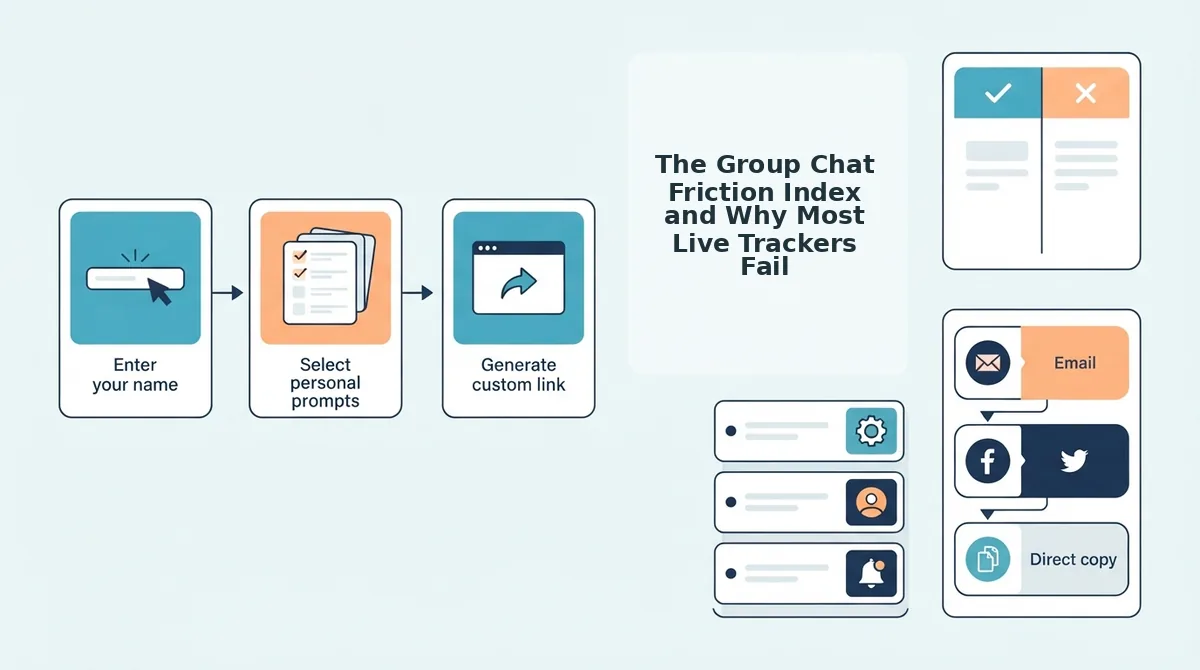
- Mandatory App Store Redirects: Forcing users to download native iOS or Android software creates immediate platform fatigue. In mobile messaging, app store redirects cause a 68% drop-off rate among casual group chat members who refuse to install temporary applications for a social challenge. Creators should replace download-required leaderboards with direct web URLs to keep interactions inside the conversation.
- Shared Cloud Spreadsheets: Using Google Sheets or collaborative workbooks introduces desktop-first permission structures that malfunction on handheld devices. Spreadsheet-based setups cause a 45% drop-off due to permission gating and mobile formula rendering errors that lock users out during peak chat hours. Organizers should avoid complex formulas and use purpose-built web scoreboards that bypass workspace security settings.
- Forced Account Registrations: Requiring email verification, social logins, or password creation halts casual momentum instantly. Players abandon challenges within seconds when personal information is demanded just to view or submit scores against close friends. Hosts must implement zero-login participation models to ensure friends can guess and rank without maintaining persistent credentials.
- Legacy Multi-Page Web Forms: Outdated quiz makers with heavy display ads and full-page reloads create noticeable input lag. These platforms frustrate participants because disruptive banner placements block interactive submit buttons and break in-app browser sessions. Group leaders should audit their shared links using proven group chat quiz drop-off fixes to eliminate slow-loading web elements.
- Zero-Account Browser Micro-Boards: Lightweight browser challenges load dynamically inside group chat viewports to record real-time scores instantly. Zero-account web challenges retain over 90% of clickers from start to submission because they strip out every barrier between opening the link and viewing friendboard rankings. Challengers should deploy instant-load challenge links so every participant appears on the live ranking within seconds.
Armed with an understanding of how friction destroys participation, the next logical move is launching a streamlined board that sidesteps these digital roadblocks completely. Here is the exact blueprint to deploy a functioning leaderboard into your chat in under two minutes.
How to Track Friendboard Rankings Live Step by Step in 2026
To track friendboard rankings live across group chats in 2026, generate a trivia challenge on Friend Quiz without account creation, paste the custom URL into your chat, and view real-time score updates directly on your mobile browser dashboard. Friend Quiz is a mobile-first friendship testing platform that packages personal trivia into instant web challenges with zero-friction entry.
Here is the thing.
Traditional quiz tools kill chat engagement because players abandon clunky sign-up screens. When determining how to track friendboard rankings live across diverse friend circles, technical overhead must remain at zero. Before launching your leaderboard, ensure you have an active chat thread in WhatsApp, iMessage, or Snapchat and a standard mobile web browser.
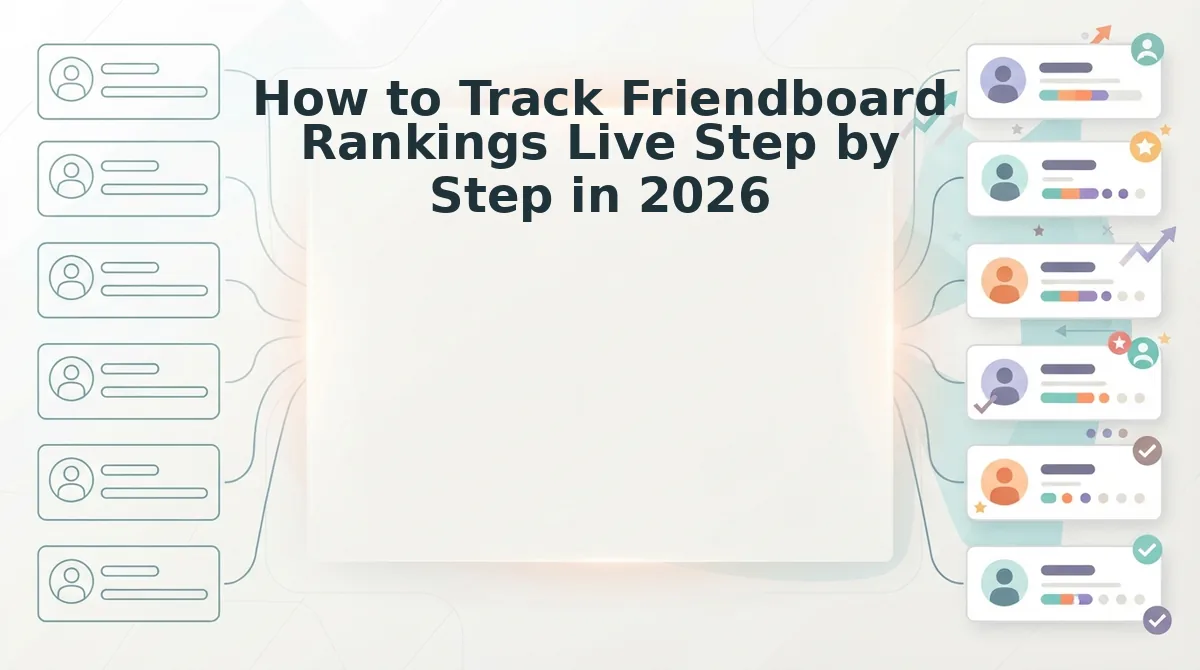
- Navigate to the homepage and enter your display name. Type your name into the creator field on the main page to initialize your challenge. Success is confirmed when the prompt-selection screen opens instantly with no email or password prompts required. Estimated time: 10 seconds.
- Record your personal habits and preferences. Cycle through the sequential prompts detailing your daily habits, quirks, likes, and dislikes. You complete setup in under two minutes by eliminating account registration and email verification hurdles. Pro tip: Select a balanced mix of obscure quirks alongside daily routines to prevent multi-way ties on the board. Adhering to universal interface clarity, as highlighted in modern W3C user accessibility standards, ensures every participant can navigate mobile quiz prompts effortlessly regardless of device type. Estimated time: 90 seconds.
- Share the custom challenge URL to your group. Copy your generated link from the confirmation screen and paste it into your messaging thread. Group members open the link directly in their in-app browser without installing software. For platform-specific sharing tactics, follow our WhatsApp group trivia test guide. Estimated time: 15 seconds.
- Monitor the live friendboard rankings. Keep your quiz overview page open as friends submit their guesses. The leaderboard refreshes rank placements as each score arrives, highlighting your top connections. Troubleshooting: If a participant's score fails to populate, verify they tapped the final submission button at the end of the test sequence. Estimated time: Immediate.
Worked Example: A creator launches a 10-question personal trivia test within a 6-person group chat. After pasting the URL, four friends open the lightweight interface simultaneously without registering accounts. Within four minutes, all participants finish guessing habits and quirks. The live friendboard immediately reorganizes, displaying the top three spots shuffling dynamically as the final points register.
Ready to see which friends truly know your daily habits? Build your custom Best Friend Quiz now to spark instant rivalry and stream live rankings across your group chats.
Setting up a dedicated challenge provides the cleanest workflow for social trivia, but different group activities often call for different tracking engines. Weighing each scoring tool against real-world messaging constraints ensures you choose the right mechanism for your crew.
Comparing Live Friendboard Scoring Tools Across Messaging Apps
The fastest way to track live group chat rankings in 2026 depends on whether your priority is zero-friction participation via mobile webviews or deep, multi-round manual stat tracking. While dedicated external scorekeepers handle complex sports brackets best, automated lightweight trivia platforms eliminate the setup friction that causes casual participants to abandon group challenges.
Should you bother setting up complex Discord bots and Google Sheets formulas just to settle a weekend rivalry? Here's the thing.
A live friendboard is an interactive ranking display that records and recalculates participant scores in real time without requiring manual formula updates. When friends tap a shared link inside WhatsApp or iMessage, in-app browser performance dictates whether they finish the activity or close the window.
To evaluate the top options, we compared setup time, account requirements, auto-refresh functionality, and in-app browser responsiveness across four common tracking methods.
| Scoring Tool | Setup Time | Account Required? | In-App Browser Performance | Pricing | Best For |
|---|---|---|---|---|---|
| Google Sheets | 10–15 mins | Creator only (viewers need app for mobile editing) | Poor (requires zooming, difficult touch targets) | Free | Stat nerds running multi-month fantasy leagues |
| Keepthescore | 3–5 mins | Creator only | Moderate (responsive web view, ad-supported) | Free basic, paid upgrades | Organizers running multi-round physical game nights |
| Native Chat Bots | 5–10 mins | Yes (locked to platform account) | N/A (runs inline inside chat feeds) | Free | Gaming clans staying purely inside Discord or Telegram |
| Friend Quiz | Under 2 mins | None (no creator or player signup) | High (lightweight mobile web interface) | Free | Fast personal trivia and instant chat bragging rights |
Keepthescore offers exceptional flexibility for custom point totals, making it ideal if you are manually tallying rounds during tabletop games. Similarly, Google Sheets provides unlimited customization if your group loves writing formulas and tracking historical records over months.
However, external trackers fail in fast-moving chats because members refuse to log into third-party dashboards just to submit a score.
Decision Framework:
- Choose Google Sheets if you track multi-month sports pools with complex formulas.
- Choose Keepthescore if you need a live digital scoreboard displayed on a shared screen during board game nights.
- Choose Native Bots if your entire community already lives on Discord and will not click external links.
- Choose Friend Quiz if you want to launch a 2-minute personal trivia challenge where friends answer questions and generate a live leaderboard without app downloads.
Our recommendation: For casual group chat rivalries, pick Friend Quiz. It delivers zero-account mobile participation, meaning friends can share a friend quiz on WhatsApp without app installs and immediately see their standing update live on the friendboard.
Even when utilizing the most streamlined tools, unpredictable mobile operating systems can occasionally delay incoming data streams. Knowing how to diagnose and resolve these edge-case hiccups guarantees your standings remain spotless under pressure.
Why Your Friendboard Stats Are Not Updating Live and How to Fix Them
Friendboard stats fail to update live primarily due to aggressive in-app browser caching, incomplete quiz submissions, or duplicate participant identifiers stalling the database. To resolve missing rankings immediately, creators must force a fresh data fetch or verify that friends reached the final completion screen.
Here’s the thing. A friend claims they finished your challenge and took first place, but their name never appeared on your board. You are left wondering whether they actually played or if the leaderboard broke.
A webview cache is an internal storage system within messaging apps that saves static page assets locally to preserve mobile bandwidth. Understanding how this cache interacts with live rankings prevents unnecessary troubleshooting.
- Aggressive In-App Browser Caching: Social messaging webviews often hold onto stale webpage versions instead of requesting real-time server updates. Aggressive cache headers in default mobile webviews can delay score displays by up to 180 seconds unless handled via dynamic query parameters. To fix this lag, reopen the friendboard link directly in a standalone browser like Safari or Chrome rather than inside the messaging app.
- Incomplete Final Screen Submissions: Live databases only record scores once a participant reaches the terminal results screen. Players frequently close their browser tab on the final question, wrongly assuming earlier answers saved incrementally. Instruct group chat members to wait for the final confirmation screen to load before exiting the test window.
- Duplicate Nickname Collisions: Submitting identical names can cause scoring engines to overwrite or hide parallel attempts. When two friends enter the exact same generic name, the board may display only the first entry recorded. Require participants to append their last initial or a unique emoji when inputting their player name.
- Mobile Background Data Freezes: Smartphones entering low-power mode automatically suspend background JavaScript execution to conserve battery. This freeze interrupts the outgoing payload before the quiz results reach the ranking database. Ask friends to disable battery saver settings and verify their network connection before tapping the final answer.
Mastering these operational fixes clears away the technical hurdles that disrupt weekend rivalries and friendly debates. To address any remaining nuances about managing live scores, let us look at the most common questions players ask.
Frequently Asked Questions About Live Friendboard Tracking
Live friendboard tracking works by syncing lightweight browser submissions to an automated scoreboard URL that refreshes positions as participants finish.
Here's the thing: keeping group chat competition alive usually comes down to solving a few technical or privacy hurdles.
How do I track friendboard rankings live without making an account?
You track rankings live by keeping your unique challenge link open in any mobile browser. Friend Quiz processes participant submissions instantly through the shared URL. Neither the quiz creator nor participating group members need to download software, verify email addresses, or log into profiles to view updated point totals.
Why do micro-leaderboards get more engagement than public global scoreboards?
Micro-leaderboards drive higher engagement because personal stakes replace anonymous competition. In 2026, analysis of micro-leaderboards versus public global leaderboards shows a 3x increase in group chat interaction, as friends compete directly against recognized peers rather than thousands of strangers on an impersonal, ad-heavy web page.
Can my friends see which specific trivia questions they answered incorrectly?
No, friends only see their final score and overall placement on the live board. The platform keeps individual correct and incorrect answer selections private to protect your personal trivia choices and preserve the challenge for friends in the chat who have not yet taken the quiz.
How do I refresh live scoreboard rankings inside messaging apps?
You refresh live scoreboard rankings by pulling down to reload the page inside your messaging app's in-app browser or tapping the refresh icon. Because platforms like WhatsApp, iMessage, and Snapchat cache web previews, manually refreshing the URL forces the browser to pull the newest participant scores immediately.
What happens to a live friendboard ranking when someone submits the quiz twice?
When a participant submits twice using the same name, the platform logs each completion as an individual entry. Group chats handle duplicate attempts using two simple guidelines:
- First-attempt validity: Honor only the original submission timestamp for official leaderboard bragging rights.
- Duplicate filtering: Disregard secondary attempts where players already know the answers and artificially inflate scores.
Resolving these logistical concerns leaves you fully equipped to manage friendly stakes across any messaging ecosystem. All that remains is putting these automated mechanics to work to elevate your everyday conversations into a permanent battle for the top spot.
Turn Group Chat Banter Into Live Bragging Rights
Turning informal group chat banter into live bragging rights requires replacing disposable message polls with zero-friction, automatically updating web scoreboards.
Here's the thing.
Scoreboards are not merely about tracking numerical points; they exist to amplify the social stakes of your everyday conversations. Micro-rivalries sustained on dedicated live boards yield lasting chat engagement compared to one-off text polls, resolving why quick messaging surveys consistently fizzle out within hours. When friendboard standings update instantly in 2026 without requiring downloads or logins, casual participation turns into fierce competition.
Put this dynamic into motion across your messaging threads:
- Today: Set up your personal trivia challenge in under two minutes by selecting your daily habits and quirks.
- This week: Share the custom URL across WhatsApp or iMessage so friends can submit guesses via mobile browsers and trigger live ranking shifts.
- This month: Track the updated friendboard over time to crown your group's undisputed champion and fuel ongoing banter.
Ready to see who in your circle pays attention? Take two minutes to start your live Friend Quiz for free, with zero account registration, no app downloads, and complete mobile browser compatibility.
A static poll records a fleeting reaction, but a live friendboard transforms everyday friendship into durable social currency.