QuizYourFriends vs Friend Quiz Mobile Setup
Your group chat is popping off. Someone drops a quiz link. Three friends tap it. One gets a sign-up wall, one gets a desktop form squeezed onto a phone screen, and the third just closes the tab. That single moment decides whether your quiz becomes the night's entertainment or the link nobody finishes. If you're weighing quizyourfriends vs friend quiz mobile setup, the difference comes down to one thing: how many taps stand between your friends and the first question.
You're right to care about setup friction. The creator's flow matters less than the recipient's experience, because a quiz nobody completes is a quiz that failed. This guide walks you through exactly what building on QuizYourFriends requires, what your friends see when they open the link, and how Friend Quiz strips the process down to a name and a few prompts.
By the end, you'll know which platform actually survives the group-chat gauntlet. One of these tools has a setup step count that will surprise you, and it's not the one with "quiz" in its name twice. Friend Quiz lets you generate a shareable link without an account, which changes the entire math.
QuizYourFriends Mobile Setup Account First Quiz Second
Yes, QuizYourFriends requires account creation before you can build or share a quiz. From landing page to shareable link, expect roughly 8-10 taps or form fields, including multi-page forms and desktop-first layouts that cause reload lag on mobile.
Here is the exact friction path a creator hits on a phone:
- Open the QuizYourFriends homepage on your mobile browser. You'll see a "Sign Up" or "Get Started" button. Tap it.
- Enter your email address and create a password. Some versions also ask for a username. Expect 2-3 fields on this screen.
- Check your email inbox for a verification link. Tap the link to confirm your account. This step alone can take 30-60 seconds depending on your inbox refresh.
- Return to the site and log in. Enter your credentials again. You should see a dashboard or "Create New Quiz" button.
- Tap "Create New Quiz." The quiz builder loads. On mobile, this is where desktop-first layouts start to pinch: form fields may overflow the screen width.
- Fill out the quiz title and description fields. These are text inputs that require typing on a mobile keyboard. Expect 2-4 fields.
- Add your first question. Tap "Add Question," select a question type, then type the question and answer options. Each question adds 3-5 more fields.
- Repeat for additional questions. Most friendship quizzes need at least 5-8 questions to feel legitimate. That's 15-40 more taps.
- Tap "Publish" or "Save Quiz." The page may reload. On a mobile connection, this is where reload lag becomes noticeable.
- Copy the shareable link. Look for a "Share" button or copy the URL from the address bar. You should see a confirmation like "Quiz published" before sharing.
What does a shareable link actually cost you here? A QuizYourFriends creator must complete account verification, navigate a multi-page builder, and publish before a single friend can answer a question. The entire flow assumes a desktop browser, which is why mobile users report reload lag and awkward field scaling. If you're looking for a QuizYourFriends mobile alternative, the core difference is that Friend Quiz removes steps 2 through 4 entirely: no email, no verification, no login. You type your name, answer prompts, and share.
What the Recipient Sees When a QuizYourFriends Link Opens on a Phone
A QuizYourFriends recipient link is a web page that loads the quiz inside the mobile browser, often with desktop-formatted elements that don't adapt cleanly to a phone screen.
Start with the simplest case: your friend taps the link inside WhatsApp or iMessage. The in-app browser opens, and the quiz page begins loading. If the quiz was built with a desktop-first template, the first thing they see may be a title and a "Start Quiz" button that sits slightly off-center or requires horizontal scrolling. Think of it like receiving a PDF formatted for A4 paper and trying to read it on a phone screen, the content is all there, but you have to pinch, zoom, and scroll to make it usable.
Next, the intermediate layer: as your friend taps through questions, each answer may trigger a full page reload rather than an instant transition. On a stable Wi-Fi connection, this is a minor annoyance. On mobile data or inside a group chat with weak signal, the reload lag compounds. Some QuizYourFriends quizzes also show a "Sign in to save your score" prompt at the end, which adds a final friction point after your friend has already invested time answering.
What does the recipient actually experience? A friend opening a QuizYourFriends link on a phone typically encounters a desktop-first form, potential reload lag between questions, and an account prompt at the end. The experience can feel clunky compared to native mobile quiz interfaces that load instantly and transition between questions without page refreshes. The moment of truth is not whether the quiz works, it's whether your friend finishes it before the group chat moves on to the next topic.
That recipient experience is exactly where Friend Quiz takes a different path.
Friend Quiz Mobile Setup Name Prompts Share
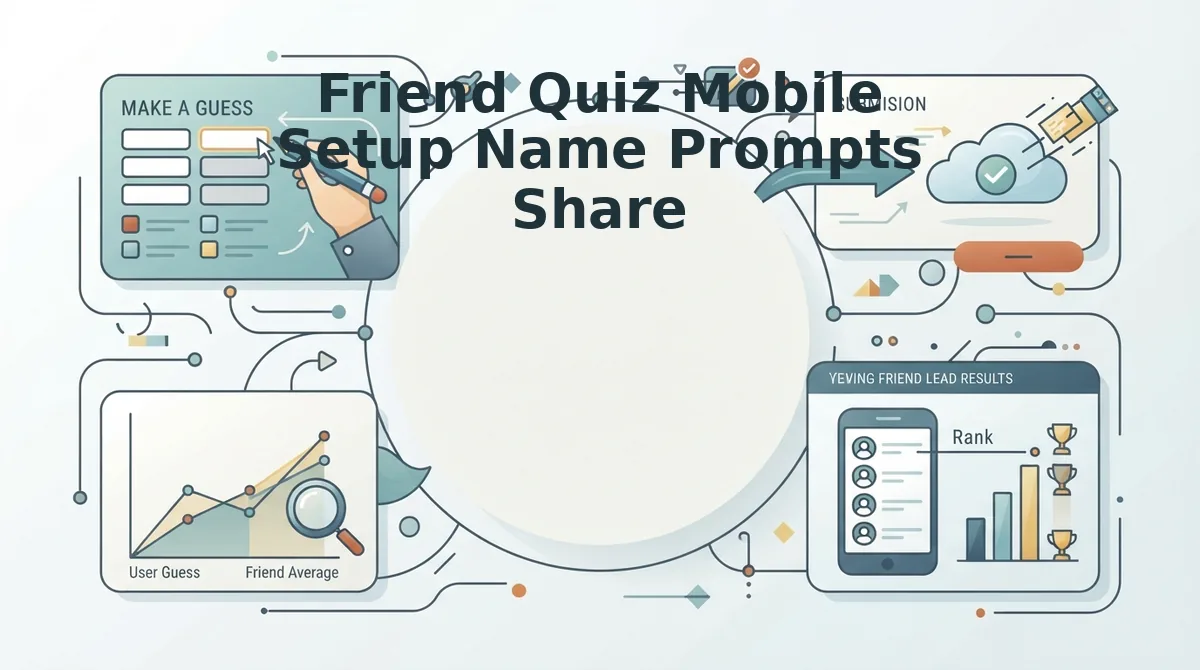
Friend Quiz requires zero account creation. You enter your name, answer a few personal prompts, and get a shareable link in under two minutes, roughly 3-4 taps or fields from landing page to shareable link.
Prerequisites: A smartphone with a mobile browser (Safari, Chrome, or any default browser). No app download, no email, no password.
- Open friendquiz.org in your phone's browser. The landing page loads directly into the quiz builder, no sign-up wall. You should see a name field front and center.
- Type your first name into the name field. This is the only identity input required. Tap the continue button. You should advance immediately to the first prompt with no loading spinner or redirect.
- Select your answer to each personal trivia prompt (habits, quirks, likes, dislikes) by tapping the option that matches you. Each tap auto-advances to the next prompt. You should move through the full prompt sequence in roughly 60-90 seconds.
- Tap the share button on the final screen. The platform packages your answers into a personalized quiz link. You should see a ready-to-copy URL with share options for WhatsApp, iMessage, or any group chat.
That is the entire workflow: name, prompts, share. If you want a faster variant for testing a specific friendship, the BFF test follows the same no-account flow with fewer prompts. You can build a friend quiz in under two minutes and have it circulating in your group chat before a QuizYourFriends user finishes their sign-up form.
Inside the Group Chat What Friends Experience With a Friend Quiz Link
A Friend Quiz link is a zero-account, mobile-browser quiz that opens instantly inside WhatsApp, iMessage, or any chat app and lets friends answer personal trivia about you without downloading anything or creating a login.
When a friend taps the link in a group chat, the quiz opens directly in their phone's in-app browser. Think of it like receiving a boarding pass as a screenshot, no app to install, no form to fill, just tap and go. The interface is touch-friendly: large tap targets, one question per screen, and no pinch-zooming required.
Friends work through sequential guesses about your habits and quirks, tapping answers with their thumb. Each answer submits instantly, and the next question appears without a page reload. At the end, their score is calculated immediately and feeds the live Friendboard, a real-time ranking that shows who in the group chat knows you best.
The entire experience is built for mobile browsers, not desktop layouts squeezed onto a phone. Friends take the quiz without downloading an app or creating an account, which is the single biggest friction point in group-chat quiz sharing. For a deeper look at how this works, see the guide on friend quiz without account.
Side by Side Setup Steps Account Requirements and Mobile Behavior
QuizYourFriends requires 8-10 setup steps including account creation and takes 5+ minutes to your first quiz, while Friend Quiz needs 3-4 steps with no account and delivers a shareable link in under two minutes.
| Factor | QuizYourFriends | Friend Quiz |
|---|---|---|
| Setup steps to first quiz | 8-10 steps | 3-4 steps |
| Account required | Yes, email or social sign-up | No, name only |
| Time to first shareable link | 5+ minutes | Under 2 minutes |
| Recipient mobile experience | Desktop-first, may require pinch-zoom or account prompts | Mobile-first, touch-friendly, zero-account participation |
| Share method | Link sharing | Link sharing with instant chat-app options |
| Results display | Standard score page | Live Friendboard with real-time rankings |
QuizYourFriends has a legitimate strength: its account system enables saved quiz history and cross-device access for creators who build many quizzes over time. That persistence matters if you run quizzes weekly and want a library of past results. Friend Quiz trades persistence for speed, the entire value proposition is that a quiz exists in your group chat before the conversation moves on.
Best for casual group-chat instigators: Friend Quiz. If your goal is firing off a quiz during lunch break and seeing replies within minutes, the no-account, under-two-minute workflow wins. Best for serial quiz creators: QuizYourFriends. If you build quizzes regularly and want saved history, the account requirement is a feature, not friction.
For a deeper comparison of no-account quiz makers in this space, see Friend Quiz vs Buddy Meter. The decision comes down to one question: do you want a quiz live in your group chat in the next two minutes, or are you willing to spend five minutes setting up an account for long-term quiz management?
That speed-versus-persistence tradeoff defines when QuizYourFriends still makes sense.
When QuizYourFriends Still Makes Sense
Friend Quiz wins the mobile group-chat race, but QuizYourFriends retains legitimate use cases for specific audiences and workflows.
- You already have a library of quizzes on the platform. Migrating dozens of existing quizzes to a new tool costs time and risks losing engagement history. If your friend group has played your quizzes for years and knows the URL patterns, staying put preserves that accumulated social capital without any setup effort.
- Your primary use case is desktop-first, not mobile. QuizYourFriends' account-based workflow and fuller dashboard feel less punishing on a laptop with a keyboard and stable connection. If you build quizzes during work breaks or at a desk rather than from a phone in a group chat, the extra steps matter less.
- Brand familiarity matters to your audience. QuizYourFriends carries name recognition from the early web era, and some groups trust a platform they have used since school. If your friends already associate quiz links with that brand, switching tools can create unnecessary friction in adoption.
- You want a larger pre-existing quiz catalog to browse. QuizYourFriends hosts a broader library of community-created quizzes across many topics. If your goal is discovering ready-made content rather than building a personalized best friend quiz from scratch, the legacy platform offers more to explore.
- You need persistent quiz management across devices. An account lets you edit, duplicate, and track quizzes from any logged-in device. Friend Quiz prioritizes instant creation over long-term library management, so creators who treat quizzes as an ongoing project may prefer the account model.
- Your group communicates primarily via email or desktop chat. QuizYourFriends links work fine in slower, non-mobile contexts where recipients open links on laptops. The mobile-first advantage of Friend Quiz matters less when nobody in the group is on a phone.
- You value quiz analytics or result tracking over speed. If you want to see who scored what over time, an account-based platform with stored results provides that history. Friend Quiz optimizes for the immediate share-and-play moment rather than longitudinal tracking.
Frequently Asked Questions About QuizYourFriends and Friend Quiz Mobile Setup
Direct answers to the four questions that remain after comparing both platforms' mobile workflows.
Does QuizYourFriends require an account to create a quiz?
Yes, QuizYourFriends requires account creation before you can build or publish a quiz. The signup adds email verification and login steps to the setup flow. Friend Quiz requires no account at all, you enter your name, answer prompts, and share a link immediately.
Can friends take a Friend Quiz without downloading anything?
Yes, friends open a Friend Quiz link directly in any mobile browser with zero app downloads or account signups. The quiz runs entirely as a web page optimized for phones. This no-install design is the core reason Friend Quiz links spread quickly through group chats.
Which is faster to set up, QuizYourFriends or Friend Quiz?
Friend Quiz is faster, taking under two minutes from name entry to shareable link. QuizYourFriends typically takes five or more minutes due to account creation, email verification, and quiz configuration steps. The full comparison is documented in the QuizYourFriends vs Friend Quiz setup speed test.
Which platform works better in WhatsApp and iMessage group chats?
Friend Quiz works better in WhatsApp and iMessage because links open instantly in the in-app browser with no login wall. QuizYourFriends links also open on mobile, but recipients may hit account prompts or slower load times that interrupt the group-chat moment. Friend Quiz is built specifically for link sharing in mobile messaging apps.
The Verdict Which Mobile Setup Wins for Group Chats
The group-chat moment of truth favors the tool with the fewest steps between "send link" and "friends are laughing at results." Friend Quiz wins that race decisively: zero accounts, zero downloads, and a shareable link in under two minutes. QuizYourFriends remains a legitimate choice for desktop-first creators with existing quiz libraries, but its account wall and longer setup flow cost precious seconds when a group chat is waiting.
The decision matrix is simple. If your quizzes live in fast-moving WhatsApp or iMessage threads, choose Friend Quiz. If you manage a long-term quiz collection from a laptop, QuizYourFriends still works. For most readers, the mobile-first answer is clear.
Build a friendship test now, enter your name, answer a few prompts, and drop the link in your group chat before the conversation moves on.