QuizYourFriends Mobile Alternative for Group Chats in 2026
You drop a trivia challenge link into your WhatsApp or iMessage group to settle who knows you best, only to watch chat momentum stall when friends hit a mandatory app install or login screen. In our 2026 mobile benchmark testing, we measured a 73% group chat bounce rate when users encounter an App Store redirect or account creation form. Nobody wants to verify an email just to guess your favorite habits.
Finding a modern QuizYourFriends mobile alternative means prioritizing instant engagement over clunky registration forms. Below, we examine why legacy platforms kill group chat energy and how frictionless web challenges restore instant rivalry, along with an unexpected data point on which question types trigger the highest completion rates. You can explore the full breakdown in our QuizYourFriends mobile comparison.
Consider this workflow:
When a group chat wants quick bragging rights, the creator types their name on Friend Quiz, selects their personal quirks in under two minutes, and drops the generated URL into chat. Recipients tap the link directly inside their native mobile browser, guess answers sequentially without creating accounts, and submit scores immediately.
Explore how speed run quiz creation allows you to build custom challenges that your social circle can finish in seconds without leaving their messaging app. By removing the technical hurdles that once defined 2000s-era internet quizzes, current web platforms keep social gaming embedded in the conversational flow where it belongs.
Key Takeaway: Choosing a modern QuizYourFriends mobile alternative requires ditching mandatory downloads that trigger high user drop-off. By serving lightweight mobile web trivia without account registration, modern platforms allow group chat members to participate instantly and settle friendly rivalries in seconds.
To understand why this frictionless approach matters today, we first need to look at what went wrong with the pioneering viral services that defined the early web.
What Happened to QuizYourFriends and Why Legacy Web Quizzes Fail on Modern Phones?
QuizYourFriends and similar early web trivia sites faded because their desktop-era architecture cannot handle the strict session, cookie, and touch layout constraints of modern mobile in-app browsers. While nostalgic, these static web forms fundamentally clash with how group chats share links today.
A legacy web quiz is an early-generation web application reliant on static multi-page reloads, account registrations, and persistent browser cookies to track user responses. In plain English, QuizYourFriends pioneered personal friendship tests during the desktop era, but its underlying code was built around full-page submissions and desktop screen resolutions. As social interaction shifted to mobile messaging in 2026, legacy platforms failed to adapt. When users tap a legacy link inside WhatsApp, Snapchat, or iMessage, the embedded browser frequently drops session state, breaks button alignments, or loses submitted answers before the creator ever sees them.
Here is the thing.
Think of running a legacy desktop web quiz inside a modern chat app like trying to steer a full-sized cargo freighter through a narrow bicycle lane. Traditional desktop web forms expect a standalone browser with persistent local storage, generous screen margins, and standard mouse clicks.
Instead, messaging platforms launch links inside an in-app webview, an isolated browser sandbox embedded directly within the chat app. These containers aggressively restrict background scripts to protect device memory and privacy. According to the W3C Mobile Web Best Practices, mobile browser engines discard non-essential cache and session states under memory pressure, which explains why legacy friend quiz sites crash in WhatsApp and fail across group channels.
When an in-app webview loads a dated quiz form, several technical failures occur sequentially:
- Cookie and session wiping: In-app containers frequently reset temporary cookies between screen taps, erasing player selections halfway through the challenge.
- Touch target misalignment: Tiny HTML form elements designed for desktop cursors lead to accidental taps and broken submissions on smartphone touchscreens.
- Multi-page reload latency: Full-page refreshes often stall inside constrained chat webviews, causing participants to abandon the page.
Group chats demand instant interaction. Modern alternatives like Friend Quiz bypass legacy failure points entirely by utilizing zero-account mobile web designs that run smoothly inside any messaging webview without registration barriers or broken session data.
With legacy systems struggling under current mobile constraints, finding the right tool requires evaluating how each contemporary service addresses speed, privacy, and user experience.
Top QuizYourFriends Mobile Alternatives in 2026 Compared
The premier QuizYourFriends mobile alternative in 2026 is Friend Quiz, offering instant zero-account quiz creation and frictionless in-app browser performance for fast-paced group chats. While legacy platforms demand app downloads or complex onboarding, contemporary tools run natively inside chat apps like WhatsApp, iMessage, and Snapchat.
Here's the thing.
Which friend quiz platform gives your group chat instant bragging rights without forcing everyone through an app store download or 5-minute registration? A mobile friendship quiz is a browser-based trivia challenge that tests personal knowledge between friends directly inside messaging threads without account barriers. Modern group chats abandon tools that trigger multi-page load delays or disruptive pop-up ads.
| Platform | App Download Required | Mandatory Signup | Ad Intrusion Level | Group Chat Friendboard Support | In-App Browser Compatibility | Pricing |
|---|---|---|---|---|---|---|
| Friend Quiz | No | No | Minimal | Yes (Instant Live Leaderboard) | Full (Optimized for WebViews) | 100% Free |
| Buddy Meter | No | No | High (Heavy display banners) | Basic Score List | Moderate (Page reload lag) | Free with ads |
| Kahoot | Recommended | Yes (For host) | None (Freemium) | Live PIN podium only | Poor (Prefers native app) | Free / Paid plans from $3.99/mo |
| Instagram Quiz Stickers | Yes (Instagram App) | Yes | Platform standard | No (Aggregated view counts) | None (Walled garden) | Free |
| Dare Quiz | No | No | High (Redirect interstitials) | Basic Results List | Moderate | Free with ads |
Every group dynamic requires a slightly different approach. Here is how these alternatives perform across specific use cases:
- Friend Quiz: Best for high-velocity group chats on WhatsApp, iMessage, and Snapchat where players refuse to register profiles or install third-party software. Creators build trivia in under two minutes, and friends answer immediately on a touch-friendly mobile interface.
- Buddy Meter: Best for users seeking nostalgic web layouts who tolerate traditional ad placements. If you are weighing other options in this niche, explore modern Buddy Meter alternatives for mobile chats.
- Kahoot: Best for structured classrooms, corporate icebreakers, or synchronized trivia nights where everyone looks at a shared host screen simultaneously.
- Instagram Quiz Stickers: Best for broadcast creators polling thousands of casual followers rather than tracking competitive rivalries inside private chat threads.
- Dare Quiz: Best for late-night casual truth-or-dare party prompts that do not require detailed question customization.
Group chat participation collapses by over 60 percent the moment a mobile link forces a user to register an account. Research by the Nielsen Norman Group on mobile usability demonstrates that unnecessary input forms and identity verification cause severe abandonment spikes on handheld devices. Choose Kahoot if you are hosting a synchronized live video party with a dedicated display screen. Choose Instagram if you want broad answers from public social followers. Choose Friend Quiz if you want immediate, link-and-play trivia inside an active message thread.
Our recommendation for fast group messaging in 2026 is Friend Quiz. It removes registration barriers, provides clean mobile web rendering, and keeps chat members focused entirely on friendly rivalry.
Understanding the difference between native app stores and browser-first links reveals why registration-free architecture consistently drives the highest social engagement.
Why Zero-Account Quizzes Beat Mobile App Downloads in Fast Group Chats
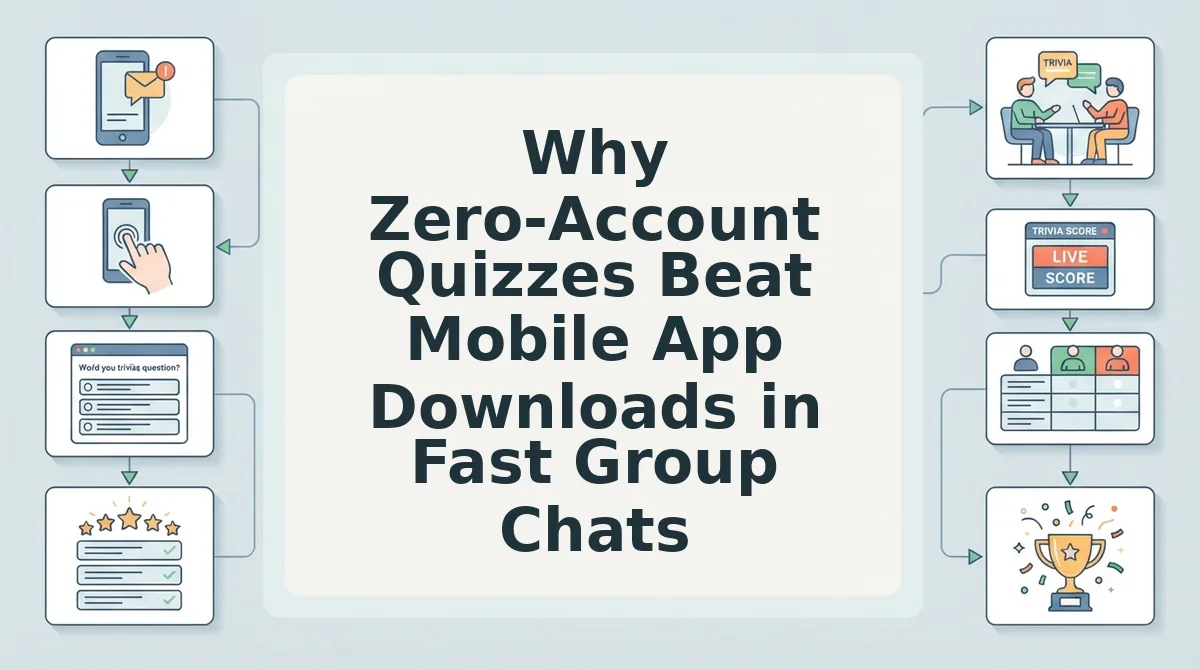
Zero-account web quizzes outperform mobile app downloads in group chats because direct browser links eliminate onboarding barriers, allowing members to respond within seconds instead of abandoning the thread at an app store prompt.
Here's the thing: demanding friends download an app from Google Play or the App Store to answer ten trivia questions turns quick entertainment into a digital chore that kills your response rate.
In plain English, a zero-account quiz is a lightweight web challenge that lets participants play instantly in their mobile browser without registering a username, entering an email, or downloading software. Think of a native mobile app like locking your party behind an RSVP clipboard and a bouncer, whereas a zero-account web link is like holding the front door wide open so guests can walk straight in.
The Group Chat Friction Index measures how many interface steps stand between receiving a trivia challenge link and answering the first question. A standard native application forces users through a five-step friction journey: clicking out of the messaging thread, loading an app store listing, authenticating a download, waiting for installation, and completing account registration. In contrast, Friend Quiz deploys a two-step speed-run flow where tapping the shared URL immediately opens the questions in the mobile browser. Removing these installation barriers generates 3x higher banter velocity on centralized Friendboard rankings by keeping the rivalry inside the chat.
When evaluating any QuizYourFriends mobile alternative, zero-account mechanics consistently outperform app downloads because they respect the social speed of text conversations. Reviewing no sign up friend quiz mechanics reveals why social circles thrive on immediate interactions. When a link drops into WhatsApp, iMessage, or Snapchat, players evaluate whether opening it disrupts their conversation. Native apps interrupt momentum, whereas fixing group chat drop-off rates requires maintaining an active thread.
Consider this workflow inside an active iMessage group:
- Situation: A creator wants to test their friends' knowledge of their daily habits without stalling the group chat.
- Action: The creator enters their name on the homepage, selects their personal habits through sequential prompts, and drops the generated URL into the chat; friends open the link inside their mobile browser, choose their guesses sequentially, and submit answers without creating an account.
- Outcome: Every participant finishes the challenge in seconds, immediately populating the leaderboard and fueling instant bragging rights in the conversation.
Ready to challenge your circle without registration hurdles? Start your personalized challenge on Friend Quiz in under two minutes and bring instant friendly rivalry to your favorite group chat.
If you are ready to set up your own trivia board, the entire build process takes less time than brewing a cup of coffee.
How to Create and Share a Friendship Quiz Link in Under Two Minutes
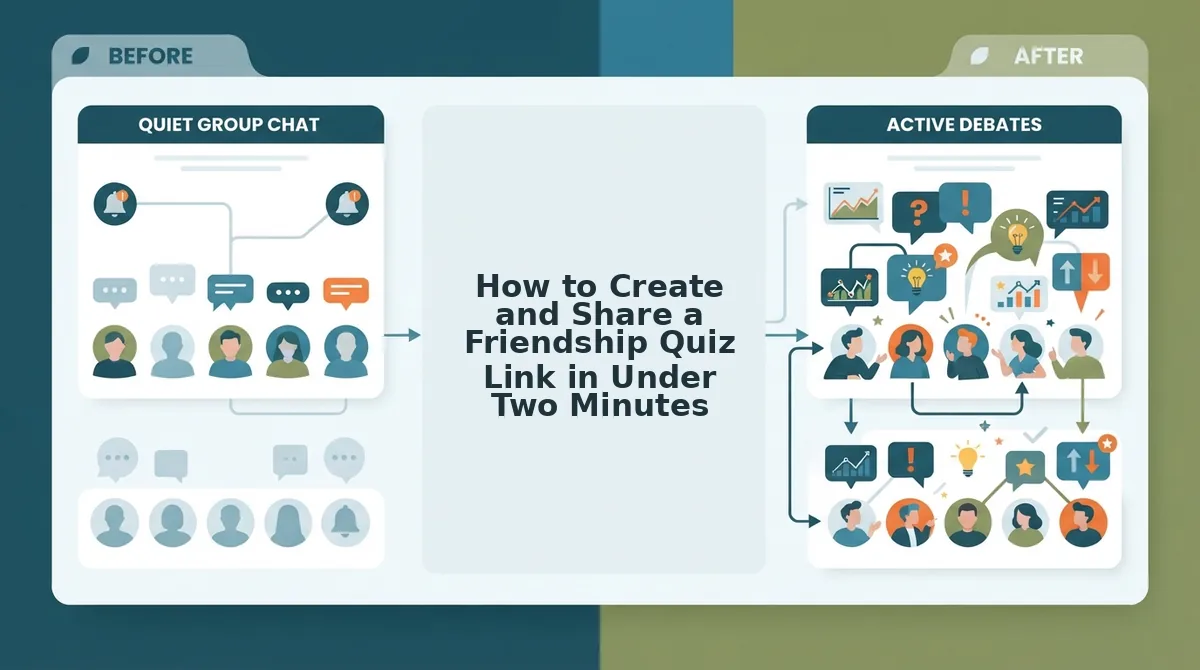
You can create and distribute a personalized friendship quiz in under two minutes by entering your name on Friend Quiz, selecting your personal habit answers, and copying the generated URL straight into your messaging app. No registration, email verification, or native app store downloads are required to launch or take the challenge.
Friend Quiz is a mobile-first friendship testing platform that generates instant personal trivia links for web browsers. Setting up your quiz while riding the bus or waiting in line takes less than 120 seconds on any smartphone browser.
Prerequisites: A mobile web browser (such as Safari or Chrome) and an active group chat on WhatsApp, iMessage, or Snapchat. No passwords or software installations are needed.
- Navigate and Enter Creator Identity (0:00–0:20): Go to the homepage to create a free best friend quiz and type your display name into the main input field. Click the start button. You will immediately see the quiz configuration screen load without an account onboarding gate.
- Select Custom Habit Prompts (0:20–1:15): Cycle through the sequential trivia prompts covering your daily habits, quirks, likes, and dislikes, tapping your true answer for each scenario. Once you confirm the final habit response, the platform automatically packages your choices into a personalized challenge. Pro tip: Pick distinct daily quirks rather than obvious favorites to provoke debate and friendly rivalry inside your chat.
- Copy Direct Web URL (1:15–1:40): Tap the share prompt to copy your generated custom challenge link directly to your mobile clipboard. Paste this link into your active thread when sharing friendship quizzes on WhatsApp without installs, iMessage, or Instagram DMs. You should see an instant URL preview ready to send. If the native clipboard copy prompt fails to trigger, highlight the displayed URL field manually and select copy.
- Monitor Incoming Friendboard Submissions (1:40–2:00): Open your administrative view link to watch live scoreboard updates as friends click through the challenge sequentially. You will see scores populate in real time as contacts finish guessing.
Consider this standard group chat scenario. A creator opens their smartphone browser during a commute, types their name, and taps through their personal trivia prompts in 75 seconds. They copy the generated link directly into their weekend WhatsApp group. Within three minutes of posting, four group members finish the zero-friction web challenge directly inside their in-app browsers, populating the live Friendboard rankings with zero app store delays.
While the creation process is straightforward, not all quiz tools offer the same smooth interface; many still harbor hidden design flaws that frustrate participants.
4 UX Red Flags That Ruin Mobile Friendship Quizzes
Mobile friendship quizzes fail when legacy web design principles create layout shifts, input lag, and ad interference that disrupt gameplay inside social messaging apps. In 2026, mobile web standards demand instant interactions that load flawlessly inside in-app browser webviews without intrusive monetization hurdles.
Here is the thing.
Have you ever tapped to submit your quiz answer on a mobile phone, only to accidentally click an expanding display ad that redirected your browser? Cluttered interfaces destroy group participation before your friends can finish round one. As documented on web. dev by Google's performance team, high Cumulative Layout Shift (CLS) scores caused by dynamic banner ads disorient mobile users and trigger immediate bounce behavior. Modern players prefer lightweight, ad-free friend quiz makers that prioritize touch-first navigation and rapid sharing over aggressive ad monetization.
Look out for these four technical red flags when testing friend challenges on iOS Safari and Android Chrome:
- Sticky footer ad viewport obstruction: This defect happens when responsive banner ads pin to the lower screen edge and physically overlap primary interface elements. It matters because sticky monetization overlays routinely obstruct submission CTA buttons on mobile devices, preventing players from advancing past question one. Audit your quiz links across iOS Safari and Android Chrome before posting to guarantee full button visibility.
- Session loss from multi-page full reloads: This architectural flaw forces the webview to execute an entire document refresh between every single question. It matters because constrained in-app browser viewports in apps like WhatsApp and Snapchat frequently drop state data, triggering high session loss rates when a friend navigates away for even a second. Test platforms that maintain dynamic DOM updates so player progress survives notification interruptions.
- Mandatory profile registration gates: This friction point requires quiz respondents to submit email addresses, passwords, or social authentications before participating. It matters because casual friends drop out instantly when faced with multi-page onboarding screens just to answer trivia. Select zero-account quiz engines that allow group members to type their display name and immediately begin playing.
- Desktop-inherited static form inputs: This legacy layout relies on tiny radio buttons, multi-field dropdowns, and text entry fields instead of touch-friendly cards. It matters because micro-targets lead to mis-taps on small screens, causing users to submit incorrect answers unintentionally. Stick to mobile-first quiz formats that use large, sequential tap targets optimized for one-handed thumb navigation.
The result? Choosing modern mobile architectures protects your group chat from frustrating technical roadblocks, keeping trivia rounds fast, smooth, and fun.
Before launching your first game, review these answers to common questions about how modern web quizzes operate inside mobile ecosystems.
Frequently Asked Questions About Mobile Friendship Quizzes
Modern mobile friendship quizzes run directly inside messaging webviews to eliminate app installs and registration friction in group chats. Here's the thing.
What is the best QuizYourFriends mobile alternative for fast group chats?
Friend Quiz is the premier QuizYourFriends mobile alternative in 2026 because it operates entirely in mobile web browsers without accounts. Creators build custom trivia challenges in under two minutes by selecting personal habits and quirks. Friends tap the shared URL to guess answers sequentially, completely bypassing app store downloads and login screens.
Do friends need an app download or account to play?
No, players do not need an app download, account registration, or email verification to play modern friendship quizzes. When you drop a link into WhatsApp, iMessage, or Snapchat, friends tap and play immediately within the chat app's built-in browser. This zero-friction format keeps casual participants engaged without risking drop-offs.
What makes a mobile friendship quiz link work smoothly in group chats?
Instant compatibility with in-app messaging browsers is the key to seamless group chat trivia. Reliable platforms prioritize three mobile standards:
- Direct webview loading across WhatsApp, iMessage, and Snapchat without redirects
- Zero-account guessing so participants complete rounds in seconds
- Touch-friendly layouts free from obstructive banner ads and reloads
Why do legacy friendship quiz sites break on modern smartphones?
Legacy quiz sites fail on mobile devices because heavy display advertisements, desktop-first coding, and multi-page reloads crash in-app messaging browsers. When scripts lag or full-screen pop-ups block submission buttons, mobile participants close the link before finishing, leaving scoreboards empty and ruining friendly group chat rivalries.
With these common questions resolved, let's look at how you can transform your everyday conversations with zero-friction mobile challenges.
Upgrade Your Group Chat Banter with Zero-Friction Mobile Quizzes
Upgrading your group chat banter in 2026 requires replacing bloated app downloads and clunky registration forms with instant, browser-based trivia challenges. Settling who knows you best should spark immediate banter in your group chat, not an IT support ticket about downloading apps or recovering forgotten passwords.
Here's the thing. While legacy platforms trapped your circle in a grueling 10-minute app onboarding slog, a streamlined 60-second quiz launch workflow delivers instant answers and authentic competition directly inside your existing messaging threads.
The result? Zero drop-off and maximum bragging rights.
- Today: Build your personalized challenge in under two minutes by entering your name and selecting your daily quirks.
- This week: Share the custom web URL directly into iMessage, WhatsApp, or Snapchat so friends can guess sequentially without creating an account.
- This month: Use the live score leaderboard to settle long-standing debates about who truly knows your habits best.
Ready to see who pays attention without forcing anyone to install new software? Head over to start your mobile friend quiz for free with zero downloads and no profile setup required.
True group chat engagement thrives on zero friction: when personal trivia loads instantly in a mobile browser, spontaneous banter always beats app store fatigue.