QuizYourFriends Dare Quiz Alternative for Fast Group Chats
Someone drops a dare quiz link into the group chat. A friend taps it, hits a signup wall or a multi-page form, and the chat goes quiet before question three. If you have watched that happen, you need a QuizYourFriends dare quiz alternative built for phones, not desktops.
The frustration is fair. Account walls, ad clutter, and page reloads were never designed for a fast WhatsApp or iMessage thread, where attention lasts seconds.
For mobile group chats, use the Friendship Dare Quiz on friend quiz. It takes under two minutes to build and needs no account, email, or app download. Friends answer straight from the shared link in their mobile browsers.
Picture a quiet WhatsApp group. You enter your name, answer the dare prompts, and drop one link. Nobody has to install anything or remember a password, so the only thing left to do is play.
This guide covers three things:
- What makes a dare quiz faster to start in a group chat
- How QuizYourFriends and Friend Quiz compare, criterion by criterion
- A tap-count audit that measures the path from chat message to question one
One step decides whether your friends ever reach question three. The audit below shows which step it is.
What Is a Faster Alternative to QuizYourFriends for a Dare Quiz in a Group Chat?
The faster alternative is the Friendship Dare Quiz on Friend Quiz. You build it in under two minutes with no account, email, or app download. Then you share one link, and friends play it in their mobile browsers without signing up.
A Friendship Dare Quiz is a personalized trivia challenge built from your own answers, which friends must match to prove how well they know you. Zero-account play is a setup where friends tap the link and start answering immediately, with no login or registration screen.
Think of it like passing someone a menu at the table instead of asking them to sign up for a loyalty card before they can order.
A faster QuizYourFriends alternative for group chats removes every step between the shared link and the first question. Friend Quiz does this by skipping accounts, email collection, and app installs on both sides. The creator types a name and answers personal prompts about habits, quirks, likes, and dislikes. The platform then packages those answers into a single quiz link. Friends open that link inside WhatsApp, iMessage, or Snapchat, and it loads in their phone's browser. Because nobody has to register first, the energy from the chat carries straight into question one.
Here is how to set one up:
- Enter your name on the quiz page.
- Answer the dare prompts about your own habits and preferences.
- Share the link in your group chat.
Ready to try it? Create a Friendship Dare Quiz and track who knows you best on a real-time Friendboard.
QuizYourFriends vs Friend Quiz Side by Side (Plus the Chat-to-First-Answer Audit)
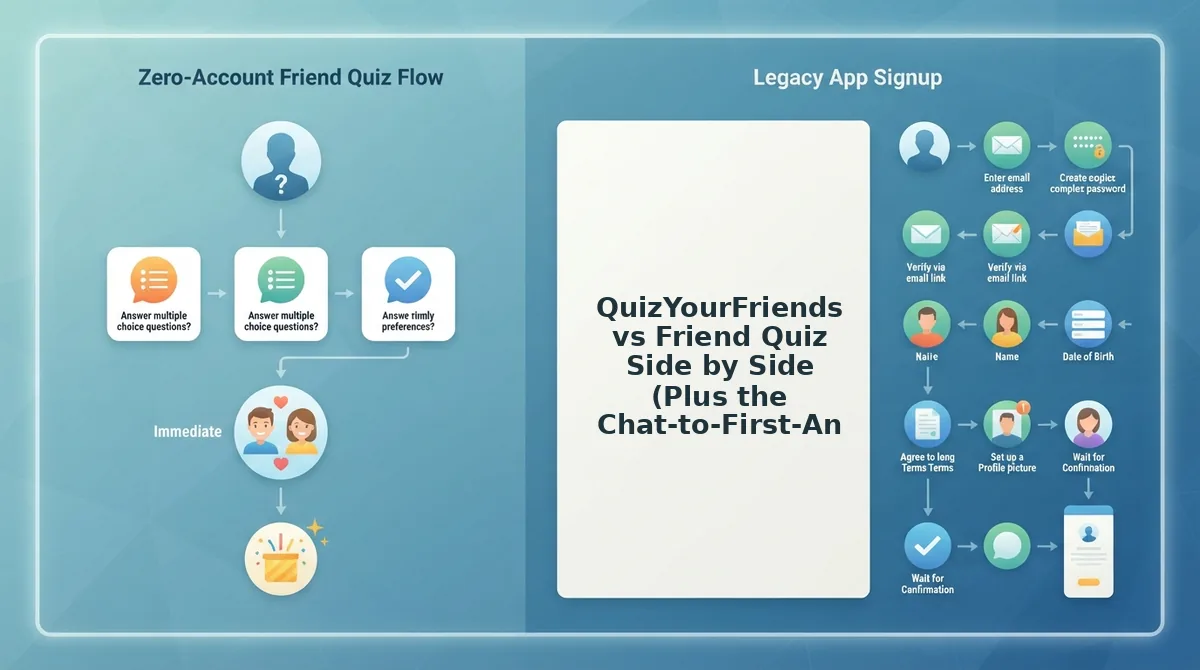
Friend Quiz gets friends from a chat message to question one with no account, email, or app download. QuizYourFriends has a long track record and a familiar format, but it may ask for more steps on mobile. Check its current flow on your own phone before you share a link.
Some QuizYourFriends details below are inferred rather than verified, so those cells are written conditionally.
| Criterion | Friend Quiz | QuizYourFriends |
|---|---|---|
| Setup time | Under two minutes | Varies; check live |
| Account required | No account or email | May prompt for an account; verify live |
| Mobile browser play | Yes, from one shared link | Opens in a browser; the forms may follow an older desktop layout |
| App download | None | Not expected; verify live |
| Ads and popups | Built for zero-friction mobile play | Ad placement may vary; check live |
| Answer privacy | Check the current settings before sharing | Check the current settings before sharing |
| Scoring or leaderboard | Real-time Friendboard | Score display; verify the format live |
| Steps to question one | Tap the link, enter a name, answer | Depends on whether a signup prompt appears |
The Chat-to-First-Answer Audit
Before you share any quiz link, walk through the path your friends will take. Count every tap, page load, and signup prompt between the chat message and question one:
- Taps: Count each tap from the chat bubble to the first answer choice.
- Page loads: Note every new screen. Each reload is another chance for a friend to leave.
- Signup prompts: Flag any request for an account, email, or app before question one.
On Friend Quiz, the path is short: tap the link, the quiz opens in the browser, enter a name, and answer. Step 3 is the one that decides whether friends reach question three. Any signup prompt placed before question one ends most group chat momentum.
Best for fast WhatsApp, iMessage, and Snapchat chats: Friend Quiz.
Best for users who already have a QuizYourFriends account and know its format: QuizYourFriends.
That second group deserves a closer look.

Where QuizYourFriends Still Works for a Dare Quiz
QuizYourFriends still works well for a planned party night where everyone sits at a laptop and a few extra steps cost little. Its advantages are brand recognition and a familiar quiz format, not raw speed.
QuizYourFriends is a long-running quiz maker where one person writes answers about themselves and friends try to guess them. Many people have heard of it, so you rarely need to explain the game before anyone plays.
Think of it like a classic board game kept in the closet. It isn't the fastest thing to set up, but everyone already knows the rules, and on a game night nobody is in a hurry.
Here is how that setting plays out:
- Simple: One host builds the quiz on a desktop before guests arrive.
- Intermediate: Friends take turns at a shared laptop, or each opens it on their own computer, while the room reacts together.
- Advanced: The host keeps the quiz for later rounds, and familiarity matters more than how quickly it loads.
The trade-off appears when you move the same idea into a fast mobile group chat. Static desktop-era forms are page layouts designed for big screens and full keyboards. If those forms, or any account prompt (a request to sign up before playing), show up on a phone, each extra tap gives a friend a reason to scroll past the link.
That gap is inferred from how the site is positioned, so check the live flow yourself before you share. For a closer look at how both tools rank players, see our QuizYourFriends vs Friend Quiz rankings breakdown.
Best for: a desktop or planned party setting where familiarity matters more than speed.
How the Friendship Dare Quiz Works in a Mobile Group Chat
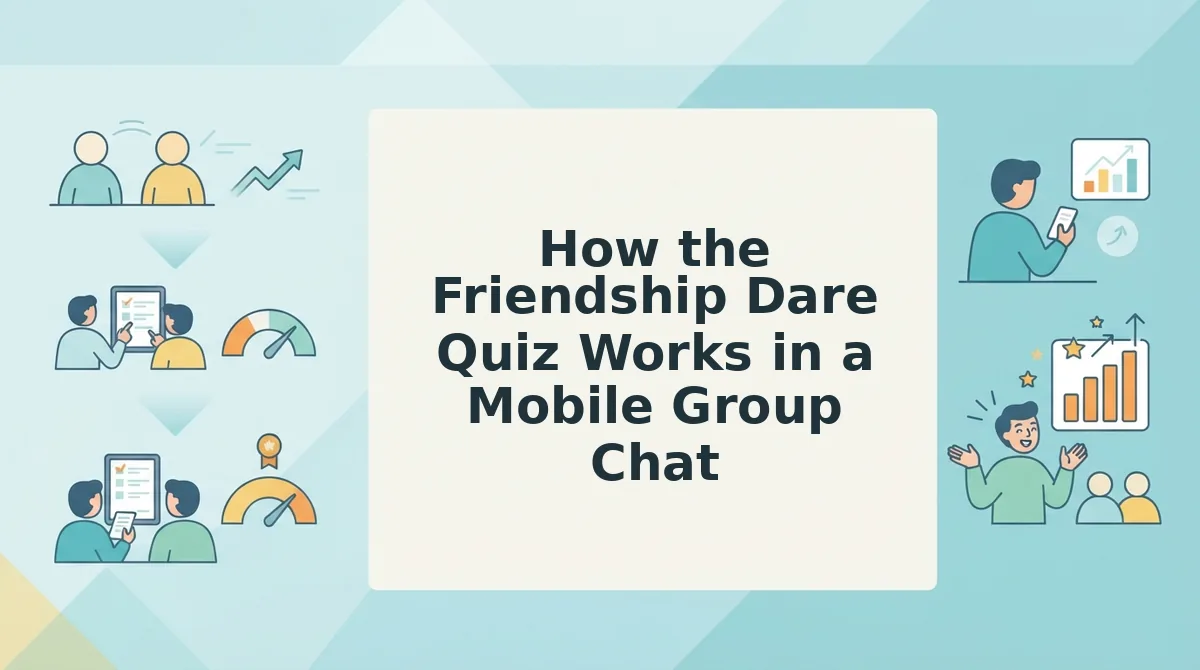
On Friend Quiz, you type your name, answer a short run of personal prompts, and share one link that friends open straight in their mobile browser. The whole build takes under two minutes, with no account, email, or app download.
What you need: a phone with a web browser and an active group chat on WhatsApp, iMessage, or Snapchat.
Create in under two minutes
- Open https://friendquiz.org in your phone's browser and type your name into the name field on the homepage (about 10 seconds). The first trivia prompt should appear.
- Answer each prompt about your habits, quirks, likes, and dislikes by tapping your choice (about 90 seconds). The next prompt loads without a full page reload.
- Copy the personal quiz link generated when you finish (a few seconds). The link is ready to paste.
Dare-style prompts work best when they draw on three themes: "most likely to" picks, risky choices, and habits and quirks only close friends would know. For a gentler starting point, try the BFF quiz.
Share to WhatsApp, iMessage, or Snapchat
To share a dare quiz in a group chat, paste your single Friend Quiz link into WhatsApp, iMessage, or Snapchat and send it. When friends tap the link, the quiz opens directly in their mobile browser, so nobody installs an app, creates an account, or enters an email. Each friend answers your prompts on their own phone, at their own pace, without leaving the conversation for long. Because it's one link, you can pin it, resend it, or drop it into another chat later. The whole share step takes a few seconds, and friends can start answering right away.
Friendboards and bragging rights
A Friendboard is a real-time ranking of who knows the quiz creator best. As friends submit answers, the Friendboard ranks them by how well they knew you, which turns a quiz into a scoreboard the chat can argue about.
Dare content gets watched in huge numbers on YouTube. Quiz Madness's "Who's Most Likely To� (FRIEND Questions)" shows 3,314,399 views, while Brainiac Africa's "Risky Truth or Dare Questions" shows 6,552. Those figures show interest in the themes, not proof of any product. A video gets watched, but a link gets everyone answering.
If your chat already argues about who knows you best, build your quiz on Friend Quiz and let the Friendboard settle it.
Which Tool Fits Your Group, and Where Friend Quiz Falls Short
Pick QuizYourFriends for a planned desktop party and Friend Quiz for a fast mobile group chat. For a projected game hosted live in a room, neither one is the obvious fit.
| Scenario | QuizYourFriends | Friend Quiz | Best pick |
|---|---|---|---|
| Desktop party night | Familiar format, recognized brand | Works, but built for phones | QuizYourFriends |
| Mobile group chat | Desktop-era forms may add steps (check live) | One link, opens in the mobile browser, no account | Friend Quiz |
| Classroom or large group | Desktop setup possible | Link-based, not a projected live game | A tool built for hosting a live, on-screen game |
Friend Quiz has clear limits. It is designed for phones and link sharing, not for running a projected live game where everyone watches one screen. A dare quiz here is answered through a link, so nobody performs dares on camera. If your group wants filmed stunts, this format won't provide them.
Some groups would rather skip dares completely. For a gentler, non-dare format, send them the best friend test or the friendship test.
Link sharing does have one practical upside. A creator can reshare the same link to a second group chat, and both groups answer the same quiz.
- Best for the game-night host with laptops: QuizYourFriends.
- Best for the group chat instigator on a phone: Friend Quiz.
- Best for teachers running a projected game: a dedicated live-hosting tool.
If your crowd lives in the chat, the next step takes one tap.
Drop a Dare Quiz Your Chat Opens in One Tap
The fastest dare quiz is the one that asks for nothing before question one. The audit's decisive step was simple: if a tool shows an account prompt before the first question, your group chat drops off before the fun starts.
So treat speed as the test, not the brand name. Three moves make that practical:
- Run the tap-count test before you share. Open any quiz link on your own phone and count the taps from the chat bubble to the first answer. Any login wall means skip it.
- Drop the dare quiz in the chat that needs waking up. Pick the group that has gone quiet, not the one that is already loud.
- Watch the Friendboard fill up. Scores land in real time, so expect rivals to start comparing ranks in the thread.
A quiet group chat rarely lacks interest. Usually the link just asked too much.
Ready to test that? Enter your name to create a Friendship Dare Quiz, then drop the link in your chat.
In a group chat, every tap before the first question costs you a player, so the best dare quiz asks for nothing but an answer.