How to View Friend Quiz Leaderboard Positions on Mobile
You just answered a viral friendship challenge link drop inside your group chat, but you are stuck wondering if your submission went through or who holds the top spot. To view friend quiz leaderboard positions directly on mobile, open the original challenge link in your mobile browser to load the real-time Friendboard without downloading an app or setting up an account.
Waiting for a group chat admin to screenshot the standings wastes time and stalls the banter. You will learn the exact steps to locate these scores on your phone, discover how live rankings update automatically, and see which hidden display setting alters how scores appear.
Consider how this works during a live challenge:
- The situation: A customized link arrives in WhatsApp or iMessage asking who knows the creator best.
- The action: You tap the link, answer the personal trivia prompts on your phone, and submit your entries.
- The outcome: The site immediately calculates your score and displays your rank alongside other friends on the live Friendboard.
Removing sign-up barriers accelerates peer participation rates across WhatsApp and iMessage, which keeps the rivalry moving fast. If you want to run your own challenge instead of just tracking others, you can build an instant friend quiz to start collecting responses.
Accessing these scores takes only a few taps inside your mobile browser.
How to View Friend Quiz Leaderboard Positions on Mobile Instantly
To view your Friend Quiz leaderboard position on mobile instantly, submit your final question answer and check the auto-generated Friendboard table that loads immediately on your mobile browser. You do not need to download an application or sign up for an account to see your real-time score ranking.
Did you know you do not need an account or app install to see where you rank against your friends? Zero-login verification mechanics on mobile browsers authenticate your device session locally without requiring passwords or social sign-ins.
A Friendboard is a real-time, shareable standings board that ranks test-takers based on their correct answers to a creator's challenge. Every time you complete a best friend quiz, the platform executes the Instant-Sync Lifecycle Framework: client answer delivery triggers an immediate local session handshake and public friendboard append. This entire process processes in less than three seconds on standard mobile browsers.
Before you begin, ensure you have an active mobile web connection, the custom quiz URL from your friend, and a modern mobile browser such as Safari or Chrome.
- Tap the shared quiz link inside your group chat app to launch the challenge in your default mobile web browser, which opens the quiz interface immediately without prompting you to install an app.
- Type your display name into the text input box labeled Enter Your Name and tap the button to confirm your identity, which registers your current mobile session to the quiz challenge.
- Select your answer choice for the final trivia prompt in the quiz sequence, which submits your score and triggers the client answer delivery process instantly.
- Review the rendered Friendboard directly below the completion banner, where your submitted name, total points, and current ranking position appear highlighted in the live roster.
If two players record the exact same final score, specific tie-breaking factors determine who claims the higher mobile slot on the board.
Friendboard Rankings Explained with Tie-Breakers and Scoring Logic
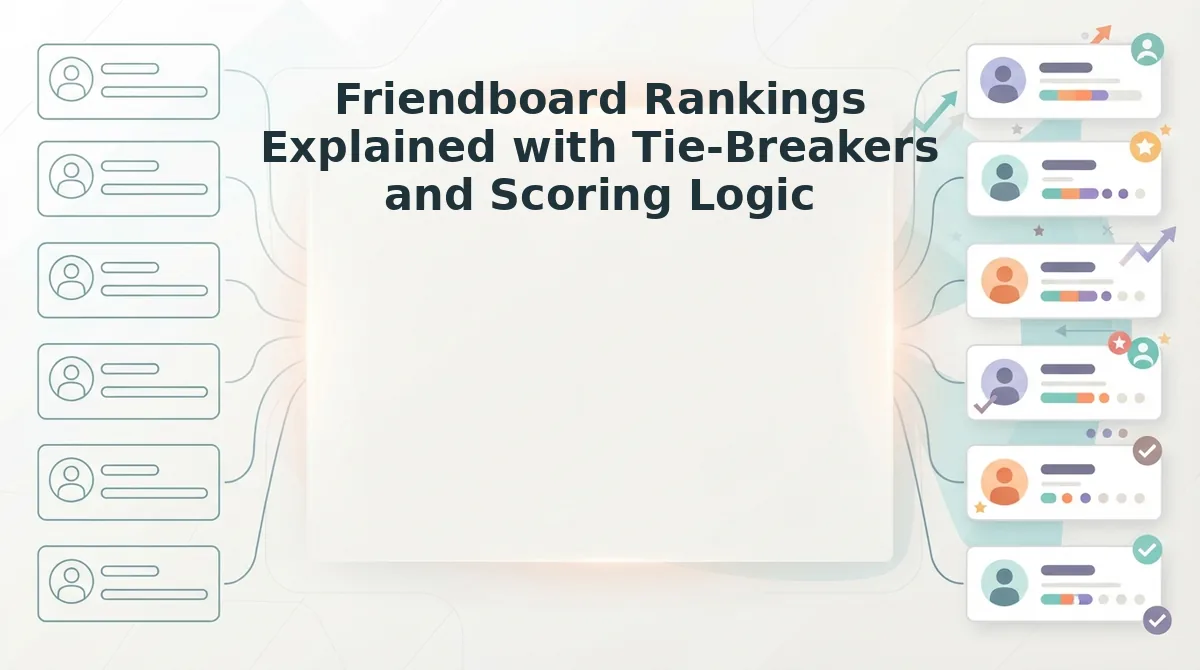
Friend Quiz calculates Friendboard positions using an automated hierarchy where gross accuracy score takes primary precedence, followed immediately by completion velocity and submission timestamps to settle tied scores. Two friends scoring a perfect score do not share first place equally; speed and timestamp precedence decide the crown.
A leaderboard ranking engine is the algorithmic ruleset that evaluates accuracy tallies and entry chronologies to establish an unambiguous order of participants. To understand how identical scores resolve inside active group chats, review the formal tie-breaker rules for friend quiz rankings that govern the mobile interface.
Most basic social quiz makers treat ties as random visual placements or lump identical totals into joint positions. Friend Quiz, generic quiz apps, and native social polls handle score parity under markedly different parameters.
| Platform System | Primary Scoring Metric | Tie-Breaker Logic | Account Friction | Best For |
|---|---|---|---|---|
| Friend Quiz Friendboard | Raw Correct Answers | Completion velocity and submission timestamp precedence | Zero signups or app downloads required | Best for high-velocity group chat rivalries and instant bragging rights |
| Standard Native Social Polls | Percentage Majority | No tie resolution; displays identical percentage brackets | Requires active platform user profile | Best for casual, low-stakes binary audience surveys |
| Traditional Quiz Apps | Points per Question | App-dependent; often uses randomized placement or joint ranks | Requires app installs and email account creation | Best for structured classroom trivia and seasonal multiplayer tournaments |
Traditional quiz apps offer complex multi-round tournaments, and native social polls excel at casual voting directly inside social feeds. However, for mobile peer challenges, our recommendation is the Friend Quiz leaderboard because its deterministic scoring ensures zero disputes among competitive friends.
Did someone submit the exact same nickname twice?
The platform relies on a strict duplicate alias resolution matrix to maintain leaderboard integrity:
- First-In Priority: When two entries achieve matching scores under identical aliases, the earlier recorded timestamp claims the superior rank.
- Velocity Weighting: If timestamps show sequential attempts from the same friend, the original attempt remains locked to prevent practice runs from stealing the crown.
- Instant Display: Every entry renders instantly without waiting for page refreshes.
Choose native social polls if your group prefers casual binary questions inside an existing social feed. Choose traditional quiz apps if you require seasonal classroom tournament tracking that justifies mandatory account creation. Choose Friend Quiz if your circle demands instant, zero-login bragging rights settled by transparent timestamp accuracy.
Determining who holds the top spot is straightforward, but the exact information revealed on your mobile screen depends entirely on your role.
Creator Dashboard vs Player Friendboard: Who Sees What?
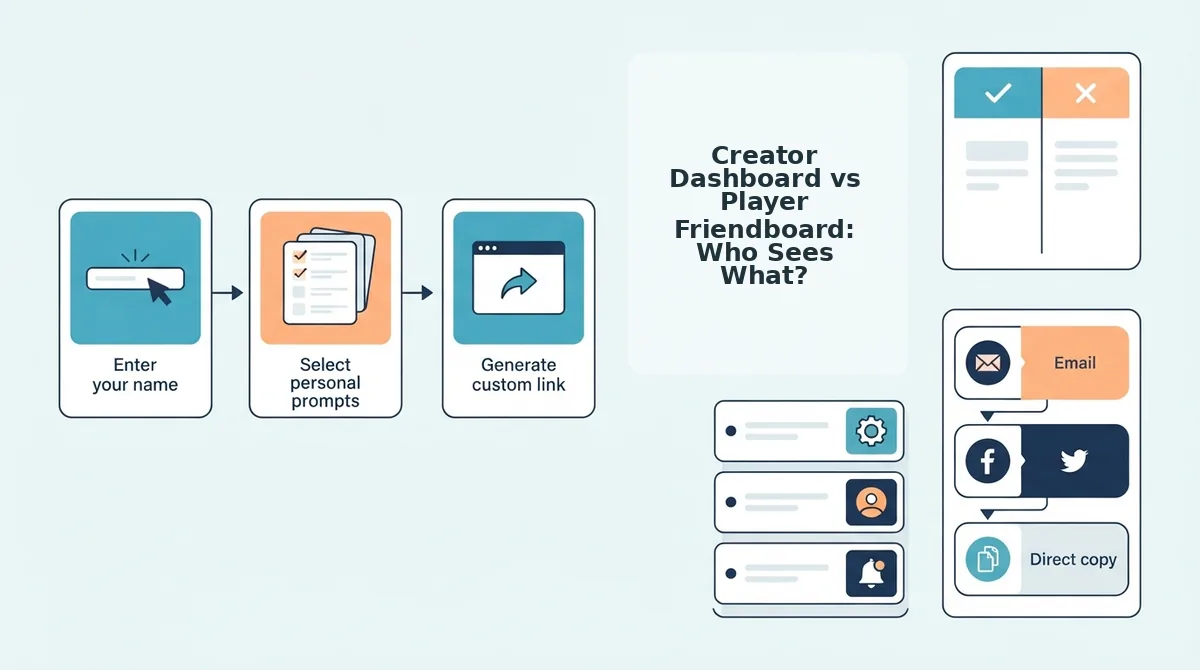
The creator dashboard displays the quiz author's private administrative breakdown of individual player responses, while the public Friendboard displays only names, overall scores, and competitive rank positions to everyone else. Quiz participants and group chat members never see which specific questions other players answered correctly or missed.
When you take a friend's quiz, can everyone in the group chat see every individual answer you got wrong? The Friendboard is a shared public leaderboard that ranks participants solely by their total correct answers. Think of it like a sports scoreboard: everyone in the stadium can see the final team score and current standing, but only the head coach in the locker room holds the private clipboard detailing every missed pass or tactical error.
Privacy safeguards in social quiz platforms ensure individual selections stay protected from group scrutiny. If you miss a personal question about your best friend's pet peeve, your friends only see your aggregate total. This distinction keeps banter lighthearted by celebrating top standings without exposing specific mistakes across social feeds.
The difference between these two views works across three key visibility tiers:
- Public Friendboard: Displays participant screen names, total point tallies, and rank placements visible to anyone holding the link.
- Player Summary Screen: Shows a participant their own completed score immediately upon finishing, without revealing other players' response logs.
- Creator Dashboard: Grants the quiz maker administrative oversight, providing an itemized breakdown of question-by-question selections to see exactly where friends agreed or stumbled.
Understanding these visibility boundaries matters when choosing how to challenge your circle. If you want to put your group's dynamic to the test while keeping individual choices private, launch a friendship dare quiz to track bragging rights on a live leaderboard without forcing anyone to download an app or create an account.
If you check the shared rankings and notice your latest submission has not appeared on the leaderboard, a few common mobile connection factors could be delaying the update.
Troubleshooting Missing Scores and Friendboard Discrepancies
Missing scores on a Friend Quiz leaderboard typically stem from premature tab closures, private browsing session wipes, or alias collisions that overwrite previous submissions. You can resolve these Friendboard discrepancies immediately by utilizing URL query recovery or submitting under a distinct name variation.
You finished all questions, hit submit, but your name is nowhere to be found on the scoreboard. When a verified submission vanishes, generic network lag is rarely the culprit.
Follow these numbered diagnostic steps to identify the technical bottleneck and restore your missing rank:
- Check URL query recovery strings: A query recovery string is an appended web address parameter that stores completion tokens directly inside your browser address bar. If your placement fails to render on the live board, inspecting your history for this unique parameter lets you reload the exact completion state without re-answering prompts. Copy the full link from your mobile browser history, re-enter it into the navigation bar, and reload to trigger the data push.
- Disable private browsing isolation: Mobile incognito tabs discard local session cache before background data handshakes complete if the window is swiped away instantly. Without saved cookies or local storage persistence, the platform cannot bridge your client-side responses to the public Friendboard. Switch to a standard browser tab, paste the original quiz link, and complete the questions to ensure the leaderboard records your entry.
- Resolve duplicate alias collisions: Submitting under the exact same first name as another participant can cause mobile scoreboards to merge entries or hide identical records to prevent spam. Unique naming distinguishes your performance metrics when learning how to see who scored highest in a crowded challenge. Append an initial, an emoji, or a distinctive nickname to your display entry so the platform registers an isolated profile.
- Prevent premature tab termination: Exiting mobile web browsers before the final results screen fully populates cuts off the outgoing payload mid-flight. Modern phone operating systems aggressively kill background tab processes to save device memory the second you switch apps. Keep your mobile browser active and visible on screen until the final score confirms your standing.
Consider this real-world scenario. A participant opens a challenge link within an in-app browser, completes the final question, and immediately switches back to their messaging app. The mobile operating system instantly terminates the suspended web view before the completion packet logs, leaving their name off the Friendboard entirely. The participant opens the original link inside their standard mobile browser, enters their name with an added initial, leaves the tab open until the placement screen loads, and successfully registers their rank at the top of the group chat standings.
Once your entry registers correctly on the scoreboard, turning that verified standing into group chat bragging rights requires the right sharing strategy.
How to Share Leaderboard Positions to Spark Group Chat Banter
To share Friend Quiz leaderboard positions, take a cropped screenshot of the top-three Friendboard standings and paste it directly into your messaging thread alongside your live quiz link. Sharing visual proof of current rankings triggers immediate competitive banter and drives silent group members to take the challenge to beat the top score.
A micro-leaderboard is a cropped, focused snapshot of the top tier of a quiz ranking table used to provoke friendly competition in chat threads.
Before sharing, ensure you have your mobile browser open to your active Friend Quiz Friendboard and an active group chat in WhatsApp, iMessage, or Snapchat. Completing this export sequence takes roughly 30 seconds.
- Open the real-time Friendboard page in your mobile web browser to display the latest submitted friend scores. You should see the ranked list of participant names alongside their recorded points.
- Capture a native mobile screenshot displaying the top three player rankings on your screen. You should see your device's visual screen-flash confirmation indicating the image was saved.
- Crop the captured image to highlight only the rank numbers, participant names, and numerical point totals, trimming out browser URL bars and device battery indicators. You should see a tight, readable graphic card optimized for instant scanning inside messaging feeds.
- Open your target group chat in WhatsApp, iMessage, or Snapchat and select the attachment icon to upload the cropped ranking card. You should see the image preview load directly in your chat input field.
- Type a competitive prompt calling out the runner-up alongside your original quiz link, then tap send. You should see the visual leaderboard appear in the chat stream with an active, clickable web challenge link underneath it.
Why let a quiet thread sit idle?
Imagine a group thread that has gone completely silent for hours. The quiz creator opens the browser, captures the top three scores showing a runner-up trailing first place by just one point, and crops out the browser frame. The creator posts the graphic into the chat with a prompt asking who can unseat the current leader, followed immediately by the quiz link. Within minutes, unranked friends click through to test their knowledge, generating new Friendboard entries and resetting the group standings.
Native image previews inside mobile messaging apps capture immediate attention faster than raw text links alone, compelling players to launch reciprocal challenges to defend their social standing.
Review the most common questions regarding mobile score displays and ranking updates below.
Frequently Asked Questions About Mobile Quiz Leaderboards
Checking your standing on a mobile leaderboard requires only your original link and an active internet connection. Quick answers to the most common questions about checking scores and standings resolve any confusion immediately.
Do I need to download an app or create an account to view rankings?
No, you do not need an app or account. The platform operates on zero-login verification without app installation, enabling mobile participants to load the live Friendboard instantly inside any mobile browser using their original quiz URL.
How do players retrieve their scores after closing the mobile browser tab?
Players can check their standing through direct link retrieval methods for completed tests. Simply reopen the specific challenge link previously shared in your group chat to see your updated rank against other participants.
Can someone retake the challenge to improve their position?
Scoreboards record distinct completions tied to the participant name submitted during that run. While players can replay a bff test, group chats naturally recognize genuine first-attempt trivia mastery over repeat entries.
Why is a friend's new score not appearing immediately on the board?
Leaderboard updates reflect directly upon submission completion. If a friend's score fails to display, verify that they reached the final submission screen, then pull down to refresh your mobile browser tab.
To view your group's final results and settle the rivalry teased at the start, open your generated challenge link in your mobile browser to view the confirmed champion. Frictionless tracking turns casual group chat banter into definitive social proof, proving that true bragging rights require zero logins and zero downloads.