How to Take a Friendship Test With No Email Required
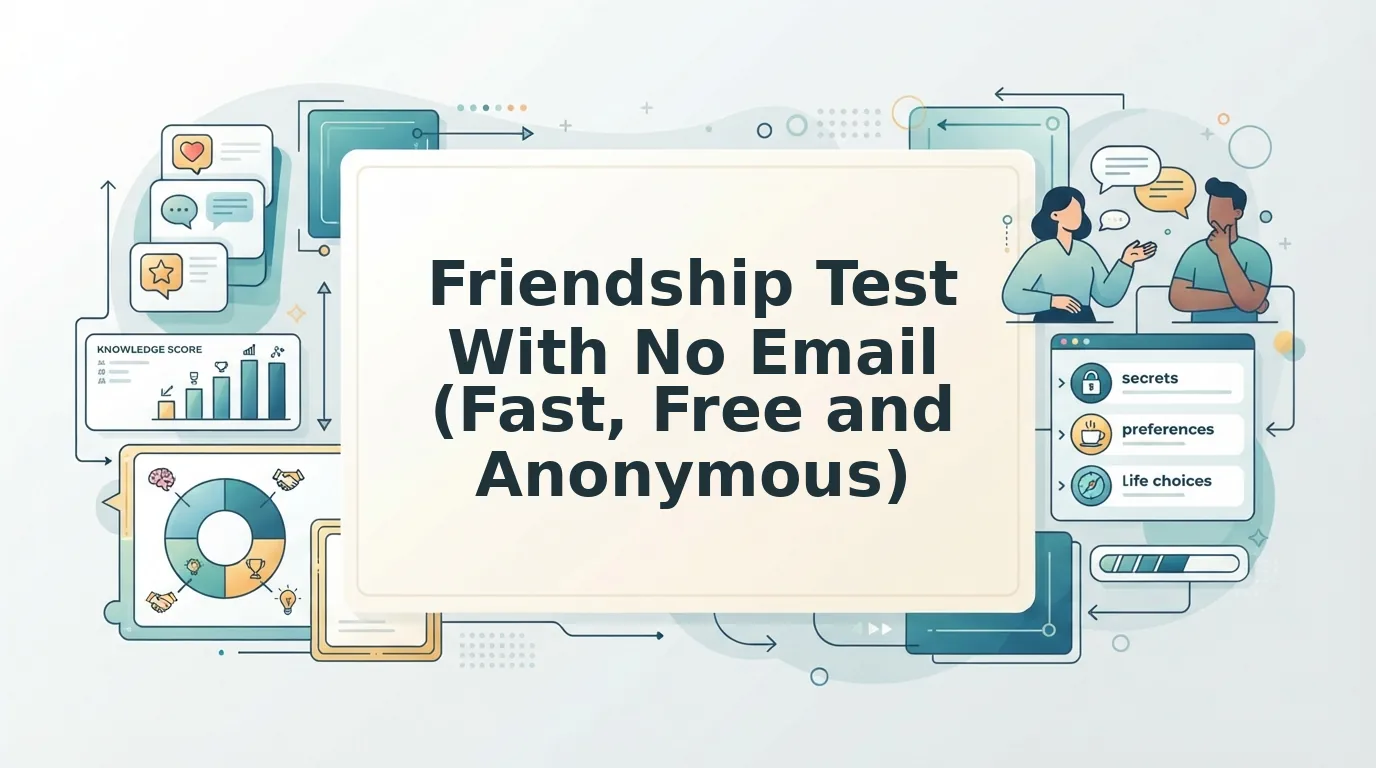
You drop an interactive link into your group chat to spark some late-night banter, only for the room to fall completely silent. Group chat engagement drops by over two-thirds when links force mobile users out of chat apps to fill out verification forms. Nobody wants inbox spam or multi-page registration gates just to answer quick trivia about your habits.
You can run a fast friendship test with no email required from your friends or creating an account yourself. This guide shows you how zero-friction browser challenges let contacts play instantly inside WhatsApp, iMessage, or Snapchat while keeping personal data private. Later, you will also discover the counterintuitive leaderboard setting that quietly reveals which friends guessed blindly instead of actually knowing you.
Here is how a zero-email challenge runs in real life:
- The situation: A quiet group chat needs a fast spark of friendly rivalry during lunch break.
- The action: You enter your name on the site, answer trivia prompts about your daily quirks, and paste the custom challenge link into the chat.
- The outcome: Friends tap the URL directly in their messaging apps, submit answers in seconds without account hurdles, and rank immediately on a live scoreboard.
This setup works entirely within mobile web browsers, though it requires friends to use unique display names so you can identify each score on the board. When you are ready to test your inner circle, you can make a friendship quiz in under two minutes and watch the leaderboard shuffle live.
How Do Players Take a Friendship Test With No Email Required?
Players take an email-free test by opening a creator's custom link inside their mobile browser, typing a display name, and submitting answers without verifying credentials. The entire process bypasses login forms, passwords, and app downloads so friends can play immediately.
A zero-registration friendship test is a browser-based personal trivia challenge that measures how well friends know each other without requiring signups, passwords, or personal data collection. Players participate by clicking a shared link sent via messaging platforms like WhatsApp, iMessage, or Snapchat. Instead of encountering an email gate or app download screen, the player enters their display name and immediately taps through a sequence of multiple-choice questions about the creator's quirks and preferences. The game scores answers instantly and posts the final tally directly onto a shared leaderboard.
Why should answering quick trivia feel like filing taxes?
Think of this setup like signing a physical guestbook at a party. You write your nickname, leave your mark, and join the room without showing an ID card or handing over your home address.
The participant workflow moves across three fast stages:
- Instant entry: Tapping a shared challenge link launches a lightweight mobile web view directly inside WhatsApp, iMessage, or Snapchat.
- Live guessing: Players select multiple-choice predictions across consecutive habit prompts, watching their score calculate in real time.
- Board placement: Submitting the final question pushes the score directly to the host's Friendboard, locking in bragging rights.
Under the hood, tokenized URL query strings pass quiz instance identifiers directly to browser session storage, eliminating backend profile creation. The browser temporarily holds the creator's challenge key in active memory while you tap through answers. Once you hit submit, the platform transmits the score payload with your chosen nickname, keeping participation completely frictionless.
Understanding this lightweight architecture highlights why legacy survey builders feel so outdated by comparison. To see the difference in action, it helps to examine why older tools insisted on collecting user logins in the first place.
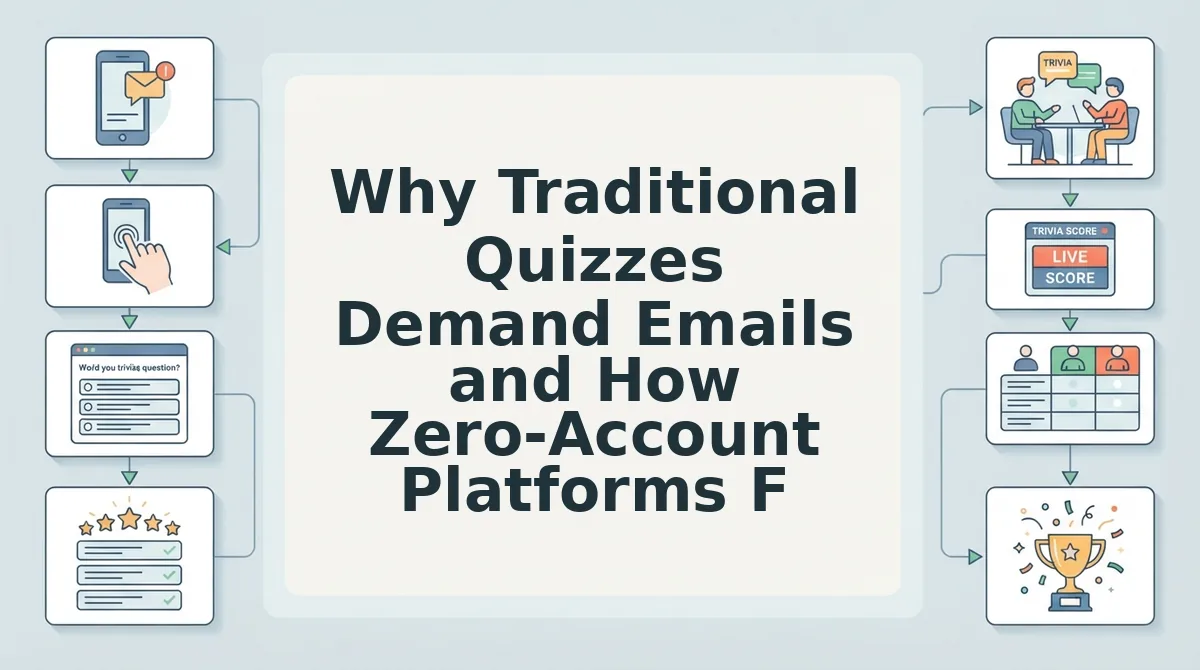
Why Traditional Quizzes Demand Emails and How Zero-Account Platforms Fix It
Traditional quiz platforms demand email addresses to build marketing lists and monetize player data, whereas zero-account platforms eliminate authentication gates entirely so players can participate instantly. Requiring sign-ups creates friction that kills casual participation before a single question is answered.
Independent experiments across low-barrier interactive web gaming formats on itch.io confirm that removing registration walls dramatically increases completion rates by keeping players inside the direct gameplay loop.
Legacy platforms rely on user registration to track scores across visits, but modern web applications store session progress and link challenges directly to shareable URLs instead.
Evaluating Friendship Test Architectures
How much personal information should a quick trivia challenge actually require from your friends?
| Platform | Onboarding Requirement | Mobile Ad Density | Scoreboard Tracking | Best For |
|---|---|---|---|---|
| Friend Quiz | Zero account or email (Name prompt only) | Minimal, zero overlay banners | Real-time live Friendboards | Best for active WhatsApp and iMessage group chats needing fast engagement. |
| Buddy Meter | No email required, basic web form | Heavy display ad banners and page reloads | Static score list | Best for creators who want simple legacy mechanics and do not mind visual clutter. |
| QuizYourFriends | Mandatory account or email registration | Moderate ad placements | Registered user profile history | Best for users who prefer archiving long-term trivia records under a permanent login. |
For an in-depth performance analysis between legacy tools and streamlined alternatives, read our Friend Quiz vs Buddy Meter teardown.
Decision Framework: Choosing the Right Format
Use this criteria to decide which testing format suits your social circle:
- Choose a zero-account platform if you are sharing a link into high-velocity group chats on WhatsApp, Snapchat, or iMessage where friends drop off if forced to fill out forms.
- Choose a traditional email-gated tool if you intend to track multi-year friendship metrics tied to a persistent user profile and verified inbox identity.
- Choose an ad-supported legacy builder if your friends are patient with interstitial page refreshes and you do not require rapid real-time rankings.
Our recommendation is to use a zero-account platform like Friend Quiz for everyday social challenges. Eliminating email collection safeguards the privacy of your social circle while keeping mobile participation high enough to spark real chat banter.
Once you realize how effortless zero-registration tools are for participants, setting up your own challenge takes just moments. Here is the exact walkthrough for creating your first link from scratch.
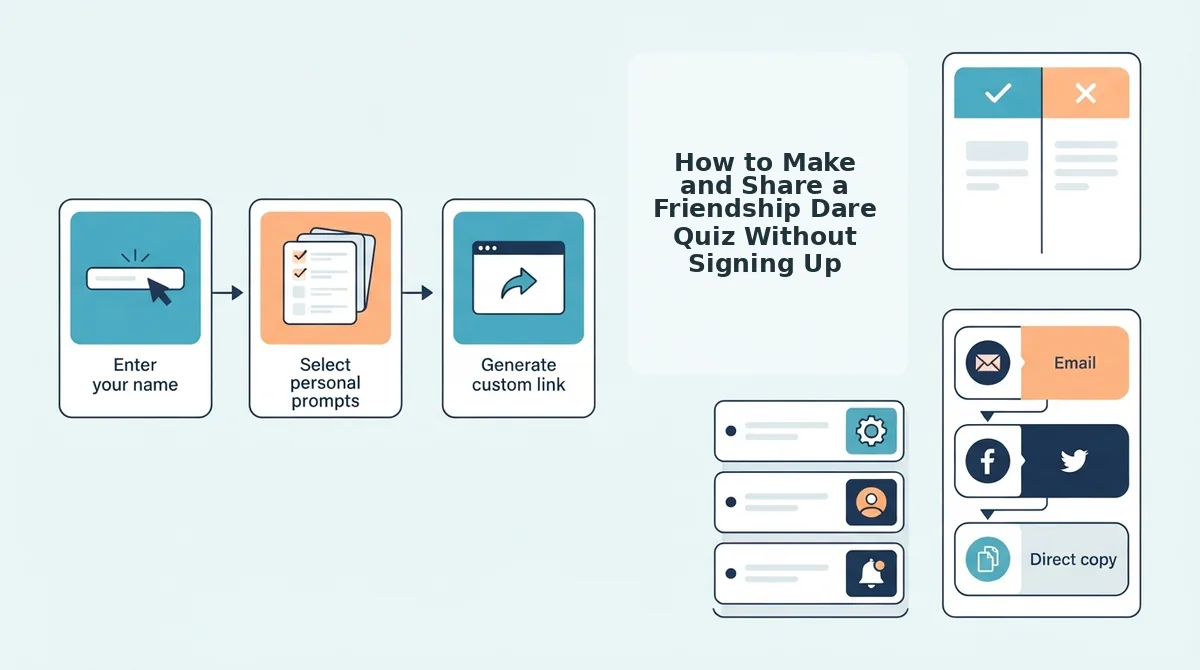
How to Make and Share a Friendship Dare Quiz Without Signing Up
You can make and share a friendship dare quiz without an account by typing your display name, answering a sequence of personal trivia prompts, and copying the generated challenge link. This browser-based workflow bypasses sign-up forms entirely, letting you distribute a live challenge to your friends in under two minutes.
A Friendship Dare Quiz is an interactive trivia challenge where creators record their personal preferences to test how accurately their peers can guess their habits. Before starting, you only need an active mobile web browser and an active group chat on WhatsApp, iMessage, or Snapchat.
Picture your group chat going completely quiet during the afternoon slump. You can wake up the thread immediately by following this three-step creation protocol:
- Type your display handle into the name field on the homepage (Estimated time: 10 seconds). You should see the quiz builder immediately open the first question prompt on your screen without prompting you for an email address or password.
- Select your answers across the personal trivia prompts (Estimated time: 60 to 80 seconds). Choose your true habits, likes, and dislikes across the sequence, easily achieving the under 120-second setup velocity benchmark for a 10-prompt customized dare challenge before reaching the completion screen.
- Click the share button to copy your unique challenge URL (Estimated time: 10 seconds). You should see an instant confirmation notice that your link is copied to your clipboard, fully ready to distribute across your favorite messaging channels.
Why stall the conversation with complicated registration forms?
Consider this real scenario: a creator notices a dead chat thread on WhatsApp and decides to spark some friendly rivalry. They open the web app, enter their name, select answers regarding their personal habits across ten prompts, and paste the custom URL into the chat. Within seconds, multiple classmates open the link inside their mobile browsers, complete their guesses without downloading an app or registering an account, and instantly log their scores to the challenge leaderboard.
Start your own challenge today to settle friendly rivalries and track bragging rights. Visit Friend Quiz to build a custom Friendship Dare Quiz in seconds without entering an email address, and watch who clinches first place on your live friendboard.
Before sharing that link with your entire contact list, you might wonder what happens after a friend finishes their guesses. Knowing how score calculations and private answer visibility work gives everyone peace of mind before they play.
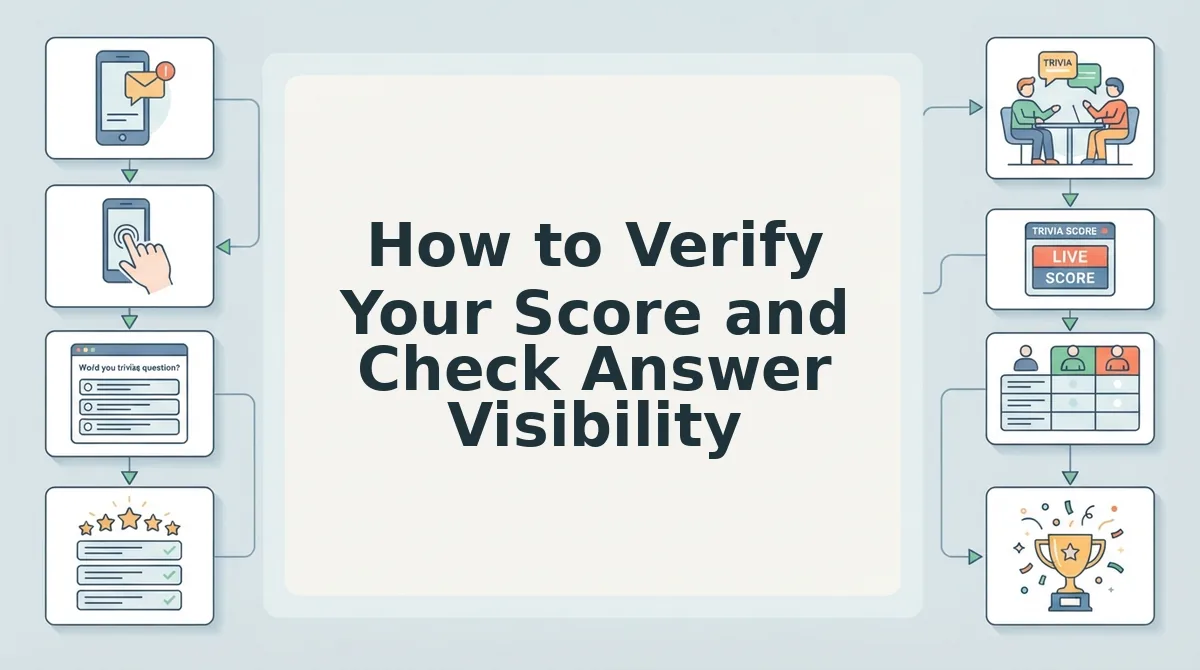
How to Verify Your Score and Check Answer Visibility
You verify your score instantly on the completion screen right after answering the final prompt, while answer visibility is strictly restricted to overall match percentages rather than line-by-line selections. If you have ever wondered whether a friend can see your individual mistaken guesses, zero-registration formats protect that private breakdown automatically.
Answer visibility is the privacy standard determining which response details a testing platform reveals to creators and peers. Think of this setup like an arcade game leaderboard: the cabinet flashes your initials and top score for the room to admire, but nobody watching can reconstruct the exact joystick motions or missed button inputs from your run.
Friend Quiz score verification relies on automated client-side processing to confirm submissions without requiring personal profiles or login credentials. Client-side score computation displays aggregated percentage matches and nicknames without exposing individual prompt answer sheets or personal metadata. When a participant completes a challenge in mobile browsers via WhatsApp or iMessage, the interface immediately outputs their total score and ranks their chosen handle on the live friendboard. Quiz hosts view these public leaderboard totals to track group chat bragging rights, but neither the host nor other players can inspect individual question errors or harvested email addresses.
Here is how verification operates under the hood to confirm your final standing:
- Local tally generation: The mobile browser checks your selections against the creator's key directly on your device, calculating the score instantly without form reloads.
- Roster transmission: Your submitted nickname and aggregated match percentage transmit straight to the host's rankings, locking in your official chat standing.
- Data isolation: Because the test bypasses accounts and email signups, individual question choices, raw score sheets, and personal tracking data remain entirely invisible to the creator.
This transparent scoring structure keeps social rivalries sharp without creating awkward friction. You claim legitimate bragging rights on the roster, while your private missteps stay shielded. No awkward explanations required.
With private answer data safeguarded and scores calculated cleanly, the real entertainment comes from using the results to fuel conversation. A dynamic scoreboard provides endless opportunities to spark lighthearted drama among your peers.
Ways to Keep Group Chat Banter Alive With Live Friendboards
Live Friendboards keep group chat banter alive by broadcasting real-time ranking shifts and incorrect answers directly into messaging threads without account friction. A Friendboard is an interactive score tracker that ranks challenge participants exclusively within a specific quiz URL. Micro-leaderboard psychology shows peer-group retention rises when scores are visible exclusively within direct social circles rather than open global leaderboards.
Imagine your childhood best friend slipping to fourth place behind a casual coworker. How do you fuel that rivalry?
- Pin fluctuating podium standings: Capture screenshots of top-three rank shifts whenever a new player submits answers. Immediate visual proof provokes instant group banter and pushes lower-scoring friends to demand a rematch. Drop the updated leaderboard image into your WhatsApp or iMessage thread immediately after any placement change.
- Expose unanimous blind spots: Identify the single trivia prompt that tricked every participant in your group. Pinpointing collective errors shifts conversation from raw point totals to passionate debates over your daily quirks. Quote the missed question in the chat and challenge everyone to defend their mistaken logic.
- Enforce lighthearted last-place forfeits: Assign a playful social penalty for whoever occupies the bottom rank when the day ends. Concrete stakes transform a casual questionnaire into an urgent competitive event where no one wants last place. Announce the forfeit early so friends quickly take the bff test without login before the deadline.
- Celebrate counterintuitive underdog upsets: Spotlight moments when a casual acquaintance outscores a lifelong best friend. Showcasing unexpected podium finishes generates natural group chat drama and playfully questions who pays closest attention. Tag both players in the conversation to ignite an immediate rivalry over the final scores.
- Break score ties with completion speed: Resolve matching point totals by honoring whichever player submitted their answers fastest. Factoring in completion velocity settles contested bragging rights decisively without extra administrative rules. Announce the quicker responder as the rightful rank holder until an outright winner emerges.
- Archive champions before starting new rounds: Crown the top-ranked friend as reigning victor before generating a brand-new trivia set. Maintaining running standings across challenges gives chat members an ongoing title to defend over time. Post the winner's final placement in chat right before distributing your next challenge URL.
While these competitive dynamics keep conversations lively, players often have practical questions about how zero-login tracking handles privacy and browser sessions behind the scenes.
Frequently Asked Questions About Email-Free Friendship Quizzes
You can complete friendship tests without an email address by using browser-based links that bypass user registration entirely.
How does a friendship quiz record scores without an account?
Quizzes record participation through ephemeral browser cookies and session tokens rather than permanent database user profiles. When you submit your guesses, the server logs your display name directly to that specific quiz URL. No login credentials are ever created.
Can the quiz creator see my personal details without an email?
Quiz creators only see the custom nickname you enter and your final score on the live friendboard. Zero personal identifiers, phone numbers, or IP addresses are revealed. Because no registration step exists, nobody can access or export your private details.
Why do older friendship test websites require an email address?
Older platforms demand email addresses to build commercial marketing lists, trigger automated promotions, and monetize user databases. Legacy sites gate your results behind registration forms to force sign-ups. Modern zero-account quizzes eliminate this friction, delivering instant results directly inside group chat browsers.
What happens to my test score if I close the browser tab?
Your submitted score stays permanently locked onto the creator's live friendboard even after you close the tab. If you exit mid-quiz before submitting, your session resets immediately. Finish all prompts in one sitting to guarantee your ranking.
Armed with answers to these common questions, there is no reason to let mandatory forms hold back your group chats any longer.
Start Your Next Trivia Challenge Without Friction
Taking a friendship test without submitting an email eliminates sign-up hurdles and turns quiet group chats into competitive arenas within seconds.
Most online trivia platforms treat personal contact details as a toll, yet forced account creation predictably kills spontaneous group banter before the first question even loads. Zero-registration friendship links yield immediate submission turnaround compared to legacy form-based builders because casual participants encounter no app downloads, password prompts, or inbox verification delays.
You can launch a fresh challenge right now without filling out forms or risking inbox spam:
- Type your name into the best friend test free no email generator on Friend Quiz and complete your custom trivia prompts in under two minutes.
- Drop your generated challenge URL directly into your active WhatsApp, iMessage, or Snapchat group thread.
- Monitor your live Friendboard in real time as friends lock in their guesses and battle for bragging rights.
Authentic social engagement thrives on instant participation rather than contact harvesting, proving that the most effective friendship challenges measure how well your circle knows your habits without demanding a single line of personal data.