How to Share a Public Friend Quiz With Your Crew
Your group chat has gone quiet for the third day in a row, and the only way to revive it is to share a public friend quiz with your crew, a quiz link that takes under two minutes to build and zero seconds for anyone to open. No app downloads, no account creation, no "sign in to continue" wall standing between your friends and their bragging rights.
You're not alone in watching a once-lively thread turn into a graveyard of unanswered memes. The fix isn't another screenshot or a recycled TikTok link. The fix is a personalized challenge that forces everyone to prove how well they actually know you, and the setup is faster than ordering coffee.
Here's the promise: by the end of this guide, you'll know exactly how to create a public friend quiz, copy a shareable link, and drop it into WhatsApp, iMessage, or Snapchat in under a minute. You'll also learn which platform gets the fastest reaction from your specific friend group, and why one surprising sharing habit (revealed later) makes the difference between a quiz that gets played and one that gets ignored.
Ready to turn your dead chat into a Friendboard showdown? Start at friendquiz.org, where quiz creation takes under two minutes and the link works instantly on any phone.
The 60-Second Share Sprint (Create, Copy, Drop)
A public friend quiz is a shareable quiz link anyone can open without an account, and the 60-Second Share Sprint is a three-step process: create, copy, drop. You need only a phone or laptop with a browser, no apps, no logins, no waiting.
Sharing a public friend quiz with your crew takes three moves: build the quiz on friendquiz.org, copy the generated link, and paste it into your group chat. The entire sprint, from first prompt to delivered link, takes under 60 seconds when you follow the steps below.
- Open friendquiz.org and type your name. The homepage loads a single field. Enter your first name or nickname and tap the start button. You should see the first personal trivia prompt appear immediately, no loading screen, no signup form.
- Cycle through the personal trivia prompts. Answer each question about your habits, quirks, likes, and dislikes by tapping your choice. Each tap advances instantly to the next prompt. Expect to complete the full sequence in under two minutes. When you finish the final prompt, the platform packages your answers into a personalized quiz automatically.
- Copy the generated quiz link. After the last prompt, you should see a share screen with your unique public quiz URL. Tap the copy button. A confirmation toast or checkmark should appear, signaling the link is on your clipboard and ready to paste.
- Drop the link into your group chat. Open WhatsApp, iMessage, or Snapchat, paste the link into the thread, and hit send. Your friends tap the link and land directly on your quiz, no account wall, no app install prompt. Success looks like the first "wait how did you know that" reply within minutes.
If you want to skip the setup and see how the flow works, create your own friend quiz now, the entire process runs in your mobile browser and the share link is ready before your group chat finishes debating lunch plans.
Where to Share: WhatsApp, iMessage, and Snapchat Compared
WhatsApp delivers the fastest tap-to-open experience for quiz links in large groups, while iMessage shows the cleanest link preview for close friend circles, and Snapchat offers the widest reach through chat or story sharing. The right platform depends on how your crew actually communicates.
| Platform | Tap-to-Open Speed | Link Preview Behavior | Group Size Limits | Best For |
|---|---|---|---|---|
| Fastest, links open in the in-app browser without leaving the chat | Shows a compact preview card with the quiz title | Up to 1,024 participants per group | Large group chats and family threads where speed matters most | |
| iMessage | Fast, opens in Safari or the in-app viewer depending on iOS version | Cleanest preview with a rich link card and readable title | No hard group limit; practical limit tied to Apple ID participants | Close friend circles on iPhone who value a polished, personal feel |
| Snapchat | Moderate, requires a tap through the chat or story viewer | Minimal preview; link appears as an attachment card | Chat up to 100 friends; stories reach your full friend list | Maximum reach across a wider social circle via story sharing |
WhatsApp earns its reputation as the default for quiz drops: the in-app browser keeps friends inside the chat, so they can answer questions and fire back reactions without switching apps. For large family groups or school threads, that frictionless flow is hard to beat.
iMessage deserves credit for presentation. The rich link preview looks intentional and personal, which matters when you're quizzing your three closest friends who notice details. If your crew lives entirely on iPhone, iMessage is the natural home for your quiz link.
Snapchat's strength is reach, not speed. Sharing to your story puts the quiz in front of your entire friend list at once, and the chat attachment works fine for smaller groups. It's the best choice when you want maximum participation across a broad social circle rather than a tight-knit thread.
Whichever platform you pick, the quiz itself stays the same, but the way you drop it changes how fast your crew plays. Next, let's look at why the quiz format itself removes every excuse not to play.
Why Your Crew Will Actually Play (The Zero-Friction Difference)
Zero-friction sharing is what happens when a quiz link opens instantly inside a chat app, with no app store redirect, no account creation screen, and no loading spinner standing between your friend and the first question. Think of it like passing a note in class versus mailing a letter, one lands in seconds and gets read immediately, while the other sits in a queue waiting for attention that may never come.
The biggest objection to any shared quiz is the download wall. When a link demands an app install, most group chat members bail before the first question loads. Friend Quiz removes that wall entirely: no app, no account, no waiting, just tap and play. The quiz itself is a lightweight mobile web page, which means it renders inside the in-app browser of WhatsApp, iMessage, or Snapchat without forcing users to leave the conversation.
Here's the contrarian insight: the quiz's speed is the feature, not the content. Your friends aren't deciding whether to play based on how clever your questions are, they're deciding based on whether playing costs them thirty seconds of friction or zero. A best friend quiz that loads in under two seconds gets played. One that asks for an email address gets ignored.
This same principle applies to follow-up challenges. Once your crew finishes the first round, you can drop a friendship dare quiz into the same thread and ride the momentum. The interface stays out of the way, so the banter, not the technology, becomes the main event.
Tracking Bragging Rights With the Friendboard
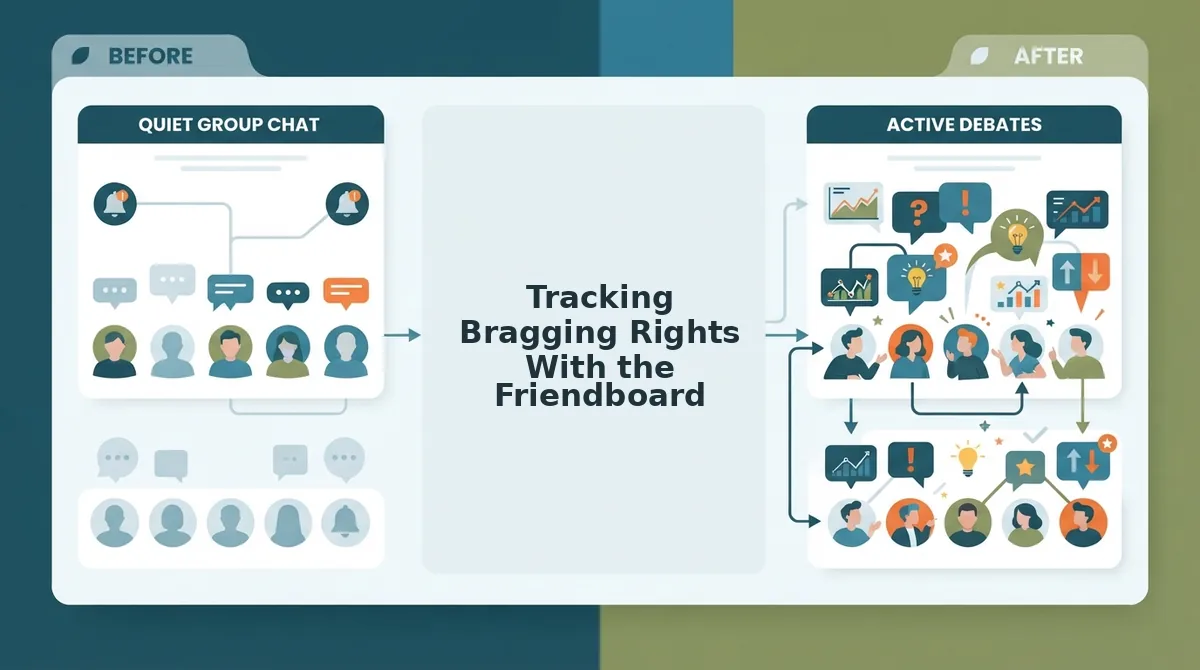
The Friendboard is a live score ranking that displays every player's result in real time, visible to everyone who opens the quiz link. Think of it like a pickup basketball scoreboard that updates after every shot, nobody has to ask who's winning because the answer is always on display.
Here's how the workflow plays out in a typical group chat. You drop the quiz link at 8:14 PM. Three friends finish within five minutes. The Friendboard immediately shows who scored highest, and the group chat erupts with screenshots, trash talk, and demands for a rematch. That live visibility is the engine that drives repeat plays, nobody wants to sit at the bottom of a public ranking while their best friend holds the top spot.
Competitors typically hide results behind a "see your score" screen that only the individual player views. That private-score model kills the social loop. The Friendboard flips it: every score is public, every ranking is contested, and every rematch is one tap away. If you want to dig into the mechanics of how to see who scored highest, the ranking is always one screen away, no digging through menus required.
The Share Sprint Pays Off in Minutes, Not Days
The 60-Second Share Sprint works because it removes every excuse your crew has for not playing. You already know the workflow: create, copy, drop. The only missing step is doing it before the conversation moves on. Open Friend Quiz, build your quiz, and send the link into your group chat right now, the Friendboard will handle the bragging rights from there. The best time to start a rivalry is the moment everyone is already looking at their phone.