How to See Who Scored Highest on a Friend Quiz
Your group chat has gone radio silent. Twelve friends opened your quiz link an hour ago, and now everyone's waiting for the same thing: the moment you see who scored highest on friend quiz results and crown the winner. That silence is the sound of anticipation, and it's about to break.
You're not alone in wanting that instant payoff. The Friendboard loads fast, but the ranking is easy to scroll past if you don't know exactly where to look. Here's the good news: the top scorer is always in the same place, and once you know the layout, you'll never miss it again.
This guide walks you through the Friendboard's ranking logic, the exact four-step sequence to find the #1 name, and a score interpretation framework that turns raw numbers into shareable bragging rights. Stick around to the end, there's a tie-breaker scenario most people never see coming, and it changes how you'll run your next quiz.
Ready to test your own circle? Create your own friend quiz in under two minutes, no accounts, no downloads, just a link your group chat can open instantly.
How the Friendboard Ranks Scores
The Friendboard is a live leaderboard that sorts every quiz participant by total correct answers, placing the highest score in the #1 position at the top. It updates as each friend submits, so the ranking can shift until the last person finishes.
Think of the Friendboard like a race results board at a school sports day. Every runner crosses the line at a different time, but the board doesn't care about arrival order, it re-sorts everyone by fastest time the moment each result lands. The Friendboard does the same with correct answers: submit early, submit late, it doesn't matter. The moment your answers register, the board recalculates and slots you into the right position.
Here's the progression from simple to advanced:
- Simple: The Friendboard shows one ranked list. The name at the top has the most correct answers. That's your winner.
- Intermediate: The board displays total scores only, not per-question breakdowns for each participant. You'll see who won, but not which specific questions tripped them up.
- Advanced: Because the board re-sorts live, a friend who submits early and sits at #1 can get bumped down as more people finish. Wait for all submissions to load before declaring a winner.
To make those raw numbers mean something in your group chat, use this three-tier interpretation framework:
| Score Range | Tier | What to Say in the Chat |
|---|---|---|
| 90-100% | Practically psychic | "Okay, are you reading my diary?" |
| 70-89% | Solid bestie | "You know me. Respect." |
| Below 70% | Time for a rematch | "We need to hang out more. Rematch?" |
No other quiz platform gives you this interpretive layer, which is what turns a bare number into social currency your friends actually want to screenshot and share.
If you're looking for a specific query answered in one place: the Friendboard ranks participants by total correct answers, with the highest score always in the #1 slot at the top of the list, and it re-sorts live as each new submission arrives, so the final ranking is only locked once every invited friend has finished the quiz.
Want to see the ranking in action with your own group? Create your own friend quiz and watch the Friendboard populate in real time.
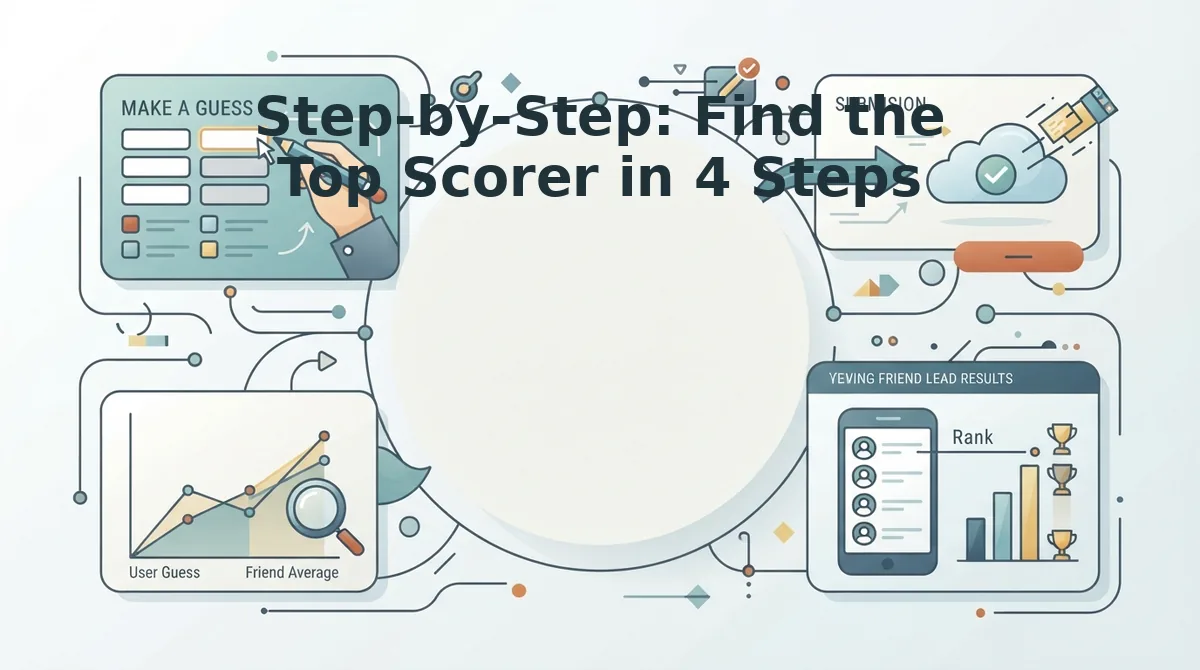
Step-by-Step: Find the Top Scorer in 4 Steps
Finding the top scorer takes under 30 seconds once you know the Friendboard's layout. You'll need the quiz link you originally shared and a device with the group chat open.
- Open the quiz link you shared to the group chat. Tap the same link you sent when you created the quiz. It loads the live Friendboard, not a static results page. You should see the quiz title and your name as the creator at the top of the screen.
- Wait for all submissions to load before reading the ranking. The Friendboard re-sorts every time a new participant submits, so a name in the #1 slot can get bumped down as stragglers finish. Give the chat a few minutes after your last nudge, or send a quick "last call" message, then refresh the page. You should see a stable list with no new names appearing.
- Read the Friendboard from top to bottom. The name in the #1 slot is the top scorer. Each row shows a participant's name and their total correct answers, ordered highest to lowest. The winner sits directly under the quiz title, no scrolling, no tabs, no hidden menus.
- Call out the winner in the group chat. Screenshot the Friendboard or type the winner's name with their score. A simple "🏆 [Name] with 9/10, practically psychic!" triggers the bragging-rights moment and usually sparks a rematch challenge within minutes.
If two names sit in the same position with identical scores, you've hit a tie, and that's where the fun actually starts.
What to Do When Two Friends Tie
A tie on the Friendboard is when two or more participants finish with the same total score and occupy the same rank position. The Friendboard does not break ties automatically, it displays both names side by side at the identical rank, which can feel anticlimactic after all that build-up.
Think of a tie like two runners crossing a finish line at the exact same millisecond: the photo finish confirms it, but nobody gets the gold medal until you decide the rule. You have two clean paths forward, and both keep the group chat engaged.
Option 1: Run a sudden-death rematch. Create a fresh quiz link in under two minutes, send it only to the tied friends, and declare that the new score is final. This works best when both players are online and the group is still active.
Option 2: Settle it with a friendship dare. Send the tied pair to the friendship dare quiz, where the loser of a dare challenge forfeits the tie. This converts a dead heat into a second round of content instead of a shrug.
Either way, the tie becomes a reason to keep playing rather than a reason to close the tab.
How to Share the Top Scorer Result
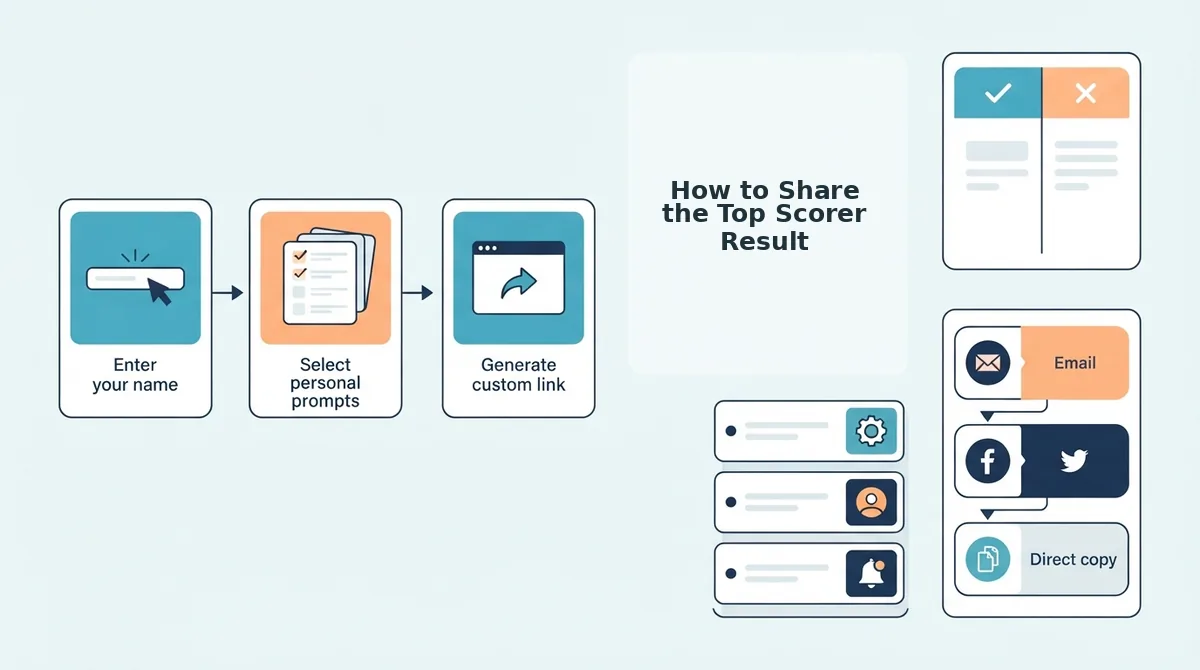
Once the Friendboard loads and a top scorer appears, the bragging-rights moment is one tap away. You need the quiz link already open in your mobile browser and the group chat ready in another tab or app.
- Open the Friendboard and confirm the top scorer's name is visible at the number one rank. You should see their total score highlighted above the other participants.
- Copy the share link from the quiz page or your browser's address bar. The link carries the current Friendboard state, so recipients land on the same results you are viewing.
- Post the link back to the group chat with a message tagging the winner, such as "Official results are in, congrats, Maya." The winner should see the notification and open the link within seconds.
- Optional: Launch a rematch. If the group demands a second round, create a fresh quiz in under two minutes and share the new link. You can also escalate with the friendship dare quiz to keep the rivalry going.
Success looks like the group chat filling with reactions, the winner replying, and at least one person asking for a rematch.
Frequently Asked Questions About Friend Quiz Results
The Friendboard shows total scores per participant, updates as submissions arrive, and can be reset by creating a new quiz link. Here are the questions people ask most after their first quiz.
Can I see individual answers on the Friendboard?
No. The Friendboard displays total scores and rank positions only, not per-question breakdowns for each participant. If you want to know which specific questions someone missed, ask them directly in the group chat, that conversation is often more entertaining than the score itself.
Does the Friendboard update in real time?
Yes. The Friendboard updates as submissions come in, so scores and rankings shift while friends are still taking the quiz. Refresh the page if you have had it open for a while and suspect new entries have arrived.
What if someone submits after I check the results?
Late submissions can change the ranking, so check the Friendboard only after everyone in the group has confirmed they finished. A friend who submits ten minutes late can knock the current leader out of first place, which usually restarts the argument in the chat.
Can I reset the Friendboard without creating a new quiz?
No. The Friendboard is tied to its quiz link, so the cleanest reset is to create a new quiz and share the fresh link. A new leaderboard can be generated in under two minutes, which makes rematches easy to run back-to-back.
How is this different from a best friend quiz?
A best friend quiz focuses on how well one specific friend knows you, while a general friend quiz opens the challenge to your whole circle. Both use the same Friendboard ranking system, so the scoring and tie rules apply equally.
Turn the Scoreboard Into Your Next Group Chat Moment
You now know the full loop: open the quiz link, check the Friendboard, spot the #1 slot, and share the result where it lands hardest.
But here is the shift worth making: checking scores is passive. Creating a quiz is the move that keeps the game alive. Every time you build a new quiz, you reset the Friendboard, reopen the rivalry, and give your group chat a fresh reason to compete. Creating a new quiz takes under two minutes, less time than scrolling through the reactions to your last result.
- Step one: Open the quiz link you already have and screenshot the Friendboard before scores shuffle.
- Step two: Send the top scorer a direct challenge: "You won this round. New quiz is live. Defend the crown."
- Step three: Create your own friend quiz with fresh questions and watch who climbs to #1 this time.
The Friendboard does not just rank scores, it ranks who pays attention to you. The person in the #1 slot earned that spot by noticing the details everyone else scrolled past. A friend quiz is not a test of memory; it is a mirror of who shows up for you.