How to Track Friend Quiz Scores Without an Account
Every quiz platform wants your email, your phone number, or a 200MB app download before it shows you a single score. Friend Quiz flips that script entirely, you can track friend quiz scores without account sign-ups, verification codes, or profile creation, and the entire flow takes under a minute from idea to shareable link.
You're right to be skeptical. Most "free" quiz tools quietly lock results behind a registration wall, betting you'll cave once your friends have already answered. That friction kills the exact thing you came for: instant group chat chaos and bragging rights.
Here's what you'll learn: the precise creator-side flow for tracking every response without a dashboard login, the participant-side path from link tap to accuracy score, and how the real-time Friendboard updates with zero accounts anywhere in the chain. One surprising mechanic, the shareable link itself doubles as your live score tracker, is the reason the whole system works, and we'll unpack exactly how that functions below.
Start by creating a friend quiz with just your name and a few personal trivia answers. No email field exists to fill out, because none is required.
How Creators Track Scores Without an Account
Creators track every response through the same shareable quiz link they send to friends, no separate dashboard, no login, no email verification. The link is the dashboard.
Prerequisites: A smartphone or desktop browser, your quiz link, and roughly 60 seconds to build the quiz. No app download or account creation is required at any point.
- Open the Friend Quiz homepage and type your name. Enter the name your friends know you by, this appears on the quiz and the results screen. You should see the first trivia prompt appear immediately, with no sign-up form in between.
- Answer each personal trivia prompt. Cycle through questions about your habits, quirks, likes, and dislikes. Select your answer and tap the next arrow. Expect to spend 30-45 seconds total. After the final prompt, you should see a confirmation that your quiz is ready.
- Copy your unique quiz link. Tap the share or copy button to grab the URL. This single link is the only tool you need for both distribution and score tracking. Paste it into WhatsApp, iMessage, Snapchat, or any group chat.
- Open the same link to view live results. Tap your own quiz link at any time after friends have answered. You should see a real-time Friendboard showing who answered, their accuracy percentage, and a running leaderboard, no login prompt, no "create account to view results" wall.
- Reshare the link to keep scores climbing. Send the identical URL to new groups or friends. Every new response appends to the same results view. You should see the participant count and leaderboard update as each friend submits.
No email verification or profile creation is required at any point in this flow. The shareable link is the only score dashboard a creator needs, which means you can track results from any device simply by reopening the URL you already sent.
For a spicier twist on the same zero-account mechanic, try a friendship dare quiz, the tracking flow works identically, but the questions raise the stakes.
How Participants See Their Scores Instantly
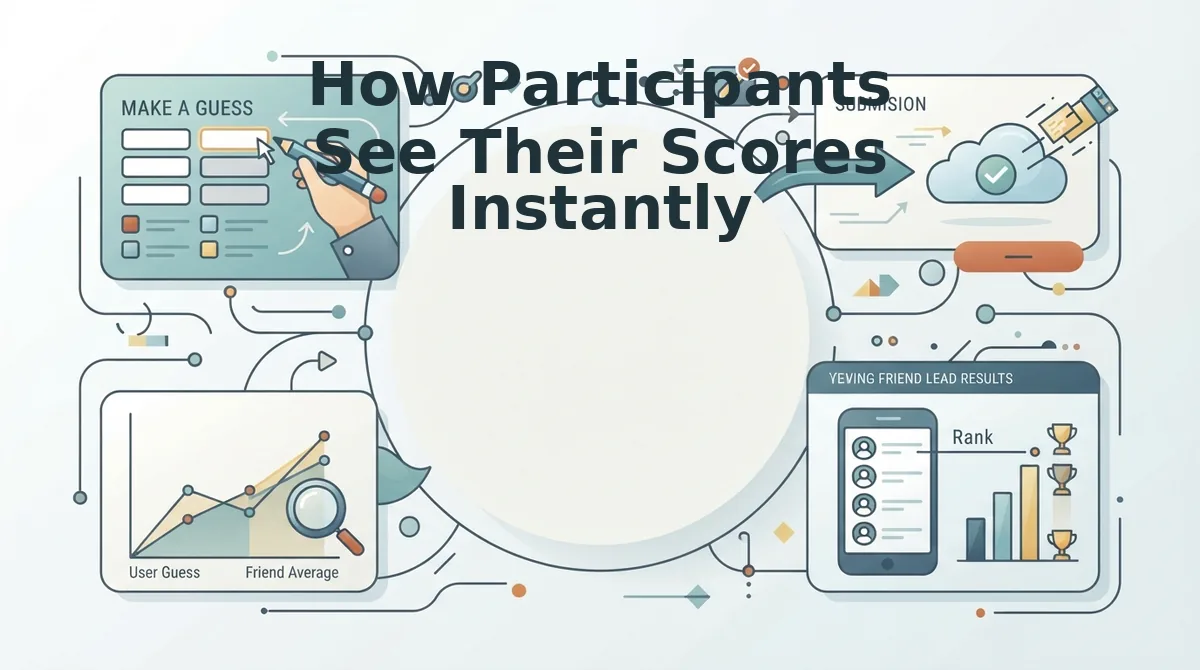
Participants see their accuracy score the moment they submit their final answer, no email entry, no profile creation, no app install. The score appears directly on the results screen, along with their rank on the creator's Friendboard.
Prerequisites: The quiz link shared by the creator and a mobile browser or desktop browser. No account, login, or download is needed at any step.
- Tap the quiz link in your group chat. Open the URL directly from WhatsApp, iMessage, Snapchat, or wherever the creator shared it. The quiz loads in your browser immediately, you should see the creator's name and the first question without any sign-up prompt.
- Answer each question about the creator. Select your best guess for every prompt and tap next. Expect to finish in under a minute. There is no timer, so answer at your own pace.
- Submit your final answer. Tap the submit or finish button on the last question. You should see a brief loading state, then your results screen appears automatically.
- Read your accuracy score and rank. Your percentage score displays immediately after submitting answers, alongside how you stack up against other friends who have taken the same quiz. You should see your name or initials on the Friendboard leaderboard without entering any personal information.
- Share your score or challenge someone else. Tap the share button to post your result in the group chat. You should be able to send a score card that includes your accuracy percentage, sparking immediate rematch requests.
Participants do not need to enter an email or create a profile to see their score. The accuracy percentage and leaderboard position render instantly after submission, which keeps the group chat momentum going, nobody has to pause the banter to register for anything. If you want to test the flow yourself before challenging friends, open a best friend quiz link and submit answers to see exactly how the instant results screen behaves.
That instant score display feeds directly into how the real-time Friendboard works without logins.
How the Real-Time Friendboard Works Without Logins
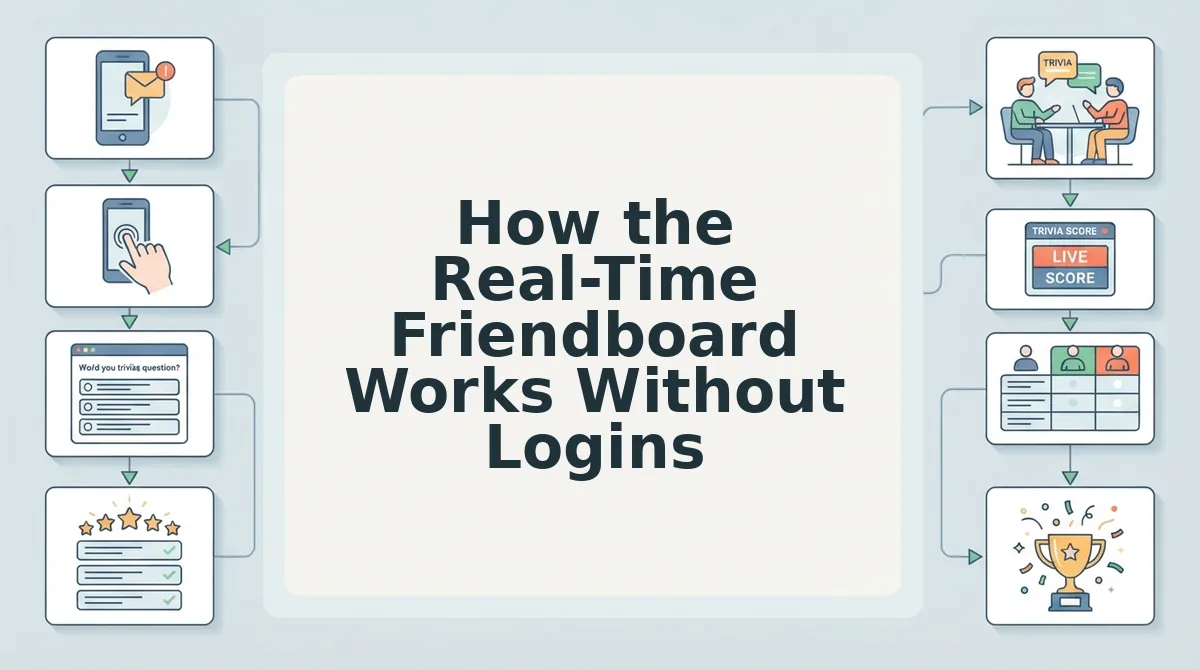
A Friendboard is a live ranking view attached to each quiz link that updates the moment any participant submits answers, without requiring refresh, accounts, or app installs. It works like a shared scoreboard at a bowling alley: every player sees the same board, and new scores appear as soon as each ball is rolled.
At the simplest level, the Friendboard is just a web page tied to the creator's unique quiz URL. When a participant finishes the quiz, their accuracy score is calculated instantly and pushed to that page. Think of a CDN like having copies of a book in every library branch, the score data is distributed to every open browser tab viewing that link, so no one has to manually reload to see a new entry.
At an intermediate level, the ranking logic matters more than raw completion. The Friendboard orders participants by accuracy score, how many answers matched the creator's recorded habits, not simply by who finished first. A friend who answers 9 of 10 questions correctly outranks someone who rushed through with 4 correct answers, even if the latter submitted earlier.
At the advanced level, the system uses a lightweight publish-subscribe pattern: each open Friendboard tab subscribes to a channel keyed to that quiz link, and the server publishes score events to that channel as submissions arrive. No session cookie or user identifier is required because the channel itself is the identity, the quiz link is the only credential needed to view or receive updates.
For creators who want to settle a group chat debate in real time, open the Friendboard on your own phone, share the quiz link, and watch rankings populate as friends submit from their own devices, no sign-up step interrupts the flow.
What Persists and What Resets Without an Account
Without an account, Friend Quiz retains scores on the creator's link view but stores no user profiles, email history, or cross-session identity. What survives is tied to the quiz link itself; what resets is anything tied to an individual visitor.
| Data Point | Persists Without an Account? | Where It Lives | Best For |
|---|---|---|---|
| Participant score on a quiz | Yes, remains on the creator's Friendboard view even if the participant closes their tab | Creator's quiz link | Creators who want a permanent record of who scored what |
| Participant name entry | Yes, appears on the Friendboard for that quiz only | Creator's quiz link | Group chats that want named bragging rights per quiz |
| User profile or email history | No, not stored at all | N/A | Privacy-conscious participants who don't want another account |
| Cross-quiz identity | No, each quiz link is independent | N/A | Casual players who treat each quiz as a fresh challenge |
Competitor platforms that require logins do offer one genuine advantage: persistent profiles let users accumulate a lifetime score history and compare themselves against friends across multiple quizzes over months. Friend Quiz deliberately trades that long-term memory for zero-friction entry, the friendship test starts in seconds because there is no account wall to climb first.
If you want a permanent, exportable record of every quiz you have ever taken, an account-based platform serves that persona better. If you want to fire off a quiz in a group chat right now and see results on a live board without anyone signing up, Friend Quiz's link-scoped persistence is the better fit.
Frequently Asked Questions About Tracking Friend Quiz Scores
Can I track friend quiz scores without creating an account?
Yes. Every quiz link includes a live Friendboard that records participant scores automatically. The creator opens the link to see all submissions ranked by accuracy, and no participant or creator needs to sign up or log in to view results.
Do participants need to enter their name to appear on the Friendboard?
Participants enter a name when they take the quiz so their score can be labeled on the Friendboard. The name is stored only on that quiz link's board, not in any user profile or cross-quiz history.
Do scores disappear if a participant closes their browser tab?
No. Once a participant submits answers, their score is written to the quiz link's Friendboard and remains visible to the creator even if the participant closes the tab immediately after finishing.
Why does the Friendboard rank by accuracy instead of completion time?
The Friendboard ranks participants by how many answers matched the creator's recorded habits, not by who finished first. This keeps the competition focused on actually knowing the creator rather than speed-running the quiz.
How do I see the Friendboard after I create a quiz?
Open the quiz link you generated after creating the quiz. The Friendboard view is attached to that link and updates live as each friend submits answers, with no refresh required.
No Account Is the Account
Every score you track on Friend Quiz lives in the link itself, no signup, no app, no email, just a shareable link that tracks everything. The open loop from the start resolves cleanly: you never needed an account because the quiz is the record.
Your next move is simple: create a friend quiz, share the link in your group chat, and watch the Friendboard populate in real time. Scores persist for participants who revisit, and creators keep the link as their permanent scoreboard.
One final synthesis: account-free tracking works because the URL carries identity, the browser carries memory, and the Friendboard carries the bragging rights. No friction, no logins, no resets, just a living scoreboard that updates the moment someone answers.
The scoreboard isn't stored in an account, it's stored in the link, and the link never forgets.