How to Replay a Friend Quiz to Beat a Score
That stings. But here's the part nobody tells you: the score isn't locked. You can replay friend quiz to beat score entries any time, and the Friendboard only keeps your latest submission.
You're not bad at friendship quizzes. You just didn't know the replay rules. This guide walks you through the exact 3-step Replay Loop to retake any Friend Quiz, explains how the accuracy formula actually works (hint: speed means nothing), and shows you how to knock a friend off the top spot.
Before you jump back in, try a warm-up round with create your own best friend quiz to sharpen your instincts. And stick around, there's a surprising reason your friend scored higher with fewer questions answered, and it changes how you should replay.
Can You Replay a Friend Quiz? Yes, Here's the 3-Step Loop
Yes, Friend Quiz lets you retake any quiz as many times as you want, and only your most recent score appears on the Friendboard. You need the original quiz link and about 2 minutes. Here's the Replay Loop.
- Reopen the original link. Tap the quiz link from your group chat or browser history, the same URL you used the first time. You should see the quiz load with the creator's name and the first question ready. No login or app download is required.
- Re-answer every question, then submit again. Work through each prompt carefully. You'll see the same questions in the same order. After the final answer, tap the submit button. You should see your new score appear on screen immediately.
- Use the same name each time. Type your name exactly as you did before, same spelling, same capitalization. This ensures your new score replaces the old one on the Friendboard instead of creating a duplicate entry. You should see your updated score reflected on the Friendboard within seconds.
Here's the self-contained breakdown: The Replay Loop is a three-step retake process, reopen the original quiz link, re-answer every question, and submit using the same name. Because the Friendboard reflects the latest submission from each participant, using an identical name overwrites your previous score. This means you can retake a quiz immediately after a bad round without creating clutter or duplicate entries on the leaderboard. The loop works on any device with a browser, and there's no limit on attempts.
One thing to understand before you retake: your score is calculated as correct answers divided by total questions attempted, not by how fast you finish. If you want the full breakdown of the formula, read this guide on friend quiz accuracy score calculation. Then come back and put the Replay Loop to work on any quiz your friends send you.
How the Friendboard Score Actually Works
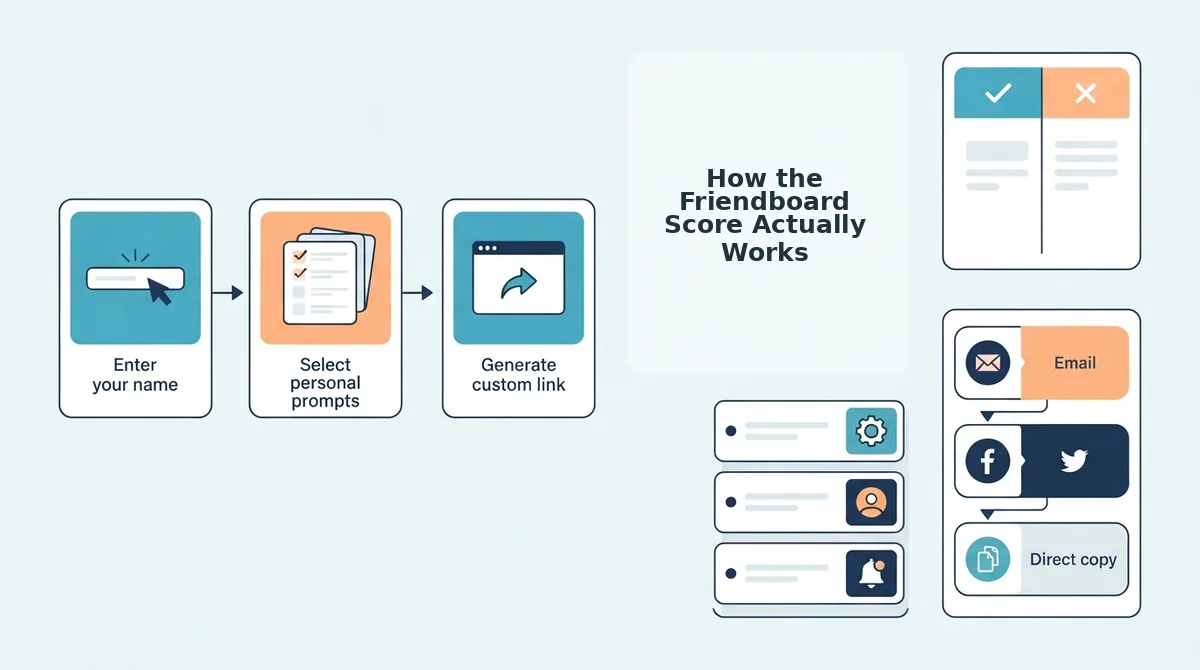
The Friendboard score is a percentage calculated by dividing your correct answers by the total questions you attempted, speed never enters the equation. Think of it like a batting average: only hits and at-bats matter, not how long you stood in the box.
Start simple. The math is straightforward, but the implications for replay strategy are not.
Now the intermediate layer: the Friendboard shows only the latest score per participant, not attempt counts. There's no public record of how many times you tried. This is why the same-name rule from the Replay Loop matters, a slightly different name creates a separate entry, and your best score gets split across two rows.
Here's the advanced insight that answers the question "Why did my friend score higher with fewer questions answered?" Accuracy is a ratio, not a raw total. The denominator, total questions attempted, shrinks their margin for error.
| What changes on replay | What stays the same |
|---|---|
| Your latest score on the Friendboard | The quiz questions and order |
| Your position relative to other players | The creator's original answers |
| Your accuracy percentage | The quiz link and share URL |
If you want to dig deeper into how the quiz itself is structured, check out the friendship test mechanics. Next, let's turn this knowledge into a strategy for beating your friend's score on replay.
How to Beat a Friend's Score on Replay
Beating a friend's score on replay comes down to treating your first attempt as a scouting run, not a final answer. The Friendboard ranks by accuracy, not speed, so the players who climb fastest are the ones who study what they got wrong and replay with sharper recall.
- Slow down because speed does not count. Friend Quiz scores your replay on correct answers only, with no time bonus or penalty attached to how fast you tap through. Rushing leads to misreading the question or tapping the first familiar-looking option, which is exactly how first attempts end up at 50%. Take a breath before each answer and treat every prompt as if it is the only one that matters.
- Recall the creator's answers, not your own guesses. The quiz is built from the creator's recorded habits, quirks, likes, and dislikes, so your job is to reconstruct what they actually said about themselves. When you catch yourself thinking "what would I do here," stop and ask instead "what did this person tell me about themselves last week, last month, or in the group chat." The gap between those two answers is where most missed points live.
- Use the first attempt as a scouting run to identify weak spots. Your initial playthrough reveals exactly which prompts you guessed on versus which ones you knew cold. One player who scored 50% on the first attempt used it to identify every guessed answer, replayed with better recall, and climbed the Friendboard past friends who never bothered to retake. Write down or mentally note the questions that made you hesitate, then focus your memory work there.
- Replay immediately while the questions are still fresh. The fastest path to a higher score is a second pass within minutes of the first, while every prompt and your initial answer are still in short-term memory. Waiting hours or days means re-reading every question cold, which wastes the scouting advantage you just earned. Treat the first attempt and the replay as one continuous session, not two separate events.
- Use the same name on every replay attempt. The Friendboard tracks scores by name, so a replay under a different name creates a separate entry instead of replacing your old score. If you want your improved result to show up where your friends can see it, type the exact same name you used on the first attempt. This is also why the creator never sees attempt counts, only names and latest scores.
- Study the BFF test scoring pattern before you replay. Understanding how points are awarded helps you prioritize which questions deserve extra thought. Questions about daily habits and recurring quirks tend to be the ones creators answer most consistently, while one-off preferences are easier to misremember. Spend your mental energy on the prompts where the creator's answer is most predictable.
- Replay from the original link, not a stale tab. A cached page can serve you an old version of the quiz or fail to register your new score on the Friendboard. Close the tab, reopen the link from the original chat message, and let the page load fresh before you start your replay. This ensures your improved score actually lands where your friends can see it.
Ready to put these tactics to work? Open your friend's quiz link, run your scouting attempt, and replay with the recall strategies above to claim the top Friendboard spot.
Troubleshooting: When Replay Doesn't Work
Most replay failures come from stale links, cached pages, or a name mismatch on the Friendboard. Work through these steps in order to get your replay running again.
- Close the current tab and reopen the quiz from the original chat message. A stale link or cached page can prevent a fresh replay from loading or submitting. Reopening from the original share message forces a clean page load, and you should see the quiz start from the first question.
- Refresh the page if the quiz loads but your answers will not submit. Tap the browser refresh icon and wait 2-3 seconds for the page to fully reload. You should see the first prompt appear again, and your next attempt should submit normally.
- Check that you typed the same name as your previous attempt. If your score did not update on the Friendboard, the most common cause is a name mismatch. Re-enter the exact name you used before, including capitalization, and your new score should replace the old one.
- Clear the browser cache if the link still shows an old quiz version. Open your browser settings, find Clear Browsing Data, and select Cached Images and Files. After clearing, reopen the link from the chat message and the latest quiz version should load.
FAQ: Replaying Friend Quizzes
Quick answers to the most common replay questions, drawn from what players actually ask in group chats and comment threads.
Is there a limit to how many times I can retake a friend quiz?
There is no retake limit on Friend Quiz. You can replay the same link as many times as you want, and each new attempt replaces your previous score on the Friendboard when you use the same name.
Does the quiz creator see how many times I replayed?
No. The creator sees only names and latest scores on the Friendboard, not attempt counts. Your replay history stays private, so you can retake as many times as you need without anyone knowing.
Does Friend Quiz show which answers I got wrong?
Friend Quiz does not show wrong answers after submission. You see only your final score, which is why treating the first attempt as a scouting run and noting which questions made you hesitate is the key to improving on replay.
Can I use the same share link to replay a quiz?
Yes. The same share link can be reopened for replay at any time. For the most reliable results, reopen it from the original chat message rather than a stale browser tab to avoid cached page issues.
Now that you know the replay rules, it is time to reclaim your Friendboard spot today.
Reclaim Your Friendboard Spot Today
The replay loop is simple: replay, refine, replace. Each new attempt overwrites your previous score, so a single strong run is all it takes to climb back up the Friendboard. Accuracy drives rank, not speed, a careful pass beats a rushed one every time.
Here's the sequence that actually moves you up:
- Replay your first quiz now, one clean run replaces your old score instantly.
- Share your new score in the group chat, bragging rights only count when people see them.
- Create your own best friend quiz, flip the game and make your friends chase your score instead.
If you want to raise the stakes further, friendship dare challenges turn a simple replay into a full group event with consequences.
The Friendboard doesn't reward effort, it rewards your latest result. One accurate replay is worth ten careless attempts.