How to Make a BFF Test Without Signing Up
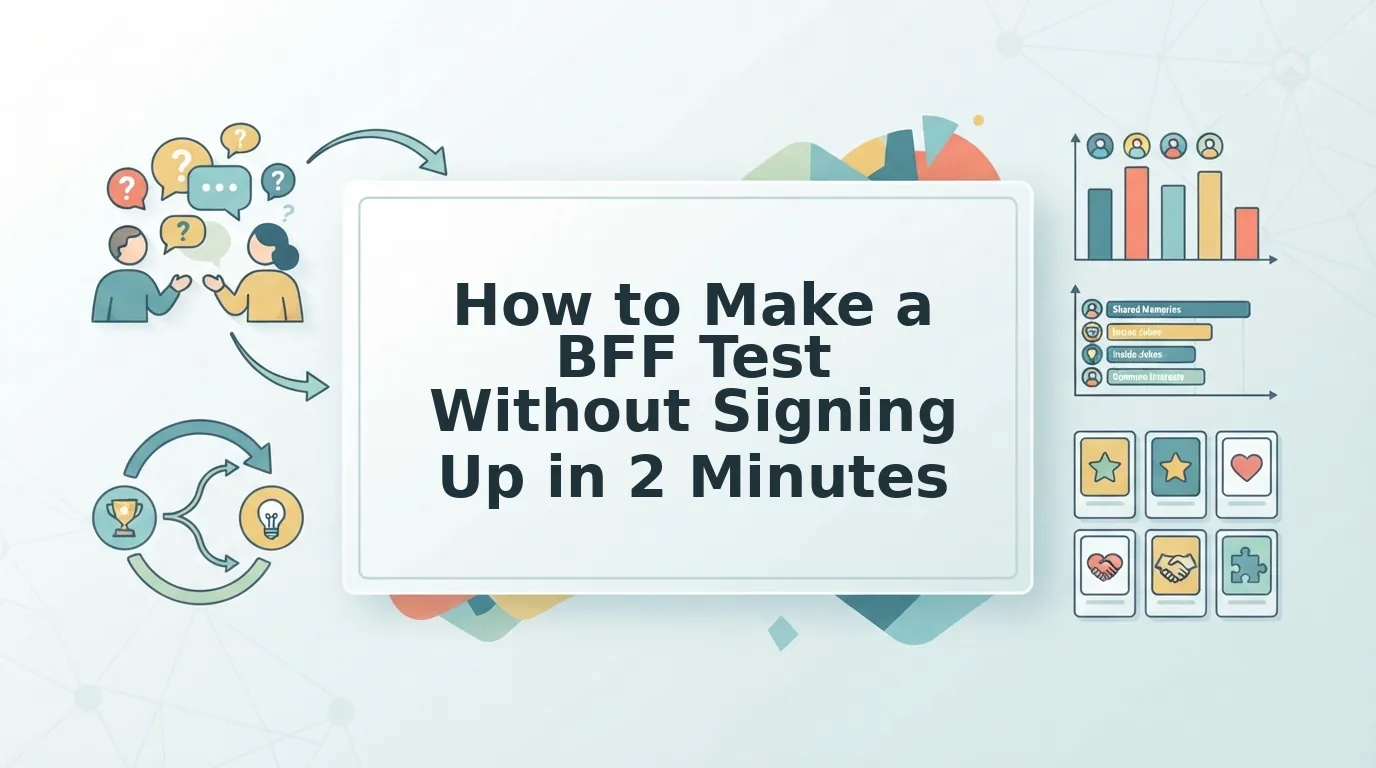
Your group chat has been dead for three days. You send a "who knows me best" challenge, and every single friend bails at the signup wall. That friction is exactly why how to make a bff test without signing up has become the fastest way to wake up a silent thread, and it takes under two minutes total.
You're right to skip the account-creation nonsense. Nobody in your chat wants to download an app, verify an email, or remember another password just to answer five questions about your coffee order. The demand is real: creators on YouTube, like the "Create a Best Friend Quiz 🎉 | Test How Well Your Best Friend Knows You! (FREE)" video by Best Friend Test, prove that people actively search for free, frictionless BFF quiz tools.
Here's the promise: by the end of this guide, you'll know the exact zero-account workflow to make a BFF quiz, the question types that actually spark banter, and how to drop your link into a group chat without a single login wall. One surprising finding: the fastest quizzes aren't the longest, they're the ones friends can finish before the next message lands.
Can You Make a BFF Test Without an Account? Yes, Here's the Zero-Account Speed Run
Yes, you can create a complete BFF test in under 2 minutes without creating an account, downloading an app, or entering an email address. The entire workflow happens in your mobile browser, and your friends take the test the same way.
Prerequisites: A phone or laptop with a browser, your name, and roughly 90 seconds of uninterrupted time. No email verification, no password, no app store visit.
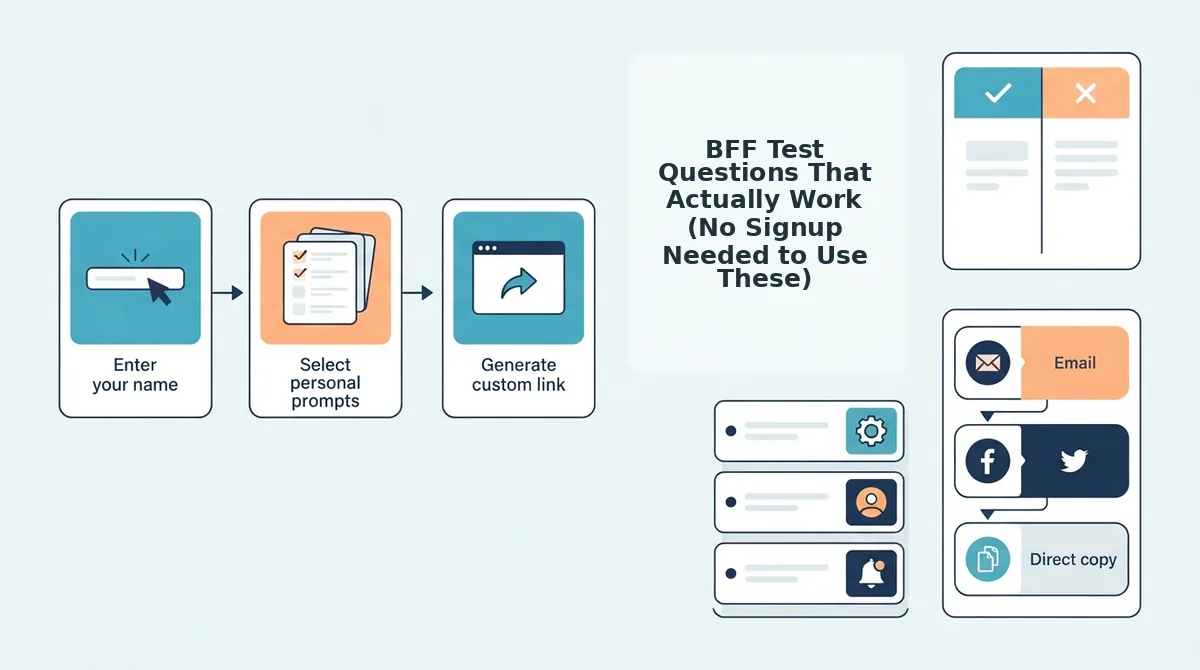
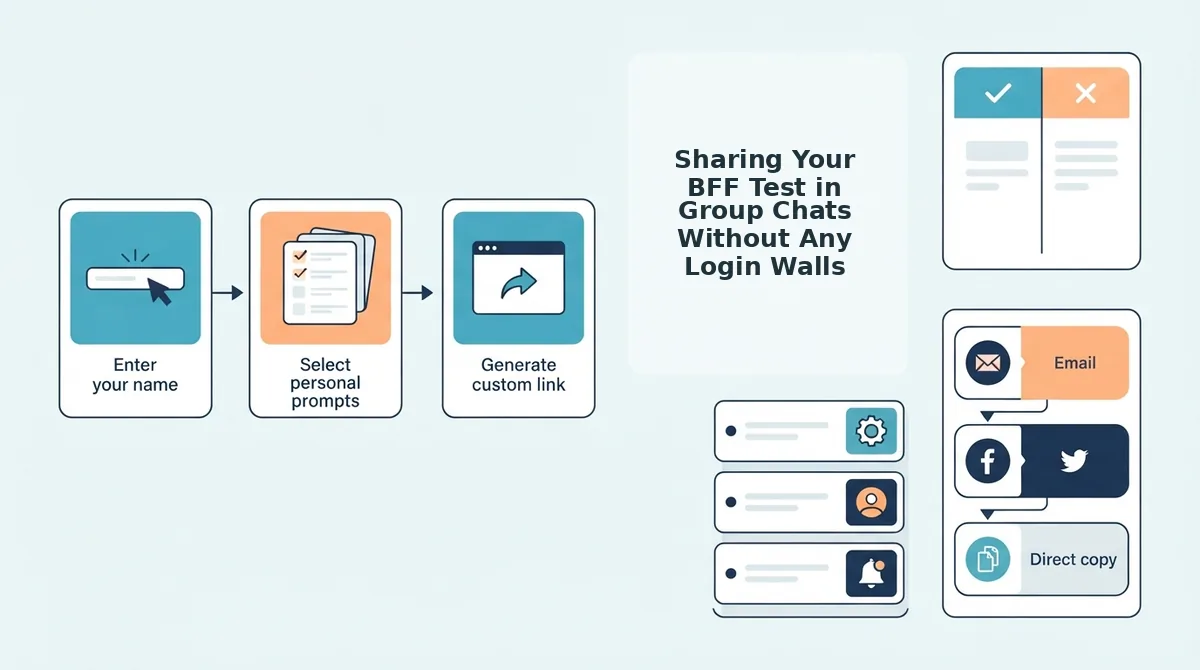
- Open the quiz maker page. Go to the BFF quiz tool on your phone's browser. You should see a name field and a start button immediately, no popup asking you to sign in. Expected time: 5 seconds.
- Type your name and tap start. Enter the name your friends actually call you, not your full legal name. This is the name that appears on the quiz card your friends see. You should land on the first prompt within one tap. Expected time: 10 seconds.
- Answer the personal trivia prompts. Cycle through the questions about your habits, quirks, likes, and dislikes. Tap or select your answer for each one, no typing required unless you want to customize. You should see a progress indicator showing how many prompts remain. Expected time: 60 seconds for the full prompt sequence.
- Generate your share link. Tap the final button to package your answers into a personalized quiz. You should see a shareable link appear on screen, ready to copy. Expected time: 5 seconds.
- Drop the link in your group chat. Copy the link and paste it into WhatsApp, iMessage, Snapchat, or wherever your friends actually talk. Friends open the link in their mobile browser, answer the questions, and see their score, no app install, no login, no account. Expected time: 30 seconds.
Total creation time: under 2 minutes. Your friends complete the test in under 30 seconds each on a mobile browser, which is why the link actually gets clicked instead of ignored. If you want a slightly different angle on the same zero-account flow, the best friend test maker offers the same no-signup experience with a different question mix.
Why zero-account wins: A BFF test lives or dies on impulse. The moment a friend has to create an account, the impulse dies. A no-signup link removes every barrier between "that's funny" and "I just got 4 out of 7." That's the entire speed run: open, answer, share, done, and the Friendboard tracks bragging rights automatically so the chat has a reason to keep going.
BFF Test Questions That Actually Work (No Signup Needed to Use These)
These 15 ready-to-use questions are organized by category so you can mix and match for your quiz. Each one is designed for fast mobile answering and maximum group chat banter.
- Habits: "What's my go-to coffee order?" This question works because it's specific enough to separate real friends from acquaintances, yet answerable in one tap. Use it early in your quiz to hook friends with an easy confidence boost.
- Habits: "Do I hit snooze or wake up on the first alarm?" A low-stakes question that reveals how much someone actually pays attention to your daily routine. It sparks immediate "I KNEW it" reactions in the chat.
- Habits: "What time do I usually go to bed?" This one separates the friends who've stayed up texting you from everyone else. Use it mid-quiz to raise the stakes.
- Preferences: "What's my comfort movie I've rewatched 10+ times?" A preference question with a memory component, the best kind. It rewards friends who've actually watched things with you.
- Preferences: "Which food would I never turn down?" Universally relatable and instantly answerable. This question generates the most "obviously" responses in group chats.
- Preferences: "What's my dream vacation destination?" Use this to test whether friends know your aspirational side, not just your daily habits. It works best in the middle of the quiz.
- Preferences: "Am I a morning person or a night owl?" A binary question that's perfect for mobile tap-to-answer speed. Friends can answer it in under two seconds.
- Memories: "What's the most embarrassing thing that's happened to me in public?" This is the banter engine. Use it late in the quiz when friends are already invested, and expect the group chat to explode with retellings.
- Memories: "What was my first job?" A memory question that tests how long someone has actually known you. It quietly separates old friends from new ones.
- Memories: "Which concert or event did we go to together?" This one is personal and relationship-specific, which makes it feel custom even in a template. Use it if your quiz targets one specific friend.
- Quirks: "What's my weirdest pet peeve?" Quirk questions reveal whether friends notice the small things. This one consistently produces the most surprising wrong answers, and the most defensive right ones.
- Quirks: "Do I eat my food one item at a time or mix everything?" A hyper-specific quirk that's easy to answer and impossible to fake. It's the kind of question that makes friends say "wait, how do I not know this?"
- Quirks: "What phrase do I say way too often?" This question turns your own verbal habits into a test. Friends who get it right earn instant credibility in the chat.
- Wildcard: "What's my most irrational fear?" A wildcard that balances humor with genuine insight. Use it as your final question to end on a memorable note.
- Wildcard: "If I won the lottery, what's the first thing I'd buy?" This one tests how well friends know your priorities, not just your preferences. It's a strong closer that invites follow-up debate.
Mix two or three from each category to build a balanced quiz that feels personal without taking more than 30 seconds to answer. Next, learn how to drop your finished link into group chats without hitting a single login wall.
Sharing Your BFF Test in Group Chats Without Any Login Walls
A shareable BFF test link is a single URL that opens instantly in any mobile browser, with no account check, no app install prompt, and no email gate standing between your friend and the first question.
Think of a no-login quiz link like a paper invitation you can hand to anyone at a party, no RSVP required, no coat check, no name tag. The moment someone taps it, they're already inside the experience. That's the entire mechanic behind high participation rates in group chats.
Simple: Copy and Paste the Link
After you finish building your quiz, the platform generates one link. Copy it and paste it directly into any group chat. On WhatsApp and iMessage, the link opens in the phone's built-in mobile browser, no app download, no redirect to an app store, no "create an account to continue" screen.
Snapchat users can tap the link in a chat message or in your story without leaving the app. The in-app browser handles the quiz just like a regular webpage, so your friends never hit a dead end.
Intermediate: Match the Message to the Platform
Each chat app has its own social rhythm. In WhatsApp, a short challenge line, "I made a quiz about myself, let's see who actually knows me", outperforms a bare link. In iMessage, adding a single emoji or a friend's name before the link increases tap-through because it feels personal, not broadcast.
On Snapchat, attach the link to a story with a countdown sticker or a poll sticker asking "Who's taking this first?" The visual cue gives friends a reason to tap before the story expires.
Advanced: Use the Friendboard as a Social Loop
No-login links remove the friction that kills group chat participation. When a friend finishes the quiz, their score appears on the shared Friendboard, which creates a natural rematch trigger. You don't need to send a follow-up message, the scoreboard does the nagging for you.
For a higher-stakes twist, pair your BFF test with a friendship dare quiz and let the lowest scorer owe the group a dare. That turns a passive quiz into an active group event.
Why no-login links get higher participation: Every additional step between tapping a link and answering the first question, account creation, email verification, app installation, permission popups, removes a percentage of potential players. A zero-account link has exactly one step: tap. That's why group chat quizzes built without login walls consistently outperform account-gated alternatives in open rates and completion rates. Friends who would never register for a quiz platform will happily answer ten questions about you when the barrier is zero.
Why No-Signup Beats Account-Based Quiz Makers for BFF Tests
No-signup BFF test tools trade account features for instant participation, while account-based platforms trade speed for saved history and classroom management. The right choice depends entirely on who's taking your quiz and where they'll tap the link.
Account-based tools have real strengths. Kahoot excels in classrooms and corporate training where a host controls the room and needs persistent dashboards. Buddy Meter offers polished result pages and social sharing features. But those strengths come with a cost: every account wall, multi-page reload, and ad interstitial removes a slice of your group chat audience before they ever see question one.
| Feature | Friend Quiz (No-Signup) | Kahoot | Buddy Meter |
|---|---|---|---|
| Account required to create | No | Yes | Yes |
| Account required to take | No | No (but app or PIN entry required) | No |
| Time from idea to shareable link | Under 2 minutes | 5-10 minutes plus account setup | Several minutes with multi-page form reloads |
| Email or personal data collected | None | Email required for creators | Email required for creators |
| Ad clutter on quiz pages | Minimal | Low | Often high |
| Best for | Group chat instigators who want a link live in under 2 minutes | Teachers and trainers running live, hosted sessions | Users who want polished result graphics and don't mind setup friction |
Best for group chat banter: Friend Quiz. The zero-account flow means your quiz link is live before the group chat conversation moves on. No-signup tools collect no email, no password, and no personal data, a privacy advantage that matters when you're sharing with acquaintances, not just close friends.
Best for classrooms and hosted events: Kahoot. The account requirement adds minutes of friction for quiz makers, but the live game-show format and persistent dashboards justify that cost when you're managing thirty students in a room.
Best for polished shareable results: Buddy Meter. The trade-off is multi-page reloads and ad clutter during creation, which slows down the exact moment when group chat energy is highest. For a deeper breakdown, see our Friend Quiz vs Buddy Meter comparison.
FAQ: Making a BFF Test Without Signing Up
Do I need an account to make a BFF test?
No. You can create a BFF test on Friend Quiz without registering, entering an email, or setting a password. The quiz link generates instantly and works for everyone who taps it.
How long does it take to make a BFF test?
Under 2 minutes to create. You answer a sequence of personal trivia prompts about yourself, and the platform packages them into a shareable quiz automatically. Taking the quiz takes under 30 seconds.
Can my friends take the test without downloading an app?
Yes. The quiz opens in any mobile browser on WhatsApp, iMessage, Snapchat, or a standard text message. No app install, no account creation, no login wall.
Is it really free to make a BFF test?
Yes. There is no paywall, no trial period, and no email collection required. You build the quiz, share the link, and friends take it for free.
What happens if a friend gets a question wrong?
That's the fun part. Wrong answers lower their score, and the Friendboard shows who knows you best, and who owes you a dare or a rematch.
Your BFF Test Is Already Faster Than Signing Up
The entire workflow, name, a few personal prompts, share link, takes under two minutes and requires zero accounts. That speed is the feature. Every login wall you skip is a friend who actually finishes the quiz instead of abandoning it at a password reset screen.
Here's the payoff the intro promised: the fastest BFF test isn't the one with the most questions. It's the one your friends can open and answer before the group chat moves on to the next meme. The share link is the whole game, friends answer instantly on mobile, no app store detour, no "create an account to see your results" dead end.
So here's your next move:
- Build your friendship test in one sitting, under two minutes, no signup.
- Drop the link in your group chat and let the banter begin immediately.
- Watch the Friendboard update in real time as bragging rights get claimed.
Account-free quiz makers treat your friends like users to convert. A zero-signup BFF test treats them like what they are: people who already know you and just need a link to prove it.
The best BFF test is the one your friends finish before they even realize they're being tested.