How to Browse Monthly Friend Quiz Favorites
Every month, a handful of friend quizzes blow up in group chats while thousands sit unplayed, and the gap between a viral hit and a silent flop has almost nothing to do with the questions themselves. If you've ever watched a quiz link die in your group chat with zero responses, you already know the sting. Monthly friend quiz favorites are the most played quizzes from the past 30 days, ranked by real player activity, not editor picks, and learning to browse them is the fastest shortcut to finding quizzes your friends will actually finish. This guide walks you through what monthly favorites actually mean, how to browse the feed step by step, and the surprising mechanic that separates trending quizzes from flops. Stick around, the answer to why some quizzes go viral isn't what you'd expect, and it's revealed in the section on viral loops. Start by opening the monthly favorites feed and previewing a quiz before you share it.
What Monthly Favorites Actually Means
Monthly favorites are the most played friend quizzes from the past 30 days, ranked by real player activity, not editor picks, not paid placements, and not creator self-promotion. Think of it like a radio countdown: the songs that get the most plays climb the chart, and the chart resets every month so new contenders get a shot. The feed resets monthly, which creates a built-in FOMO loop: a quiz that's hot this week might vanish from the list by next month, so players return to check what's climbing.
The key distinction most people miss is the difference between three discovery feeds. Favorites are the most played quizzes in the past 30 days, a measure of sustained popularity. Trending quizzes are rising fast right now, meaning their play count is spiking over hours or days, not weeks. New quizzes are just published and have no play history yet. A quiz can be trending without being a favorite, and a favorite can be weeks old while still dominating the monthly chart.
Here's the self-contained answer if you're skimming: monthly favorites reflect cumulative plays over a rolling 30-day window, trending reflects velocity in the last 24 to 48 hours, and new reflects recency with no play data. When you browse the monthly favorites feed, you're seeing what the largest number of real players actually completed, not what an algorithm predicts you'll like. If you want to catch a quiz before it peaks, check the trending feed instead. If you want zero-competition bragging rights, the new quizzes feed is where fresh challenges land first.
How to Browse the Monthly Favorites Feed Step by Step
Browsing the monthly favorites feed takes under a minute, requires no account or app download, and works directly in any mobile browser. Follow these steps to find a quiz worth sharing before your group chat moves on.
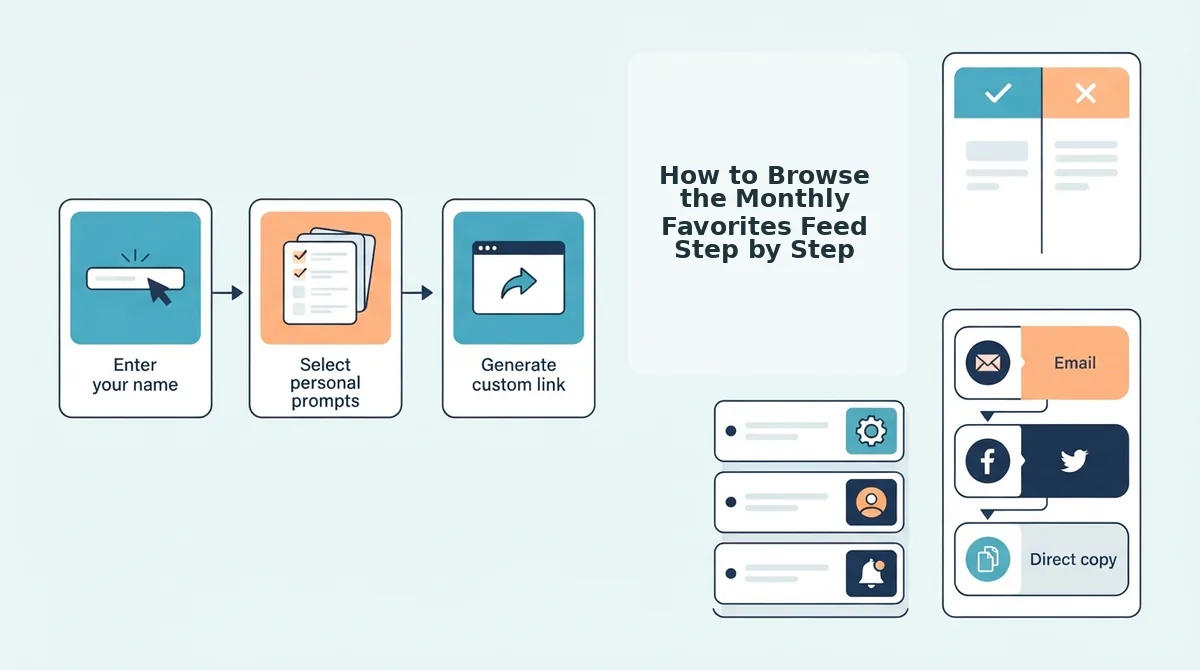
- Open the monthly favorites feed. Navigate to friendquiz.org/discover/monthly on your phone or desktop. You should see a grid of quiz cards ranked by total plays from the past 30 days, with the highest-played quiz at the top. No login screen or download prompt appears, the feed loads instantly.
- Scan the play counts and titles. Each quiz card shows its title, creator name, and total plays. Look for quizzes with play counts in the hundreds or thousands, these are the ones that already proved they hold attention. Skip any card without a visible play count, as it may be newly published and not yet ranked.
- Preview before you commit. Tap any quiz card to open its preview page. You should see the first question, the quiz creator's name, and a "Start Quiz" button. This preview lets you judge whether the tone matches your group chat, playful, competitive, or chaotic, before you send the link.
- Share the link in your group chat. Copy the quiz URL from your browser's address bar and paste it into WhatsApp, iMessage, or Snapchat. The recipient taps the link and starts playing immediately, no account creation, no app install. You should see your friend's name appear on the quiz's friendboard as soon as they finish.
- Check the leaderboard for bragging rights. After your friends play, open the friend quiz leaderboard to see how their scores stack up. The leaderboard updates in real time, so you can screenshot the standings and send them back to the group chat to fuel a rematch.
Here's a worked example of the full loop: someone opens the monthly favorites feed, spots a trending bff test with 2,400 plays, previews the first question to confirm it fits their group's humor, and shares the link in under 10 seconds. By lunch, the friendboard has filled up with six scores and the group chat is arguing over who actually knows the creator best. That's the zero-friction flow the feed is built for, and it's exactly why these quizzes climb the monthly chart in the first place.
Next, we'll break down the viral loop that pushes certain quizzes to the top of the monthly favorites list while others stall at zero plays.
Why These Quizzes Trend: The Viral Loop
The Viral Loop is a self-reinforcing cycle where each quiz completion generates at least one new quiz creator, turning players into promoters without any marketing spend.
Think of it like a chain letter that people actually enjoy: one friend sends a quiz, two friends play it, and each of those two creates their own quiz to send to two more. The loop compounds because every step takes seconds, not minutes.
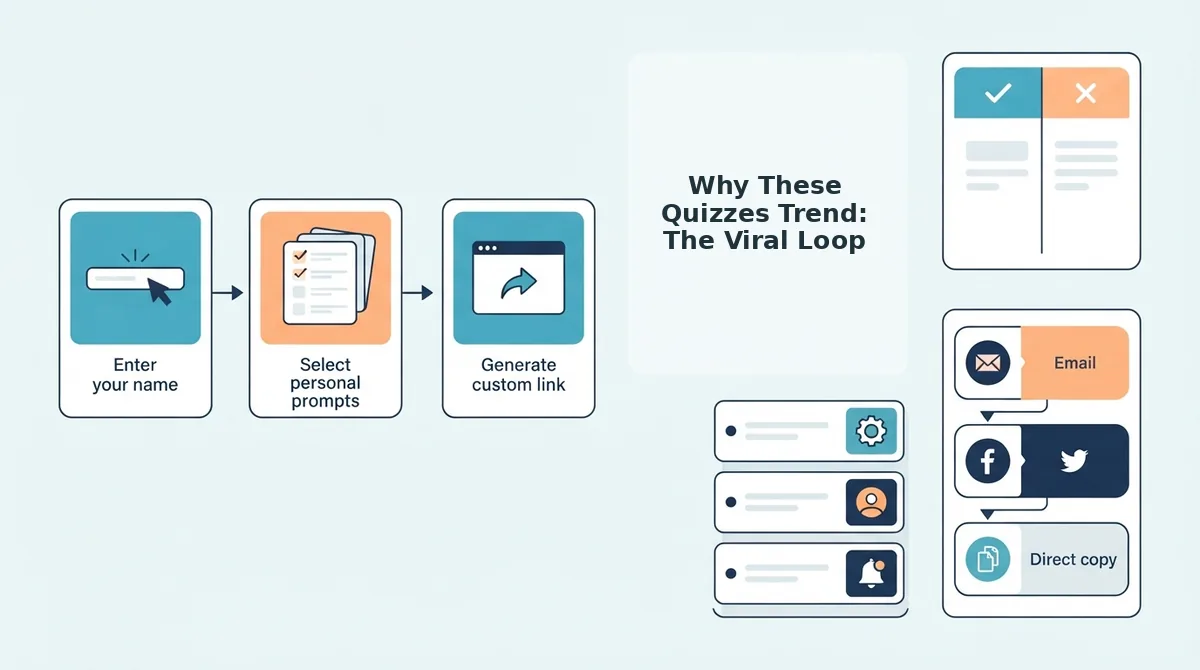
The loop runs on three progressive stages. Create is the entry point: a quiz that takes under 2 minutes to build removes the friction that kills most user-generated content. Share is the distribution engine: one tap copies a link that works in any group chat, with no app install or login wall blocking the recipient. Compete is the retention hook: the friendboard ranks scores in real time, so the person who just finished playing immediately wants to beat the person who sent it.
Quizzes that take under 2 minutes to create and under 30 seconds to play get shared more because they fit inside a single attention span. The faster the loop completes, the more times it can repeat in one group chat session.
If you want your quiz to trend, create a friend quiz in under two minutes and let the loop do the distribution for you.
The 3 Types of Quizzes That Dominate Monthly Favorites
Monthly favorites consistently cluster into three quiz archetypes, each tapping a different social emotion: curiosity, competition, and courage.
- Identity-revealing quizzes, "How well do you know me?" quizzes test whether friends actually remember your habits, quirks, and preferences. They dominate because the stakes are personal: a low score feels like a friendship audit, and nobody wants to fail one. Use this format when you want to see who in the group chat has actually been paying attention.
- Rivalry-fueling quizzes, "Who is more likely to..." quizzes turn opinions into a scoreboard, forcing friends to predict each other's behavior. They trend because they manufacture friendly conflict: every answer is a public bet on someone's personality. Use this format to settle ongoing group debates or crown an unofficial champion. Start with a best friend quiz to establish the baseline rivalry.
- Dare-based quizzes, "Friendship dare challenge" quizzes pair trivia with action, where wrong answers trigger a dare or penalty. They spread because the consequence is the content: friends share screenshots of completed dares as proof. Use this format when your group chat needs a jolt of energy. Try a friendship dare quiz to turn a slow Tuesday into a highlight reel.
Pick the archetype that matches your group's current mood, build it in under two minutes, and drop the link before the conversation moves on.
Monthly Favorites vs App-Based Quiz Makers
Monthly favorites on Friend Quiz are playable in a browser with zero setup, while app-based quiz makers typically require a download, an account, and notification opt-ins before the first question loads.
| Feature | Friend Quiz Monthly Favorites | App-Based Quiz Makers |
|---|---|---|
| Setup required | None, open link, play instantly | App install, account creation, often push notification prompts |
| Sharing friction | One tap copies a browser link that works in any chat app | Recipients must install the same app before playing |
| Discovery | Monthly favorites feed surfaces trending quizzes without login | Trending content typically locked behind account or app store |
| Best for | Group chat instigators who want a quiz live in under 2 minutes | Users who want persistent profiles, leaderboards, and long-term stat tracking |
App-based makers earn their place for power users who want saved history and cross-device profiles. But for the high-velocity group chat moment, the download wall is a real cost: every extra step before the first question loses a share.
If you want to skip the install entirely, create a friend quiz without an account and send the link before your friends finish reading the message.
Still wondering how monthly favorites work day to day? The FAQ below covers the most common questions.
FAQ: Monthly Friend Quiz Favorites
Monthly favorites refresh every 30 days, so the trending list you see today will be replaced with a new batch of high-engagement quizzes next month. Creators only see aggregate scores, never individual answers, keeping player responses private.
How often do monthly friend quiz favorites update?
Monthly favorites update every 30 days. The feed resets on a rolling monthly cycle, so quizzes that dominated last month may disappear unless they sustain high play counts and completion rates into the new period.
Do I need an account to browse or play monthly favorites?
No account is required. You can browse the monthly favorites feed and play any quiz directly in your mobile browser without signing up, downloading an app, or entering an email address.
Can I see who played my friend quiz?
Creators see aggregate score data, not individual player identities or answer-by-answer breakdowns. This keeps the quiz competitive without exposing who picked which response. For score rankings, see who scored highest on your quiz leaderboard.
Why do some quizzes trend in monthly favorites while others don't?
Quizzes trend when they combine fast completion times, high share rates, and replay value. A quiz that takes under two minutes to finish and sparks friendly rivalry gets shared across group chats, which drives the play volume that pushes it into monthly favorites.
How do I get my quiz into monthly favorites?
Create a quiz that is quick to build, frictionless to play, and designed around playful competition. Share the link directly into group chats and social feeds immediately after publishing, because early play velocity within the first 48 hours heavily influences whether a quiz gains enough momentum to rank in the monthly feed.
Start Browsing and Create Your Own
Monthly favorites are not a curated editorial list. They are a live snapshot of what thousands of group chats are actually playing right now, which means the feed doubles as a trend report for what makes friendship quizzes spread. The pattern is consistent: the most played quizzes are fast to create, frictionless to play, and designed to spark friendly rivalry.
That is the open loop resolved. You came looking for how to browse monthly favorites, but the real finding is that every quiz on that list started the same way yours can: one person typed a name, answered a few prompts, and hit share. No app, no signup, no waiting.
Your next step is to create your own friend quiz, share it into your group chat, and watch the scoreboard light up. Next month's favorites list has empty slots, and the only requirement to fill one is a quiz your friends cannot resist replaying.