HolaQuiz vs Friend Quiz for a clean mobile player experience

You drop a quiz link in the WhatsApp group, three friends tap it, and then nothing happens. There are no scores and no trash talk, just a silent chat.
That silence usually starts on the player's phone, not in the questions. Most reviews judge quiz makers from the creator's seat. That is fair, but it covers only half the experience.
This HolaQuiz vs Friend Quiz mobile players comparison starts where the fun actually happens: on a friend's screen. HolaQuiz frames itself publicly with a simple promise on YouTube: "Create a quiz, share with your friends." Friend Quiz makes the same core promise, so the real difference shows up after the share.
Many people overlook one detail. A link tapped in a WhatsApp group opens inside WhatsApp's in-app browser, not your phone's main browser. When the experience breaks there, group chats tend to die before question three.
This guide follows the player through four checkpoints: tap, load, answer, and result. You will also get a 60-second test to run in your own chat. Further down, you will see why the metric most people compare is the wrong one. Run that test before you send your next best friend quiz.
Is HolaQuiz or Friend Quiz Better for Friends Playing on Phones?
Friend Quiz is the better fit when your priority is friends finishing on their phones. Players need no account, email, or app download, and their scores land on a live Friendboard. HolaQuiz suits groups that want its dare-style quiz formats.
Friend Quiz is built for phone players who want to tap a link and start answering. Creators and players skip accounts, emails, and app downloads entirely, and building a quiz takes under two minutes. Each finished score appears on a Friendboard, which is a live ranking of everyone's results that keeps the rivalry going in the chat. HolaQuiz is an established quiz maker known for dare-style and BFF formats, tagged publicly as #darequiz and #bffquiz. Neither description proves how either link behaves on your friends' phones. Run the 60-second test below to confirm the verdict yourself.
| Factor | Friend Quiz | HolaQuiz |
|---|---|---|
| Public positioning | Mobile-first friendship quiz for group chats | "Create a quiz, share with your friends" |
| Signature formats | Personal trivia about habits, quirks, likes, and dislikes | Dare quizzes and BFF quizzes |
| Account, email, or app needed | None, for creators or players | Check this yourself with the 60-second test |
| Score display | Live Friendboard ranking | Check this yourself with the 60-second test |
| Best for | Group chat instigators who want fast finishes and bragging rights | Friends who want dare-style challenges |
Our recommendation: Choose Friend Quiz if your friends will open the link inside WhatsApp or iMessage and you want rankings without any signup. Choose HolaQuiz if dare formats are the main draw for your group.
The 4 Player Checkpoints and the 60-Second Group Chat Test
A clean mobile player experience passes four checkpoints: tap to question one, load between questions, one-thumb answering, and result visibility. Test them yourself by opening both quiz links inside your messaging app's in-app browser and noting where a friend could stall or quit.
What you need: one phone, WhatsApp or iMessage, and a live quiz link from each platform. Send both links to yourself or a test chat.
| Checkpoint | What good looks like | How to check |
|---|---|---|
| Tap to question one | Question one appears within a tap or two | Count every tap from the link to the first question |
| Load between questions | Each question replaces the last one without a full page reload | Watch for blank screens or flashes after each answer |
| One-thumb answering | Large answer buttons sit within thumb reach and stay clear of banners | Answer every question one-handed |
| Result visibility | The score shows right away with no signup | Note anything you must enter before results appear |
The right metric is how many players finish, not how many building features a platform offers. A quiz maker with every option still fails if friends stop at question two. See why friends quit before question three for the common breaking points.
- Tap each link inside the chat (5 seconds). Do not copy the link into Safari or Chrome. You should see the page open in the in-app browser, just as your friends will.
- Count taps to question one (10 seconds). Tally every button, prompt, or form field before the first question. A good result is one or two taps.
- Scan for banners near the buttons (10 seconds). Check whether anything overlaps the answer or Submit buttons. A good result is buttons you can see and tap without hitting something else.
- Answer three questions with one thumb (20 seconds). Watch for full page reloads between questions. A good result is each answer registering on the first tap.
- Finish and check the result screen (15 seconds). Note any request for an email, login, or app download. A good result is a visible score, or a ranking on a Friendboard, with no signup.
Write down your counts for both links and compare them side by side. Next, here is what that first tap looks like on HolaQuiz.
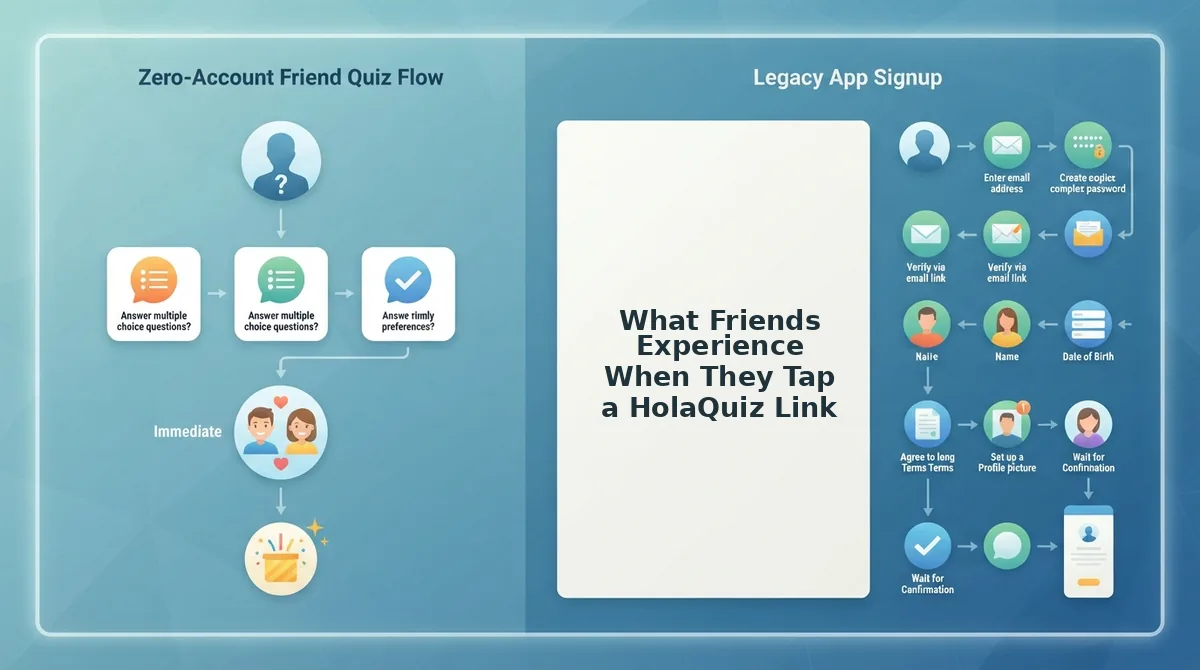
What Friends Experience When They Tap a HolaQuiz Link
A HolaQuiz player flow is the path a friend follows from tapping a shared challenge link to seeing how well they know the creator. Public videos show that real players move through a challenge-solving flow. You can check each step yourself on your own phone.
Think of it like walking into a friend's house: you notice every door between the entrance and the living room. Each checkpoint is one of those doors.
HolaQuiz deserves fair credit. It is an established brand that frames its product as a friendship test, as in its video "How Well Do Your Friends Know You?" (8,414 views). It also tags content with #darequiz, #bffquiz, and #friendshipquiz, so it covers BFF tests and dare-style quizzes.
A YouTube video by Jeet Solanki (2,067 views) shows players solving a friend's HolaQuiz challenge. That confirms the basic flow works for real people. Use these prompts to judge how smooth it feels:
- Opening the link: Tap it inside WhatsApp or iMessage. Check whether the challenge loads in the in-app browser, which is the mini browser built into your chat app, or whether it pushes you elsewhere.
- Before question one: Count the screens before the first question appears. Note whether anything asks for a login, email, or app install.
- Answering: Try answering one-handed. Watch whether the page fully reloads between questions or simply updates the content you see.
- Results: Check what appears after the last answer: a single score, a comparison with other friends, or anything that delays the result.
Run this test on two different phones. That shows you which friction comes from the platform and which comes from a particular device or browser.
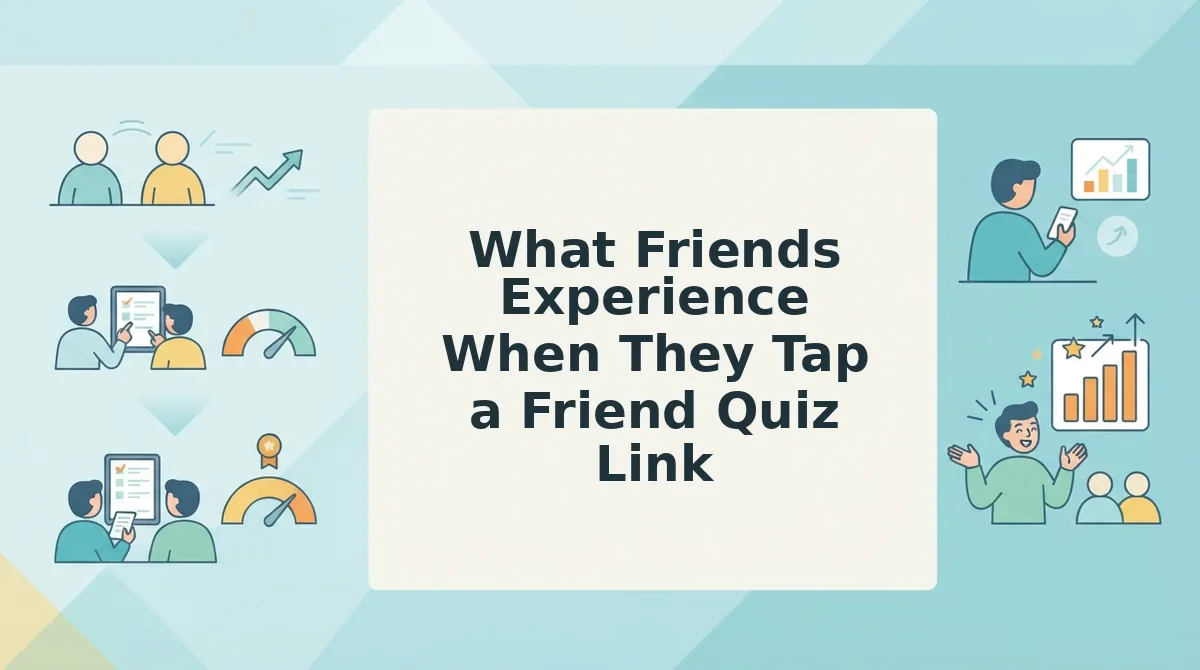
What Friends Experience When They Tap a Friend Quiz Link
Friends who tap a Friend Quiz link go straight from the chat to the first question. They do not need an account, an email, or an app, and their result lands on a live Friendboard. Because this is our own player flow, we can describe each checkpoint exactly.
No account or app before question one
Do friends need an account or app to answer a Friend Quiz? No. Players never create an account, enter an email, or download an app to answer a Friend Quiz. They tap the shared link in WhatsApp, iMessage, Instagram, or Snapchat, and the quiz opens in that app's built-in browser. They type a name so their result can appear on the Friendboard, then start answering. The only step between the link and question one is that name, so nobody leaves the group chat to sign up somewhere else. That matters for casual players, who often drop out the moment a form asks for personal details.
One-thumb answering without reloads
The interface is mobile-first and built for in-app browsers. Answers are big tap targets sized for one thumb. Questions advance without multi-page form reloads, so players keep their rhythm.
Results on a live Friendboard
The Friendboard is a live ranking that shows how every friend scored and who clinched first place. Friendboard rankings update as more friends finish.
Worked example #2: A six-person group chat gets one quiz link. As each friend finishes, someone drops a screenshot of their position. When the last player answers, the chat watches first place get clinched live, and the banter moves to who should have known better.
| Checkpoint | HolaQuiz (verify yourself) | Friend Quiz |
|---|---|---|
| Before question one | Count the screens and prompts | Name only; no account, email, or app |
| Answering | Watch for page reloads | One-thumb taps, no form reloads |
| Results | Note the score format | Live Friendboard ranking |
| Formats | Established brand with BFF and dare quizzes | Friend quiz, BFF test, and dare quiz |
Best for HolaQuiz: friends who already know the brand and its dare content. Best for Friend Quiz: group chat instigators who want zero sign-up friction and a live ranking.
Playing with one best friend? Start a BFF test built for 1:1 mobile play, and send the link before your next message.
Where Friend Quiz Falls Short and Which Link to Send by Chat Type
Friend Quiz has real limits: it publishes no load-time benchmarks, and the experience still depends on each friend's in-app browser. If a HolaQuiz challenge is already circulating in your chat, the best link is often the one people are already playing.
- No published speed data: We do not publish load-time benchmarks. Run the 60-second group chat test instead of trusting anyone's speed claims, including ours.
- Browser-dependent experience: Quizzes open inside WhatsApp, iMessage, Instagram, or Snapchat browsers. An outdated app or a weak connection can slow any quiz platform.
- Switching cost: If friends are mid-way through a HolaQuiz challenge, dropping a new link mid-thread splits attention and kills momentum. Finish the current round first.
| Chat type | Better fit | Dare-quiz alternative |
|---|---|---|
| Big group chat | Friend Quiz, for the live Friendboard ranking | Friend Quiz dare format for group rounds |
| 1:1 BFF duo | Either works; Friend Quiz BFF test if you want no sign-up step | HolaQuiz #bffquiz content if your friend knows it |
| Dare challenge | HolaQuiz, if its #darequiz content is already popular in your circle | Friend Quiz friendship dare quiz |
Best for HolaQuiz: circles already sharing its dare and BFF challenges. Best for Friend Quiz: chats starting fresh that want rankings without logins.
Whichever you pick, the real test comes a few taps in.
Send the Link That Survives Question Three
The better link is the one friends finish on their phones. Most players don't quit over hard questions. They quit when popups, logins, or page reloads stall them before question three.
Run the 60-second group chat test on both links before you send either one:
- Open each link on your phone, not a laptop.
- Tap through to question three and note every interruption.
- Send the cleaner link and count how many friends reach the Friendboard.
On Friend Quiz, a creator types their name on the homepage, answers prompts about their habits, quirks, likes, and dislikes, and gets an instant quiz link. They paste it into WhatsApp or iMessage, all in under two minutes, with no account or app download.
Friends play in their mobile browsers, and their scores land on the real-time Friendboard. That lets you judge success by how many friends finish, not how many tap.
Ready to find out who really knows you? Make a friend quiz: enter your name and send your link.
The quiz that wins the group chat is the one nobody has to fight to finish.