QuizYourFriends vs Friend Quiz for players who refuse to sign up
You drop a quiz link into a quiet WhatsApp group, and one friend taps it on their phone between messages. If a sign-up screen appears instead of question one, that friend will probably close the tab. That moment is why "quizyourfriends sign up for players" is the question that matters, not what the creator has to do.
Friend Quiz players need no account, email, or app download. They answer directly in their mobile browser from the chat link. Whether QuizYourFriends asks players to sign up has not been confirmed by a live mobile test here, so check its current flow on a phone before you share.
Your instinct is right: friends bail fast. This audience has zero patience for app installs, mandatory account creation, popups, or multi-page form reloads. Friend Quiz was built for that reality, and creators can make a quiz in under two minutes without an account, email, or app.
This guide gives you a clear answer on who has to sign up, and when. You'll get a creator-versus-player criteria table, a walk through each platform's path from link to first answer, and Friend Quiz's own limits. Along the way, you'll see the one gate most players never get past before question one.
Do Players Need to Sign Up on QuizYourFriends or Friend Quiz?
On Friend Quiz, players never sign up. They open the link and answer in their phone browser with no account, email, or app. On QuizYourFriends, the player requirement is unconfirmed in this guide, so test it on a phone before you share.
Two roles matter here, and most comparisons only cover one:
- Creator: the person who builds the quiz and shares the link.
- Player: the friend who receives the link in a chat and answers the questions.
Most reviews focus on creator requirements. The table below splits every requirement by role. Any QuizYourFriends cell marked "verify" has not been confirmed through a first-hand mobile test.
| Requirement | QuizYourFriends creator | QuizYourFriends player | Friend Quiz creator | Friend Quiz player |
|---|---|---|---|---|
| Account required | verify | verify | No | No |
| Email required | verify | verify | No | No |
| App download | verify | verify | No | No |
| Built for phone browsers | verify | verify | Yes, mobile-first | Yes, mobile-first |
| Multi-page reloads | verify | verify | Designed to avoid | Designed to avoid |
| Answer privacy | verify | verify | verify | verify |
Answer privacy is marked "verify" for both platforms. Neither site's visibility settings are confirmed in this guide, so check how scores and answers appear before sharing anything personal.
QuizYourFriends deserves a fair hearing. It is a name many people already recognize. If your friends have used it before and its current flow works on their phones, that familiarity counts for something. A familiar link can feel safer to tap than an unknown one.
Friend Quiz has one goal: remove every step between the chat and question one. You type your name, pick answers about your habits and quirks, and get a link. Results then show up on a real-time Friendboard, so the group can argue about rankings. For the full walkthrough, see our guide to a friend quiz without account logins for WhatsApp and iMessage.
- Best for group chat instigators who need every friend to finish: Friend Quiz. Neither role faces an account, email, or app requirement.
- Best for friend groups already comfortable with QuizYourFriends: QuizYourFriends, once you've confirmed its current player flow on a phone.
What Do Players Face on QuizYourFriends Before Question One?
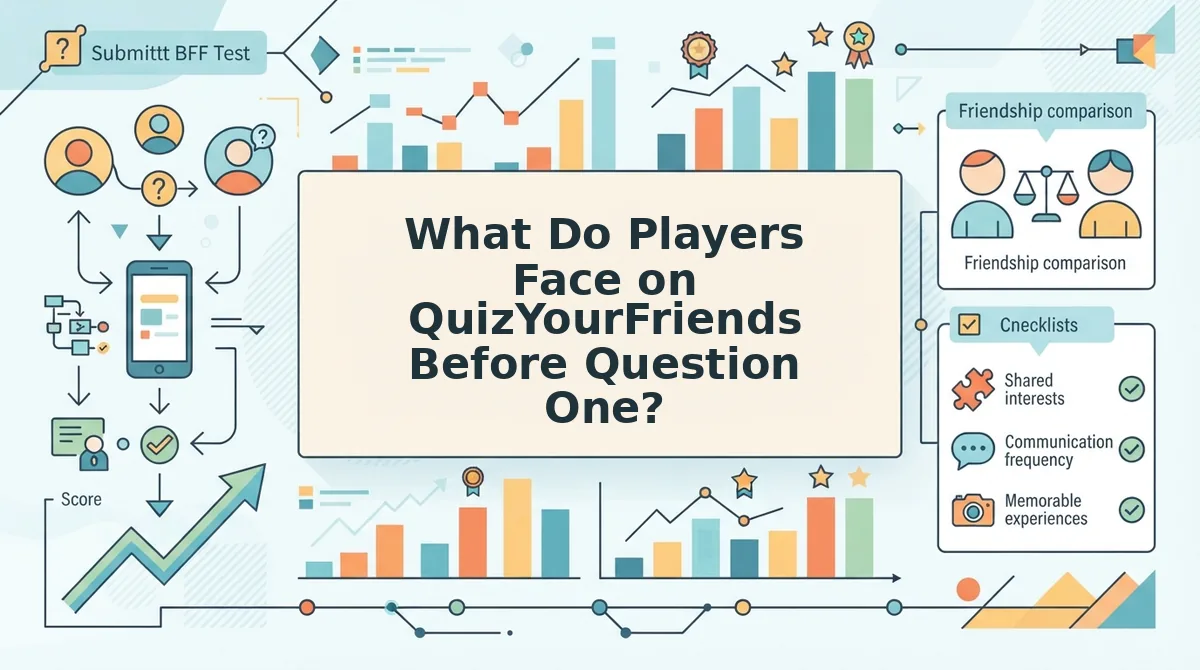
Players face up to five gates between a chat link and their first submitted answer. Which of those gates QuizYourFriends currently shows must be verified on a live phone, because none are confirmed in this guide.
A gate is any screen, prompt, or delay that sits between the player and the next step. Think of each gate like a turnstile at a train station. One turnstile is fine. Three in a row, and commuters start looking for another exit.
- Open link: the friend taps the link inside the chat. QuizYourFriends: verify. Friend Quiz: opens in the mobile browser.
- Page load: the quiz renders on a small screen. QuizYourFriends: verify. Friend Quiz: built mobile-first.
- Account or form gate: a sign-up, login, or email request. QuizYourFriends: verify. Friend Quiz: absent.
- First question: the player sees something to answer. QuizYourFriends: verify. Friend Quiz: reached without signing up.
- Submit: answers are sent and scored. QuizYourFriends: verify. Friend Quiz: no login required to submit.
The Drop-Off Point is the first gate in a quiz flow where a casual player abandons the link before answering. It explains why some shared quizzes get finished by the whole group and others are ignored. The creator is motivated, since they built the quiz and want results. The player is only a casual tapper who opened a link between messages. Every extra step counts against that low commitment. The most common Drop-Off Point is any account or form wall placed before question one. Most players never get past that gate, because they had no reason to trust the site enough to type in personal details.
Three friction types make that wall worse:
- Account and form gates: any request for a login or email before the player has seen a single question.
- Desktop-first layouts on phones: tiny tap targets and sideways scrolling turn a quick quiz into a chore.
- Multi-page reloads in chat apps: in-app browsers are the mini browsers that open inside WhatsApp or Instagram. Each full page reload inside one costs time and attention.
Ad clutter adds to all three. Together, these frictions can stall chat momentum before question three. That's why a friendship test that works in any mobile browser keeps the group moving.
Friend Quiz removes the account wall entirely, so the next question is how fast players actually get in.
How Do Friend Quiz Players Join in One Tap?
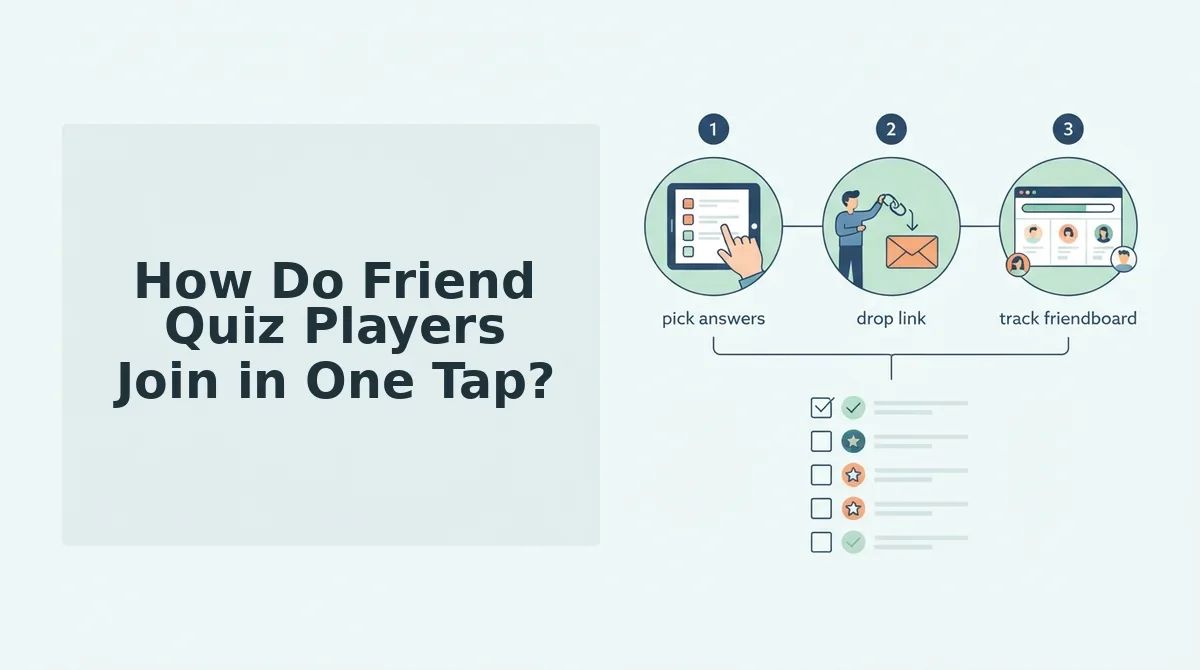
Friend Quiz players join by tapping the shared link. The quiz opens in their phone browser, and they can start answering with no account, email, or app download.
Before you start: You need a smartphone with a web browser and a quiz link shared in WhatsApp, iMessage, Instagram, or Snapchat. Nothing else is required.
- Tap the quiz link in your chat thread. The quiz loads directly in your mobile browser, and the first question appears on screen.
- Tap your guess for each question about the creator's habits, quirks, likes, and dislikes. The touch-friendly answer buttons register each choice, and the next question appears.
- Submit your final answer. Your score appears right away, with no profile form in between.
- Check the Friendboard to see your rank. The real-time Friendboard shows who takes first place among everyone who played.
Playing a Friend Quiz takes one tap and no sign-up. A friend taps the link in iMessage, WhatsApp, or Instagram, and the quiz opens instantly in their phone's browser. They tap through each guess about the creator's habits and preferences using large, touch-friendly buttons, then submit their last answer. Their score appears immediately and lands on a real-time Friendboard that ranks every player, so the group can see who knows the creator best. They never enter an email, never create an account, and never download an app. If the link misbehaves in Apple's Messages app, here is how to open a friend quiz link in iMessage.
But what about the creator? Setup takes under two minutes:
- Type your name on the homepage. The first personal trivia prompt appears.
- Answer each prompt about your habits and preferences. The platform packages your selections into a quiz.
- Copy your shareable link and paste it into your group chat. Your friends can start playing as soon as they tap it.
If your friends keep ignoring quizzes that ask them to sign up first, make a best friend quiz and drop the link in the chat. The only thing your friends have to do is tap it.
Where Friend Quiz Falls Short and Which One Should You Use?
Friend Quiz is built mobile-first, which is both its biggest strength and its main limit. Use it when friends answer on their phones, and test QuizYourFriends' current flow if your group mostly plays on desktop.
Friend Quiz was designed for fast taps inside group chats. It was not designed around desktop play. A desktop-heavy group may find another layout more comfortable. QuizYourFriends' sign-up and play flow can change over time, so check its current version yourself before you commit a desktop group to either tool.
| Factor | Friend Quiz | QuizYourFriends |
|---|---|---|
| Player account needed | No account, email, or app | Check the current flow |
| Primary design focus | Mobile browsers in WhatsApp, iMessage, Instagram, and Snapchat | Worth testing for desktop groups |
| Creator setup | Name, prompts, and link in under two minutes | Check the current flow |
| Score tracking | Real-time Friendboards | Check the current flow |
| Best for | Group chat instigators whose friends play on phones | Groups that mostly play on laptops or desktops |
Use Friend Quiz if your friends answer from WhatsApp, iMessage, or Snapchat and will drop out at the first sign-up screen. A BFF quiz for group chats fits that habit.
Test QuizYourFriends if your group sits at computers and doesn't mind its current entry steps.
Player Sign Up FAQ
Friend Quiz players need no account, email, or app to answer a quiz. These answers cover the remaining sign-up questions, including what QuizYourFriends players should check for themselves.
Can friends see each other's answers on Friend Quiz?
Friends can see the group's rankings on Friend Quiz. The real-time Friendboard shows who takes first place, so scores and standings are visible to the group. Answer privacy matters when you compare quiz makers, so tell your friends their scores are public before you share the link.
Can I play a friend quiz without an email?
Yes. You can play a Friend Quiz without an email. Players tap the link and answer in their mobile browser, and creators only type a name to start. For a bolder variation that is also sign-up free, try the Friendship Dare quiz.
Do I need to download an app to answer a quiz?
No app download is needed to answer a Friend Quiz. The quiz opens directly in your phone's browser from WhatsApp, iMessage, or Instagram. For QuizYourFriends, open a shared link yourself to confirm whether its current version asks for any installs or extra steps.
Is there a QuizYourFriends login on desktop for players?
Check QuizYourFriends' current site to find out whether desktop players must log in. Sign-up requirements can change, so open a quiz link on a laptop and note any account or email prompts before you share it with a group that refuses to sign up.
Ready to skip the sign-up screens entirely? Here's how to send one.
Send a Quiz Your Friends Can Answer Without Signing Up
The quiz friends will actually answer is a link that opens straight to question one in their browser, with no account, email, or app download first.
Back to that WhatsApp group. This time, you typed your name on friend quiz, answered prompts about your habits and quirks, and dropped the link.
Friends tap it and answer in their mobile browser. The Friendboard fills with names and scores, and the banter is about who knows you best, not who got stuck at a login screen.
Before you share any quiz, open the link on your own phone and check every gate a player would hit:
- Does it ask for an account or email?
- Does it push an app download?
- Does a popup block the first question?
Each gate you find could cost you a player.
The quiz that wins the group chat is the one nobody has to sign up to play.
Enter your name and send your link.