Generate Personal Trivia Challenge Link Fast for Friends
You drop an ambitious trivia dare into a quiet WhatsApp thread, eager to ignite some banter, but everyone vanishes the second a third-party site demands an email address or app download. Group chat banter relies on split-second link-drop velocity, where mandatory registration screens kill engagement instantly.
When you want to generate a personal trivia challenge link fast, you can bypass sign-up friction entirely by creating a zero-friction friend quiz link that launches immediately inside any mobile browser session. This guide outlines how to configure your personal habit prompts, share the challenge across messaging apps, and track friendboard scores in real time.
Consider this standard workflow:
- The Situation: An active group chat stalls, and you want to test who pays attention to your personal routines.
- The Action: You enter your name on the site, tap through custom questions about your likes and quirks, and copy the generated challenge URL without signing up.
- The Outcome: Friends open the link directly in their messaging app, make their guesses sequentially without downloading software, and post scores instantly.
Keep in mind that these web-based challenges prioritize fast browser interactions over persistent user profiles. Surprisingly, your prompt selection order directly impacts whether casual contacts complete your challenge, a dynamic explained below. To test your circle, build a custom prompt set in under two minutes and see who claims top rank on your live friendboard.
Quick Answer: How Do You Generate a Personal Trivia Challenge Link Fast?
You generate a personal trivia challenge link fast by entering your name on the Friend Quiz platform, selecting your answers to pre-seeded habit prompts, and copying the generated challenge URL. The entire setup requires no account registration, app installations, or email confirmations.
Friend Quiz is a mobile-first friendship quiz maker designed to produce instant, shareable trivia challenges that track group scores on real-time Friendboards. Before starting, you only need an active mobile web browser and your preferred chat application, such as WhatsApp, iMessage, or Snapchat.
Follow these four sequential steps to create your live challenge link in under one minute:
- Type your display name into the text field on the homepage. You should see the prompt screen unlock instantly without any profile registration screen appearing. Time estimate: 5 seconds.
- Select your personal answers across the rapid sequence of pre-seeded trivia prompts regarding your daily routines, likes, and quirky preferences. Tap your true habit for each question, and the interface will advance to the next item without page reloads. Time estimate: 35 to 45 seconds.
- Click the completion button to compile your trivia set into a live challenge. You should see a personalized, shareable URL populate on screen alongside a one-tap copy button. Time estimate: 5 seconds.
- Share the copied link directly into your favorite group chat or social feed. Your friends will tap the link in their mobile browsers and begin guessing immediately without downloading software or logging in. Time estimate: 5 seconds.
A creator can assemble and distribute an interactive friend challenge in 45 to 60 seconds when using pre-seeded habit prompts instead of drafting questions manually.
Ready to spark banter and see who pays attention to your life? Explore the Best Friend Quiz workflow to discover how live Friendboards rank your friends the moment they finish guessing. To launch your test without technical delays, follow the precise mobile steps outlined below.
Step-by-Step Guide to Creating Your Custom Trivia Link in Under 60 Seconds
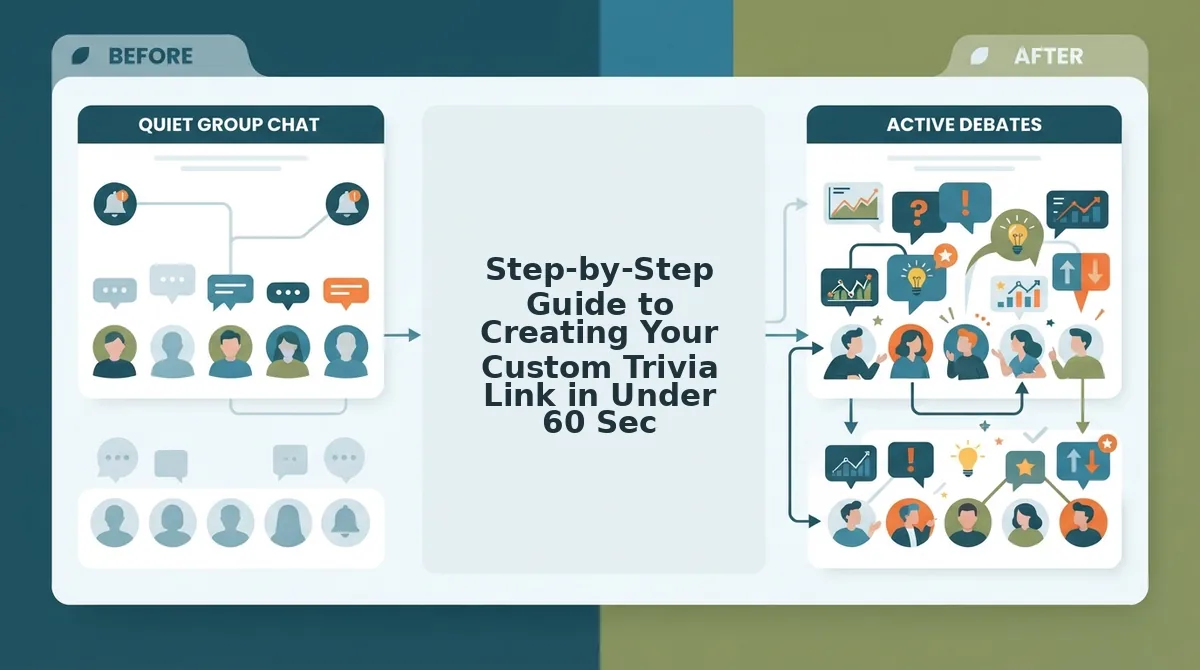
To generate a custom personal trivia link in under 60 seconds, type your display name on Friend Quiz, tap through pre-set habit prompts, and copy your generated challenge link directly to your clipboard. Friend Quiz is a mobile-first friendship quiz maker that packages your daily quirks and preferences into an interactive web challenge without account registrations or app downloads. The setup runs entirely in your mobile browser, converting your routine choices into an active social dare within moments.
Prerequisites: All you need is an active internet browser on your phone or desktop and a group chat on WhatsApp, iMessage, or Snapchat ready for your challenge.
- Step 1: Complete your name lock-in (Time: 5 seconds). Type your preferred display name into the designated text field on the homepage and click the start button. You should see the trivia setup interface launch immediately without an email verification prompt or password screen. Locking in a clear nickname ensures friends immediately recognize who created the challenge.
- Step 2: Calibrate your rapid-fire daily habit keys (Time: 35 seconds). Select your true answer for each prompt instead of typing manual survey questions from scratch. For example, tap your go-to morning coffee choice (iced espresso versus matcha latte), your weekend sleep habit (early riser versus sleeping past noon), and your ultimate road trip pet peeve (backseat driving versus bad playlist curation). Each tap records your answer and immediately advances to the next question, displaying an updated progress indicator. If you want to move quickly through your setup, you can build a friend quiz in 60 seconds on mobile by selecting your immediate instincts.
- Step 3: Trigger direct clipboard copying (Time: 10 seconds). Click the "Copy Link" button once the platform packages your answers into a finished challenge. You should see an on-screen confirmation badge indicating the custom URL is copied to your clipboard. Paste this unique dare link straight into your group chat to launch the challenge.
Why waste fifteen minutes building complex survey forms when your everyday routines already provide the ultimate test?
A personal trivia link eliminates setup fatigue by substituting open-ended form fields with rapid selection prompts, delivering an interactive challenge URL ready for instant group chat banter. But why does this instant web approach consistently outperform traditional trivia apps in high-speed group threads?
Zero-Account Web Generators vs Legacy Trivia Apps in Group Chats
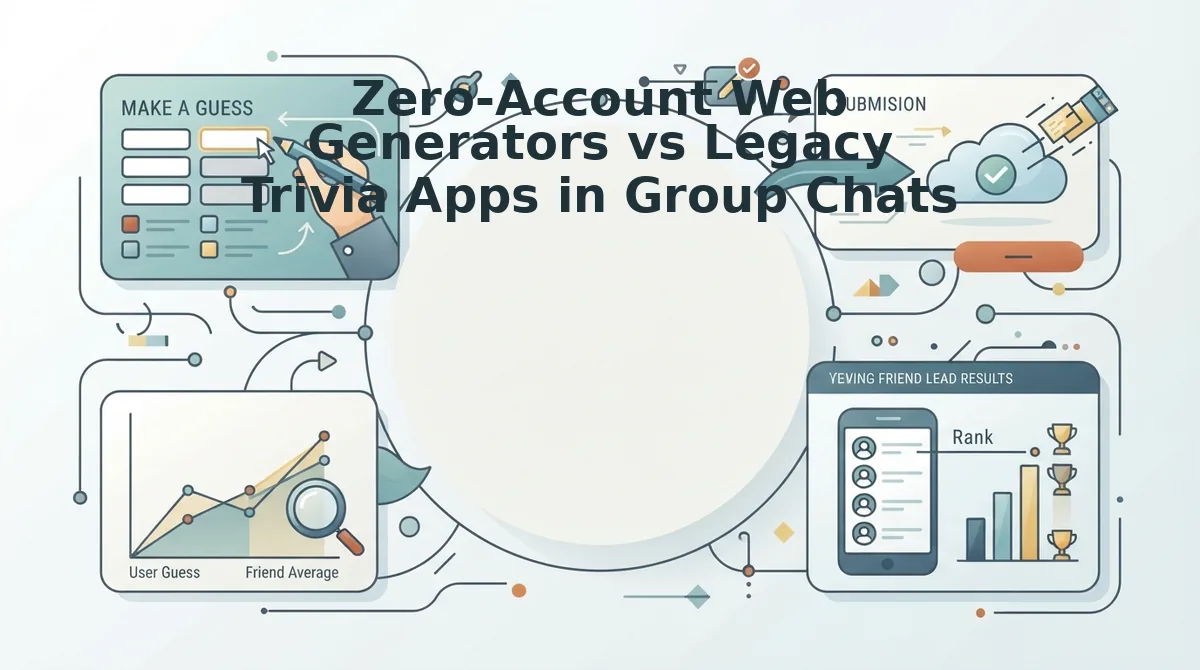
Zero-account web generators outperform legacy trivia apps in group chats because they let participants answer prompts instantly inside their mobile browser without installing software or registering an email profile.
The Group Chat Bounce Index measures the percentage of group members who abandon a shared challenge link before answering the first question. Mobile-first browser generators minimize this friction by rendering lightweight questions directly within in-app browsers on WhatsApp, iMessage, and Snapchat.
| Challenge Format | Entry Friction | Ad Clutter | Best For |
|---|---|---|---|
| Zero-Account Web Generators (e.g., FriendQuiz) | Zero; no app install or profile creation needed | Clean, touch-friendly interface | Active group chats wanting instant banter and live friendboard ranks |
| Ad-Heavy Legacy Sites (e.g., Buddy Meter) | Low; direct URL access without mandatory login | Heavy; multi-page reload lag and banner overlays | Users who want basic trivia URLs and tolerate page reloads |
| Native Mobile Trivia Apps | High; requires app store downloads and logins | Variable; intermittent video rewards or banners | Long-term solo gaming and asynchronous push notification leagues |
Every tool serves a purpose. Native trivia apps excel at deep progression mechanics and persistent game archives, which makes them great for solo quizzing over months. Legacy platforms offer functional, recognizable classic layouts that casual web users have navigated for years.
The friction calculus changes entirely the moment you paste a link into a fast-moving chat thread.
What happens when a friend opens your link during a quick break? A prompt demanding an app store install or an email verification turns a ten-second dare into a chore.
Choose a native mobile app if your friends already share that specific app ecosystem and want ongoing season-long leaderboards. Choose an ad-heavy legacy site if you need simple static web forms and do not mind multi-page reloads. Choose a zero-friction browser generator if you want maximum group chat participation and immediate answer reveals.
Our recommendation for group chats is to build a friend quiz without account. By removing app downloads, you bypass the 60% drop-off bottleneck and keep chat rivalries running at full speed.
To settle group chat debates and crown the top spot on your live Friendboard, enter your name on FriendQuiz to launch your custom trivia challenge link in seconds. Once your link is generated, framing the dare correctly determines how fast your friends jump in.
How to Share Your Trivia Challenge Link to Spark Friendly Rivalry
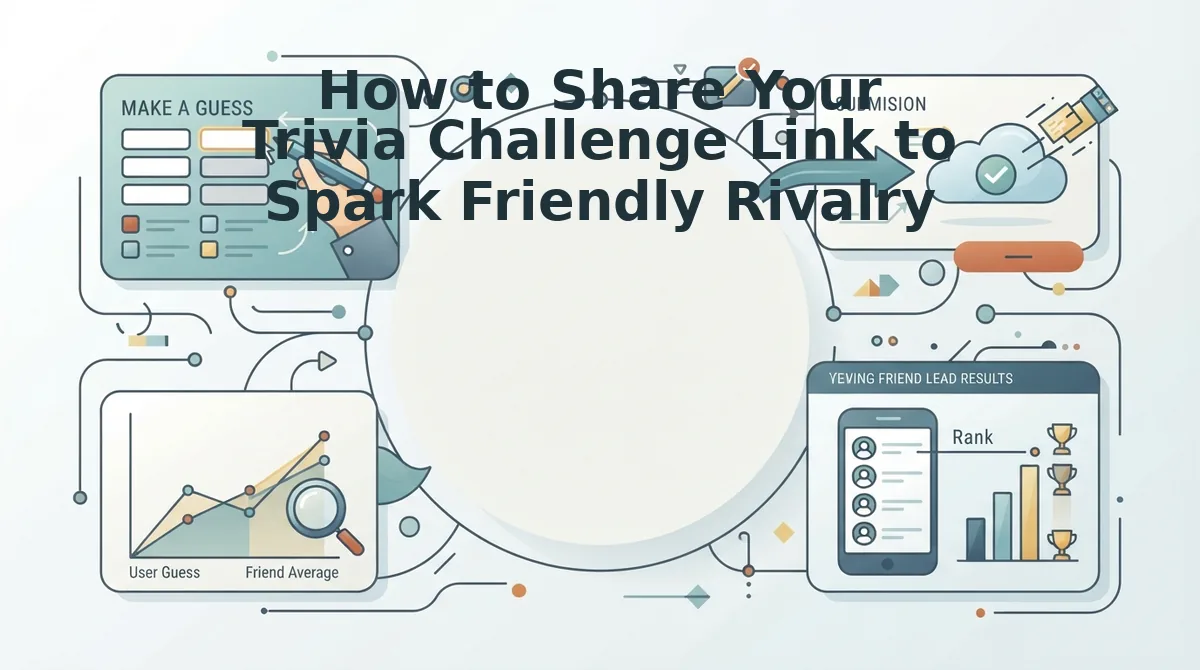
To spark friendly rivalry with your personal trivia challenge link, drop the URL directly into active group channels alongside competitive call-out copy that challenges your circle's bragging rights. Sharing direct web links in messaging threads across WhatsApp, iMessage, and Snapchat removes participation hurdles like mandatory account signups. A Friendboard is a real-time competitive leaderboard that ranks participants based on their quiz accuracy. Coupling this instant URL with tactical banter converts a quiet chat into an active competition within seconds.
Who claims to know you best, and who is about to be completely exposed?
- The targeted WhatsApp group call-out: This distribution method involves tagging specific friends in an active thread alongside an accusatory teaser caption. Challenging peer knowledge publicly creates social pressure to play immediately and prove long-term loyalty. Paste your link with the caption, "If you score below 80%, our friendship was a lie," to provoke instant defensive taps.
- The iMessage challenge preview tease: This technique relies on sending clean challenge URLs into Apple group messages paired with an explicit dare prompt. Rich messaging previews catch the eye instantly without forcing participants to download external apps. Launch your friendship dare quiz online, copy the link, and paste it into the thread with an open challenge to beat the current leader.
- The Instagram Story link sticker filter: This distribution tactic uses an interactive sticker placed over a candid background photo. Broadening your audience beyond regular chats invites unexpected acquaintances to test their assumptions and shake up your leaderboard. Paste your challenge URL into the story link sticker and overlay a caption daring followers to guess your biggest pet peeves.
- The silent drop during peak chat banter: This counterintuitive method skips an introductory explanation and posts the bare link right into an existing debate. Halting an active conversation creates instant intrigue, compelling friends to click before realizing they entered a scored competition. Drop the unadorned link during peak evening chat activity alongside a single side-eye emoji.
- The real-time Friendboard screenshot reveal: This follow-up tactic involves posting live leaderboard standings back into the chat once early results arrive. Publicly showcasing failing scores triggers competitive rematches and drives quiet lurkers to submit their own entries. Screenshot the bottom ranks on your dashboard and tag those low-scoring players directly in WhatsApp to reignite the banter.
While strategic link sharing sparks curiosity, keeping players engaged until the final question depends heavily on the structure of your questionnaire.
What Makes a Personal Trivia Challenge Fun? The 7-10 Question Rule
A personal trivia challenge is most engaging when limited to 7 to 10 prompts because this specific length prevents mobile fatigue while capturing enough authentic habits to rank friends accurately. Keeping the challenge brief ensures participants complete every question inside fast-moving messaging threads rather than dropping out halfway through.
The 7-10 question rule is a quiz design framework that maximizes player completion rates by balancing personal quirk discovery against social media attention spans. Think of a personal trivia challenge like an elevator pitch for your personality: if it takes longer than a quick ride between floors, your audience tunes out before reaching the top floor. When you pick friend quiz personal trivia prompts fast, restricting the total count to a snackable range protects the viral momentum of your challenge link.
A personal trivia challenge is a lightweight interactive guessing game where a creator records their daily habits, quirks, and preferences so peers can test how well they know them. Maintaining a 7 to 10 prompt range establishes the optimal completion curve for casual messaging. Quizzes with fewer than seven entries fail to generate meaningful score differences, leading to multi-way ties on the friendboard. Conversely, challenges dragging beyond ten questions trigger cognitive fatigue on mobile screens, causing friends in WhatsApp or iMessage group chats to abandon the browser tab before submitting their answers.
Why do these completion mechanics matter so much for group chat dynamics?
- Instant dopamine: Friends tap through answers in under ninety seconds without feeling trapped in a chore.
- Scoreboard separation: Seven to ten prompts produce enough score variance to declare an undisputed winner among close friends.
- High submission velocity: Lower drop-off rates mean more completed entries posting immediately to your live leaderboard.
Use the 7 to 10 question structure whenever deploying tests across active group channels. It keeps individual guessing sessions snappy, fuels banter, and drives immediate submissions without overwhelming your friends. If you are curious about how these zero-friction mechanics operate under the hood, reviewing common operational questions will give you full clarity.
Frequently Asked Questions About Personal Trivia Challenge Links
Personal trivia challenge links generate instant, browser-based tests that track group scores on live leaderboards without account registration or app downloads.
- Access: Zero-install web protocols
- Privacy: Tokenized session architecture
How do friends open a personal trivia link without downloading an app?
Friends access your trivia challenge directly through mobile browsers using zero-install web protocols. Tapping your shared link opens the quiz inside WhatsApp, iMessage, or mobile Safari without requiring app store installations or profiles. Players simply enter a display name and submit their answers in seconds.
How does the quiz save creator scores without an account login?
The platform preserves your administrative dashboard using local browser cookie and session mechanics. When you finish creating a quiz, your unique session token saves locally on your device. This allows you to revisit the page, review incoming submissions, and track friend rankings without registering an email.
How does private friendboard architecture protect challenge scores?
Private friendboard architecture isolates scoring leaderboards by anchoring challenge results to an unlisted, randomized link token. Only peers possessing your direct URL can inspect participant ranks and answer accuracy. Search engines cannot index the board, ensuring your group chat banter and personal habits remain completely private.
Why does a trivia challenge prevent duplicate submissions from the same friend?
The platform blocks repeat submissions by applying client-side session tracking to identify returning devices. Once a friend completes their run, their final score locks onto the live friendboard. This control prevents players from retaking the quiz to artificially elevate their rank on your group chat leaderboard.
Now that you know how the system secures your challenge and eliminates drop-offs, there is nothing standing between your chat and an all-out rivalry.
Claim Your Group Chat Bragging Rights in Under a Minute
Settling group chat debates over who knows you best takes under sixty seconds: type your name, pick your personal habit prompts, and blast your unique challenge link directly to your crew.
That lingering question from the start, who actually pays attention to your daily quirks versus who just nods along, finally gets answered the moment the first submissions roll in.
Transforming passive chat banter into real bragging rights requires just three frictionless steps:
- 60-second creation: Record your genuine preferences across quick prompts with zero account signups or app downloads.
- Immediate link generation: Snag your custom trivia URL instantly and drop it straight into WhatsApp, iMessage, or Snapchat.
- Live leaderboard tracking: Watch the real-time leaderboard calculate scores on the fly as rivalries play out.
Head to Friend Quiz, set up your prompts, and drop your challenge link into the thread to see who claims the top spot.
The fastest way to wake up a quiet group chat is replacing casual assumptions with verified personal trivia and real-time proof.