Buddy Meter vs Friend Quiz phone browser setup speed
Your group chat has gone quiet, you have one thumb free and a browser tab already open, and you have roughly a minute before everyone scrolls on. That stalled chat is where the buddy meter vs friend quiz phone browser setup question actually comes from â not from brand loyalty, but from needing a working quiz link in the next sixty seconds.
Fair enough. A friendship test should not require a download, an email, or a form you have to re-load three times on a handset. What you need is a gate-by-gate comparison instead of the word "faster" thrown around with no definition behind it.
This walkthrough uses a four-gate ledger â Entry, Prompt flow, Link generation, Recipient open â and scores each tool against it, so you can repeat the same check on any quiz maker you meet. Friend Quiz, for instance, takes a name and a run of habit prompts and turns them into a shareable link with no account or app install in the way.
One thread stays open until later: the setup that finishes first is not automatically the fairer test, and there is a reason the comparison pages never mention it.
Which friend quiz maker is faster to set up in a phone browser?
Friend Quiz is the faster phone-browser setup, because it carries you from name entry to habit prompts to a shareable link with no account, no email, and no download between starting and sharing.
A phone browser setup is the full path from opening a site to pasting a live quiz link into a chat, and it is measured in screens rather than seconds â like counting how many times you stop at a checkout, not how fast the cashier scans.
Friend Quiz is the faster phone-browser setup: it moves from name entry to habit prompts to a shareable link with no account, no email, and no download standing between entry and share. Buddy Meter's documented creation flow runs through a multi-page form, so the same task crosses more screens and more page reloads on a handset. Fewer screens is the entire argument. On a phone, every transition is a chance for a keyboard to cover a button or a tab to reload, and each extra gate charges attention the group chat will not give you. Count steps, not stopwatches, and the gap shows up immediately.
Plainly: Friend Quiz needs no account and no app. Buddy Meter's creation path, as documented, is a multi-page form you complete in the browser.
What does setup speed actually mean on a phone?
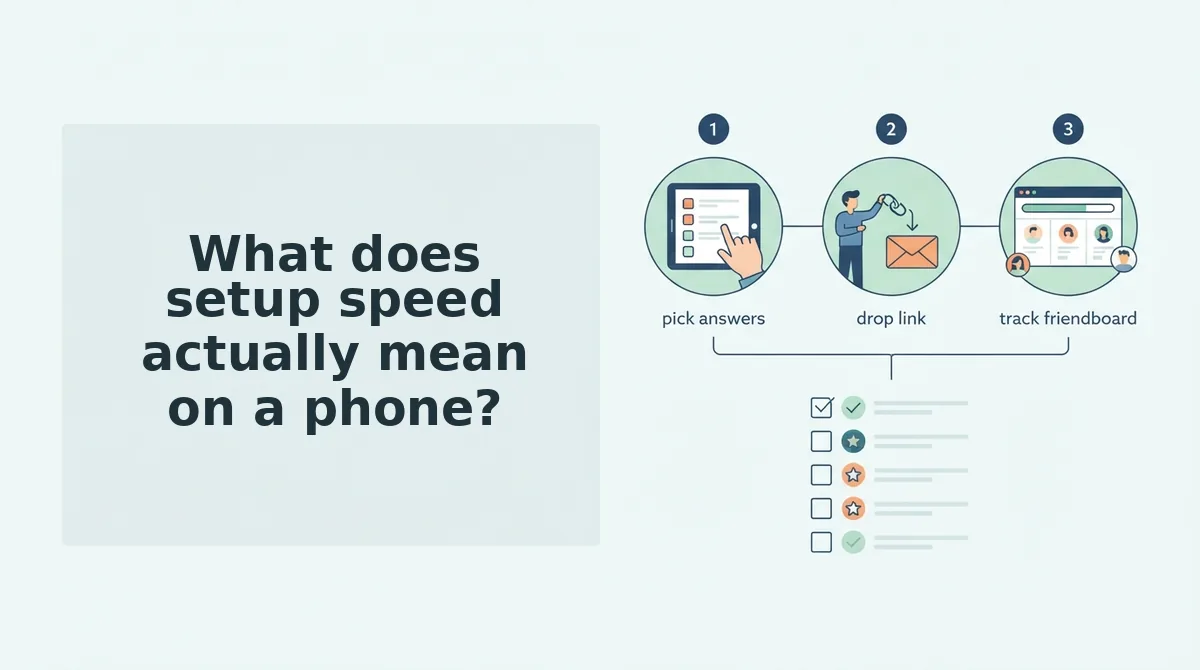
Phone browser setup speed is the count of screens and page loads between tapping a maker and a friend answering the finished quiz â it is not a bandwidth number.
Treat it like counting doors between you and a room rather than timing how fast you run: the run is rarely the problem, the doors are. A "slow" quiz setup on mobile is almost never a connection issue. It is a screen count issue, a reload issue, or a keyboard that covers the button you need.
| Gate | What happens | What slows it on mobile | A clean pass |
|---|---|---|---|
| 1. Entry | You land on the maker and start | Account wall, email field, app-install prompt | Type a name, start immediately |
| 2. Prompt flow | You answer personal trivia prompts | Full page reloads between questions, tiny tap targets | Prompts advance in place |
| 3. Link generation | The quiz becomes a shareable URL | Save gates, confirmation screens, copy buttons that hide | Link appears ready to copy |
| 4. Recipient open | A friend opens the link on their own phone | Install demands, in-app browser quirks inside WhatsApp | Quiz loads and plays in the browser |
Gate four is the one creators never see. It happens on someone else's device, minutes after you have left the tab, which is why marketing copy almost never covers it â and why a setup can feel instant to you and still fail in the chat.
How does Buddy Meter's setup path work gate by gate?
How does Buddy Meter's setup path work gate by gate?
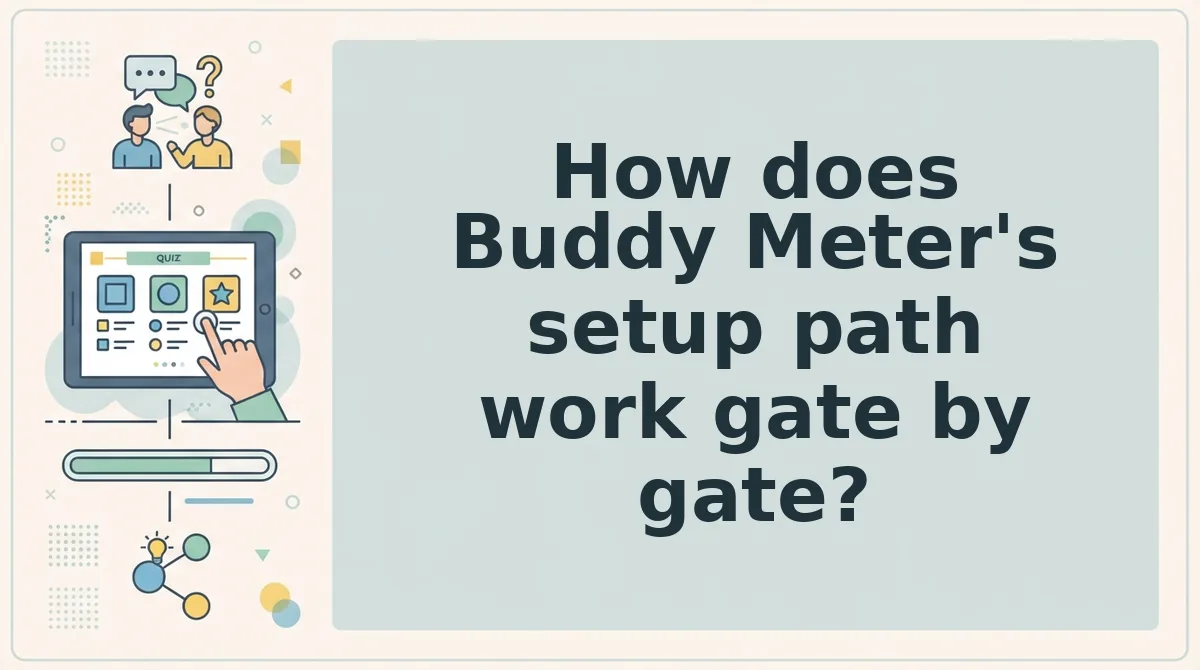
Buddy Meter's publicly visible path clears the same four setup gates as any phone-browser quiz tool â entry, prompt flow, link generation, recipient open â and no account requirement is documented at the entry gate. Everything below describes only what is publicly observable, not a logged test session.
What you need before you start: a phone with a current mobile browser (Chrome on Android, Safari on iOS) and a working connection. No app install, no login, no desktop fallback.
- Open the Buddy Meter site in your mobile browser and start a new quiz. This gate should take well under a minute, because no sign-up form is documented in the public flow. You should see the first quiz question rather than a login or email wall.
- Answer each prompt in sequence, tapping a selection and advancing to the next page. This is the slowest gate: the form is spread across multiple pages with per-question behaviour, so every answer triggers a page transition instead of an in-place update. You should see the question counter move forward after each tap.
- Continue until the flow signals it has enough answers, then generate the shareable link. You should see a URL in the quiz.html?q= format â a pattern observed in quiz links creators have posted publicly in video descriptions, described here as an observed format only, not a documented specification. Copy it before you leave the page.
- Paste the link into your group chat, then open it once yourself in a private tab or on a second device. You should see the quiz load and accept answers directly in the browser, with nothing to install on the recipient's side.
Gate four is where the path stops being neutral. Two independent public artefacts point the same way on answer visibility. HACK?" (3,382 views) demonstrates answer-revealing on a live quiz, and the open-source Buddymeter Cheater browser extension targets the same behaviour from a different direction. Read together, they suggest answer data reaches the participant's browser on a static link.
That reading is inferred from public artefacts, not from an independent audit â we have not verified either tool under controlled conditions, and no winner is declared on this axis. If spoiling the result would ruin your group chat, read answer privacy for group chats before you send a link.
How does Friend Quiz's speed run work gate by gate?
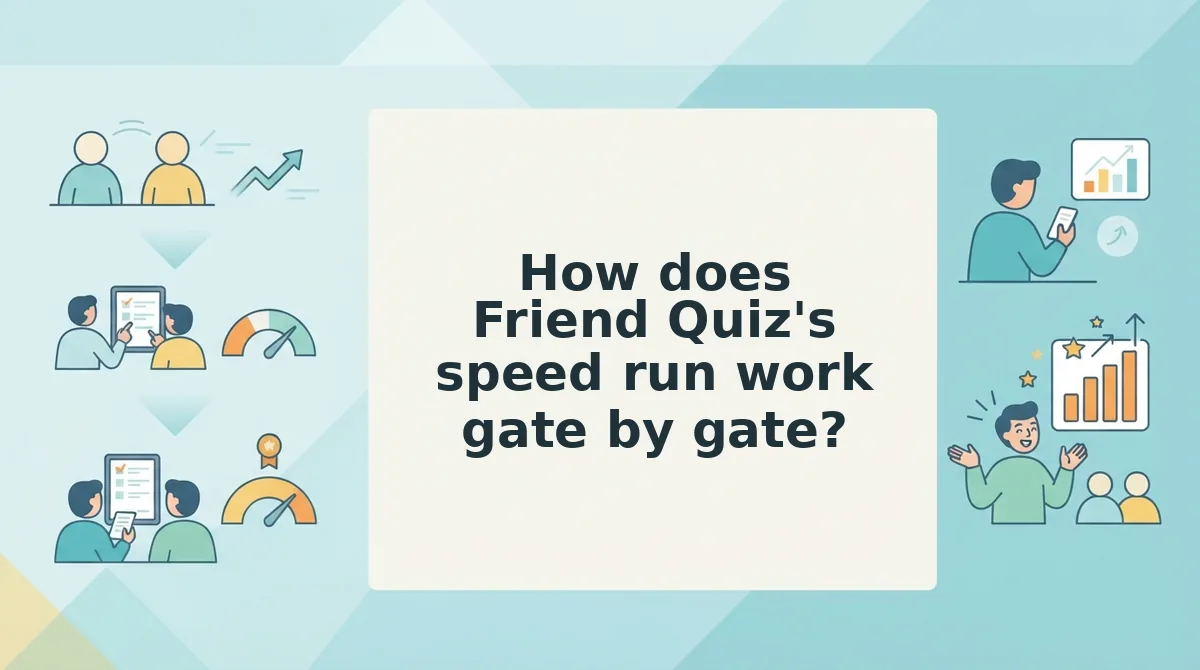
Friend Quiz's documented flow clears the same four gates in fewer screens: type a name, answer habit prompts without leaving the page, generate a link, and let the recipient answer in their browser. Same ledger, fewer stops.
What you need before you start: any phone browser. No account, no email address, no app download, no desktop step.
- Type your name on the friendquiz.org homepage and start the quiz. Entry is one field â expect a few seconds here. You should see the first habit prompt load immediately, with no sign-up screen in between.
- Select an answer to each prompt â daily habits, quirks, likes, dislikes â and move to the next one. The prompts run in sequence on the same page rather than reloading a new one, so there is no load wait between questions. You should see the next prompt appear the moment you tap.
- Finish the sequence and copy the generated quiz link. You should see a shareable URL you can paste straight into a chat. The platform's product pages describe the whole creation as taking under two minutes; that is the site's own claim, not an independent stopwatch measurement.
- Share the link, then have one friend open it. You should see the quiz start in their mobile browser with nothing to install. This is the gate that decides everything below.
Will the link open inside WhatsApp? Because the quiz is a standard web address rather than a file attachment, it opens in the in-app browser WhatsApp, iMessage, and Instagram use for links, so the recipient never leaves the chat to install anything. They tap, the quiz loads, they answer, and the result lands back in the thread where the banter already lives. That matters because gate four is the only gate your friends experience â a fast build means nothing if the tap stalls. If your circle prefers a themed format, the BFF test and the friendship test both run the identical in-browser flow.
Open friendquiz.org on your phone now, type your name, and you will have a link to drop in the group chat before the conversation moves on.
Where Friend Quiz still costs you time, and which tool fits your chat
Fewer configuration screens is a design choice with a price: the same speed run that skips page reloads also gives up the per-question fine-tuning a longer multi-page builder allows. That is a trade-off, not a flaw in either tool.
The second cost is verification. Gate four is where the four-gate ledger pays off â the SteegTV tutorial and the Buddymeter Cheater extension both indicate answer data reaches a participant's browser on a static link, but that conclusion comes from public artefacts, and we have not independently audited either platform. If you need a fully audited privacy story before you publish a quiz, wait for one.
Pick by situation rather than by brand:
| Situation | Pick this if |
|---|---|
| Dead group chat | A speed run with the fewest screens â the link has to land before attention drifts, and every extra page is a place to lose people. |
| Classroom | You want to build once and re-share the same link to a room, and you are happy setting questions up on a larger screen first. |
| Large public audience | You plan to test gate four yourself before posting â open the link as a stranger would, and check what a curious participant can see. |
| Privacy-sensitive circle | Answer visibility has been audited, or friends answer on your device. Until then, treat any static link as readable. |
Two next steps: open a quiz on your own phone and walk gate four as a recipient before you share it anywhere, and if the result is fine, send the link and let the chat settle it.
Ready to run the fast path? Start with the best friend quiz maker, type your name, and your link is in the group chat inside two minutes. The fastest quiz is the one your friends actually finish â build for that, and the bragging rights take care of themselves.