Best friend quiz maker compared with Buddy Meter and QuizYourFriends
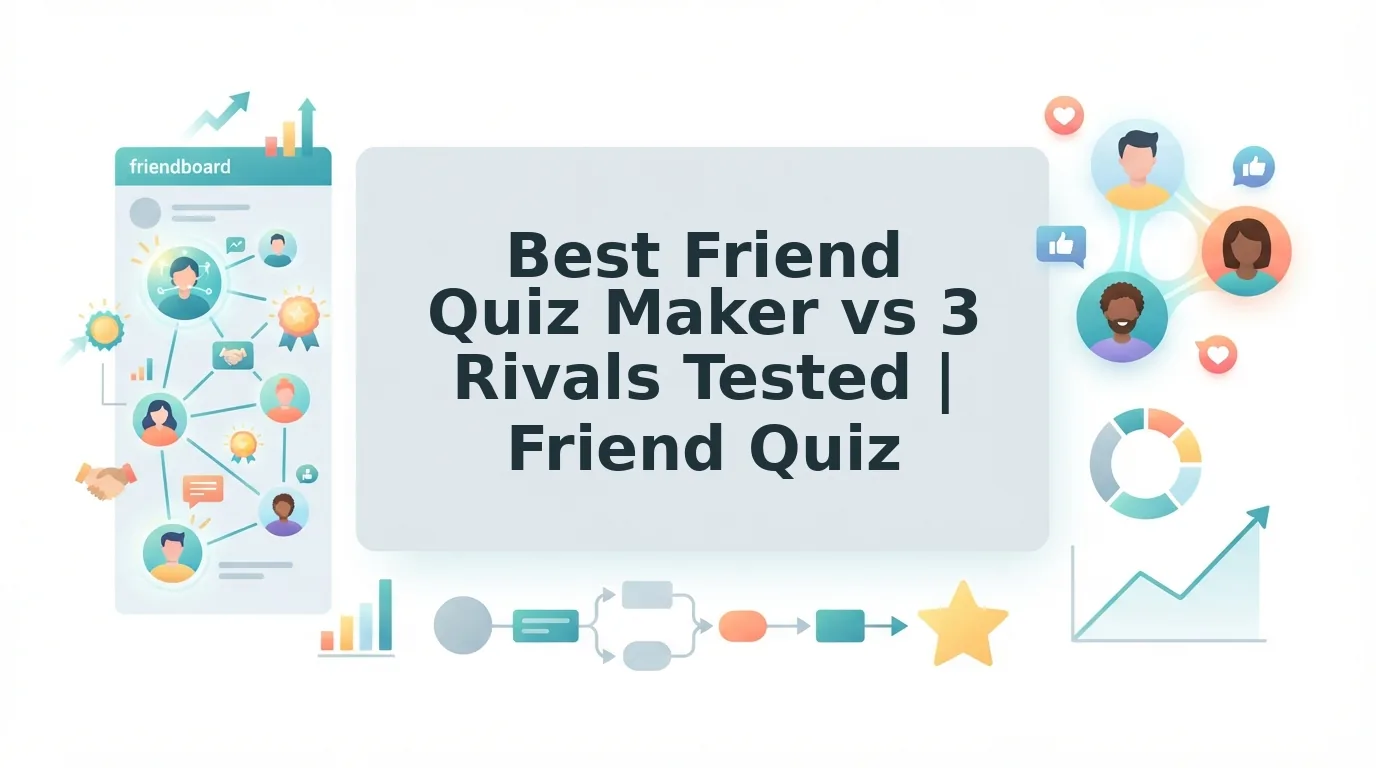
You drop a quiz link into the group chat and wait. One friend hits an account wall, another closes a pop-up ad, and a third watches the page reload, so the thread goes quiet before question three.
That pattern is common, and the problem is usually not your questions. Most quiz makers lose friends to friction. Choosing a best friend quiz maker should start with what your friends experience when they tap the link, not with how many templates the creator gets.
This guide compares four tools, Friend Quiz, Buddy Meter, QuizYourFriends, and HolaQuiz, on five player-first criteria. You will learn which features keep a chat engaged, which claims are still unverified, and how to run the same check on your own phone in a few minutes.
Quick answer: The best friend quiz maker for group chats lets friends answer in a mobile browser with no account or app, has few ads, sets up quickly, and tracks scores. On those five criteria, Friend Quiz is the only tool here whose documented features cover account-free play, quick setup, and a live scoreboard. Most competitor details remain unverified.
Here is how the Friend Quiz flow works. You type your name, answer prompts about your own habits and quirks, then paste the link into your WhatsApp group. Friend Quiz states that setup takes under two minutes. You can start a best friend quiz the same way.
One criterion decides it for almost every group chat. The final verdict explains which one.
What makes a best friend quiz maker the best for group chats?
The best quiz maker for group chats keeps friends moving from the link to the last question without interruptions. We judge each tool with the Chat Momentum Test, which uses five criteria: load to question one, ad interruptions, account or app walls, setup time, and score tracking.
- Load to question one: How quickly a friend reaches the first question after tapping the link.
- Ad interruptions: Banners or pop-ups that appear between taps.
- Account or app walls: Any sign-up, email, or download required of the creator or the player.
- Setup time: How long it takes the creator to go from homepage to a shareable link.
- Score tracking: Whether results appear on a shared leaderboard.
- Quiz link: The single URL you paste into a chat.
- Zero-account participation: Friends answer in a browser with no login.
- Friendboard: Friend Quiz's real-time scoreboard of who knows you best.
The Chat Momentum Test is a way to score friendship quiz makers by what happens after a link lands in a group chat, not by what the creator sees on the homepage. Player-side friction matters more than creator features because each friend decides in a few seconds whether to keep tapping. A creator can tolerate an extra step once, but every login prompt, ad, or reload repeats for every player. Those repeated steps make people drop off before the scoreboard has enough names to start banter.
Method: Open each link from a group chat on a phone and record only what you see. Any cell below that lacks first-hand or documented data reads "not verified." No load timings were measured, so none are reported.
| Criterion | Friend Quiz | Buddy Meter | QuizYourFriends | HolaQuiz |
|---|---|---|---|---|
| Load to question one | Mobile browser, no app; time not measured | Not verified | Not verified | Not verified |
| Ad interruptions | Not verified | Not verified | Not verified | Not verified |
| Account or app walls | None for creator or player | Not verified | Not verified | Not verified |
| Setup time | Under two minutes (stated) | Not verified | Not verified | Not verified |
| Score tracking | Real-time Friendboard | Not verified | Not verified | Not verified |
| Best for | Group chats that want login-free play and a live leaderboard | Creators who want a widely recognized name | Creators who check account rules first | Not verified |
Buddy Meter and QuizYourFriends have built large audiences, and that recognition helps when friends hesitate to tap an unfamiliar link. Test each one yourself before you rule it out.
To see what friends will see, make a best friend quiz and open the link in your own chat. The Friendboard fills in as each answer arrives.
Friend Quiz vs Buddy Meter, which loads faster in a group chat?
No load timings were measured for this comparison, so neither tool can be named faster yet. Friend Quiz removes known friction points, with no account, email, or app, while Buddy Meter's speed between questions still needs to be confirmed on a phone.
Buddy Meter has real strengths. Many people already recognize its name, and it is known for fast quiz creation. In a chat where friends distrust unfamiliar links, that recognition can get more people to tap.
Competitor analyses raise a few concerns that you should check yourself before treating them as fact:
- Reload lag: Reports describe page reloads between questions. Tap through every question on mobile and note any blank screens.
- Ad placement: Reports place banner ads near the submit button. Check each screen, especially the answer and submit steps, for accidental-tap risk.
- Results screen: Note what a player sees after finishing, such as a score only or a full leaderboard.
Privacy check: On Buddy Meter's results view, compare what the creator sees with what each player sees. This is not verified here. On Friend Quiz, players see their result on the shared Friendboard, which is designed for public bragging rights.
| Check | Friend Quiz | Buddy Meter |
|---|---|---|
| Reload between questions | Not verified | Flagged by competitor analysis, not verified |
| Ads near submit | Not verified | Flagged by competitor analysis, not verified |
| Results view | Real-time Friendboard | Not verified |
| Account for players | None | Not verified |
For the screen-by-screen walkthrough, read the full Friend Quiz vs Buddy Meter breakdown.
Best for: Buddy Meter works well for creators whose friends already know the brand and don't mind an occasional ad. Friend Quiz suits group chats that want account-free play and a live leaderboard.
Account walls lead to the next question.
Friend Quiz vs QuizYourFriends, do your friends need an account?
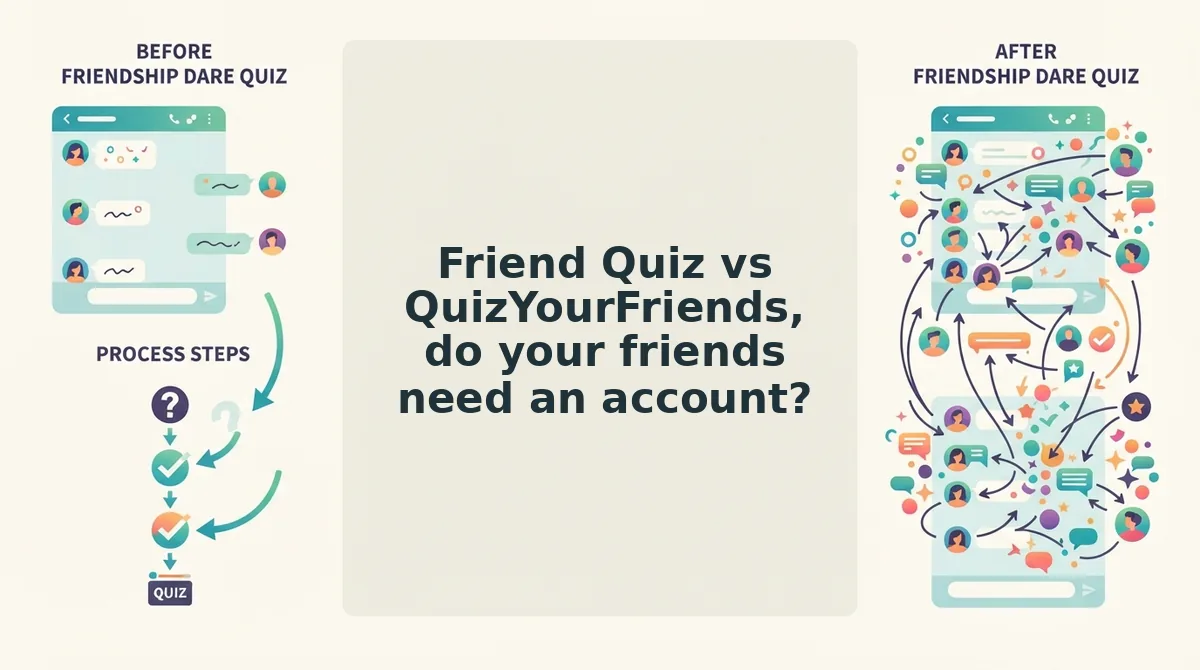
On Friend Quiz, neither the creator nor the players need an account. You type your name, answer prompts, and share a link. On QuizYourFriends, our competitor analysis flagged account hurdles, so treat sign-up as a possible step before you build a quiz there.
The split matters. A creator will put up with one form. A friend who taps a link in a group chat usually won't.
| Account question | Friend Quiz | QuizYourFriends |
|---|---|---|
| Creator needs an account? | No. Name only, no email. | Account hurdles flagged in competitor analysis |
| Player needs an account? | No. Answers in the mobile browser. | Not verified. Check before sharing. |
| App download? | No | Web-based |
| Track record | Newer, mobile-first build | Long-standing quiz tool |
QuizYourFriends deserves credit. It has been around for years and helped make "how well do your friends know you" quizzes a web habit. Anyone already comfortable with its flow has no urgent reason to switch.
The account hurdles show up in three places:
- Before creating: any sign-up step adds time before your first question.
- Before sharing: you need to confirm the quiz link works for people who aren't logged in.
- Before scoring: each friend who stops at a login prompt is one fewer score on the board.
Is QuizYourFriends still usable on mobile?
Yes, but competitor analysis flagged its mobile experience as dated. On a phone, look for small tap targets, layouts sized for desktop that need pinch-zooming, and page reloads between questions. Test one quiz yourself before you post it to a busy group chat.
For a step-by-step setup comparison, see our QuizYourFriends vs Friend Quiz comparison.
Best for: QuizYourFriends suits longtime users who already know its flow. Friend Quiz suits group chat instigators who want every friend answering in seconds, with no login for anyone.
Friend Quiz vs HolaQuiz, is more quiz variety worth it?
That depends on what you want. If you want many quiz formats, HolaQuiz may be worth a look. If you want one fast, personal trivia link for a group chat, Friend Quiz is the more focused choice.
HolaQuiz's main selling point is a wide range of quiz formats. We could not verify that claim, and its ranking landing page runs only about 500 words. The table below marks each criterion as either observed or not verified.
| Criterion | Friend Quiz | HolaQuiz |
|---|---|---|
| Quiz format variety | One focus: personal BFF trivia | Claims many formats (not verified) |
| Creator account | Not required | Not verified |
| Player account | Not required | Not verified |
| App download | None, runs in the browser | Not verified |
| Live leaderboard | Real-time Friendboard | Not verified |
Choice has real value. A group that gets bored with the same question style might enjoy rotating formats. Friend Quiz does one thing on purpose: questions about your habits, quirks, likes, and dislikes, built in under two minutes.
Best for: HolaQuiz suits people who want to browse different quiz types. Friend Quiz suits best friends who want one personal link and a Friendboard to argue over.
Do you need an app to make a best friend quiz?
No. You can build and share a best friend quiz entirely in a mobile browser. Some popular BFF tests still send people to an app store first.
A best friend quiz is a personal trivia challenge that measures how well your friends know your habits, likes, and quirks.
The app model is common. The most-viewed best friend test video in our research, from DH3 Games with 1,899,667 views, sends viewers to a BFF app on Google Play (dh3games.bfffriendshiptest). Each viewer who wants to play has to install it first.
That install step is the problem in a group chat. Before a friend answers a single question, they have to:
- Open the app store.
- Download the app.
- Open the app.
- Find your quiz.
Think of it like inviting friends to dinner, then telling them to buy a membership card before they can sit down.
Compare that with a browser link. Maya drops her Friend Quiz link into the iMessage thread. Jordan taps it, makes her guesses in Safari, and submits. His score appears on the Friendboard before Maya has put her phone down. He never downloads anything.
Do you need an app to make a best friend quiz? No. Browser-based quiz makers like Friend Quiz let you type your name, answer personal trivia prompts, and get a shareable link in under two minutes. Friends open that link in their phone's browser from WhatsApp, iMessage, or Instagram and answer right away, with no app install, account, or email. Apps can work too, but they add a store-download-open-search sequence before anyone plays, and that tends to stall group chat momentum.
Apps do have advantages. They can send notifications and keep your quiz history on your phone, which suits people who play often. Read more on why browser BFF tests beat app downloads.
No app, no sign-up. Try it. Type your name and send your link to the group chat.
No tool is perfect, though, including ours.
Where does Friend Quiz fall short?
Friend Quiz is built for one job: a fast personal-trivia quiz shared in a group chat. If you need something outside that job, a rival may serve you better.
But wait, there's a catch⦠speed and simplicity come with trade-offs. Here are the four limits that matter most, ranked by how often they will affect your choice.
- One quiz format, not a library. Friend Quiz centers on a single personal-trivia flow about your habits, quirks, likes, and dislikes. That keeps creation quick, but it is not a catalog of quiz types. If your group wants variety, HolaQuiz is the better fit.
- Browser-only, with no app experience. Everything runs in a mobile browser, which removes download friction for players. People who prefer an installed app with its own home-screen icon will not get one here. For them, app-based friendship tests are the better choice.
- A Friendboard that needs players first. Rankings only appear once friends actually open the link and answer. In a quiet chat with one or two replies, the board will feel thin. For a single best friend, a one-on-one test on any tool, including Buddy Meter, works just as well.
- No accounts, so no creator profile. Skipping sign-ups is the point, but it also means you do not get an account-based dashboard. If you want a profile tied to a login, QuizYourFriends' account model suits that preference.
None of these limits affects the core use case. They simply show where another tool is the more honest recommendation.
Which best friend quiz maker should you pick?
The best friend quiz maker is the one your friends can answer without creating an account or installing an app. That player-side wall decides whether a quiz link gets answered or ignored. Friend Quiz removes it entirely, while rivals win on variety or app experience.
This resolves the question we opened with. Creation speed matters, but the real test is how many friends actually play.
| Scenario | Best tool | Why |
|---|---|---|
| Dead group chat that needs a spark | Friend Quiz | One link opens in the browser, so nobody stalls at a sign-up screen. |
| One-on-one BFF test | Friend Quiz or Buddy Meter | Both handle a single-friend challenge; the Friendboard advantage matters less with one player. |
| Big friend group that wants rankings | Friend Quiz | The Friendboard ranks every friend who answers, in one shared view. |
| Someone who refuses all sign-ups | Friend Quiz | No account, email, or app download for creators or players. |
Here is how the ranking plays out. You drop the quiz link into your WhatsApp group, five friends answer during lunch, and the Friendboard lines them up by score so the chat can argue over who really knows you best.
Buddy Meter and QuizYourFriends also show results. The difference is whether every player first had to clear an account or app step before appearing on them.
If you want variety, pick HolaQuiz. If you want an app, pick an app-based test. For everyone else trying to wake up a group chat, pick Friend Quiz, and see what players say about Friend Quiz before you decide.
Ready to test who knows you best?
Yes, and you can be ready in under two minutes with no account, email, or app download. The deciding factor was never quiz variety; it was whether friends can play the moment they tap your link.
The workflow is three beats:
- Enter your name on the homepage.
- Answer the personal trivia prompts about your habits and quirks.
- Share your link to WhatsApp, iMessage, or Instagram.
Edge cases still have homes. HolaQuiz suits groups chasing variety, app-based tests suit people who want an installed app, and QuizYourFriends suits anyone who prefers an account.
For everyone else, your best friend test becomes a running scoreboard the second friends start answering. Enter your name and share your link, then let the Friendboard settle who really knows you best.