What to Look for in a Public Friend Quiz Before Sharing
Your group chat just died on question three, again. Someone shared a quiz link, everyone tapped in, and then an account wall or a full-screen ad killed the momentum before anyone could even answer. The truth is, most public quizzes fail before question three because of account walls, ad interstitials, or single-question-type repetition. Knowing what to look for in a public friend quiz before you hit share is the difference between a dead link and a group chat that won't stop buzzing.
You're right to be picky. A bad quiz makes you look like the person who sends spam, and your friends will stop tapping your links. By the end of this guide, you'll know exactly which signals predict a quiz that keeps people engaged, and which red flags to avoid. We'll cover question variety, quiz length, momentum design, and the one discovery-feed trick most people completely miss. Stick around for the signal that separates quizzes people finish from quizzes people abandon.
If you want to skip the research and test a quiz built for zero-friction sharing, Friend Quiz lets you create a personalized challenge in under two minutes, no account, no app, no email required.
What Is a Public Friend Quiz?
A public friend quiz is a shareable, link-based quiz that anyone can take without creating an account, designed specifically for distribution through group chats and social feeds. Unlike a private quiz sent directly to one person, a public quiz lives on a URL that can spread across WhatsApp, iMessage, Instagram, or anywhere links travel.
Think of a public friend quiz like an open house party versus a private dinner. A private quiz is the dinner, you know exactly who's invited, and the questions are tailored to that one relationship. A public quiz is the open house: anyone can walk in, so the experience has to be instantly engaging with zero friction at the door.
The game-changer came with discovery feeds, which surface quizzes based on trend, recency, and engagement rather than personal connections. This means a quiz you create can reach people you've never met, but only if it clears the engagement bar that feeds use to rank content. A quiz that stalls at question three never trends. A quiz with varied question types and tight pacing can ride the feed to hundreds of completions.
In practical terms, a public friend quiz works like this: the creator answers a short series of prompts about their own habits and preferences, the platform packages those answers into a challenge, and the creator shares one link. Friends open the link in their mobile browser, answer immediately, and see how well they know the creator. No downloads, no sign-ups, no waiting.
Signal #1: Question Variety (The 4-Type Mix)
A strong public friend quiz mixes at least three of four question types. Variety is the single strongest predictor of whether someone finishes a quiz, a quiz with only one question type is a red flag that predicts early bounce.
- Habit Questions: daily routines, quirks, and small rituals. These ground the quiz in real, observable behavior. "What's my go-to midnight snack?" or "Do I hit snooze or wake up on the first alarm?" Habit questions feel intimate because they reveal the small things only close friends notice, and they're easy for anyone to guess, which keeps early momentum high.
- Preference Questions: likes, dislikes, and favorites. These are the classic friendship quiz backbone. "Which movie do I rewatch every year?" or "What's my actual coffee order?" Preference questions are low-stakes and high-shareability, they spark debate in the group chat when two friends disagree on the answer.
- Story Questions: shared memories, inside jokes, and callbacks. These reward people who were actually there. "What did I say during the camping trip disaster?" Story questions create the strongest emotional payoff because they're impossible to guess without real history, making correct answers feel like proof of friendship.
- Wildcard Questions: hypotheticals, dares, and would-you-rather scenarios. These inject unpredictability and humor. "Would I rather fight one horse-sized duck or a hundred duck-sized horses?" Wildcards break pattern fatigue and give the quiz personality, which is what makes people share it after finishing.
The 4-Type Mix matters because each question type activates a different psychological reward: recognition, preference matching, memory validation, and humor. A quiz cycling through all four keeps the brain from predicting what's next, which sustains attention through the final question. If you're evaluating a quiz before sharing, count the question types in the first five questions, fewer than three distinct types is a skip. For a deeper look at how these question types combine into a complete challenge, explore best friend quiz questions built on this exact taxonomy.
Once variety checks out, the next signal to evaluate is length, and the sweet spot is narrower than most people think.
Signal #2: The 8-12 Question Sweet Spot
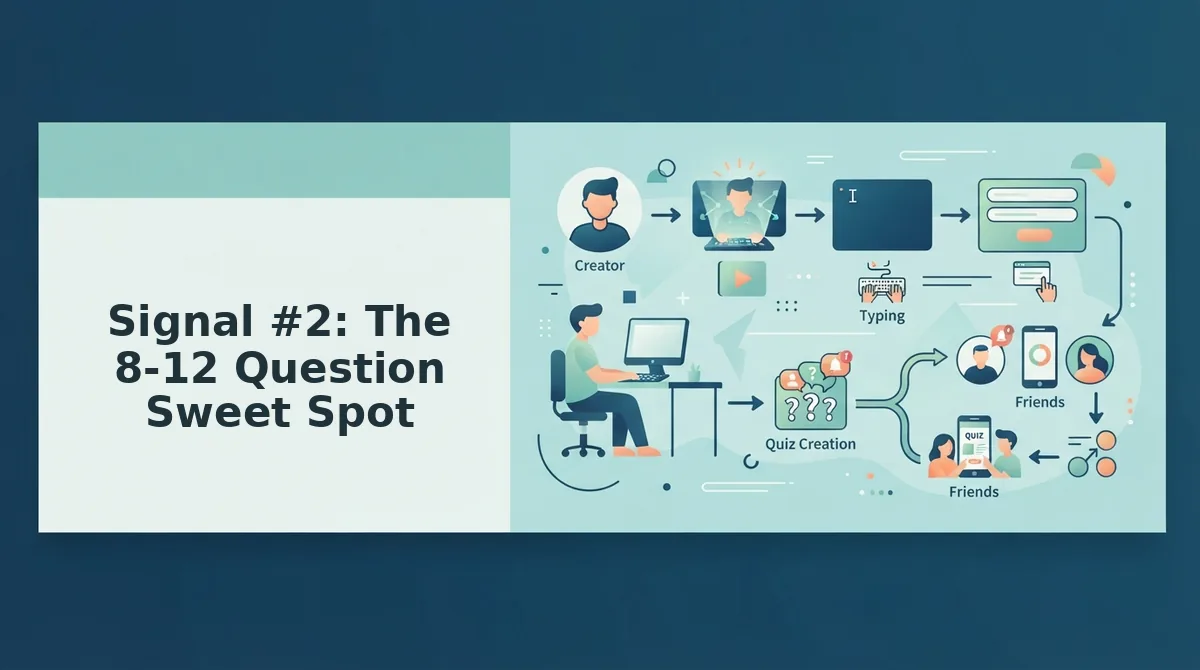
The 8-12 question sweet spot is the quiz length range that keeps a friendship test feeling substantive without letting group chat momentum die before the final answer.
Think of quiz length like a good playlist: too few tracks and the vibe never builds, too many and people skip to the end or bail entirely. The same logic applies to public friend quizzes. Psych2Go, Quiz N' Chill, and The Quizness all run 7-15 question formats, and the overlap points to a reliable threshold: 8-12 questions.
Within that range, the best quizzes use progressive complexity. Early questions should be easy warm-ups anyone can answer, your favorite food, your go-to coffee order. Middle questions test real observation: how you react when stressed, what you do on a Sunday afternoon. Final questions should be advanced, requiring genuine intimacy: the story behind a scar, the one thing you'd never admit in a group chat.
This structure mirrors how a friendship test format works best: simple enough to hook, deep enough to feel earned. A quiz that front-loads impossible questions loses players before question three. A quiz that never escalates feels disposable. The 8-12 range gives you room for that arc without overstaying your welcome.
If a public quiz runs 20 questions, check whether it earns that length with escalating stakes. Most don't, and your group chat will notice.
Signal #3: Shareability Mechanics
A public friend quiz is only as good as its forwarding potential. Evaluate shareability with this four-point checklist, ordered by impact.
- Instant load in mobile browsers. The quiz must open in under a few seconds on a phone, because WhatsApp and iMessage users will not wait through spinner screens. A slow quiz link gets abandoned before question one, no matter how clever the premise.
- No account or email wall before question one. Any quiz that demands a signup before the first answer adds friction exactly where momentum matters most. The best no sign-up quiz makers let participants start answering immediately, because every extra tap costs you players.
- Share preview shows the quiz premise. When someone pastes the link into a group chat, the preview card should display the quiz creator's name and a hint of the challenge, not a generic logo or broken thumbnail. A compelling preview is the difference between "tap this" and "ignore this."
- Results worth screenshotting. The end screen should produce a shareable outcome, a score, a title, a ranking, that people want to post back into the chat. Screenshot-worthy results drive organic re-shares without any extra prompting.
Run any public quiz through this checklist before forwarding it. If it fails two or more points, your group chat will feel the friction.
Signal #4: Privacy Signals
Privacy signals are the visible indicators of how a public friend quiz handles participant data before, during, and after the quiz.
Name-only participation is the gold standard for public quizzes. A quiz that asks for nothing more than a first name or nickname respects the casual, low-stakes nature of group chat banter. Think of it like a house party: you introduce yourself at the door, but nobody demands your ID, your address, and your mother's maiden name before you can join the conversation.
Email walls and social logins kill group chat momentum because they add friction before the first answer. Every field a participant must fill out is another reason to close the tab. A quiz that requires a Facebook or Google login also raises a trust question: why does a friendship trivia game need access to my contacts?
Before sharing a public quiz, check what it asks for. If the answer is just a name, you're clear. If it wants an email, a login, or permissions, consider whether the quiz earns that level of access, and whether your friends will tolerate it. For a deeper look at how platforms compare on this front, see this privacy comparison.
Privacy friction is invisible until it's not, and by then, half your group chat has already closed the link. That's why the next signal matters just as much.
Signal #5: Momentum Design
Momentum design is the pacing architecture that keeps a quiz taker moving from question one to the results screen without friction, boredom, or abandonment. A well-built public friend quiz escalates difficulty in three stages: simple warm-up questions first, intermediate personal-habit questions in the middle, and advanced or surprising questions near the end. Think of it like a video game tutorial level, the first question should feel effortless so the player commits, then the challenge ramps up once they are already invested.
The hidden signal most people miss is the mechanics, not the content. One question per screen beats multi-page reloads for mobile retention because each tap feels like progress rather than a form to complete. Progress indicators, a simple "Question 4 of 10" bar, reduce abandonment by giving takers a visible finish line. And instant results beat an "enter your email to see results" gate by a wide margin: the payoff must arrive the second the last answer is submitted, or the shareable moment dies.
To evaluate momentum design before sharing a public friend quiz, run through it yourself on a phone. Count the taps between starting and finishing. If any screen makes you wait, reload, or wonder what comes next, the quiz has already lost your group chat.
5 Red Flags: Public Quizzes Dead on Arrival
Before you paste a quiz link into the group chat, scan for these five failure patterns. Each one predicts low completion rates and zero banter.
- Account wall before question one. If the quiz demands an email, phone number, or sign-in before the first question loads, most of your friends will close the tab. A shareable friend quiz should start instantly with nothing more than a name.
- Ad interstitials between questions. Full-screen ads that interrupt the flow between question three and question four kill momentum and trust. If you want a cleaner experience, compare options like the least ads quiz maker before sharing.
- 20+ questions with no progress bar. A long quiz without a visible "Question 7 of 22" indicator feels endless. Takers abandon when they cannot see the finish line, so skip any quiz that hides its length.
- Single question type repeated. Ten multiple-choice questions in a row with the same format becomes monotonous. Strong quizzes mix formats, true/false, this-or-that, fill-in-the-blank, to keep the brain engaged.
- No share preview or results screen. If the quiz ends with a plain text score and no screenshot-worthy results card, it fails the shareability test. The results screen is the entire point: it is what gets posted back into the group chat.
FAQ: Public Friend Quiz Questions Answered
Quick answers to the questions people actually ask before sharing a public friend quiz.
How long should a public friend quiz be?
Eight to twelve questions is the sweet spot. Fewer than eight feels shallow and fails to build a real score, while more than twelve triggers abandonment on mobile. The best quizzes finish in under two minutes so the results hit the group chat while the banter is still hot.
What makes a friend quiz shareable?
Instant load time, no account requirement, a compelling share preview, and a screenshot-worthy results screen. The quiz must open in one tap from WhatsApp or iMessage and deliver a result card that feels designed for reposting. If any of those four elements is missing, the share chain breaks.
Do I need an account to take a public friend quiz?
No. The best public friend quizzes require only a name, no email, no password, no app download. Any quiz that demands account creation before question one is adding friction that will cost you most of your takers before they even start.
How do I spot a low-quality friend quiz?
Look for five red flags: an account wall before question one, ad interstitials between questions, 20 or more questions with no progress bar, a single question type repeated throughout, and no share preview or results screen. Any two of these signals mean the quiz will likely die in the group chat. For a cleaner starting point, try a BFF test built without those friction points.
Once you have found a quiz that passes every signal, you are ready to share the quiz that starts the banter.
Share the Quiz That Starts the Banter
You now have a 5-signal checklist that separates group-chat gold from dead-on-arrival links. Question variety, the 8-12 question sweet spot, shareability mechanics, privacy signals, and momentum design, a quiz that passes all five is ready for the group chat.
Here's the pattern interrupt: most people overthink the quiz. They tweak questions for an hour. The quiz that wins is the one you ship in two minutes.
So run the checklist once. If it passes, create a public friend quiz and drop the link where your friends actually talk. Expect the first reply within minutes, that's the momentum signal working in your favor.
The best friend quiz isn't the cleverest one. It's the one you actually shared.