How to Use Discover Weekly for Friend Quiz Ideas
Your Discover Weekly playlist drops every Monday at midnight, and by Tuesday afternoon you've forgotten half the songs, which means you're sitting on 30 fresh, hyper-personal quiz prompts every single week and letting them evaporate. That's the real reason to use Discover Weekly for friend quiz ideas: it hands you a weekly snapshot of your actual taste, not the generic "favorite color" filler most quizzes rely on.
You already listen to the playlist. You already send songs to the group chat. What you haven't done is turn that listening habit into a quiz-making habit. This guide shows you how to mine your Discover Weekly for questions your friends can actually answer, and how to fix the playlist if it never shows up in the first place.
Here's the roadmap: first, understand what Discover Weekly actually is and why it's built for quiz creation. Second, follow a trigger checklist to make sure the playlist appears reliably. Third, use a three-step framework to convert songs into Friend Quiz prompts your group chat will actually finish. Along the way, you'll see why most people give up before the playlist even loads, and the one setting that fixes it in under a minute.
If your Discover Weekly is already showing up, you can skip straight to the prompt framework. If it's missing, the trigger checklist in the next section solves the most common cause before you waste another Monday.
What Is Discover Weekly and Why It's a Quiz Goldmine
Discover Weekly is a personalized Spotify playlist of 30 songs, refreshed every Monday, built from your listening history and the habits of listeners with similar taste. It's a weekly mirror of what you actually play, not what you say you like.
Think of Discover Weekly like a friend who pays close attention to everything you play in the car, then hands you a mixtape every Monday with a note that says, "You'll probably love these." The playlist isn't random. Spotify's algorithm compares your listening patterns against millions of other users, finds the overlap, and surfaces tracks you haven't heard but statistically should enjoy.
That's exactly why it works as a best friend quiz source. Generic quiz questions, "What's my favorite color?", test memory of facts anyone could guess. Discover Weekly questions test whether your friends can predict your taste. Would your best friend know which of these 30 songs you'd save, skip, or add to your gym playlist? That's a friendship test with real stakes, because the playlist already reflects your actual behavior, not your curated answers.
Here's the bridge most guides miss: the playlist is already a question bank. Each song carries metadata, artist, genre, tempo, release year, mood, that maps directly to quiz prompts. A synth-heavy track from a Swedish artist becomes "Which of these songs did I add to my late-night coding playlist?" A folk cover becomes "Guess which artist I discovered through my dad." You don't need to invent questions. You need to read the playlist as data.
One more layer: because Discover Weekly refreshes weekly, your question bank never goes stale. You can run a new Friend Quiz every Monday with zero extra effort, the algorithm does the curation, you do the quiz-making.
The Trigger Formula: How to Make Sure Discover Weekly Appears
If Discover Weekly isn't showing up, the fix is usually one of five checklist items, and the most common culprit is an account that's too new. Follow these steps in order, checking after each one.
- Confirm your account is at least 2 weeks old. Open Spotify, tap your profile icon, and check your account creation date under Account settings. Spotify withholds Discover Weekly from accounts younger than two weeks because the algorithm needs listening data first. If you're new, wait it out, the playlist appears automatically after the threshold.
- Save at least 5 songs to your library. Tap the heart or plus icon on five tracks you genuinely like. This gives the algorithm explicit taste signals beyond passive listening. You should see the songs appear under Liked Songs immediately.
- Follow 3 or more artists. Search for artists you already listen to, open their profile, and tap Follow. Three is the minimum signal threshold; five is safer. Each follow sharpens the algorithm's picture of your taste.
- Listen to full tracks, not skips. Play songs all the way through for at least a week. Skipping tracks within the first 30 seconds tells Spotify you dislike them, which muddies your taste profile. Aim for 10-15 complete plays per day across a few sessions.
- Check on Monday after 12am local time. Open the Search tab, scroll to Browse All, and look for Discover Weekly under Made For You. The playlist refreshes at midnight Monday in your local timezone, checking Sunday night shows last week's version.
If the playlist still doesn't appear, run this decision tree: new account to wait two weeks and repeat steps 2-4. You skip most songs to reset your taste profile by removing disliked tracks from Liked Songs and listening to full albums for three days. Playlist missing but Release Radar shows up to your account may have Discover Weekly hidden; check Settings to Content Preferences and re-enable Made For You playlists.
Once the playlist is live, you're ready to turn those 30 songs into quiz prompts, and the next section shows you exactly how to mine, map, and make them.
The Playlist-to-Prompt Framework: Mine, Map, Make
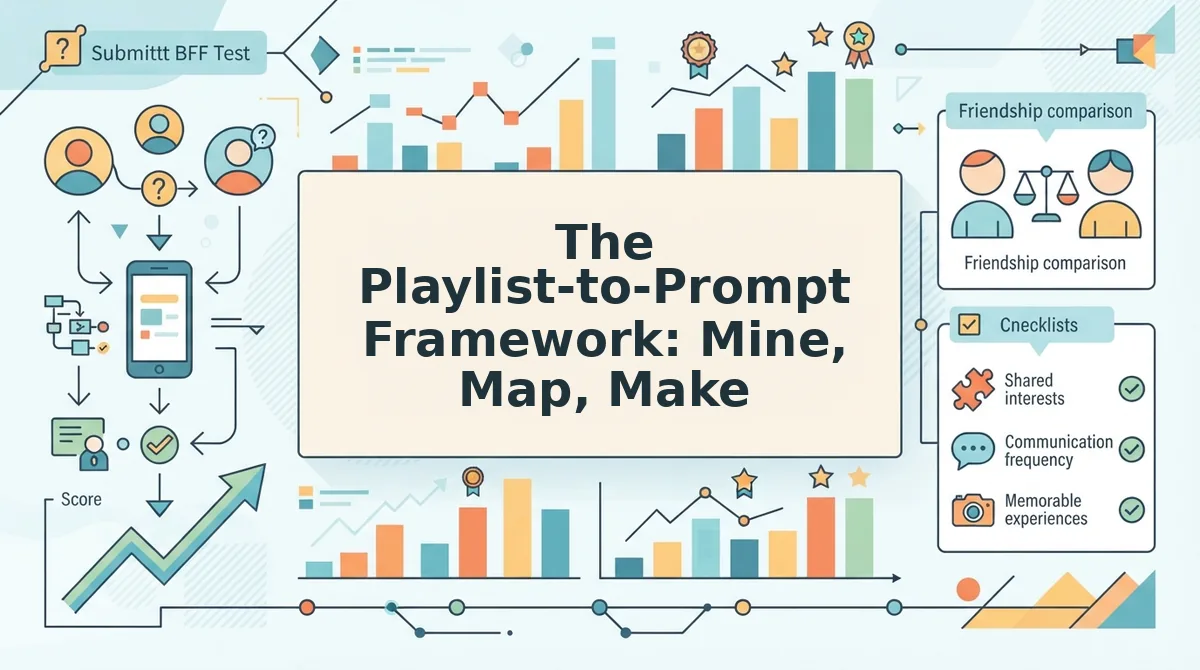
This three-step framework converts your Discover Weekly data into ready-to-use quiz questions in under 15 minutes. You need a Spotify account with Discover Weekly active, a note app or paper, and access to quiz for friends on Friend Quiz.
Step 1: Mine. Extract the raw signals from your playlist (5 minutes)
- Open the Spotify app on your phone or desktop, then tap the Search tab and type "Discover Weekly" into the search bar.
- Tap the playlist cover to open it, then scroll through all 30 tracks while noting in your notes app: artist names that appear more than once, genre shifts (e.g., indie rock to Afrobeats), the oldest release year, and which songs you remember saving or skipping in previous weeks.
- Check your Liked Songs playlist by tapping Your Library, then Liked Songs, and compare it against this week's Discover Weekly to identify overlaps. You should see 3-5 concrete data points ready for mapping.
Step 2: Map. Convert each data point into a question category (3 minutes)
- Match each mined signal to a question type: repeat artist to "Which artist do I secretly listen to on repeat?"; genre shift to "What genre did I add to my rotation this month?"; saved song to "Which song did I save this week?"
- Write one question per signal in your notes app, keeping the wording in second person ("Which artist appears in my Discover Weekly twice this month?"). You should have 5-7 mapped questions ready to build.
Step 3: Make. Build and share the quiz in Friend Quiz (under 2 minutes)
- Open friendquiz.org on your phone, type your name into the homepage field, and tap Start.
- Enter each mapped question as a prompt, select the correct answer from your Discover Weekly data, and tap Next after each one.
- Tap Generate Link, then tap Share and select your group chat app. You should see a shareable quiz link appear with a preview card ready to send.
Passage indexing: The Playlist-to-Prompt Framework is a three-step method for turning Spotify Discover Weekly data into friendship quiz questions. First, mine your playlist for repeat artists, genre shifts, release years, and saved-versus-skipped songs. Second, map each signal to a question category, repeat artists become "Which artist do I secretly listen to on repeat?" questions, while genre shifts become "What genre did I add to my rotation this month?" prompts. Third, make the quiz by entering your name and questions into Friend Quiz, which packages everything into a shareable link in under two minutes. This framework works because it converts passive listening data into active social currency your friends can actually answer.
7 Quiz Question Templates Pulled from Discover Weekly
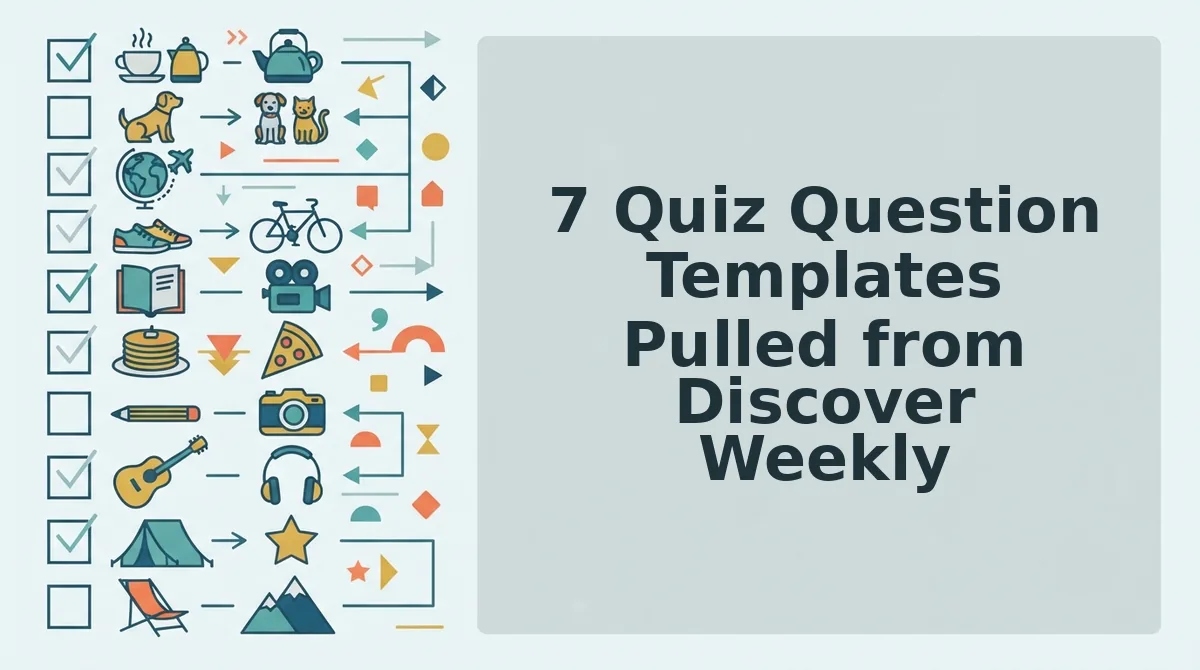
These seven templates turn your Discover Weekly listening data into copy-paste quiz questions. Each template includes the data source, the question format, and a concrete example you can adapt in seconds.
- Artist Repeat, "Which artist appears in my Discover Weekly more than once this month?" This template uses frequency data from your playlist history to test whether friends actually pay attention to your listening habits. Check your last four Discover Weekly playlists, count repeat artists, and use the most frequent one as the correct answer.
- Genre Shift, "What genre did I add to my rotation this week?" This template captures a behavioral change your friends might have noticed in your stories or messages. Compare this week's dominant genre against last week's, then frame the new genre as the answer.
- Saved Song, "Which song did I save from Discover Weekly this Monday?" This template tests whether friends track your Liked Songs activity. Open your Liked Songs playlist, filter by recently added, and pick the most surprising save as the correct answer.
- Release Year, "What year is the oldest song in my Discover Weekly?" This template rewards friends who know your taste in throwbacks. Scroll to the bottom of the playlist, check the release year on the oldest track, and use that year as the answer.
- Skip vs. Save, "Did I skip or save the first song in my Discover Weekly?" This template turns a micro-decision into a binary quiz question. Open this week's playlist, note whether you saved or skipped track one, and frame the question around that action.
- Artist Follow, "Which artist did I follow after hearing them on Discover Weekly?" This template tests whether friends notice your evolving artist roster. Check your Recently Followed artists in Spotify, cross-reference against Discover Weekly discoveries, and use the newest follow as the answer.
- Playlist Mood, "What mood does my Discover Weekly have this week: chill, hype, or throwback?" This template turns subjective listening vibes into a shareable debate starter. Skim the first five tracks, assign a dominant mood, and let friends argue their case in the group chat.
For more question formats beyond music, browse our full library of quiz question ideas organized by category and difficulty.
The Monday Morning Quiz Ritual (10-Minute Workflow)
This repeatable Monday workflow turns Discover Weekly into a weekly quiz-building habit in exactly 10 minutes. You need a Spotify account with Discover Weekly refreshed, a notes app, and Friend Quiz open in your mobile browser.
- Open Spotify and tap Your Library, then tap Discover Weekly. Note the first three artists you see in your notes app. You should have three artist names written down within 2 minutes.
- Map each artist to a question template from the framework above, repeat artist, genre shift, saved song, or mood. Write one question per artist in your notes app. You should have three mapped questions by minute 5.
- Open friendquiz.org, type your name, and enter the three questions with correct answers. Tap Generate Link. You should see a shareable quiz link by minute 8.
- Tap Share and select your group chat app. WhatsApp, iMessage, or Instagram DM. Send the link with a one-line challenge like "Monday quiz, who actually knows my music taste?" You should see the message delivered by minute 10.
Passage indexing: The Monday Morning Quiz Ritual is a 10-minute weekly workflow that converts Spotify Discover Weekly into a shareable Friend Quiz. Minutes 0-2: open the playlist and note the first three artists you see. Minutes 2-5: map each artist to a question type, repeat artist, genre shift, saved song, or playlist mood, and write one question per artist. Minutes 5-8: open friendquiz.org, enter your name and questions, and generate a quiz link. Minutes 8-10: share the link to your group chat with a challenge message. Repeating this ritual every Monday builds a consistent content habit that keeps your group chat engaged and your quiz-making skills sharp.
For a rotating set of weekly prompts beyond music, explore our discover weekly quiz ideas page. Now let's answer the most common questions about using Discover Weekly for friend quizzes.
FAQ: Discover Weekly for Friend Quiz Ideas
Discover Weekly answers the most common listener questions with one rule: the playlist refreshes every Monday at 12am local time, and any account with two weeks of listening history can access it.
How do I use Discover Weekly for friend quiz ideas?
Open your Monday playlist, note the artists and genres that repeat, and convert each into a "who knows me best" style question about your listening habits. Ask friends which track you'd replay first, which artist you secretly skip, or which song matches your gym routine.
Why is my Discover Weekly not showing up?
New accounts need 2+ weeks of listening history before the playlist appears. Save 5+ songs, follow 3+ artists, and listen to full tracks rather than skipping after 10 seconds. Spotify's algorithm needs enough signal to generate recommendations.
How often does Discover Weekly update?
Every Monday at 12am local time. The 30-track playlist replaces itself completely each week, so any quiz ideas you want to keep should be screenshotted or saved to a separate playlist before the next refresh wipes them.
Can I use Discover Weekly if I don't have Spotify Premium?
Yes, Discover Weekly is available to free users, but you may have shuffle-only playback and ads between tracks. Free accounts still receive the full 30-song playlist each Monday, so quiz creation works identically on both tiers.
What if my friends don't use Spotify?
You don't need them to. Build quiz questions around your own Discover Weekly picks, your listening habits, guilty-pleasure tracks, and repeat artists, then share the Friend Quiz link anywhere. Friends answer from memory, not from their own Spotify account.
Discover Weekly serves 30 personalized tracks every Monday at 12am local time, drawn from your listening history, saved songs, and artists you follow. To turn it into quiz material, open the playlist, identify the three songs you'd defend in a group chat, and build one question per track: which artist appears twice, which song did you replay most, and which track would you skip if a friend queued it. Share the resulting quiz link in your group chat and let friends guess your answers in under two minutes.
Turn Monday's Playlist into Your Next Group Chat Win
Discover Weekly is not a passive listening habit, it's a weekly content engine for friendship quizzes. Every Monday delivers 30 fresh data points about your taste, and each one can become a question your friends actually want to answer.
The loop closes here: you opened this article wondering how a Spotify playlist could fuel a friend quiz, and the answer is the Trigger Formula plus the Playlist-to-Prompt Framework. Mine the playlist, map songs to habits, and make questions that only your closest friends can answer.
Build your first Discover Weekly quiz in 2 minutes, no account, no app, just your name and a share link at Friend Quiz. Your Monday playlist resets in seven days; the bragging rights from a well-built quiz last much longer.