Faster HolaQuiz Alternative with Clean Mobile Quizzes
Your group chat just asked "who knows me best?", and by the time the HolaQuiz link finally loads, someone has already changed the subject to dinner plans. That dead-air moment is exactly why a faster holaquiz alternative clean mobile quizzes matters more than any flashy quiz feature.
You're right to be frustrated. Multi-page reloads, ad banners covering the submit button, and account walls before the first question all drain the energy from what should be a 90-second burst of fun. The moment is gone, and so is the banter.
This guide breaks down why HolaQuiz drags on mobile, what a genuinely clean quiz flow looks like, and how to pick a platform that keeps your group chat moving. You'll learn the three friction points that kill quiz momentum, the evaluation criteria most comparison posts skip, and a speed verdict that may surprise you.
Along the way, you'll see how a best friend quiz maker built for zero-account, single-flow mobile play eliminates every one of those slowdowns, and why the fastest quiz isn't always the one with the biggest feature list.
Why HolaQuiz Feels Slow on Mobile
HolaQuiz is a browser-based quiz platform that loads each question as a separate page refresh, which means every tap costs you another full round-trip to the server before the next prompt appears.
On a fast connection, that's 1-3 seconds per question. On a 10-question quiz, you've just burned up to 30 seconds staring at loading spinners, an eternity in a group chat where attention spans are measured in seconds. Think of it like ordering at a drive-thru where the menu board resets after every item you say. You haven't changed your order; the system just makes you start over each time.
The slowdown compounds in three specific ways. First, ad banners frequently sit directly above or below the submit button, forcing users to scroll, mis-tap, or accidentally trigger a popup instead of advancing. Second, each question triggers a full page reload, adding 1-3 seconds of load time per question and resetting scroll position on smaller screens. Third, account walls interrupt the flow before the quiz even starts, demanding an email or sign-in step that has nothing to do with answering trivia about your best friend.
Here's the part most comparison posts skip: the real cost isn't the seconds themselves. It's what those seconds do to Chat Momentum, the window of time a group chat stays engaged on one topic before someone changes the subject. Every reload, mis-tap, and sign-in prompt shrinks that window. When the quiz finally loads, the conversation has already moved on.
A clean mobile flow removes all three friction points at once: no account gate before question one, no page refresh between questions, and no ad layer competing for your thumb. That's the difference between a quiz that launches a conversation and one that ends it.
What Makes a Quiz Platform Clean on Mobile
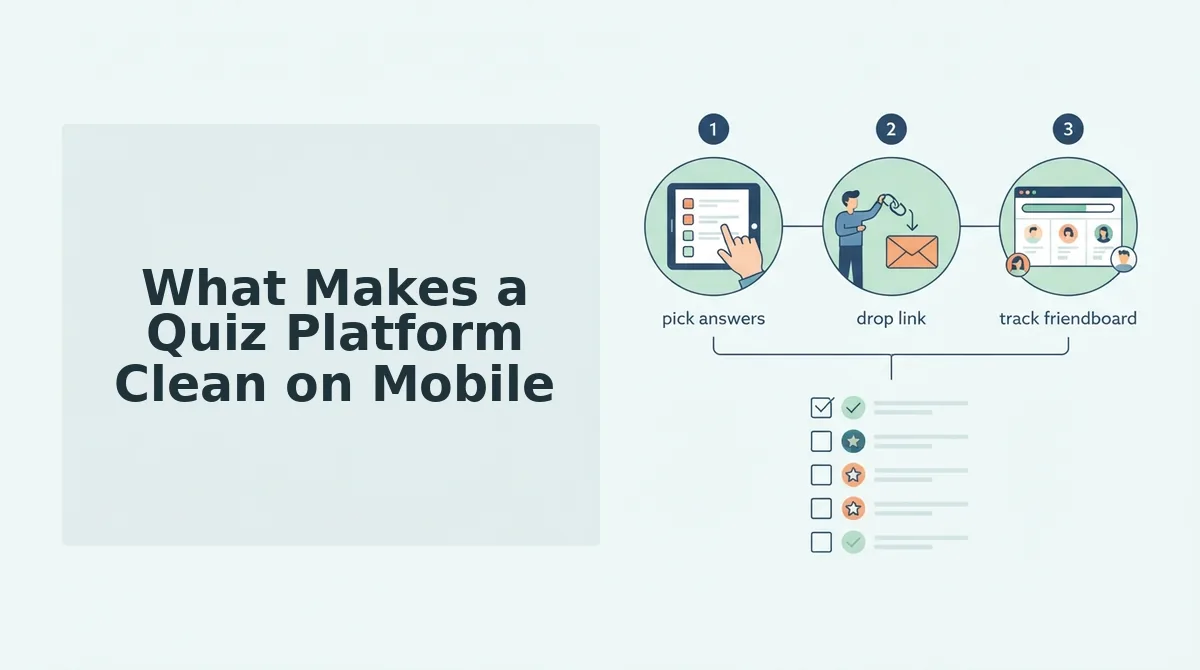
A clean mobile quiz platform is one that preserves Chat Momentum, the window of time a group chat stays engaged before someone changes the subject, by removing every step that isn't answering the next question.
- Zero account walls. No email verification, no app download, no "sign in to continue" prompt before the first question. A clean quiz starts the moment the link opens, because every extra step gives the chat a reason to move on.
- Single-flow question answering. All questions load in one continuous flow with no page reloads between prompts. This keeps scroll position stable and answers instant, so the quiz feels like a conversation, not a series of form submissions.
- Ad-free or ad-minimal experience. No banner ads blocking the submit button or popups hijacking taps mid-quiz. A clean interface means the only thing competing for attention is the question itself.
- Mobile-first layout. Buttons sized for thumbs, text readable without zooming, and no horizontal scrolling. A quiz built for desktop first forces mobile users to pinch, scroll, and mis-tap their way through every question.
- Instant shareability. A copyable link that drops straight into WhatsApp, iMessage, or Instagram without extra steps. The faster a quiz travels, the more friends answer it before the moment passes.
- No mandatory profile setup. Creators enter a name and start answering prompts immediately. Optional customization is fine; required onboarding is friction that kills the impulse to play.
- Fast first paint. The first question renders in under two seconds on a 4G connection. If the quiz hasn't started by the time someone glances at their phone, the chat has already moved on.
Each of these criteria protects Chat Momentum, and together they separate a clean quiz from a clunky one. Next, see how Friend Quiz and HolaQuiz stack up on speed and cleanliness side by side.
Friend Quiz vs HolaQuiz: Speed and Cleanliness Compared
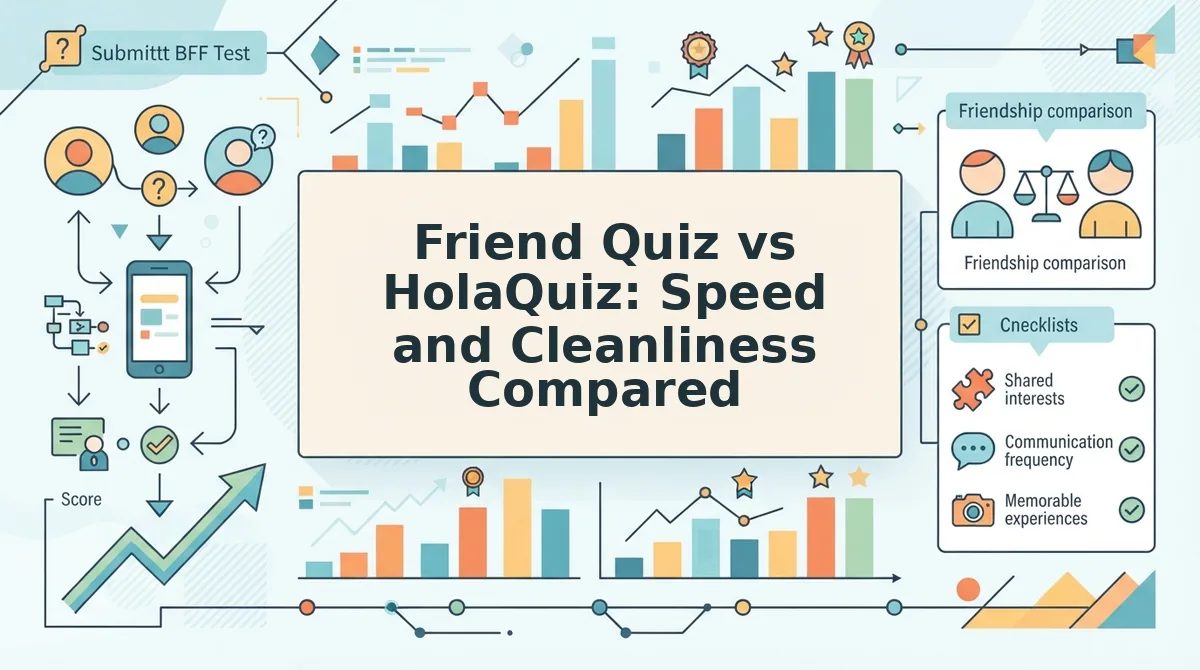
Friend Quiz and HolaQuiz both deliver personality-based trivia, but they optimize for different experiences: Friend Quiz prioritizes a sub-two-minute, no-account mobile flow, while HolaQuiz offers a richer quiz catalog at the cost of a heavier, multi-step setup.
HolaQuiz deserves credit for its extensive pre-built quiz library and polished visual themes. If you want to browse ready-made quizzes without creating your own, HolaQuiz gives you more immediate variety. However, that variety comes with trade-offs: account creation gates, ad-heavy page reloads, and a setup flow that interrupts mobile momentum.
Friend Quiz takes the opposite approach. The entire experience is a single-page flow: type your name, answer personal trivia prompts, and receive an instant shareable link. No email, no app download, no reloads between steps. For group chat banter, that speed difference is the entire game.
| Comparison Point | Friend Quiz | HolaQuiz |
|---|---|---|
| Setup time | Under 2 minutes, single-page flow | Multi-step with account creation |
| Mobile load speed | Lightweight, no page reloads between prompts | Ad-heavy with multi-page reloads |
| Shareability | Instant link, no account required to share or answer | Account-gated sharing flow |
| Ad interruptions | Minimal, focused on quiz completion | Frequent ad placements between steps |
| Quiz library | Personalized quizzes you create | Larger pre-built catalog |
Best for group chat instigators: Friend Quiz. If your goal is firing a personal trivia link into WhatsApp or iMessage within two minutes and watching friends compete instantly, the best friend quiz maker with zero signup friction wins every time.
Best for casual quiz browsers: HolaQuiz. If you prefer scrolling through pre-made quizzes and don't mind account setup or ads, HolaQuiz's catalog offers more passive entertainment.
For anyone who has watched a group chat die while waiting for a quiz link to load, the verdict is straightforward: Friend Quiz removes every step between idea and share, and that is the metric that matters on mobile.
How to Make a Clean Mobile Quiz in Under 2 Minutes
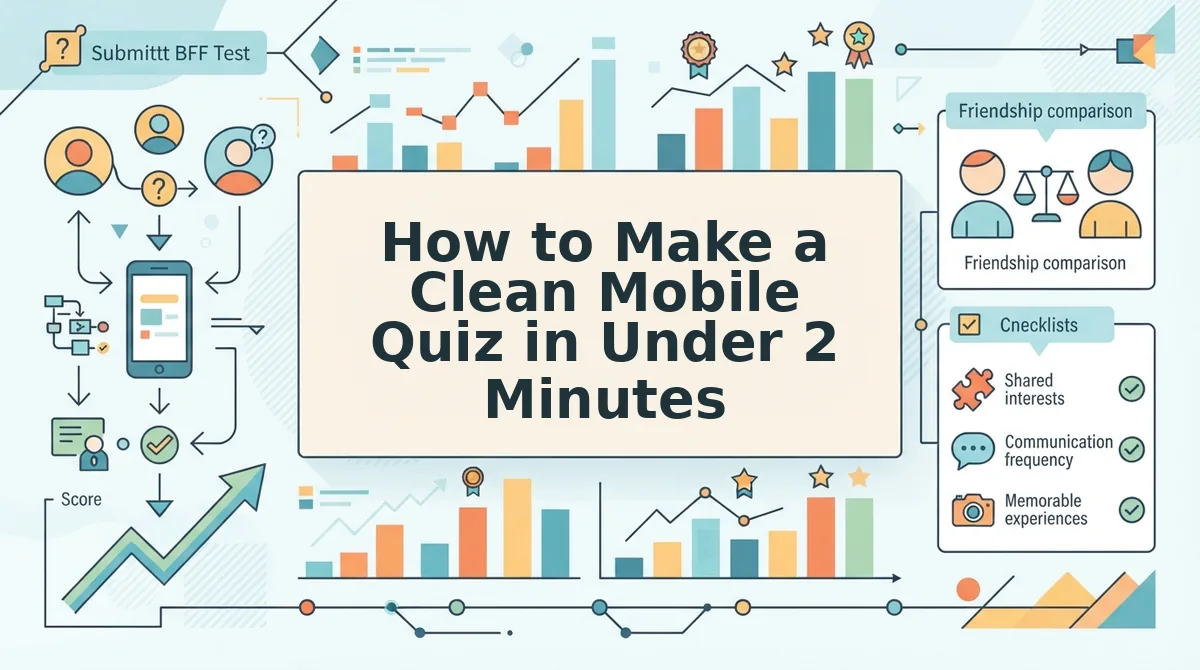
Creating a shareable friendship quiz takes under two minutes when you use a single-page, no-account platform. The workflow is three steps: enter your name, answer personal trivia prompts, and share the generated link to your group chat.
Prerequisites: A smartphone with a mobile browser and a group chat on WhatsApp, iMessage, or Instagram. No app download, email address, or account creation required.
- Enter your name (10 seconds). Open friendquiz.org in your mobile browser. Type your first name into the input field on the homepage. You should see the quiz builder advance immediately without a page reload.
- Answer personal trivia prompts (60-90 seconds). Cycle through the sequence of prompts about your daily habits, quirks, likes, and dislikes. Tap or swipe to select each answer. Each selection saves instantly, and you should see your progress advance with no loading spinner between prompts.
- Share the link to your group chat (10 seconds). Tap the share button to copy your personalized quiz link. Paste it into WhatsApp, iMessage, or Instagram. Friends open the link in their mobile browsers and answer instantly, no signup required on their end either.
Success looks like this: a live quiz link in your group chat within two minutes of opening the site, with friends submitting answers seconds later. The friendship test with instant results tracks scores in real time, so you see who knows you best without refreshing anything.
Frequently Asked Questions About Faster HolaQuiz Alternatives
These answers cover the most common questions people ask when searching for a faster, cleaner alternative to HolaQuiz for mobile friendship quizzes.
What is the fastest HolaQuiz alternative that doesn't require an account?
Friend Quiz requires no account, email, or app download. You open the site, enter your name, answer personal trivia prompts, and receive a shareable link in under two minutes. Friends answering your quiz also need no signup.
How do I make a friendship quiz without signing up?
Use a no-account quiz platform like Friend Quiz. Type your name on the homepage, answer the personal trivia prompts, and copy the generated link. There is no registration step at any point in the process.
Why does HolaQuiz feel slow on mobile?
HolaQuiz uses a multi-step setup with account creation and ad-heavy page reloads between steps. Each reload interrupts mobile momentum. Friend Quiz avoids this with a single-page flow that saves every answer instantly without refreshing.
Can I share a quiz link on WhatsApp without the app?
Yes. Friend Quiz generates a plain web link that works instantly on WhatsApp, iMessage, and Instagram. Recipients tap the link and answer in their mobile browser, no app install or account required.
How long does it take to create a BFF quiz?
Under two minutes. Enter your name (10 seconds), answer personal trivia prompts (60-90 seconds), and share the link (10 seconds). The BFF quiz without signup is designed for speed-run creation.
Ready to skip the signup walls and ad reloads? Make your first clean mobile quiz now.
Make Your First Clean Mobile Quiz Now
HolaQuiz has its place for longer, more detailed quizzes with branching logic and classroom-style depth. But when the goal is friendship trivia that lands in a group chat and gets answered before the conversation moves on, Friend Quiz is the faster HolaQuiz alternative for clean mobile quizzes.
The verdict from this comparison is simple: Friend Quiz is optimized for friendship trivia, not corporate training or classroom polling. That focus shows in every design decision, no signup, no ads, just a link your friends can open instantly.
Here's what to do next:
- Open Friend Quiz on your phone and type your name.
- Answer the personal trivia prompts about your habits and quirks, it takes under two minutes.
- Share your quiz link in your group chat and watch the answers roll in.
Expect your friends to start answering within seconds of receiving the link, not minutes spent waiting for a page to load or an account screen to clear. That speed is the whole point.
If you want to raise the stakes after your first quiz, try a friendship dare quiz to turn correct answers into playful challenges your friends actually have to complete.
The cleanest mobile quiz is the one your friends finish before they even think about closing the tab. Friend Quiz delivers exactly that.