What happens after you answer the last friend quiz setup prompt?
You just answered the last prompt, and the group chat is already typing "well??" The next screen gives you what they are waiting for. Your friend quiz link after setup is a custom URL, generated the moment you finish and ready to paste anywhere.
You need very little to get there: a name typed on the homepage, the habit and quirk prompts answered, and a phone browser. You don't need an account, an email address or an app, and the whole setup takes under two minutes. If you haven't started yet, create a friend quiz first, then come back.
Here is how the flow works. You type your name, tap through prompts about your habits, likes and dislikes, and finish the final one. The platform packages your answers into a personalized challenge and gives you the link.
This guide covers what happens next, the five stages from packaged answers to the Friendboard, and how to share the link. It also covers the step most people skip, which decides whether anyone actually plays.
What Happens After You Finish the Last Question?
When you answer the final prompt, Friend Quiz packages your answers into a personalized challenge and generates a custom quiz URL right away. There is no sign-up screen, publishing step or email confirmation, so the link is ready to copy and drop into your group chat within seconds.
A custom quiz URL is a unique web address that points only to your challenge. Anyone who taps it gets your questions and no one else's.
Think of it like a boarding pass. Your answers are the itinerary, and the URL is the pass that lets each friend board the same flight.
The Post-Setup Timeline
- Packaged: Your answers to the habit, quirk, like and dislike prompts are bundled into one challenge, and your real answers become the answer key.
- Link generated: The platform creates your custom quiz URL immediately.
- Shared: You paste the link into WhatsApp, iMessage, Snapchat or Instagram.
- Answered: Friends open the link and play through zero-account participation. That means they play in their mobile browser without creating an account, entering an email or downloading anything.
- Ranked: Each score lands on the Friendboard, a real-time leaderboard that shows who knows you best.
After you finish the last friend quiz question, your selections become the answer key for a personalized challenge, and a shareable link is created on the spot with nothing to publish, confirm or log into. Anyone who opens that link sees your questions in their phone browser, picks what they think you would say, and is scored against your real answers. Every completed attempt feeds the Friendboard in real time, so the group chat can watch the rankings shift and argue about who really knows you best.
The Friendboard updates live, so the same link keeps working as a scoreboard after the first round of replies.
How to Copy and Share Your Friend Quiz Link
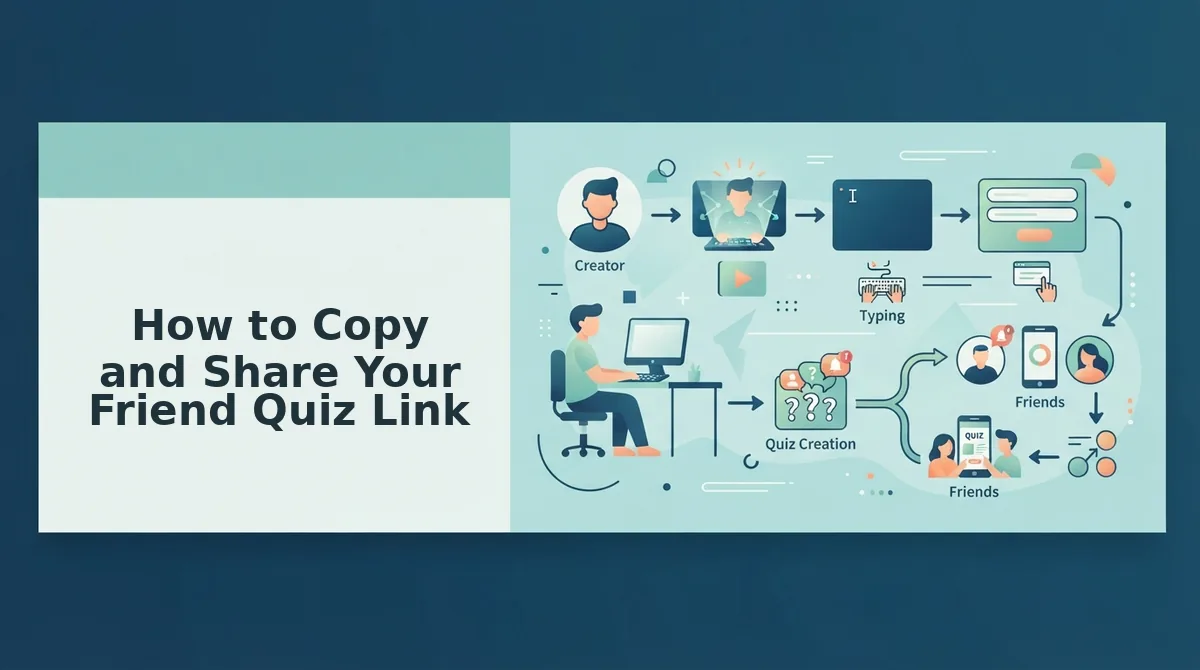
Copy the custom URL from the screen that appears after the final prompt, then paste it into a group chat where friends reply quickly. The whole process takes about 30 seconds, and nobody needs an account.
Before you start: Finish all the setup prompts and keep your phone browser open. Have your messaging app ready.
- Finish the final prompt (instant). You should see your custom quiz URL on screen.
- Tap the copy option next to your link (about 2 seconds). The link is now saved to your phone's clipboard, the temporary memory that holds copied text.
- Open your group chat in WhatsApp, iMessage or Snapchat (about 5 seconds). The message field should be visible.
- Long-press the message field and select Paste (about 3 seconds). The URL appears, often with a link preview.
- Type a short challenge line, such as "Prove you know me," and tap Send (about 10 seconds). The message posts to the thread.
- Tap your own link once (about 5 seconds). It should open straight to your quiz in the browser.
Here is an example. You paste the link into a WhatsApp group, and your friends tap it, open it in their mobile browser, and start answering without installing an app or logging in.
Where Replies Happen Fastest
| Placement | Reply speed | Why |
|---|---|---|
| WhatsApp group | Fastest | Everyone sees it in a live thread and can reply in seconds |
| iMessage group | Fast | The link preview shows up right in the conversation |
| Snapchat chat | Fast | Friends are already active, but chats can disappear |
| Instagram story | Slower | Friends tap the link sticker, and replies scatter across DMs |
| Instagram bio | Slowest | The link stays up longer but has no chat momentum |
Where the link lands decides whether anyone plays. On other platforms, account walls, ad clutter and multi-page reloads kill chat momentum before question three. A link that opens on the first tap in a busy thread keeps the momentum going.
To share a friend quiz link in a group chat, finish your last setup prompt, copy the custom URL that appears immediately, and paste it into an active thread on WhatsApp, iMessage or Snapchat. Add a short dare so friends know what it is, then tap the link yourself to confirm it opens in a mobile browser with no login screen. Friends can answer right away, and every score posts to the Friendboard in real time.
Want a version built for your closest friends? Start a best friend quiz, or learn how to share a BFF test link in a group chat.
Next, check that your link actually works.
How to Check Your Quiz Link Worked (and Fix It When It Doesn't)
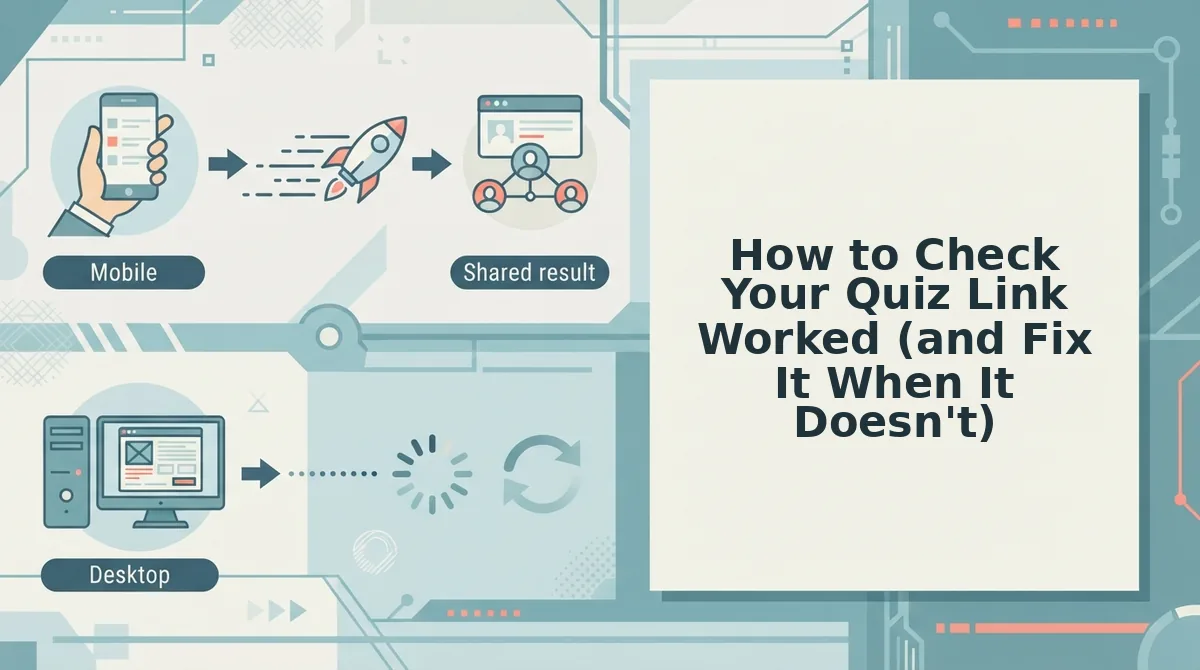
Your link worked when the first friend's score appears on your live Friendboard. Until a score shows up there, treat the share as untested.
The Friendboard is a real-time ranking of your friends' scores. A friend opens your link in a mobile browser, answers without signing up, and their score posts. The board then reshuffles, and that ranking is what fuels the bragging rights and the group chat trash talk.
If no score appears after your friends say they played, find the symptom below. The same checks apply whether you built a classic quiz or a friendship test.
| Symptom | Likely cause | Fix | Best for |
|---|---|---|---|
| Link opens inside the chat app and won't load or submit correctly | The app's built-in (in-app) browser | Use the app's menu to open the link in Safari or Chrome [verify with product] | Friends on Instagram or Snapchat |
| Link won't paste, or pastes only partly | The clipboard didn't capture the full URL | Copy it again from the share screen. Paste it into Notes first to confirm it starts with https://friendquiz.org | Creators sharing to several chats at once |
| Link is lost | You closed the tab before copying it | Search the chat where you sent it, or check your browser history. Any recovery option inside the product is [verify with product] | Creators who set up on the fly |
Worked example: your friends say the link won't open from the group chat. Resend it as a fresh message, or ask them to open it in their phone's browser.
In-app browsers aren't the enemy. They keep friends inside the chat, which is usually the fastest way to play. Opening the link in Safari or Chrome is just the fallback.
Friend Quiz Link FAQ
These answers cover the remaining link questions, from sharing to privacy. Product-specific details are flagged for confirmation.
Can I share one quiz link in several group chats?
Yes. You can paste the same link into WhatsApp, iMessage, Snapchat, or any other chat. Friends play without signing up, so every chat can join instantly. Whether scores from all chats appear on a single Friendboard is [verify with product]. This works the same way for a BFF test.
Is my friend quiz link private?
Anyone who has your link can usually open it, so share it only where you want people to play. Search visibility and access controls for individual quiz links are [verify with product]. To keep it within your circle, post it in private chats rather than public feeds.
What if I lose my quiz link?
Search the chat where you first posted it, or check your browser history for the friendquiz.org URL. Because Friend Quiz requires no account, there may be no login to recover links from. Any built-in recovery option is [verify with product].
How long does setup take before I get the link?
Setup takes under two minutes. You enter your name, answer the personal trivia prompts, and get your link right after the last one. You don't need an email, an account, or an app download.
Drop Your Link and Start the Rivalry
Answering the last prompt doesn't finish your quiz. It hands control to your friends, and the real payoff is the first score landing on your Friendboard.
The quiz you built in under two minutes only matters once someone tries to prove they know you best. Here is the whole loop in three moves:
- Finish and copy: answer the final prompt, then copy the full URL from the share screen.
- Post where the chat is loudest: paste the link into the group that replies fastest, not the one that's been quiet for weeks.
- Watch the board: once a score appears, the link works and the rivalry is on.
Enter your name at Friend Quiz and drop your link in the chat. Once the scores come in, raise the stakes with the Friendship Dare quiz and find out who backs up their ranking.