How to Test Friends on WhatsApp Without App Downloads
You fire off a personality quiz to the group chat, and within seconds the replies roll in: "Do I have to sign up?" "It wants my email." "Pass." The momentum dies before question three. That is the exact moment a friend quiz without account requirements stops being a nice-to-have and becomes the whole game.
You already know the frustration: you want to test how well your friends actually know you, not run them through a registration gauntlet. This guide shows you how to create and share a friendship challenge that opens instantly in any messaging app, with zero logins, zero app installs, and zero friction for anyone who taps your link.
Here is the roadmap: first, what "no account" actually means under the hood and why it matters for chat momentum. Then, a step-by-step walkthrough to build your quiz in under two minutes. Finally, exactly what your friends experience when they open the link, including one surprising detail about how the BFF test format handles scoring that most people never notice until they see the leaderboard.
No email capture. No password reset. Just a link that works the second it lands in the chat.
What No Account Actually Means for a Friend Quiz
A no-account quiz is a quiz where the shareable link itself carries all necessary quiz data, so neither the creator nor the recipient needs a profile, login, or stored identity to participate. You build it, you share it, they answer it, and nothing about the exchange requires a server-side user record.
Think of it like passing a handwritten note in class. The note contains everything: the questions, the answers you picked, and the scoring logic. Whoever receives it can read it and respond immediately. Nobody has to register with the school office first. A no-account friend quiz works the same way, the link is the note, and the quiz data travels inside it.
What This Means for the Creator
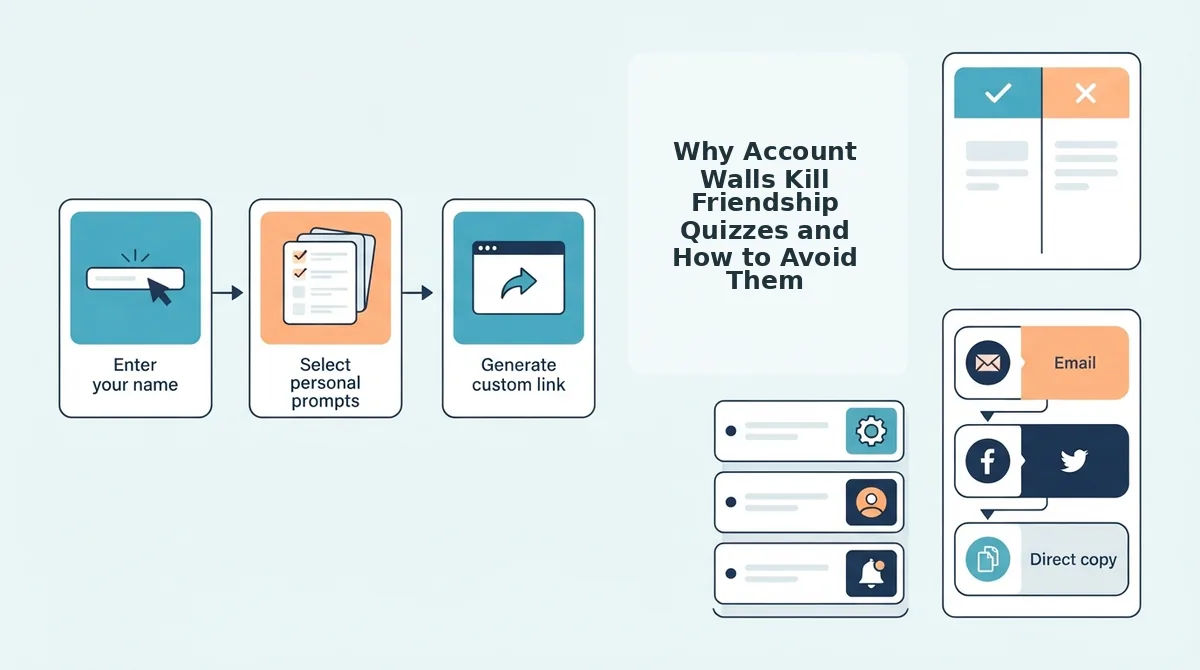
When you make a quiz without an account, you skip the entire onboarding sequence: no email field, no password creation, no confirmation message, no "verify your identity" dead end. You open the site, enter your name, answer a series of personal prompts about your habits and preferences, and receive a shareable link. The quiz is generated on the spot and packaged into that link.
Nothing about your quiz requires the platform to remember who you are. If you close the browser and never return, the link still works for everyone who has it.
What This Means for Your Friends
Your friends tap the link from WhatsApp, iMessage, or Instagram and land directly on the quiz questions. They answer, submit, and see their score immediately. They never see a signup wall, a cookie consent banner demanding attention, or a "download our app" interstitial. The entire experience happens inside their mobile browser in one continuous flow.
Pro Tip: A no-account quiz means the link itself carries the quiz data, no server-side profile needed. That is why the link stays functional even when shared across multiple chats, forwarded to new groups, or reopened weeks later.
Why This Design Choice Matters
Every additional step between "tap link" and "answer first question" costs you participants. Account walls, ad clutter, and multi-page form reloads kill chat momentum before friends reach question three. A no-account design removes every one of those friction points by eliminating the concept of a user entirely. There are only two roles: the person who made the quiz and the people answering it. Neither needs to exist in a database for the interaction to work.
For a self-contained answer to the question "how does a no-account quiz store data without profiles," here is the full explanation: the quiz content, your name, the questions, the correct answers you selected, and the scoring rules, is encoded directly into the URL you share. When a friend opens that URL, their browser decodes the data and renders the quiz locally. Their answers are scored on the spot, and the result is displayed instantly. No account means no lookup step, no authentication check, and no server round-trip to retrieve a stored quiz. The link is the database.
How to Create a Friend Quiz Without Signing Up Step by Step
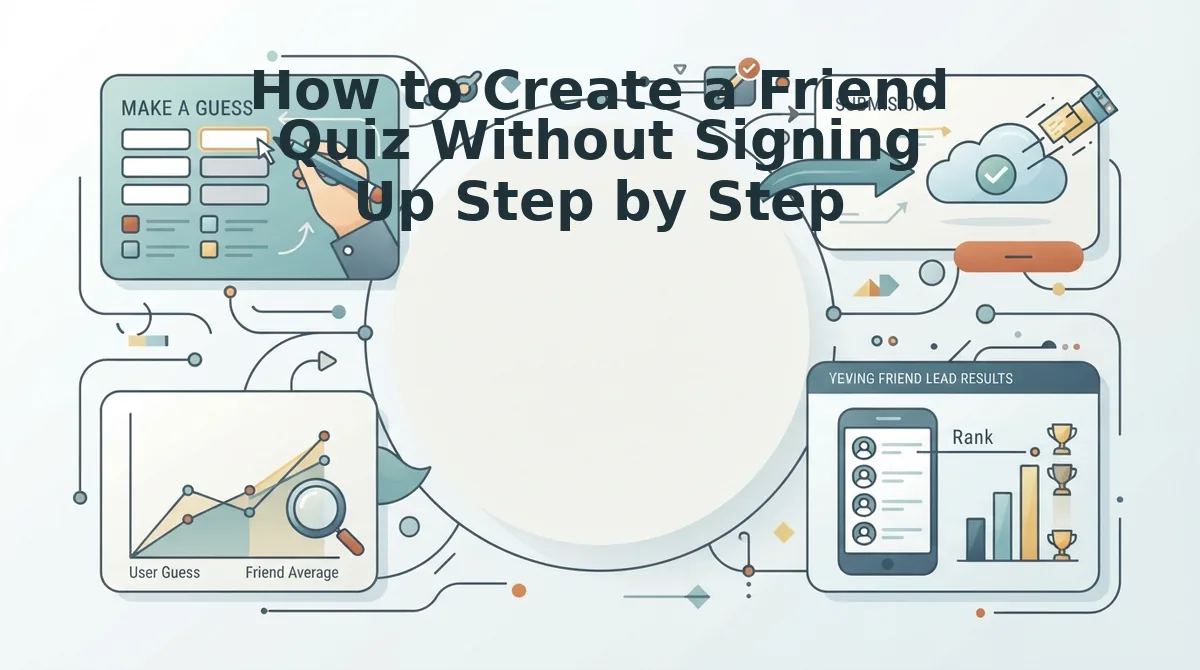
You can build and share a personalized friendship quiz in under two minutes using the Zero-Friction Loop: Create to Share to Answer to Score. Each step below maps to one stage of that loop, and none of them require an email address, password, or app download.
Prerequisites: A smartphone or computer with a browser, and a group chat where you want to share the quiz. That is the entire list.
- Enter Your Name. Open friendquiz.org on your phone. Type your first name into the field on the homepage and tap the start button. You should see the first personal prompt appear immediately, no loading screen, no redirect, no signup form.
- Answer Personal Prompts. Cycle through the sequence of questions about your daily habits, quirks, likes, and dislikes. Tap or click your answer for each one. The platform packages every selection into your quiz as you go, so there is no "save" step and no back-and-forth page reloads. Expect this to take roughly 60 to 90 seconds.
- Get Your Shareable Link. After the final prompt, the site generates your unique quiz URL instantly. You should see a share button or a copy-link option on the confirmation screen. Tap it to copy the link to your clipboard. This link contains your entire quiz, no account needed for it to work.
- Drop It in the Group Chat. Open WhatsApp, iMessage, Instagram, or Snapchat and paste the link into the conversation. Add a one-line challenge like "Let's see who actually knows me" and hit send. Your friends tap the link and land directly on question one.
Once your friends start answering, their scores populate in real time, perfect for settling friendly rivalries and tracking bragging rights without anyone downloading an app. If you want to test the format with a classic set of best friend quiz questions, the same no-account flow applies. Ready to start? Make your own friend quiz now and drop it in the chat before the conversation moves on.
Next, here is exactly what your friends see when they open the link, no download required.
What Your Friends See When They Open the Link No Download Required
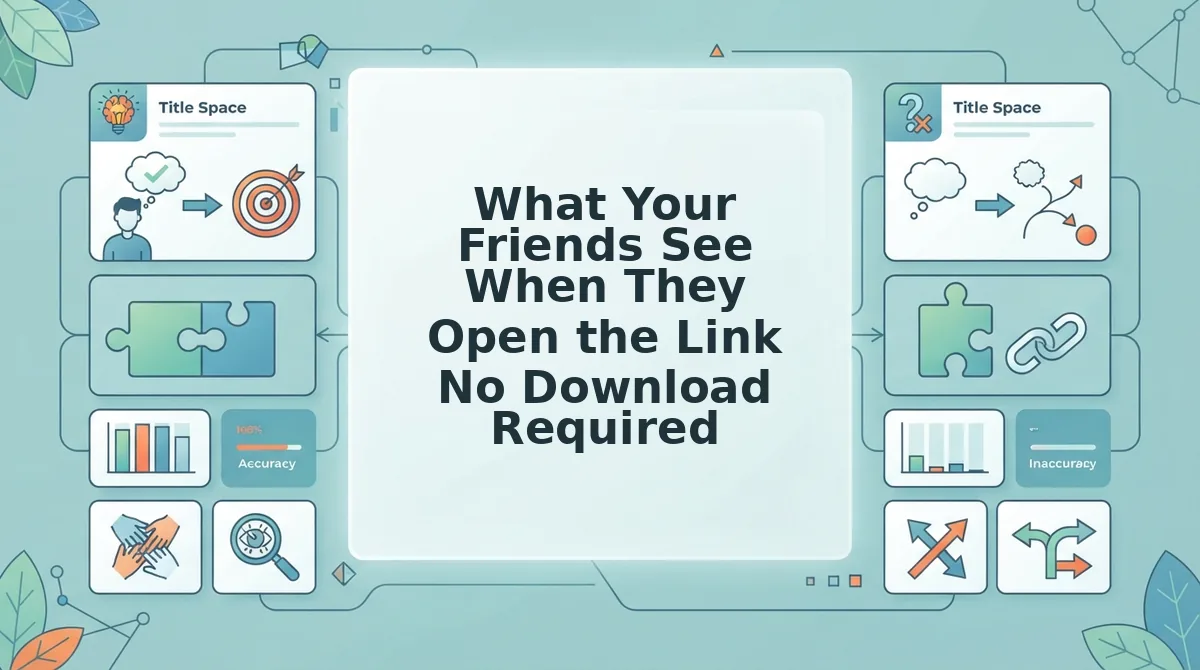
Your friend taps the quiz link, sees your name, answers each prompt in a mobile browser, and submits to get an instant score, no app store redirect, no login screen, and no waiting. The entire recipient flow takes under 60 seconds from tap to score.
Prerequisites: You have already created your quiz and copied the share link from Friend Quiz. Your friend needs any smartphone with a working internet connection and one of these apps installed: WhatsApp, iMessage, or Snapchat.
- Open the shared link in your chat app. Tap the link your friend sent in WhatsApp, iMessage, or Snapchat. The quiz opens directly inside the app's built-in browser, so you never leave the conversation. You should see the creator's name at the top of the screen within 2 seconds.
- Read the first prompt and select an answer. Each prompt is a single-tap multiple-choice question about the quiz creator, their habits, quirks, likes, or dislikes. Tap the option you think is correct. The next prompt appears instantly, with no page reload.
- Answer every remaining prompt. Continue tapping through the full question set. Most quizzes take 30-45 seconds to complete because each answer advances automatically. You should see a progress indicator showing how many questions remain.
- Submit your answers. Tap the final Submit or See My Score button at the end of the quiz. No name, email, or profile is requested. You should see your score appear immediately, typically as a percentage or points total.
- Read your result and share it back. Your score screen shows how well you know the creator, often with a playful label or ranking. Tap the share button to post your score back into the group chat and challenge others to beat it. You should see a confirmation that your score was recorded on the creator's Friendboard.
Platform-Specific Behavior
WhatsApp: The link opens in WhatsApp's in-app browser, so there is no app switch and no copy-paste step. Your friend stays inside the chat the entire time and can return to the conversation with one tap after submitting.
iMessage: The same frictionless flow applies. Tapping the link opens an in-message web view on iPhone, and the quiz runs identically without opening Safari separately.
Snapchat: The quiz works through any shared link, no Snap Kit integration or special permissions required. The link opens in Snapchat's internal browser, and the recipient answers exactly as they would on any other platform.
If a friend opens the link and sees the creator's name followed by a series of single-tap questions, they can complete the entire quiz without ever downloading an app, creating an account, or leaving their chat app. That is the full recipient experience: tap, answer, submit, see score.
Why Account Walls Kill Friendship Quizzes and How to Avoid Them
An account wall is any mandatory signup, email verification, or app-install prompt placed between a user and the content they clicked to see. In the context of friendship quizzes, account walls are the single fastest way to turn a fun group-chat moment into an abandoned link.
Think of an account wall like a bouncer at a house party who demands a printed RSVP, a photo ID, and a signed waiver before letting anyone through the door. The party might be great inside, but most guests will turn around and leave before they ever find out. A no-account quiz removes the bouncer entirely, the door is open, and the fun starts immediately.
Why Signup Prompts Kill the Moment
Friendship quizzes live or die on impulse. Someone shares a link in a group chat, and the energy is highest in the first 30 seconds. Every extra step, entering an email, confirming a code, downloading an app, bleeds that momentum. By the time a friend clears the wall, the banter has moved on.
Multi-page reloads compound the problem. If every answer triggers a full page refresh, the quiz feels slow and broken on mobile data. Ad clutter adds another layer of friction, burying the actual questions under popups and banners.
Account Quiz vs. No-Account Quiz
| Step | Account Quiz | No-Account Quiz |
|---|---|---|
| Open link | Redirect to signup page | Quiz loads instantly |
| Before answering | Email required, verify code | Nothing, start tapping |
| Mid-quiz | Multi-page reloads, possible ads | Single-tap flow, no reloads |
| To see score | Create profile or download app | Score appears on submit |
| Total time | 3-5 minutes or abandoned | Under 60 seconds |
No-account design is not a missing feature, it is a deliberate philosophy. The quiz creator wants maximum participation, and every barrier reduces the number of friends who finish. When the link is the only requirement, the quiz spreads through group chats the way it was meant to: instantly, frictionlessly, and without a single password reset.
If you want your friendship quiz to actually get answered, build it on a platform that treats the share link as the entire onboarding flow. Create your quiz, copy the link, and drop it in the chat, that is the whole workflow.
Tracking Scores Without Accounts The Friendboard
A Friendboard is a real-time leaderboard that records every friend's quiz score the moment they submit, without requiring any of them to create a profile or log in. The quiz creator sees who has answered, what they scored, and who is currently winning, all from a single dashboard view.
Think of a Friendboard like a pickup basketball game's running scoreboard. Nobody fills out a registration form before stepping on the court. You show up, you play, your points go on the board, and everyone can see who is ahead. The scoreboard does not need your name in advance, it just records what happened.
How Scores Submit Without Profiles
When a friend finishes your quiz and taps submit, their score is tied to the unique quiz link they opened, not to a user account. The platform records the result against that link's Friendboard instantly. No email, no username, no password, the submission itself is the identity.
For the creator, this means you can open your quiz dashboard and watch results arrive in real time as your friends complete the quiz. You see each score as it lands, which lets you call out the current leader in the group chat and keep the competition going.
Why This Matters for Group Chat Rivalries
The Friendboard turns a one-off quiz into an ongoing competition. When the first friend posts their score, the second friend wants to beat it. The leaderboard gives everyone a target, and the creator gets a live view of the standings without managing a single account or spreadsheet.
If you want to test how well your friends know you and see who comes out on top, a friendship test with a built-in Friendboard handles the tracking for you. You create the quiz, share the link, and the scores roll in on their own.
Now that you know how scores are tracked without accounts, here are the most common questions people ask before creating their first no-account friend quiz.
FAQ Friend Quiz Without Account
No-account friend quizzes remove the biggest barrier to participation: your friends tap a link and answer immediately in their mobile browser, with no signup, email, or app install required.
Do my friends need an account to answer my friend quiz?
No. Friends open the quiz link in any mobile browser and answer instantly without creating an account, entering an email, or downloading an app. The quiz runs entirely in the browser, which is why completion rates stay high when links are shared in WhatsApp or iMessage group chats.
Can I make a friend quiz on my phone?
Yes. The entire quiz creation flow is mobile-first: type your name, cycle through personal trivia prompts about your habits and quirks, and get an instant shareable link. The process takes under two minutes and requires no desktop, no account, and no app download.
Is a no-account quiz safe to share in a group chat?
Yes. Because no personal data, email addresses, or login credentials are collected from you or your friends, the quiz link carries minimal privacy risk. The only information involved is the trivia content you choose to include about yourself and the answers your friends submit.
What happens after friends finish the quiz?
Each friend sees their score immediately, and results post to a real-time Friendboard where everyone in the group can compare scores and track bragging rights. No account is needed to view the Friendboard, so the competitive loop stays friction-free from first tap to final score.
Why does a no-account quiz get more responses than one that requires signup?
Every extra step between tapping a link and answering the first question causes drop-off. Account walls, email verification, and app install prompts are the three biggest friction points. Removing all three means friends answer within seconds of receiving the link, which is why no-account quizzes consistently outperform gated alternatives in group chat settings.
If you want to test a friend without any signup friction, the flow is simple: create your quiz on your phone in under two minutes, copy the link, and drop it into your WhatsApp or iMessage group. Friends tap, answer, and see their score instantly, no account, no download, no email required from anyone involved.
The Zero-Friction Loop Is the Whole Point
Everything in this article points to one pattern: Create to Share to Answer to Score. Each step works in a mobile browser, each step takes seconds, and no step ever asks for an account. That loop is what turns a one-off quiz into an ongoing group chat ritual.
The reason no-account friend quizzes win is not convenience for its own sake. It is that friction kills momentum. The moment a friend taps your link and sees a signup wall, the banter stops. The moment they have to install an app, the rivalry cools. Remove those walls, and the quiz becomes part of the conversation instead of an interruption to it.
If you have already made a friendship dare quiz or a best friend quiz, you know the payoff: the Friendboard updates in real time, scores stack up, and someone in the group chat earns bragging rights until the next round. The loop feeds itself because nobody has to opt in twice.
Your next step is one tap away: make your friend quiz now, no account, under two minutes. Send the link to your group chat and watch the scores roll in.
The friends who know you best are already in your phone. The only thing missing is the quiz that proves it.