A workflow for launching a friend quiz that sparks a rematch
Your group chat has 47 unread messages, but none of them are about you. That's the problem with generic quizzes, they get scrolled past faster than a "who's up?" at 3 a.m. If you want to launch a friend quiz that sparks a rematch, you need to stop asking safe questions and start engineering a rivalry.
You've probably sent a quiz link before, watched two people answer, then saw it die in the feed. That's not your fault, most quizzes are built to be completed once, not fought over. The difference between a quiz that gets ignored and one that starts a rivalry comes down to one mechanic most people skip: the rematch loop.
Here's what you'll learn: the Rematch Loop Framework, Provoke to Gap to Taunt to Rematch, a four-stage workflow that turns passive quiz-takers into people demanding a second round. You'll pick an angle friends argue about, write questions that create nail-biter score gaps, and frame your link as a challenge they can't ignore. By the end, you'll know how to use Friend Quiz's instant link generator to launch a quiz that lives in your group chat for days, not minutes.
And here's the surprising part: the mechanic that triggers rematches isn't the questions themselves, it's a specific score margin most people never aim for. You'll see exactly what that number is in Step 2.
Step 1. Pick a Provocative Angle, Not a Generic Topic
A provocative angle is a quiz topic framed around something your friends already disagree about. Generic topics ("How well do you know me?") produce polite answers. Provocative angles produce arguments, and arguments create rematch demand.
Before you start, you'll need: your name, a list of 5-10 personal habits or opinions your friends have debated, and access to the bff quiz maker on Friend Quiz.
Choose one of these three angle types based on your friend group's dynamic:
- Habit Audit. Test who actually knows your daily routines. Ask about your coffee order, your gym schedule, or what you do first when you wake up. Expected outcome: Friends realize they don't pay attention, sparking "I definitely knew that" denials. Time: 2 minutes to brainstorm.
- Contradiction Trap. Build questions around things friends disagree about regarding you. Do you actually like pineapple on pizza? Are you really a morning person? Expected outcome: Half your group gets it wrong, and both sides demand proof. Time: 3 minutes.
- Dare Bait. Write questions that double as dares. "What would I never do?" or "Which of these would make me tap out?" Expected outcome: Wrong answers become instant dares, and the quiz turns into a challenge chain. Time: 4 minutes.
Start with a topic your friends argue about. Arguments create rematch demand because no one accepts losing a debate they were confident about. If your group fights over who knows you best, pick Habit Audit. If they fight over your personality, pick Contradiction Trap. If they escalate everything into dares, pick Dare Bait.
Once you've picked your angle, open Friend Quiz and enter your name to begin cycling through prompts. You should see the quiz builder adapt to your answers in real time, no account setup, no app download, just an instant link ready to share.
Step 2, Write Questions That Create Score Gaps
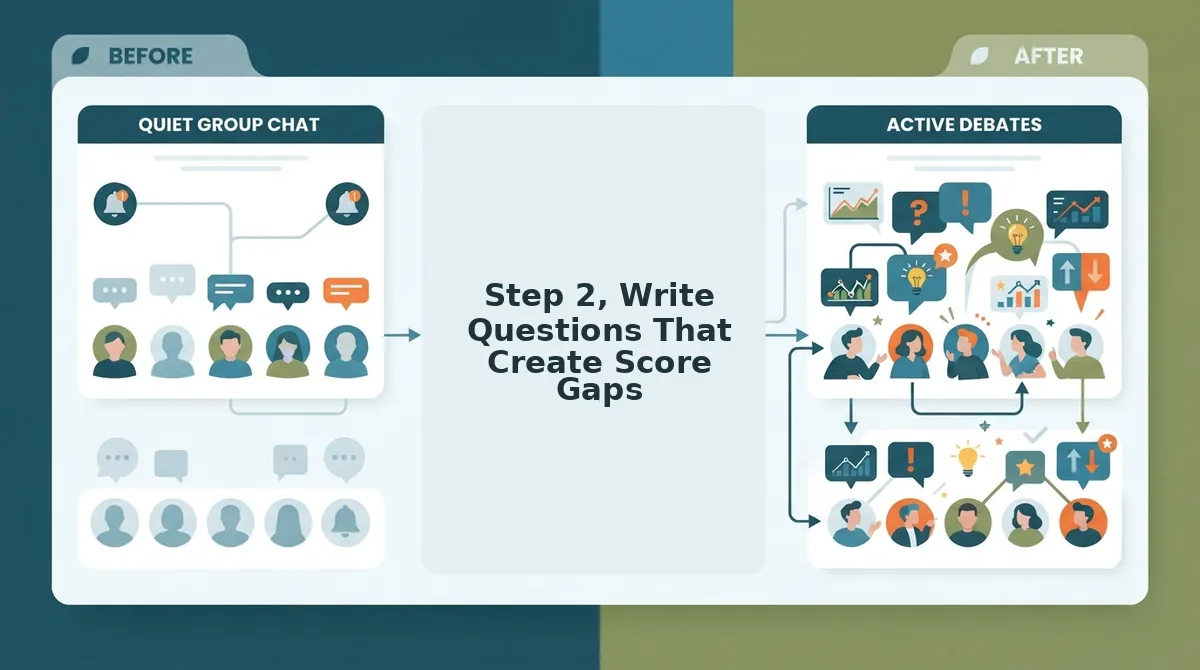
A score gap is the point difference between the winner and second place on a friend quiz. The Score-Gap Principle states that rematch requests spike when the margin is 1-2 points, close losses create "I almost beat you" energy, while blowouts create resignation.
Think of question difficulty like setting a video game's difficulty curve. If every level is a tutorial, players get bored and quit. If the first boss is impossible, they rage-quit. Your quiz needs the same balance: questions should start easy, build tension, then land in territory where friends genuinely disagree about the answer.
Use these three rivalry tiers to structure your questions:
- Safe Banter (low stakes). Surface-level facts most friends know: your favorite color, your go-to fast food order, your celebrity crush. These build confidence and make the next tier sting more.
- Personal Stakes (habits and contradictions). Questions about routines, opinions, and quirks that only close friends would know. This is where score gaps start forming.
- Dare Territory (questions that double as dares), "Which of these would I never do?" or "What's my most embarrassing habit?" Wrong answers here don't just lose points, they become dares the loser has to complete. This tier pairs naturally with the friendship dare quiz format.
Too easy means no stakes, everyone scores 10/10 and moves on. Too hard means no one tries again, why rematch a quiz you failed by 6 points? The sweet spot is where most friends get most questions right, but one or two questions split the group and decide the winner.
This structure guarantees most players feel competent while creating a 1-2 point margin between first and second place, the exact gap that triggers "run it back" energy.
Once your questions are locked in, the next move is how you present the link, because a quiz framed as a request gets ignored, but a quiz framed as a challenge gets answered.
Step 3. Frame the Link as a Challenge, Not a Request
How you frame the share link determines whether your quiz gets opened or ignored. A polite "hey take my quiz" reads as a favor; a challenge reads as a dare that group chats cannot resist.
Prerequisites: A completed Friend Quiz link from friendquiz.org and access to your group chat of choice. Total time: under 2 minutes.
- Open your Friend Quiz results page and tap the Share button. Copy the quiz link to your clipboard. You should see a confirmation toast confirming the link is copied.
- Open WhatsApp and paste the link into the group chat. Type this exact framing before the link: "I bet none of you can score above 5 on this." Send it. Expect at least one reply within minutes, a group chat that ignored a polite "hey take my quiz" link responded immediately to this challenge framing.
- Open iMessage and paste the link into a one-on-one thread. Type "Prove you actually know me. Link inside." before the URL. Send it. You should see the typing indicator appear almost immediately, signaling the recipient opened the message.
- Open Snapchat and send the link as a chat message. Type "This quiz exposed who actually pays attention. Run it." before the link. Send it. Expect a screenshot reply or a score within the hour.
- Monitor responses for the first 15 minutes. If no one bites, escalate with a follow-up: "Still waiting for someone brave enough to post a score." You should see at least one score posted before the conversation moves on.
Step 4. Engineer the Close-Loss Moment
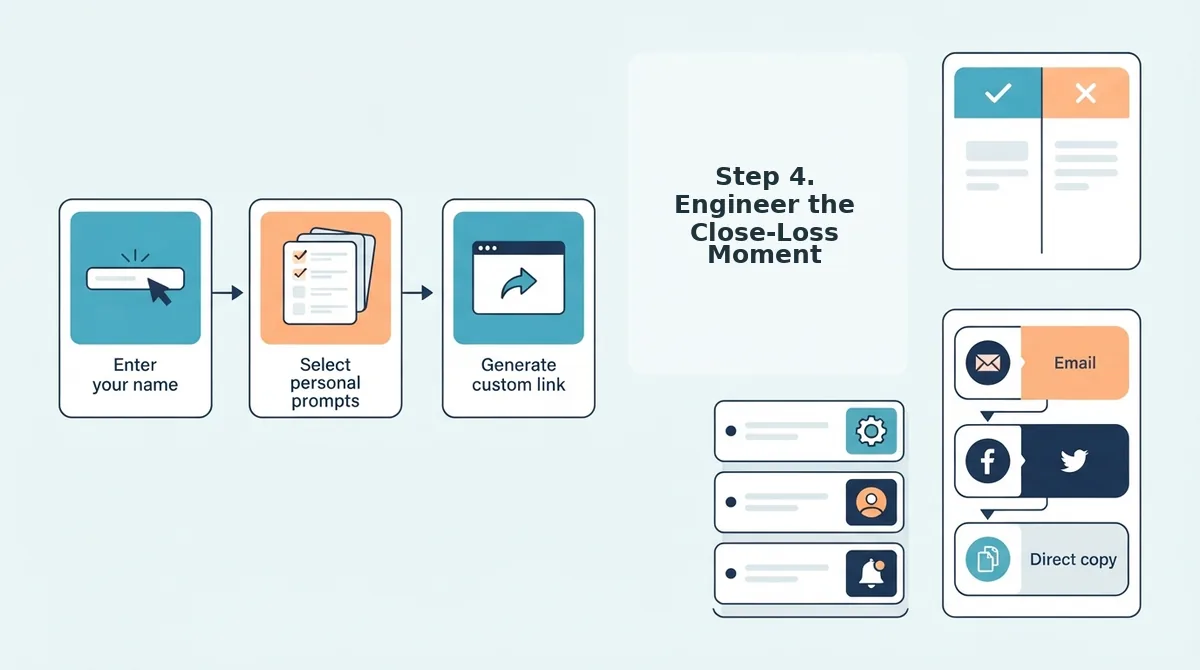
The close-loss moment is where most quizzes die, and where yours becomes a ritual. Revealing scores in the right sequence turns a 1-point gap into an irresistible rematch demand.
Prerequisites: At least two completed quiz attempts and access to the results screen on Friend Quiz. Total time: 5 minutes.
- Open the results screen and locate the leaderboard. Post a screenshot of the full leaderboard to the group chat first, before anyone sees individual answers. You should see immediate reactions as people scan for their names.
- Highlight the 1-2 point margins between adjacent scores. Circle or annotate the tight gaps before posting. You should see the near-losers respond with disbelief, this is the Score-Gap Principle at work: a 1-point loss stings more than a 10-point blowout.
- Tag the loser with a taunt in the group chat. Type something like "@Sam, one point. One. Point." and send it. You should see the loser defend themselves within minutes, which is exactly the emotional fuel a rematch needs.
- Wait for the loser to demand a rematch. Do not offer one first. You should see the demand come organically from the person who lost by the narrowest margin, that demand is your signal to launch the next round.
If you want to deepen the rivalry, pair this sequence with a best friend test that raises the stakes on question difficulty.
Step 5. Launch the Rematch Loop with Friendboards
Friendboards turn a single quiz into a running series by tracking scores across multiple rounds. When bragging rights persist beyond one attempt, the rematch becomes a ritual instead of a one-off.
- Enable Friendboard tracking before sharing the rematch link. Friendboards record every score across rounds, so players see cumulative standings rather than isolated results. Turn this on from the quiz settings screen before you send the second link.
- Run the 7-condition Rematch Trigger Checklist before relaunching. Confirm your quiz has: 1) a provocative angle, 2) a 60-70% average correct rate, 3) at least one 1-2 point margin, 4) a challenge-framed link, 5) the leaderboard revealed first, 6) the loser tagged with a taunt, and 7) Friendboard tracking enabled. If any condition fails, fix it before sending the rematch link.
- Post the updated Friendboard after round two. Screenshot the cumulative standings and share them with a caption like "The gap is widening." You should see players who fell behind demand a third round to close the distance.
- Compare Friendboard engagement against a global leaderboard. Friendboards create private, high-stakes rivalries that global rankings cannot match. Read the Friendboard vs global leaderboard breakdown to see why private tracking drives more repeat plays.
If your quiz clears all seven triggers, you have built a rematch engine, not a one-off link. Here are the questions people ask most about keeping that engine running.
Frequently Asked Questions About Rematch-Sparking Friend Quizzes
These answers cover the real friction points people hit when launching a friend quiz, and the fixes that turn one-off links into ongoing rivalries.
How do I make my friends want a rematch?
Engineer a close score gap of 1-2 points and reveal the leaderboard before individual answers. A near-tie triggers the "I was one answer away" reflex, which drives rematch requests more reliably than a blowout win or loss.
What questions spark the most rivalry?
Questions about habits, contradictions, and dares spark the most rivalry, not generic trivia. Ask things like "What's the excuse I always use to cancel plans?" or "What would I never admit to liking?" These create score gaps and debate.
Why do my friends ignore my quiz links?
Because the link is framed as a request, not a challenge. A neutral "take my quiz" message reads as homework. A taunt like "I bet you can't score above 5" reframes the same link as a dare, which triggers competitive response.
How do I track scores across multiple rounds?
Use Friendboards, which track rankings over time and keep bragging rights visible after each round. Instead of resetting to zero every game, players see cumulative standings, so a rematch always has stakes.
What makes a friendship test feel worth taking twice?
A friendship test feels worth retaking when the first result is close but unsatisfying. Score gaps of 1-2 points, unanswered questions revealed after submission, and a visible leaderboard all create the itch to try again.
How long should a rematch-sparking quiz take to complete?
Under two minutes. Mobile-first players abandon anything longer, especially in group chat contexts where attention is split. A short quiz also lowers the barrier for immediate rematches, the faster the round, the faster the revenge attempt.
Launch Your First Rematch-Sparking Quiz Today
The Rematch Loop Framework. Provoke to Gap to Taunt to Rematch, turns a one-off link into a recurring group chat event. Each step compounds: a provocative angle creates score gaps, a close loss triggers the taunt, and the taunt pulls players back in.
You don't need a strategy document to start. Open friendquiz.org, enter your name, answer a few prompts, and drop the challenge link in your group chat. No app download, no account creation, no friction, the quiz is live in under two minutes.
The first rematch request usually arrives within the hour. The second one is already being typed.