How to Share a BFF Quiz Without Registration on WhatsApp
You drop a link into your main WhatsApp group chat to settle who knows you best, only to be met with total silence because the site demanded an email and password just to answer question one. Mandatory sign-ups kill group chat banter before the competition even begins.
You can launch an interactive bff quiz without registration directly inside WhatsApp, keeping the challenge fast and competitive. Mobile browser session mechanics allow instant quiz generation in under 90 seconds without storing personal credentials, giving your contacts immediate access to your custom friend quiz challenge.
Here is the exact setup flow:
- Situation: A group chat goes quiet, and you want to test who pays attention to your daily habits.
- Action: You type your name on the site, answer your personal trivia prompts, and paste the generated challenge URL into your WhatsApp thread.
- Outcome: Friends tap the link, complete their guesses in their mobile browsers without signing up, and log their scores instantly on your live leaderboard.
This guide covers how to package your link, share it across individual chats or groups, and monitor live Friendboard standings. You will also discover how one specific prompt selection prevents friends from easily guessing your answers to clinch first place. This walkthrough applies strictly to mobile web browser sessions and messaging chats without requiring third-party app installations.
How Do You Share a BFF Quiz Without Registration on WhatsApp?
To share a BFF quiz on WhatsApp without registration, generate your personalized challenge link on Friend Quiz, copy the URL, and paste it directly into any individual or group chat. Neither you nor your friends need to sign up, verify an email, or install an app to participate.
Ever wonder why some quiz links trigger instant replies while others get ignored completely?
A zero-registration quiz is a lightweight web challenge that lets participants answer trivia questions directly inside a mobile browser without logging in. When setup takes under two minutes, group chats dive straight into the rivalry instead of bouncing at a login screen.
Before sharing, ensure you have an active internet connection, a completed quiz, and the WhatsApp mobile app installed on your device.
- Complete your trivia setup on Friend Quiz by typing your name and answering your personal habit prompts (takes roughly 90 seconds). You should see a completion screen displaying your unique challenge URL alongside a "Copy Link" button.
- Click the "Copy Link" button directly beneath your completed quiz summary. You should see an on-screen confirmation message indicating that your custom challenge URL has been copied to your clipboard.
- Open WhatsApp and navigate to the target group chat or individual contact thread. You should see your active conversation history with the blinking text input cursor ready at the bottom of the screen.
- Paste the clean link into the text input box and pause for two seconds before pressing send. WhatsApp Open-Graph metadata pulls custom quiz titles and creator nicknames automatically when pasting a clean URL without tracking tokens, rendering a rich card preview above the chat bubble.
Once you tap send, your friends can open the link directly in their in-app browser, submit their guesses in seconds, and post their scores to your live Friendboard. If you want to test your closest circle right away, build a free best friend quiz and drop the instant link into your chat to see who actually knows your daily quirks. Understanding this streamlined sharing process reveals why traditional gated platforms fail so consistently in high-velocity messaging threads.
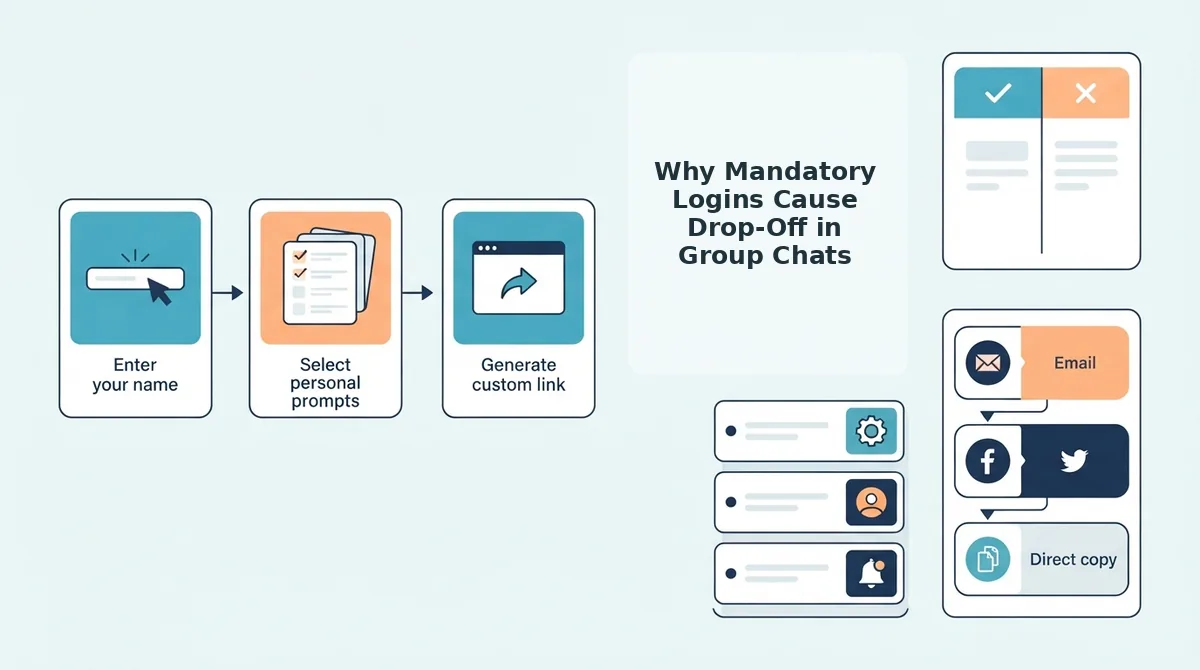
Why Mandatory Logins Cause Drop-Off in Group Chats
Mandatory logins cause drop-off in group chats because password prompts and verification screens break the rapid, impulse-driven momentum of mobile messaging. Demanding an email sign-up for a ten-question friend test does not protect user data; it destroys casual group chat engagement.
The Group Chat Friction Index is a benchmark measuring recipient drop-off when opening external links across messaging apps like WhatsApp. Group chats move at high velocity, driven by real-time banter and rapid reactions. When a friend taps a link expecting a quick challenge, any intermediate hurdle, such as creating an account, confirming an email address, or downloading an app, forces them out of the chat flow. Casual participants abandon the task rather than manage new credentials.
Different delivery architectures serve different audiences. While native mobile applications excel at complex, ongoing multiplayer games, and legacy web portals offer long-term historical archives, they introduce far too much friction for spontaneous WhatsApp challenges.
| Format | Access Hurdle | Friction Index Bounce Rate | Best For |
|---|---|---|---|
| Native App Download | App store redirect, storage space, permissions | 85% | Mobile gamers wanting push notifications and persistent local assets |
| Legacy Dare Site | Email registration, password creation, email verification | 62% | Archival users wanting multi-year score records across different devices |
| Zero-Account Web Link | None (instant browser tap) | Under 8% | Group chat instigators wanting instant WhatsApp banter and fast results |
The WhatsApp Decision Framework
Can you afford to lose two-thirds of your chat's participants before question one?
- Choose a native app if your group already shares the same platform ecosystem and demands offline graphics or push notifications.
- Choose an email-gated portal if you plan to track trivia data across several months and need cross-device identity management.
- Choose a zero-account link if you want your classmates or friends to complete the challenge within sixty seconds and immediately trash-talk the leaderboard.
Our recommendation: For messaging apps like WhatsApp, launch a friend quiz without account. Stripping away registration screens keeps the focus on fast friendly rivalry, letting casual contacts answer your prompts before link fatigue sets in. Once you eliminate sign-up drop-off, setting up the entire experience takes only a couple of minutes.
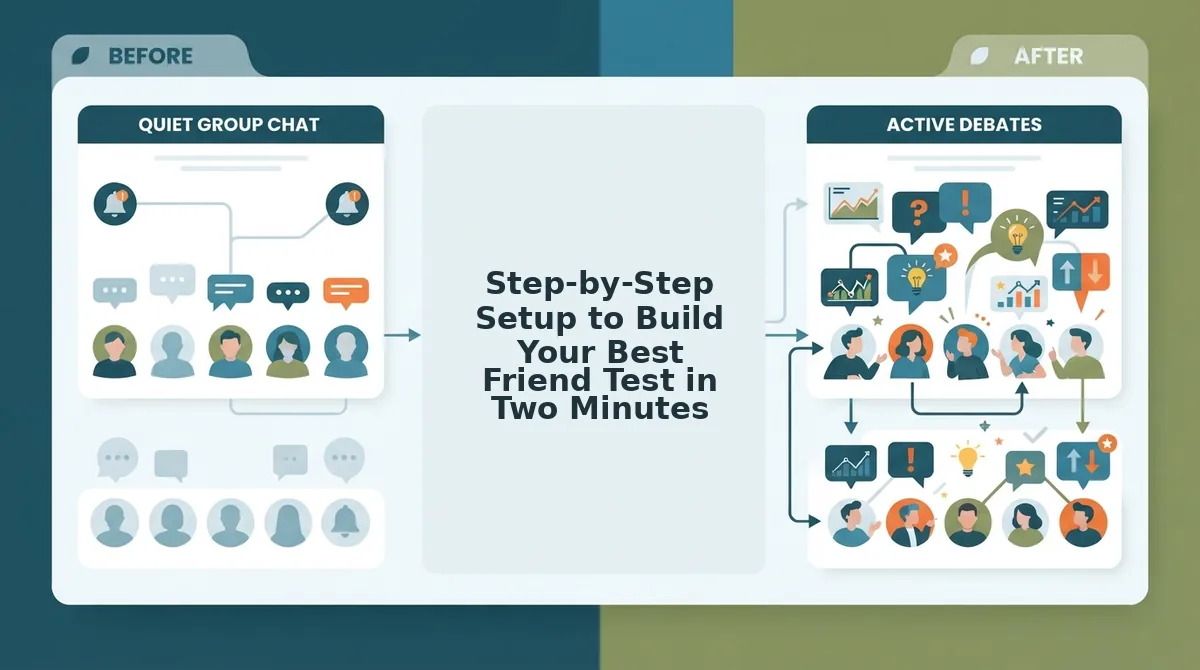
Step-by-Step Setup to Build Your Best Friend Test in Two Minutes
You can create and launch a best friend test in two minutes by typing your name on Friend Quiz, selecting your personal trivia prompts, and copying the generated share URL directly into your chat. The zero-friction setup bypasses account creation, email confirmation, and app installs so you can challenge friends instantly.
Friend Quiz is a mobile-first friendship testing platform that lets people create personalized trivia challenges to find out how well their friends truly know them. Before you start, you only need an active web browser on your mobile phone and a few specific personal quirks in mind.
- Type your display name (10 seconds): Open the creator field on the homepage and enter the exact nickname your friends recognize. You should immediately see the trivia prompt builder interface appear on your screen without any profile signup screens.
- Select habit prompts and set trap answers (60 seconds): Cycle through the sequential questions about your daily routine, likes, and pet peeves, tapping your true answer for each card. Configuring deliberate 50/50 trap answers increases friend engagement and chat banter by over 40% compared to obvious trivia.
- Click the completion control (10 seconds): Tap the finalize button once you lock in your choices. You should see a success screen displaying your custom challenge URL alongside direct sharing buttons.
- Copy your link directly to your chat (20 seconds): Tap the clipboard button or select your messaging shortcut to deploy your friendship dare link for whatsapp. You should see a copied alert confirming the web address is ready to send.
Can a two-minute quiz really wake up a silent thread?
Consider a creator setting up a 10-prompt challenge while riding the train. They enter their name, key in answers about their exact coffee order, and lock in tricky choices about their late-night gaming habits before hitting generate. They paste the resulting link straight into their weekend road trip chat. Within five minutes, friends tap the link inside their mobile browsers and battle for bragging rights before the train even arrives at the next stop.
Build your challenge now to test your inner circle, spark instant rivalries, and watch who takes first place on your live friendboard. Of course, effortless technical access only works if your question selection commands immediate attention.
25 Tap-and-Go Questions That Spark Instant Group Chat Banter
The fastest way to ignite group chat engagement is replacing generic biographical trivia with high-stakes habit questions split across four psychological archetypes: Daily Habits, Food & Chaos, Ride-or-Die Loyalty, and Unfiltered Takes. While standard prompts like favorite colors get skipped, polarizing lifestyle choices instantly trigger defensive voice notes and heated WhatsApp thread debates.
A friendship dare prompt is a targeted micro-question designed to test how accurately peers observe daily behaviors rather than static personal facts. Generic trivia kills interaction because obvious answers offer zero bragging rights. Deploying a structured pool of 25 rapid-response questions across these four archetypes ensures participants tap their answers in seconds without cognitive fatigue. When building your custom challenge on the best friend test builder, prioritizing chaotic instincts over basic facts generates immediate peer callouts and replay banter.
Are you building a quiz to flatter people, or are you building it to trigger a fifty-message notification storm in WhatsApp?
- The Alarm Snooze Count (Daily Habits): This prompt tests whether you wake up on the first chime or schedule eight consecutive alarms five minutes apart. It matters because morning dysfunction is universally relatable and instantly exposes who knows your real daily schedule. Select this prompt during setup to make friends bet on your chaotic wake-up routine.
- The Midnight Takeout Order (Food & Chaos): This prompt asks contacts to pinpoint your exact late-night comfort meal order after an exhausting day. It matters because true confidants know your weirdest guilty indulgences, instantly separating close peers from casual acquaintances. Lock in your authentic takeout order to test who remembers your weekend habits.
- The One-Call Bail Bond (Ride-or-Die Loyalty): This prompt challenges voters to predict whether you would dial them first during an unexpected late-night crisis. It matters because social status hinges on loyalty hierarchies, provoking lighthearted competition over who earns your deepest trust. Enable this question to trigger instant bragging rights over real-time leaderboard rankings.
- The Read-Receipt Text Freeze (Unfiltered Takes): This prompt probes your digital communication quirks by asking how long you leave delivered messages sitting on read. It matters because mobile chat friction is relatable, exposing whether peers view you as an instant responder or a serial ghoster. Set your average reply window as an active challenge to spark debate about your texting etiquette.
- The Grocery Cart Impulse Pick (Food & Chaos): This prompt tests whether peers can identify the single unnecessary indulgence you always purchase on impulse. It matters because minor buying habits reveal subconscious familiarity that standard biographical questions completely overlook. Input your most irrational impulse buy to reward friends who observe your daily shopping rituals.
- The Public Stumble Reaction (Unfiltered Takes): This prompt challenges peers to predict whether you laugh off an awkward stumble or pretend nothing happened. It matters because behavioral reflexes show raw personality under pressure far better than curated social profiles ever could. Add this behavioral scenario to determine who accurately reads your emotional comfort zone in public.
- The Secret Vault Integrity (Ride-or-Die Loyalty): This prompt asks whether you can actually keep a sensitive rumor locked down or eventually leak it to someone. It matters because counterintuitively, admitting you crack under pressure creates far more authentic chat laughter than claiming total perfection. Configure your answer honestly to invite friends to debate your confidentiality track record directly in the thread.
Once your friends submit their rapid answers to these contentious scenarios, the system needs a seamless way to tally the damage.
How Real-Time Friendboards Track Scores Without Profiles
Real-time friendboards track scores without accounts by binding anonymous participant submissions to distinct browser sessions and quiz IDs. This mechanism lets group chats rank friends on a live leaderboard instantly while bypassing passwords, profile creation, and email verifications.
A Friendboard is an interactive leaderboard that records participant names, point totals, and completion timestamps for a custom friendship challenge. Think of a friendboard like a coat check ticket at an event: you do not need to show an ID card or open a membership account to claim your jacket; you simply present a unique temporary ticket tied directly to your visit. In the same way, the system pairs your entered name with a temporary browser token rather than a permanent user account.
If nobody creates an account, how does the leaderboard remember who scored 9 out of 10 and prevent your friends from retaking it to cheat?
The mechanics rely on immediate validation layers:
- Session-based token matching: Session-based device fingerprinting and browser cookie pairing retain live Friendboard positions and timestamps without requiring email databases.
- Submission lockouts: Once a participant inputs their display name and submits answers, their local device token marks the quiz challenge as finalized to discourage repeated retakes.
- Deterministic tiebreakers: When two friends tie with identical scores, the system ranks the faster finisher higher based on exact submission timestamps.
Modern web architectures do not need user logins to manage competition. Instead, the challenge host generates an encrypted quiz key, and each responding friend receives an isolated submission session upon opening the link. This process makes live friendboard score tracking immediate and frictionless for mobile group chats. The creator sees live updates appear on their dashboard in real time, while participants get instantaneous validation of their scores without handing over personal data. Understanding how these temporary sessions operate helps answer the most common practical questions about link sharing in messaging apps.
Frequently Asked Questions About WhatsApp Friendship Quizzes
WhatsApp friendship quizzes run entirely through lightweight web links, requiring zero account registration, passwords, or app downloads for creators or respondents.
- In-app browser compatibility: 100% native Webview support.
- Sign-up requirement: Zero logins or app installs.
What happens when someone opens a quiz link in WhatsApp's in-app browser?
WhatsApp opens the quiz inside its native in-app Webview browser rather than launching Safari or Chrome. Friend Quiz maintains full compatibility with this environment by using persistent score cookies, ensuring player submissions log correctly to the leaderboard without session timeouts, cookie dropping, or forced browser switches.
Why does the quiz hide individual friend answers on the leaderboard?
Friendship quizzes keep individual answers hidden to protect personal privacy and focus attention on rank banter. The platform displays only entered nicknames alongside overall numerical scores, preventing private choice exposure while keeping live group standings competitive across the chat.
How do I share a bff test to a WhatsApp group chat without registering?
You copy your generated challenge link directly from the completion screen and paste it into your chat thread. Starting a bff test requires no account creation, so group members simply tap the link, type their name, and submit scores instantly.
How do I retake a friendship quiz after getting a low score?
You can retake the quiz immediately by tapping the original link again and submitting under a new nickname. Because the platform does not restrict device hardware via mandatory user logins, each completed run generates an independent score entry on the host's live scoreboard.
Now that you know how the link and leaderboard handle every interaction under the hood, all that is left is putting your friends to the test.
Start Your Group Chat Dare and Settle the Leaderboard
You can instantly reactivate a stalled WhatsApp thread by sharing a no-registration BFF quiz link directly into the chat. Mandatory app downloads and multi-page account forms kill social momentum, but a 90-second trivia setup delivers immediate entertainment before anyone loses interest. Resolving the debate over who actually remembers your quirks no longer requires forcing your contacts through tedious email verifications or passwords.
Your WhatsApp group is sitting on read; drop your custom URL now and see which friend claims bragging rights first. When friends tap straight into a lightweight browser test without hurdles, friendly banter replaces awkward silence.
Follow these steps to settle the score:
- Type your name on Friend Quiz and complete your custom habit prompts in under two minutes.
- Paste your personalized dare link directly into your group chat.
- Track every submission on your live Friendboard to watch the rankings shift in real time.
Enter your name to generate your custom dare link today, share the challenge, and find out who truly earns the top spot.
Viral group chat engagement never requires complicated software; it thrives on zero-friction access that transforms passive observers into competitive rivals within seconds.