How to pick a friendship quiz maker in under a minute
Your quiz link lands in the group chat, three friends tap it, and by question three the replies have gone quiet. That is usually where a shared quiz stops being fun. It rarely happens at question one, because curiosity still carries people that far.
Learning how to pick a friendship quiz maker means spotting what kills that momentum before you hit send. Your instinct to be picky is right. Psych2Go's videos on friend types describe friendships as coming in different styles, so the format your chaotic group chat loves may flop with your quieter best friend.
The person choosing the tool is rarely the person who suffers from a bad choice. Your friends hit the login wall, the ad, or the dead link. You only see the silence afterwards.
This guide gives you a filter instead of a feature tour. You will get a quick verdict on three named tools, the Three-Test Filter for judging any quiz maker, and a side-by-side comparison table. One of the three tests checks something most creators ignore until their friends' scores disappear. Run it before you share.
Which friendship quiz maker should I use for my group chat?
For most group chats, use Friend Quiz, because guests can play without signing up. Buddy Meter or QuizYourFriends make sense mainly when your friends already have accounts on those platforms.
A friendship quiz maker is a web tool that turns your answers about your habits, likes, and quirks into a shareable link. Friends open the link in their phone browser, guess how you answered, and get a score that shows how well they really know you.
Friend Quiz is the safest pick for a group chat because it needs no account, email, or app download for the creator, and none for guests. Buddy Meter and QuizYourFriends are both well-known alternatives, but both gate participation behind an account. That login step is the biggest bounce trigger in a group chat. The deciding criterion is Guest Friction, which is the number of taps between opening a link and answering question one. Count those taps on any tool before you share it. Fewer taps means more friends finish the quiz, and more finishers make the scoreboard more interesting.
Guest Friction works like a door policy at a party. A bouncer checking IDs makes no difference to the host inside, but it decides how many guests actually walk in.
Once Guest Friction is low, look at where the scores go. Friend Quiz lets you build a quiz in under two minutes, and it posts every result to a live Friendboard so the rivalry stays visible.
What you need before you start
- A phone. Your friends will play on theirs, so build and preview the quiz on yours.
- A group chat. WhatsApp, iMessage, or Snapchat all work as places to share the link.
- Ten or so questions about yourself. Choose quirks only your close friends would know.
- One willing friend. Ask them to do a test run before the full group sees the link.
If you want a ready-made format instead of building from scratch, start with the best friend test.
The three tests every friendship quiz maker has to pass
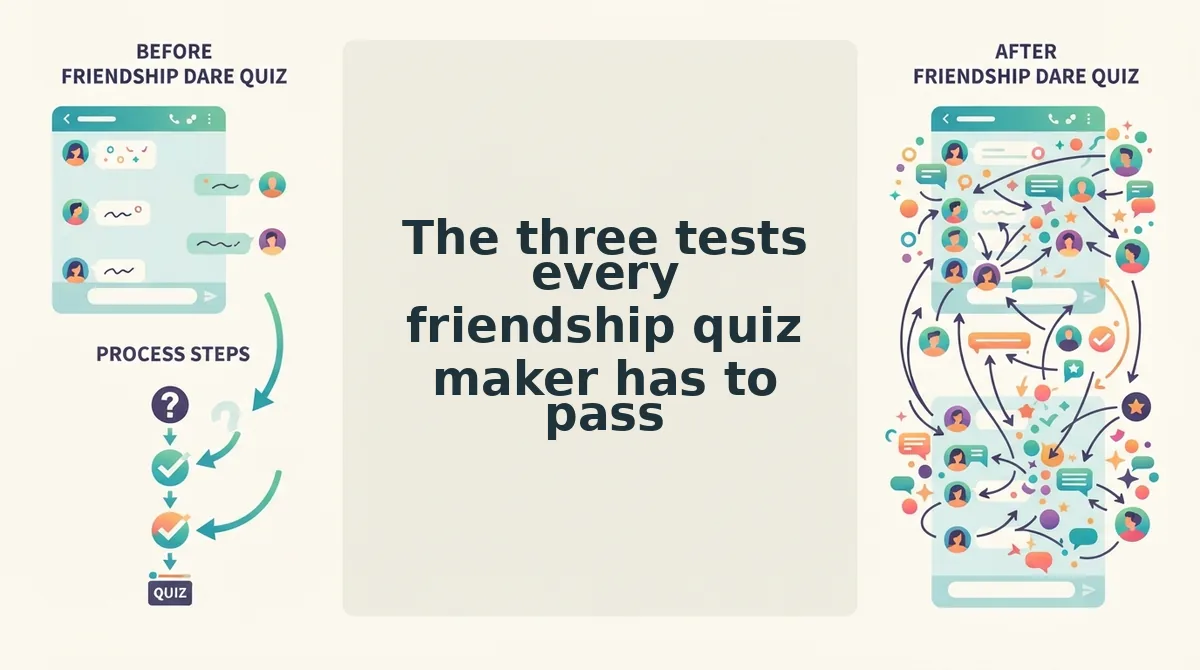
A good friendship quiz maker has to pass three checks: how fast you can build a quiz, how easily friends can start playing, and whether the scores stay visible afterwards. These are the three tests of the Three-Test Filter:
- Setup Clock: the time it takes you to go from the homepage to a shareable link.
- Guest Friction: the number of taps between opening the link and answering question one.
- Score Persistence: whether results stay visible and ranked after friends finish.
Ad load and page speed vary by device, so the table below describes how each tool behaves rather than quoting a single benchmark.
| Criterion | Friend Quiz | Buddy Meter | QuizYourFriends |
|---|---|---|---|
| Setup time | Under two minutes | Not published; time it yourself | Not published; time it yourself |
| Creator account | None (no email, no app) | Check at signup | Check at signup |
| Guest account | None | Account gates participation | Account gates participation |
| Ad interruptions | Varies by device; note what you see | Varies by device; note what you see | Varies by device; note what you see |
| Score visibility | Live Friendboard | No live Friendboard | Score page, no live Friendboard |
| Mobile load | Mobile-first web app | Varies by device | Varies by device |
| Share-link behaviour | Opens in the mobile browser, no download needed | Guests meet an account step | Guests meet an account step |
A live Friendboard is a shared ranking that updates as friends answer, and only Friend Quiz offers one. For a closer look at the difference, see how a QuizYourFriends score page compares with a live Friendboard.
When each tool wins
- Friend Quiz is best for mixed group chats where at least one friend will not sign up for anything. Its main limitation is that it has less name recognition than older tools. Try it with the BFF quiz maker.
- Buddy Meter is best for friend groups who already know the brand and have accounts. Its strength is brand recognition, and the account gate matters less when everyone has already signed up.
- QuizYourFriends is best for groups who enjoy nostalgia and a familiar quiz format. Expect a static score page rather than a live ranking.
Next, run these three tests yourself in five minutes.
How to test a quiz maker yourself in five minutes
Skip the feature lists and run the three tests live on one throwaway quiz: build it with a stopwatch running, open the share link in a private window, and finish it as a guest with no account. All you need is a phone, a browser, a stopwatch, and one friend who will open a link.
- Open the maker in your phone's real browser and start the clock. Type the URL into Safari or Chrome rather than tapping a link inside WhatsApp. You should land on a name field with no signup wall and no app-install banner.
- Type your name, then tap through every prompt. Count the screens as you go. You should reach the end without a single full page reload â one continuous form, not a multi-step wizard that reloads between questions.
- Click the create button and stop the stopwatch. Write the number down next to the tool's name. Success looks like a shareable link on screen, ready to copy, in one pass.
- Copy the link, open a private or incognito tab, and paste it. You should see the quiz itself, not a login form. If a signup screen appears, guest friction is not zero and your friends will bail in the chat.
- Complete the quiz as a guest and find your score. Success looks like a visible result without creating anything â and ideally a ranking the whole group can see, not a score that lives only on your own screen.
Troubleshooting: if the link opens as an in-app browser preview that never loads the quiz, tap the menu dots and choose "Open in browser." In-app previews and multi-page reloads are what make a link die in WhatsApp or Instagram, and the real browser is the fix.
A friendship quiz should go from tapping the URL to holding a shareable link in under two minutes; anything past three means the maker is demanding an account, an email, or a multi-page form. Time it yourself: start a stopwatch on the homepage, answer ten to fifteen personal prompts, and stop when the link appears. On a phone keyboard, a fifteen-question build finishes in roughly 60 to 90 seconds when each prompt is a single tap. Every extra screen adds delay and one more chance to quit before you ever share it.
Last step: send the link to the friend who replies slowest, not the fastest. That person is the honest test of guest friction â if they finish without asking you a single question, the flow is clean. On Friend Quiz, that entire loop runs inside one mobile page and the scores land on a shared Friendboard.
What else people ask before picking a quiz maker
The questions below decide the choice faster than any feature comparison, because each one is a friction point you will hit within the first ten minutes of sharing.
Do my friends need an account to play a friendship quiz?
No â and zero-account guest play is the single condition most searchers are checking for. A quiz that requires friends to register, confirm an email, or install an app loses most of a group chat before the first answer. Test it in a private window before you share.
How many friends make a scoreboard worth watching?
Three is the minimum for a ranking to feel competitive; five or more makes it fun. With two players it is just a head-to-head. A live friendship test shared to a group of six typically produces a scoreboard within the first hour.
Can a friend join a friendship quiz late?
Yes, if the maker keeps one running scoreboard instead of generating a fresh quiz per person. Late arrivals can be folded into the existing Friendboard, so someone opening the link the next morning still lands on the same ranking rather than starting a separate challenge nobody sees.
Is a friendship quiz maker free, and does it need an app?
Friend Quiz is free and browser-based â no download, no login, no email. Other makers vary on limits and paid tiers, so check the create page before you invest time building. Whatever you choose, confirm the quiz opens in a mobile browser without an install prompt.
Pick your quiz maker and put one link in the chat
The stopwatch settles what the review pages cannot: the maker that wins is the one whose link your slowest friend can open cold, with no login and no app, and whose score lands somewhere the whole group can see. Speed claims collapse the moment you time a build yourself; guest friction is what actually decides whether a quiz travels.
Pick your entry point:
- Still deciding? Run the five-minute protocol on two makers and compare the stopwatch numbers side by side.
- Want proof first? Build one quiz and send it to a single friend before you touch the group chat.
- Guest test already passed? Build the full quiz and drop the link in the chat today.
The whole workflow â blank quiz to shared link â fits inside a couple of minutes on a phone, and when the first scoreboard settles, a friendship dare quiz keeps the same group talking instead of letting the thread go quiet.