How to move a whole group chat off Buddy Meter links
A Buddy Meter link lands in the group chat at 3pm. Three thumbs-up appear within a minute. By 3:07 nobody has posted a score, and by dinner the thread has moved on to someone's lunch. The quiz didn't fail because your friends stopped caring about each other. It failed because the thing standing between them and the first question was a page reload, a spinner, and an ad parked over the submit button.
You can fix that. This guide walks you through how to move a group chat off Buddy Meter links in one evening, not by pitching a lecture about better tools, but with three messages, two link posts, and one quiet retirement.
Before the steps, there's a number worth knowing. The reason your friends bail is about taps, not loyalty, and that count shows up in step one, where it decides when you post.
What You Need Before Your Group Chat Switches Quizzes
Moving a group chat off Buddy Meter links is a three-move swap: post one replacement quiz link at the chat's busiest hour, tag two loud friends by name so they answer first, and let a full round finish before retiring the old format. Same people, same banter, one link.
Three terms matter.
- Link migration: swapping a group's default quiz URL without restarting the friend group.
- Group chat momentum: the short window after a message when replies come fast; quizzes live or die inside it.
- Answer privacy: whether friends see each other's answers before submitting their own.
Think of it as moving a weekly pickup game to a new court: the sport is identical, but someone still has to text the address and be there first.
Four things you can check right now:
- One working link, opened on your own phone first.
- The chat's peak hour, not your free hour.
- Two friends willing to be tagged by name.
- Agreement that nobody makes an account.
The reason a chat goes quiet mid-quiz is almost never loyalty to the old tool. It is friction: a page that reloads between questions, an ad sitting over the submit button, or a prompt to sign in arriving before question two. Each one adds a decision between your friend and the next tap, and a group chat has no patience for decisions. Remove the reload and the sign-in, and the same people who ignored the last link will finish this one.
How to Move the Chat Step by Step With the 3-2-1 Handoff
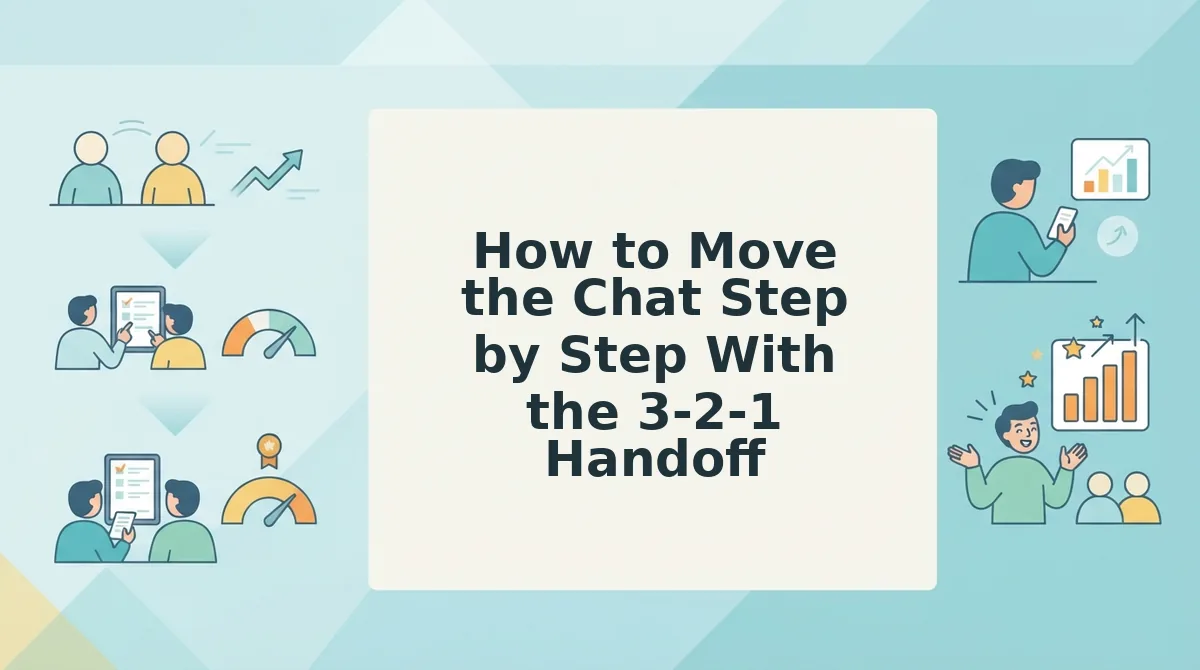
The 3-2-1 Handoff is three messages, two link posts, and one quiet retirement, run in an evening. Have your new link open on your own phone, the chat's peak hour picked, and two friends you're willing to name.
- Open, build, and post one link at the chat's peak hour. Tap the BFF quiz maker on your phone, answer the prompts in under two minutes, and copy the share link. Post it while the thread is already moving and type exactly: 'made one. 60 seconds. no app, no signup: [paste link]'. You should see two replies within five minutes. Count the taps between that link and your first question, because that count is what killed the last one.
Pro tip: a link dropped at 3pm is buried under work messages by 3:04. Post at the chat's peak hour, after dinner in most threads and before the first goodnight.
- Tag the two loudest friends by name. Don't wait for volunteers. Type: '[Name] and [Name], you two go first. I need to know exactly how wrong you are.' Their answers land inside a minute, and the thread stops being an audience and becomes a scoreboard. Expect the third and fourth friend to answer unprompted.
- Pre-answer the two objections in one line. Someone will ask about an app, someone will ask if it's the same quiz. Beat them: 'no download, no account, and it's a new one, the old link doesn't count.' Success is hearing neither question repeated in the thread.
- Retire the old format quietly. Don't announce a migration, just stop posting Buddy Meter links. If one resurfaces, reply once with 'use the new one, it opens faster' and let it go. One retire, no debate.
- Post the second link only after a full round completes. A round is done when every friend you tagged has answered, not when an hour has passed. That rule keeps the second post welcome instead of nagging. Switch formats for round two with a best friend test, or resend the same link and let the live Friendboard rank everyone. Success looks like a screenshot of someone's score appearing before you ask for it.
Once round two is live, you don't need to poll the chat to find out whether the switch held.
How to Check It Worked Without Asking Anyone
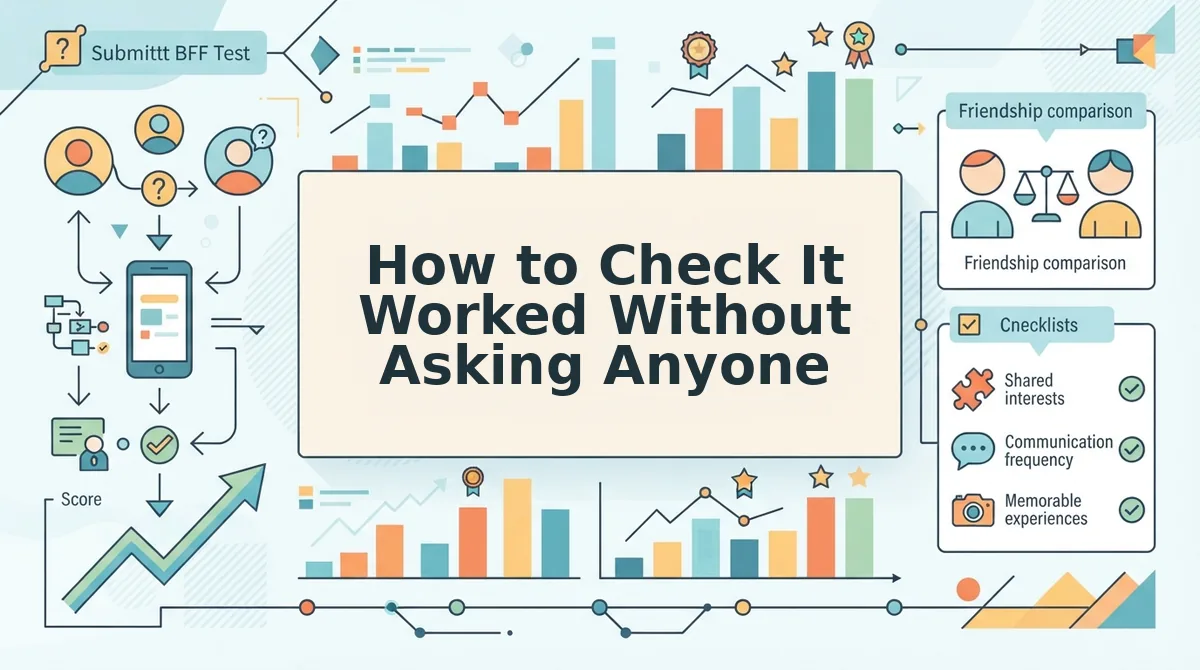
Behaviour tells you faster than a poll does. A switch that took shows up as friends answering unprompted, a second wave of scores hours later, and someone reposting the link on their own.
Skip the "did everyone see it?" message and score the two links instead on the five frictions that quietly end a quiz.
| Friction point | What stalls the old link | What a clean link does |
|---|---|---|
| Taps to first question | Extra screens before play begins | Link opens on question one |
| Account needed | Sign-up step interrupts play | Name only, no login |
| Ad interruption | Interruptions mid-round break the streak | Uninterrupted question flow |
| Reloads | A refresh wipes progress | Single page, no reload |
| Time to result | Longer, because of the four above | Score on the final answer |
Buddy Meter alternative: any quiz link a friend can open and finish in a mobile browser without an account, an app install, or a page reload. The test is not branding, it is tap count. Time one round in your own chat: if a friend reaches question one in a single tap and sees a score on the last answer, the link works. If the thread stalls around question three, the old link asks for more taps than the chat will give it.
- Best for a chat already mid-flow: the familiar Buddy Meter link. Nobody needs the format explained, and that recognition has real value.
- Best for a group that drops off early: a no-download friendship test link, where one tap lands a friend on question one.
If the chat wants a second format once the first lands, a friendship dare quiz keeps the momentum going without a new setup.
Common Questions About Moving a Chat Off Buddy Meter Links
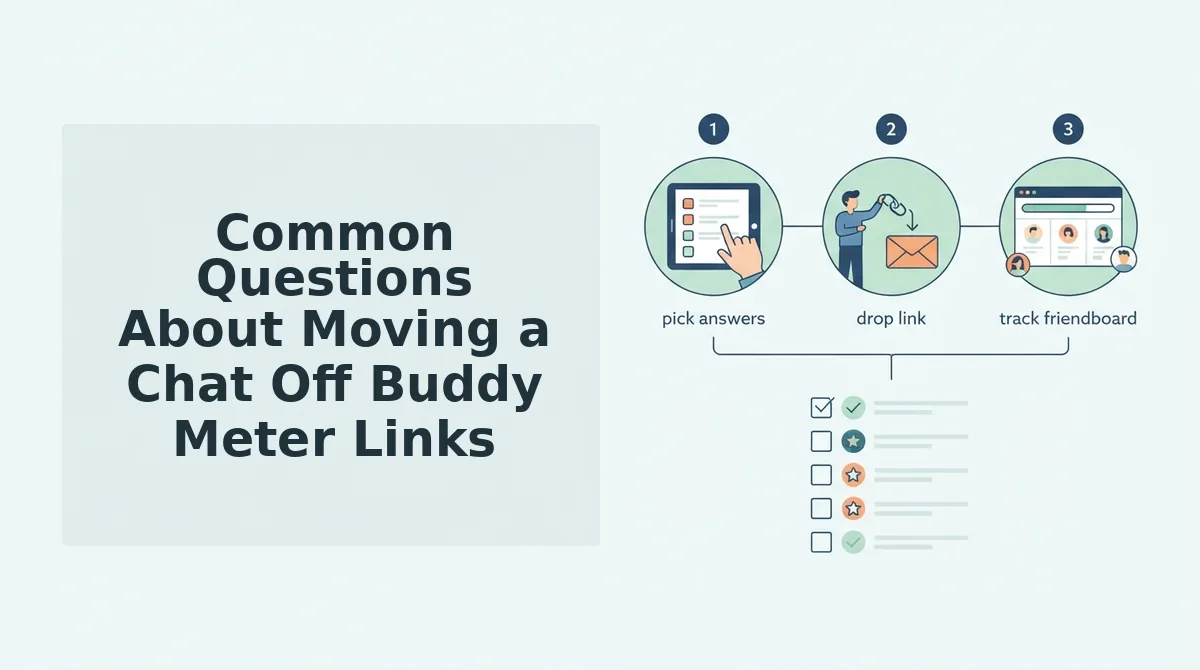
These are the four things readers still ask after the handoff. Short answers below, so you can act on one without rereading the steps.
Why does everyone stop answering around question three?
Friction, not loyalty. Reloads and ad interruptions break the rhythm of a round, and a chat that has to re-tap its way back into a quiz simply stops. The format was never the problem â the tap count was.
Do friends need to download an app or make an account?
No. A browser link opens the quiz directly on the phone, with no install, no email, and no login for the people answering. The creator only types a name before generating the link, so joining stays a single tap.
What if one friend keeps reposting the old Buddy Meter link?
Reply with a result instead of a correction. Post your score from the new link under theirs and let the thread do the persuading. Correcting someone reads as nagging; a finished score reads as an invitation.
Can the chat switch without a formal announcement?
Yes, and it usually goes better. Post the new link with a line of context and no apology. Announcements invite debate about the old format; a link that people are already playing answers the question themselves.
Send Three Messages and Let the Chat Do the Rest
You do not need a vote or a plan â you need three messages, sent tonight, in this order.
- Replace: drop the new link with one line of context and no preamble.
- Play: answer it yourself and post your score, so the loop visibly closes.
- Resend once: repeat later only if the thread genuinely goes quiet.
That is the entire handoff. The chat you assumed was dead was never attached to the old link â it hit more taps than it would pay and stopped at question three. Replace first, explain only if asked.
Start with the BFF quiz: enter your name, answer the prompts, drop the link. One link in, and the chat does the rest.