How to let two friends share one phone for a quiz
Two friends, one couch, one phone on the table, and a quiz link that just landed in the group chat. Nobody wants to go find a laptop, so somebody says the obvious thing: can't we just do it on mine?
Yes â and what you're actually solving is the logistics of having two friends share one phone for a quiz without the second person seeing the first person's answers. That's a hand-off problem, not a download problem. Below is a repeatable pass-and-play routine you can run entirely in a mobile browser: how to set the quiz up, how to pass the phone without leaking answers, and how to settle who actually won.
Worth flagging up front: the setup is the easy part. The three seconds when the phone is physically in transit are where rounds fall apart â and there's a counterintuitive fairness argument for one shared handset that we'll come back to. Notice, too, that this question is almost always asked mid-conversation with the phone already unlocked, which is exactly why written guidance on it is so thin.
Can two friends take the same friend quiz on one phone?
Yes. Two people can take the same friend quiz on one phone as long as each player answers in a separate turn and the device changes hands between submissions.
Two friends share one phone by playing pass-and-play: player one opens the quiz link, answers every prompt, submits, then hands the device over; player two opens the same link and answers the same prompts. No second device, account, or download is needed. The one hard requirement is that the phone leaves player one's hands before player two begins, because the correct answers stay visible on the results screen. Both scores land on the same friendboard, so a single handset costs you nothing on the leaderboard.
Three terms carry the rest of this guide. Pass-and-play is one device, sequential turns, and a separate browser session for each player's turn. The hand-off is the moment the phone physically changes hands â the single point where answers leak. The friendboard is the shared score list both players land on afterward.
Think of it like a paper quiz passed around a kitchen table: the sheet is the device, and the only rule that matters is folding it over before you slide it across.
What survives a single handset:
- Works: two sequential passes through one quiz link, one player at a time.
- Works: both scores recording to one friendboard automatically.
- Works, with risk: a third pass â every extra hand-off raises the odds of someone glimpsing the previous screen.
- Doesn't work: two people answering at once, or handing over a phone with the results page still open.
Two clean passes are the reliable ceiling. A longer prompt set runs identically through the best friend test, and because creation and sharing happen in a mobile browser with no login, you can start wherever the group chat already is.
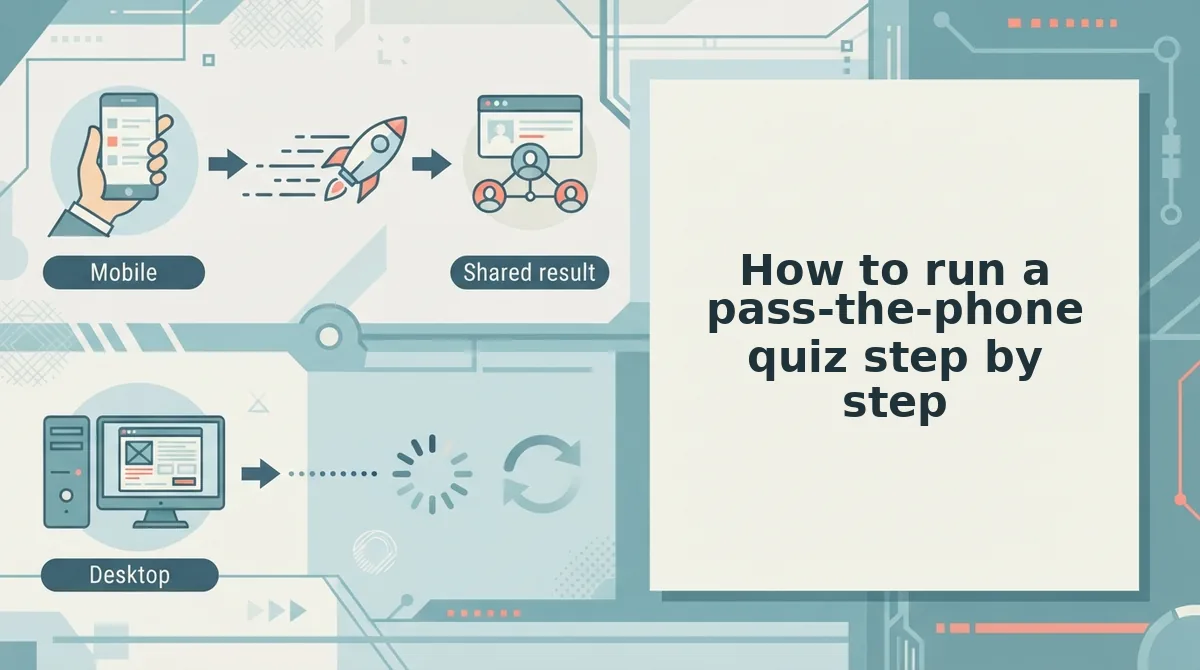
How to run a pass-the-phone quiz step by step
To run a pass-the-phone quiz, the creator builds the quiz and copies its share link. Then each friend opens that same link on the shared phone and submits answers in turn.
A pass-the-phone quiz is a friend quiz where two or more players take turns answering on a single device.
Before you start: you need one phone with a mobile browser. You don't need an account, an email address, or an app download. The whole setup fits inside Friend Quiz's under-two-minutes promise, so you can start a round on the couch with zero planning.
- Type your name on the homepage. Enter it at friendquiz.org. Your name labels the quiz, so both players know whose trivia they're answering.
- Answer the trivia prompts. Cycle through the questions about your daily habits, quirks, likes, and dislikes. When you finish, the platform packages your picks into a personalized quiz challenge.
- Copy the share link. The link is what you hand off, not just the phone. Drop it into your group chat too, so it's easy to reopen.
- Have player one open the link, answer, and submit. Their answers are complete once they submit.
- Pass the phone to player two, who opens the same shared link. Don't start a fresh quiz. Both players need to answer the same quiz from the same URL, or the round falls apart.
- Check the friendboard. Both scores land there automatically, so nobody has to screenshot a result page.
Every step skips account creation, email, and downloads. That friction is what kills a round before question three. If you'd rather play a lighter-weight variant, the BFF quiz runs on the same no-login flow.
So where do one-phone rounds actually go wrong?
The trouble usually isn't the setup. It's the few seconds between step four and step five, when player one's finished screen is still glowing and player two is reaching for the phone.
That gap is the next thing to fix.
How do you keep the second player from seeing the first player's answers?
Run the Screen-Down Hand-Off: the first player submits their answers, flips the phone face down on the table, and slides it across with the quiz link already open. Three beats â submit, screen down, hand over. The second player never lands on a filled-in answer list, because a friend quiz link reopens in the answering flow rather than a review screen. No settings, no second device, no download. That resolves the question this article opened with: a shared phone only feels like a handicap until you run the hand-off, and then it becomes the stricter setup of the two.
Rounds still leak in three places, and each has a fix:
- Mid-round shoulder peeking. Tilt the screen away, or seat the waiting player behind you rather than beside you.
- Handing over on the results page. Refresh the shared link before the pass so the next player starts on fresh prompts.
- Re-entering the creator flow. Reloading the quiz link is safe; reopening the create flow is not, since it exposes the prompt set and the first player's submitted answers.
If someone peeks anyway, don't restart. Have the peeker answer the same prompts cold â the round survives and the two scores stay comparable.
Pro Tip: tap the link fresh from your group chat for pass two instead of scrolling back through browser history. A clean tab is the fastest guarantee of a clean screen.
What the hand-off looks like
Player one finishes the prompts, submits, and sets the phone face down without glancing at the results. Player two lifts it, taps the same link, and gets a fresh prompt screen â nothing filled in, nothing revealed. The round ends with two comparable scores and no debate about who saw what.
Before pass two, verify three things: a fresh prompt screen, no results page, no completed answer list. If all three check out, nothing leaked.
Ready to run it on your own crew? Create a quiz at friendquiz.org, drop the link in the group chat, and let the hand-off handle the rest. To see what the other side of submit actually looks like, read what happens after you submit your guesses.
A shared phone doesn't weaken the friendship test â it closes the loophole, because the second player never gets to study the questions before answering.