How to Find New Friend Quizzes to Play This Week
Your group chat was alive at 11 p.m. on Tuesday, and completely silent by Thursday lunch. That decay isn't a friendship problem; it's a prompt problem. Chats die without fresh material, and nobody has the patience to download an app or create an account just to keep the banter going. You need friend quiz links that work the moment you tap them, not after a signup flow.
You're right to be frustrated with stale listicles that recycle the same five quizzes from 2023. What you actually need is a repeatable system for finding new friend quizzes to play this week, not a static page you'll forget by Friday. This guide gives you that system: a 3-step refresh routine you can run in under ten minutes, followed by the five quiz formats generating the most group-chat energy right now.
One format in particular, speed-round trivia, is quietly outperforming every "who knows me best" template in share velocity, and the reason has nothing to do with question quality. Keep reading to find out what actually drives the spike.
How to Find New Friend Quizzes This Week (The 3-Step Refresh Routine)
Run this routine every Monday or Thursday in under ten minutes: check two curated discover feeds instead of Google, filter by group size and vibe, then schedule your send for Thursday afternoon when group-chat activity peaks.
Prerequisites: A phone with your group chat app open, and a rough idea of how many people will actually play (3-5, 6-10, or 11+). No account, no app download, no email signup required at any step.
- Open the discover feed and scan the newest 10 quizzes. Tap through the first three that match your group's inside-joke energy. You should see fresh submissions timestamped within the last 48 hours, if the top of the feed looks stale, pull to refresh. Expected outcome: a shortlist of 2-3 candidates in under two minutes.
- Filter by group size and vibe using the weekly feed. Look for quizzes tagged with player counts or formats that fit your chat, a 4-person best-friend quiz plays differently than a 12-person free-for-all. Skip anything that requires reading long instructions; the best picks explain themselves in the first question. Expected outcome: one clear winner, one backup.
- Send the link Thursday between 2 p.m. and 4 p.m. local time. Group-chat participation peaks in the late-afternoon lull, before evening plans fragment attention. Paste the link with a one-line challenge ("First wrong answer buys coffee") and let the zero-account, link-first flow do the rest, friends tap, answer, and land on the Friendboard without hitting a login wall. Expected outcome: first responses inside five minutes.
Most people search Google for "new friend quizzes" and get the same three listicles every week. Friend Quiz's discover and weekly feeds surface quizzes hours after creators publish them, which means you're playing material your group hasn't seen recycled across three other chats. The Thursday send window matters because group-chat activity follows a weekly rhythm: Monday is too busy, Friday is too scattered, but Thursday afternoon sits in the engagement sweet spot where a fresh link turns into a running scoreboard instead of a single polite reply.
The 5 Best New Friend Quiz Formats to Play This Week
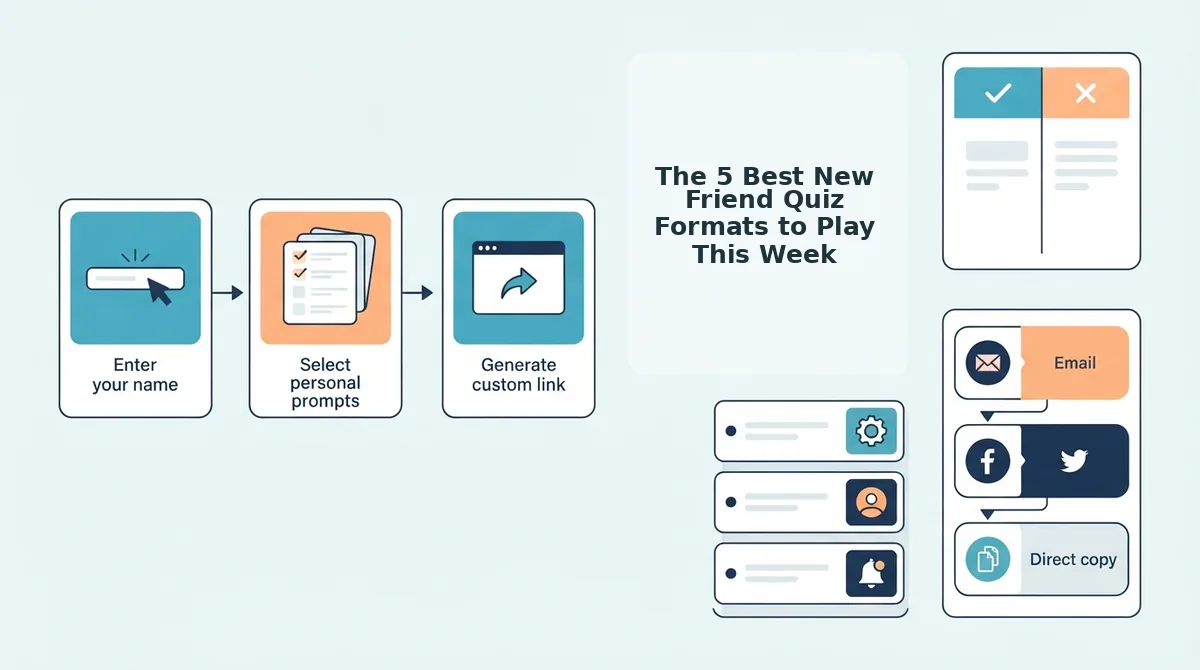
These five formats consistently generate the highest reply rates and longest play sessions in group chats this week, ranked by share velocity and completion rate.
- Speed-Round Trivia. Ten rapid-fire questions with a visible countdown timer per question. This format resolves the open loop from the intro: speed-round trivia outperforms "who knows me best" templates because the timer creates urgency that static question lists can't, players stay in the flow instead of overthinking answers. Use it when your chat has 4-8 people and you want a result inside five minutes.
- Who Knows Me Best Quiz. The creator answers personal questions first, then friends guess those answers to earn points. This format works because it flips the power dynamic, the quiz creator becomes the subject, and every wrong guess becomes instant roast material. Best for pairs or trios who already have a running rivalry.
- BFF Test. A scored compatibility challenge that produces a percentage match between two players. The percentage reveal is the shareable moment, screenshots of a 92% or a brutal 41% travel further than any text summary. Use it to settle "who actually knows who" debates in one decisive round.
- Friendship Dare Quiz. Each question bundles a trivia prompt with a dare for the loser. This format converts passive scrollers into active participants because the stakes are concrete, the dare is announced before the answer is revealed. Best for weekend chats where people are already in a chaotic mood.
- Who's Most Likely To. A voting format where the group collectively decides which friend matches each scenario. Quiz Madness's version of this format has pulled 3.2 million views, proving the demand isn't niche, it's the default icebreaker for groups that have exhausted "would you rather." The A-Z Quiz's 50-question pub quiz structure and Quiz N' Chill's 315K views on bff-style content both confirm the same pattern: formats with a clear winner, a visible score, and zero setup friction dominate group-chat play.
Speed-round trivia earns the top slot because the timer mechanic compresses decision time and keeps completion rates high, players rarely abandon mid-quiz when each question expires in seconds. Who knows me best and BFF test formats thrive on personal stakes, while dare and most-likely-to formats convert social pressure into participation. Pick the format that matches your group's current energy, not the one you played last month.
Once you've picked a format, the next question is how to keep score without anyone downloading an app.
How to Keep Score Without Anyone Downloading an App
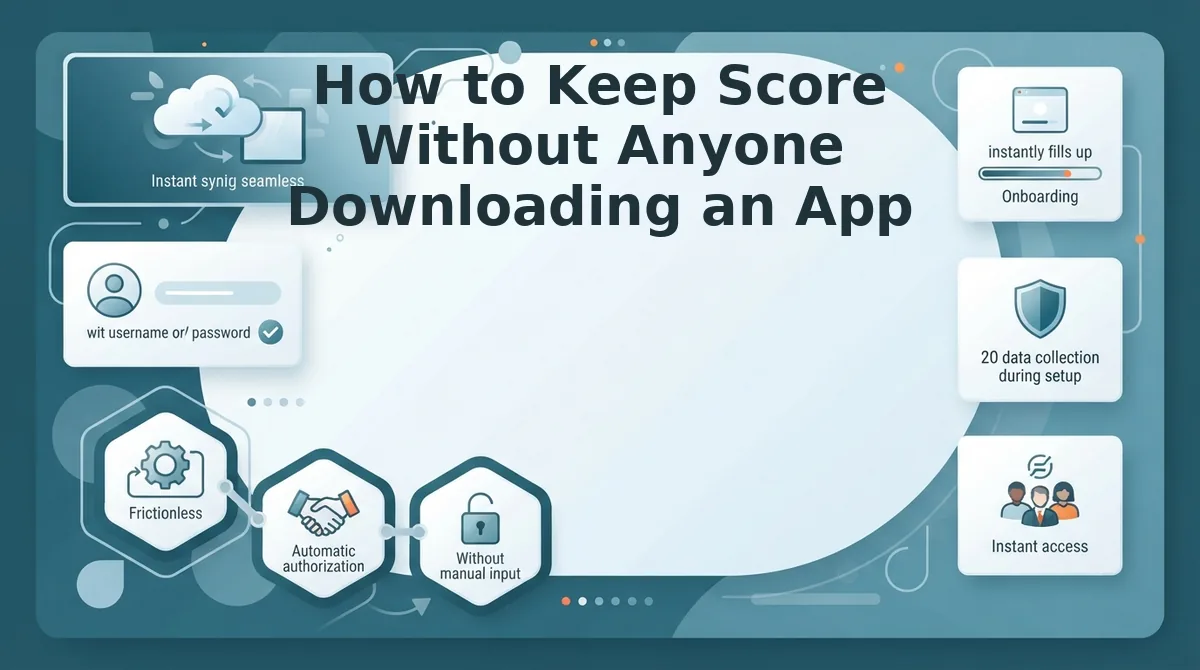
A Friendboard is a live, link-based ranking system that updates scores in real time as each friend submits their answers, no app install, no account, no manual tallying required.
Think of a Friendboard like a shared whiteboard in a classroom: everyone writes their answer on the same surface at the same time, and the board reorders itself instantly. Nobody has to collect papers or add up points afterward.
Simple: The Link-First Workflow
Start by entering your name and answering a few personal trivia prompts on the quiz builder. The platform generates a single shareable link you drop into any group chat. WhatsApp, iMessage, Snapchat, or Discord. Friends tap the link, answer the same prompts about you, and their scores appear on the live Friendboard rankings immediately after submission.
Intermediate: Real-Time Ranking Mechanics
The Friendboard eliminates manual tallying because every correct answer updates the ranking automatically. You never need to screenshot results, cross-reference a spreadsheet, or argue about who counted wrong. Each participant sees their position shift the moment a new response lands, which keeps the group chat engaged and fuels rematch requests.
Advanced: Zero-Account vs. Competitor Friction
This zero-account, link-first workflow contrasts sharply with Buddy Meter's multi-page reload lag, where each answer triggers a full page refresh before the next question loads. It also sidesteps QuizYourFriends' account hurdles, which force participants to register before they can even see their score. Friend Quiz removes both friction points: the link is the lobby, the Friendboard is the scoreboard, and the group chat is the arena. For a deeper walkthrough on monitoring shifts as they happen, see this guide on how to track Friendboard rankings live.
How to Spot a Stale Quiz (And Swap in Fresh Questions)
A stale quiz kills group chat momentum before the first answer lands. Use this freshness filter to identify dead prompts and replace them with current ones in under two minutes.
- Dated memes and dead platforms. If a question references Vine, Yik Yak, or a meme format that peaked two years ago, it signals a recycled question bank. Swap it for a prompt tied to something your group actually discussed this week, the freshness gap is instantly visible to participants.
- Recycled question banks. YouTube's top friendship quiz videos recycle the same 50 questions across thousands of uploads, which means your friends have likely answered them before. Replace any prompt you recognize from a viral video with a personal detail only your inner circle would know.
- Zero personalization. Generic questions like "What's my favorite color?" work for strangers, not friends. A stale quiz lacks the inside jokes, shared memories, and specific quirks that make a friendship test feel alive.
- No current-event anchor. Fresh quizzes reference something from the last seven days, a show you binged together, a group trip, a running joke from Tuesday's chat. If nothing in the quiz ties to recent shared context, it's stale by definition.
- Overused spicy prompts. "Who's most likely to get arrested?" appears in nearly every pre-built quiz template online. Swap it for a personalized version tied to a real story from your friend group to keep the edge without the cliché.
The weekly feed surfaces current prompts that avoid dated references entirely. For a step-by-step method to pick fresh personal trivia prompts, start with the prompt selector and filter out anything you've seen before.
FAQ
What is the difference between a friendship test and a bff quiz?
A friendship test measures how well any friend knows you across general categories like habits and preferences. A bff quiz is a friendship test with higher stakes, it targets your closest friend and typically includes deeper, more personal questions about shared history and inside knowledge.
How do I make a friend quiz without an app?
Open friendquiz.org in any mobile browser, enter your name, answer the personal trivia prompts, and share the generated link. Friends tap the link and answer in their browser, no app download, no account creation, and scores update on the live Friendboard automatically.
Why does my friend quiz feel boring after one round?
Boredom usually comes from stale, recycled questions that everyone has seen before. Swap in fresh prompts tied to recent shared experiences, a trip, a show, a running joke from this week's group chat, to restore the competitive spark.
How do I keep who's most likely questions lighthearted instead of spicy?
Filter prompts toward shared positive memories and harmless quirks rather than embarrassing or risky scenarios. Replace "Who's most likely to get arrested?" with "Who's most likely to plan the next group trip?" to keep the tone playful without crossing comfort lines.
Can friends see their scores without creating an account?
Yes. Every participant sees their score and ranking on the live Friendboard immediately after submitting answers through the shared link. No registration, login, or app installation is required at any point in the workflow.
One Link Is All It Takes to Keep the Game Moving
The real finding from this week's refresh routine isn't which quiz format wins, it's that speed beats polish every time. A quiz you send in the next two minutes outperforms a "perfect" one you never finish.
So here's the loop that keeps your group chat alive:
- Play one format from this week's list, send it before the conversation moves on.
- Track the score on whatever board your group already uses, no app required.
- Swap in one fresh question from the stale-quiz checklist when the banter stalls.
Then close the loop: create your own friend quiz in under two minutes. No account, no download, just your name, a few prompts, and a link ready to drop into any chat. The zero-account, link-first flow means the quiz you build today is the one your friends are scoring by tonight.
A friendship quiz isn't a test of what your friends remember, it's a reason to keep talking.