How do I find a friendship dare quiz to play with my group chat?
You want to find a friendship dare quiz to play because your group chat has gone quiet. The last message is a meme from Tuesday that nobody reacted to.
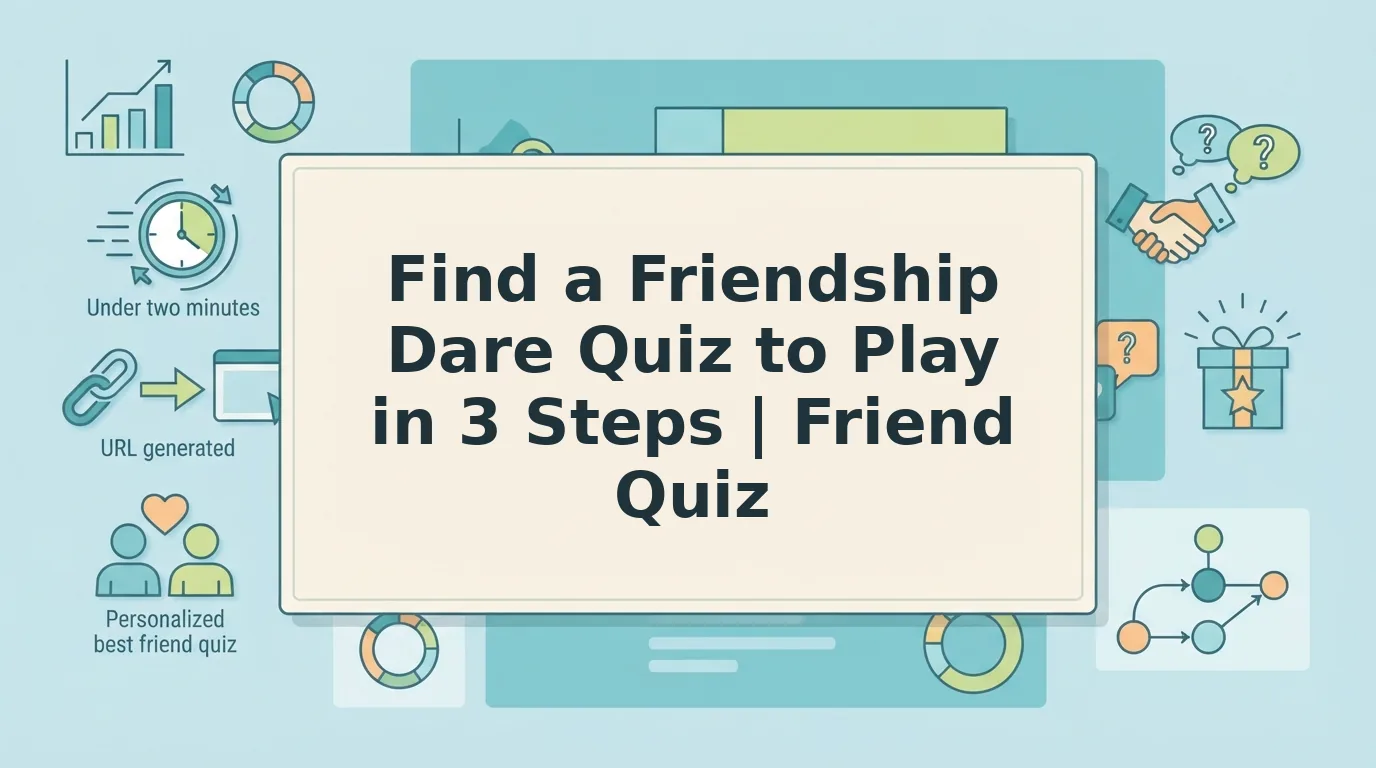
Browse the Friend Quiz discover feeds for a dare-style challenge, play it or create your own in under two minutes, then drop the link in your chat. Friends open it in their mobile browser with no account, email, or app download.
A silent chat is normal. Everyone is busy, and nobody wants to be the one who tries too hard to start a conversation. A quiz link solves that because it gives everyone something to react to.
This guide covers three steps: find a challenge, pick one or build your own, and drop it where your friends will see it. You need a phone, a group chat on WhatsApp, iMessage, or Snapchat, and a couple of minutes.
The step most people skip is the one that kills the game. You will see which one it is before you send your link.
How Do I Find a Friendship Dare Quiz to Play With My Group Chat?
To find a friendship dare quiz for your group chat, open the Friend Quiz discover feeds and choose a dare-style challenge, or create your own. Then paste the link into the chat. Friends answer in their mobile browser, so nobody installs an app or creates an account.
What you need: a phone with a web browser, access to your group chat on WhatsApp, iMessage, or Snapchat, and about two minutes.
- Browse the discover feeds (about 1 minute). Open the trending challenges to see what other groups are playing now. You can also check the New, Weekly, and Monthly feeds. Scan the titles for dare-style challenges, and stop once you find one that fits your chat's energy.
- Play one or create your own (under 2 minutes). To play, open the challenge and answer the prompts. To create your own, type your name on the homepage and work through the personal trivia prompts about your habits, quirks, likes, and dislikes. When you finish, Friend Quiz turns your answers into a personalized quiz link you can copy.
- Drop the link in the chat (about 30 seconds). Copy the link, open your group chat, and paste it with a short message. You will know it worked when friends tap the link and start playing in their browser.
If you would rather skip browsing, go straight to play a friendship dare quiz.
Copy-Paste Drop Messages
- "This chat has been dead for days. Prove you actually know me: [link]"
- "Lowest score picks the next group plan. No excuses: [link]"
- "Two minutes, no app, no sign-up. Who's brave enough? [link]"
Example: Reviving a Dead Group Chat
Say your WhatsApp group has been silent all week. You open the Friend Quiz trending feed and spot a dare-style challenge that suits your friends' sense of humor. You play it, or you type your name on the homepage and answer the prompts to make your own version. Within two minutes you have a personal link. You paste it into WhatsApp with a one-line dare, and friends tap it and play right in their mobile browser. Nobody downloads an app, enters an email, or creates an account. Short, specific messages tend to get more replies than a bare link, so always add a line of context.
Which Dare Quiz Fits Your Group Chat?
The right dare quiz depends on what your chat needs: a restart, a rivalry, or an icebreaker. A friendship dare quiz is a shareable trivia challenge where friends answer questions about you. Truth or dare is a turn-based party game, and online it usually takes the form of a video people watch together.
| Format | Who answers | Scores | Where it is played |
|---|---|---|---|
| Friendship dare quiz | Each friend, on their own phone | Yes, per player | Mobile browser, through a shared link |
| Truth-or-dare video | Viewers, out loud | No | YouTube, watched together |
| BFF test | Friends who receive the link | Yes, ranked | Mobile browser or app, depending on the provider |
Truth-or-dare videos from Pretty Quizzy and QuickiQuiz work well when everyone is in the same room. They are watch-alongs, though, with no shareable link to drop in a scattered chat. The DH3 Games BFF test video is fun to watch, but its description pushes an app download.
Fit Check
| Chat vibe | Recommended page | Best for |
|---|---|---|
| Dead chat | Friendship dare quiz | The friend who wants to restart the chat with one link |
| Rivalry chat | Best friend test | Competitive best friends who want a ranking |
| New group | BFF quiz or friendship test | Classmates or new coworkers breaking the ice |
| Same room, one screen | Truth-or-dare YouTube video | Sleepovers and in-person parties |
Pro tip: In big chats, pick shorter dares. Fewer questions mean more friends finish the quiz instead of dropping off halfway.
If your chat runs on bragging rights, build your own quiz and share it. Friendboards show who ranks first in real time, so the debate keeps going after the last answer.
Before you celebrate, make sure your link actually opens for everyone.
How to Check Your Dare Quiz Worked (and Fix a Link That Won't Open)
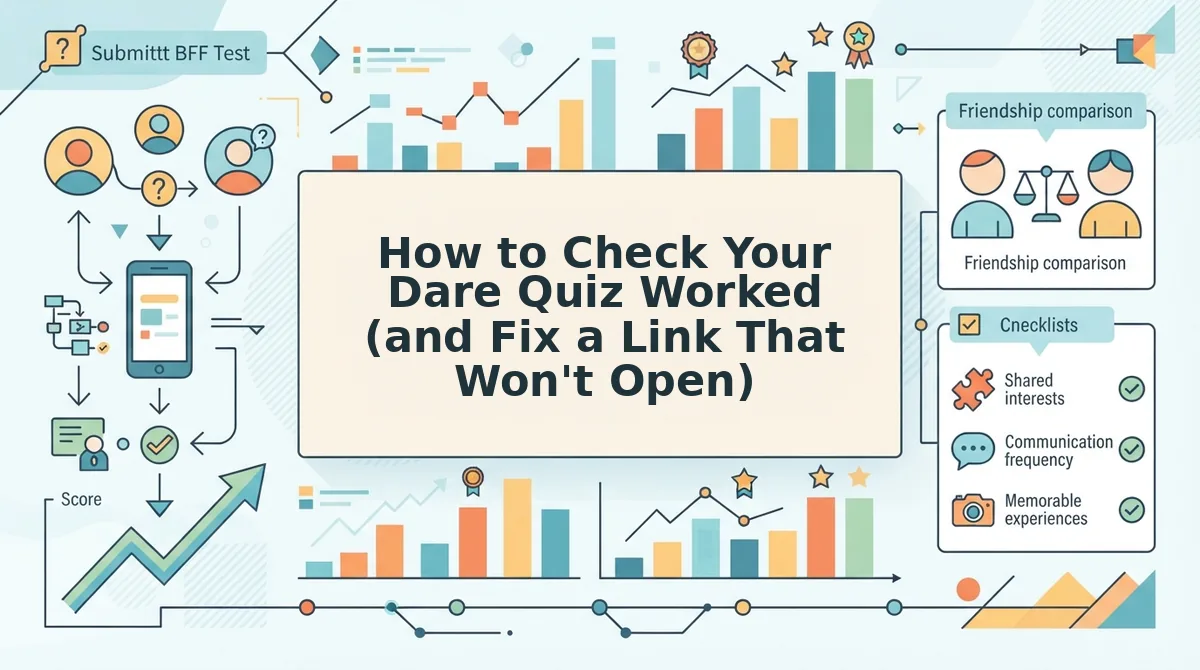
Your dare quiz is working when three signals appear: a link preview in the chat, friends landing straight in the quiz, and names showing up on the Friendboard. If a signal is missing, use the fixes below. They are general guidance, not tested data, because app behavior varies by device.
- Names appear on the Friendboard. This is the clearest proof that friends finished the quiz. In a rivalry chat, drop the link with a "beat the top Friendboard score" challenge, then check the board to see who is playing.
- Friends land straight in the quiz. One tap should open the first question in their mobile browser, with no account wall or multi-page reload. Ask one friend to confirm this before the whole chat joins.
- The link preview shows in the chat. A visible preview means the link pasted cleanly, and it invites more taps. Friends can still play from a bare URL, but fewer of them will notice it.
Troubleshooting a Link That Won't Open
Most quiz guides skip this part. Each problem below comes with a one-line fix.
- The link opens inside the WhatsApp or iMessage in-app browser. In-app browsers can sometimes stall pages. Fix: tap the menu and choose "Open in browser," or read our guide to a friend quiz link stuck in the WhatsApp browser.
- The link preview fails to load. Previews can lag on slow connections or break when a URL gets trimmed. Fix: copy the full link again and repost it.
- A friend is asked for an app. Friend Quiz runs in the browser, so an app prompt usually means the friend tapped an ad or opened a different site. Fix: resend the original link directly.
- Friends stall before question three. Ad clutter and slow reloads often kill chat momentum early on. Fix: post a playful nudge, and learn why friends quit before question three.
Friendship Dare Quiz FAQ
These answers cover what the guide above leaves open: app downloads, accounts, building your own quiz, and what a score really means.
Do my friends need to download an app to play a dare quiz?
No. Friends play a Friend Quiz dare quiz directly in their mobile browser, with no app download, account, or email required. They tap the link in WhatsApp, iMessage, Snapchat, or Instagram, and the first question loads right away. Zero-install play matters because every extra step, such as a trip to the app store or a login screen, gives friends a reason to drift back to the chat without answering. Keeping play in the browser holds everyone in the game.
Do I need an account to make a friendship dare quiz?
No account is needed. On Friend Quiz, you type your name on the homepage, answer the personal prompts, and get a shareable link with no email or login. That keeps creation fast enough to finish between messages in the group chat.
Can I make my own dare quiz instead of browsing?
Yes. In a new group where nobody knows each other's quirks yet, you can skip browsing, enter your name, and build a personal quiz in under two minutes. If you prefer a straight trivia format, try the friendship test.
Does a dare quiz actually measure friendship?
No. A dare quiz is casual fun, not a real measure of how close you are. Treat scores as bragging rights. Keep dares lighthearted and opt-in, and skip anything embarrassing, risky, or private that could sour the chat.
Drop Your Dare Link and Wake Up the Chat
Finding a dare quiz is the easy part. The real win is a chat that stays awake long enough for friends to fight over first place.
The whole playbook fits in one line: find a quiz in the discover feed, pick the style that fits your chat's vibe, and drop the link with a playful message. Then check the Friendboard. Names climbing the board are the payoff this guide promised, because they prove friends made it past question three and are competing, not just scrolling.
If your group is new or quiet, make your own quiz instead and let your quirks start the rivalry.
Enter your name and drop your dare link now. The next notification could be a friend claiming first place.