How do friendboard rankings keep a group chat coming back
Your group chat hasn't gone quiet because people stopped caring, it went quiet because the last quiz ended and nothing pulled anyone back. Friend Quiz solves this with a live scoreboard that turns a one-off trivia round into an ongoing rivalry. If you've ever sent a quiz link, watched scores roll in, and then felt the thread die within the hour, you already know the problem: static results give nobody a reason to return.
This article breaks down exactly how friendboard rankings keep group chat coming back, and why the mechanic works even on friends who swore they were done playing. You'll learn what a friendboard actually is, how the Re-Challenge Loop drives repeat attempts, and why live rankings beat static score displays every time.
Here's the surprising part: the loop that keeps players returning isn't the score itself. It's the gap between where a friend lands and where they think they should be. That gap, and the mechanic behind it, gets unpacked below.
You can build a quiz in under a minute on Friend Quiz: enter your name, answer a few personal trivia prompts, and share the link. Your friends submit guesses and watch the board update in real time.
What Is a Friendboard Ranking?
A friendboard ranking is the live, ordered position of each friend on a shareable scoreboard tied to a specific friend quiz link, updated in real time as new guesses come in. It shows who knows the quiz creator best, and who doesn't.
Think of a friendboard like a race leaderboard at a marathon, except the finish line moves every time someone submits an answer. The ranking isn't a static trophy case; it's a live standings board that reshuffles the moment a new score lands. A friend sitting in first place at 2:14 PM can drop to third by 2:17 PM without touching their phone.
On Friend Quiz, the flow works like this: you enter your name, answer personal trivia prompts about your habits and quirks, and generate a quiz link. When friends open that link, they submit guesses about you. Each correct guess earns points, and the friendboard ranks every participant by total score. The board is tied to that specific quiz link, so anyone in the group chat can view the same live standings without creating an account or downloading an app.
Ranking is the ordered position itself, first, second, third, and so on. The friendboard is the display surface. Together, they create a visible hierarchy that did not exist before the quiz was shared, and that hierarchy is what fuels the return behavior covered in the next section.
The Re-Challenge Loop: 4 Steps That Pull Players Back
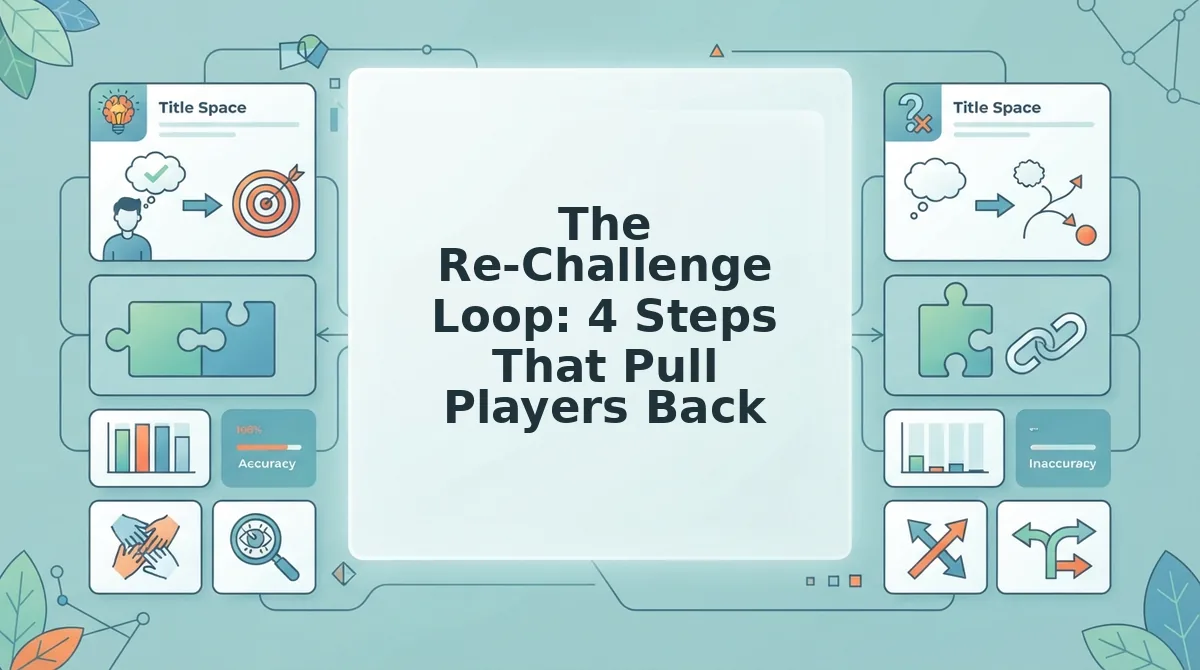
The Re-Challenge Loop is a four-step cycle, trigger, attempt, reveal, re-challenge, that turns a single quiz share into repeated visits by exploiting the gap between a friend's current rank and the top spot.
You need one thing before starting: a live friend quiz link from Friend Quiz. Create it by entering your name, answering the personal trivia prompts, and copying the share link. No app install or account signup is required.
- Trigger, share the link into the group chat. Paste your quiz link with a one-line challenge like "Prove you actually know me." The link itself is the trigger; it lands in a chat where everyone can see it, and the implicit dare is public. Expected outcome: at least a few friends tap within the first five minutes.
- Attempt, friends answer your prompts. Each friend opens the link and submits guesses about your habits, likes, and dislikes. They don't see the correct answers or their score until they finish. Expected outcome: each completed attempt posts a score to the friendboard, and the board updates immediately.
- Reveal, scores post to the friendboard. The moment a friend submits, their name appears on the live board with their score and rank. Everyone in the chat can see the same board. Expected outcome: the first reveal triggers reactions, emoji, trash talk, or a screenshot shared back into the thread.
- Re-Challenge, the gap drives a second attempt. A friend who lands in fourth place sees the three names above them and immediately wants another shot. They retake the quiz, or they pressure someone else to try. Expected outcome: the board reshuffles, the chat reignites, and the cycle repeats without you sending a single follow-up message.
The re-challenge step is where most quiz tools fail. A static score display gives a player their result and ends the interaction. A live friendboard keeps the gap visible, between fourth and first, between a best friend and a casual acquaintance, and that gap is an open loop the brain wants to close. This is why a best friend quiz built on Friend Quiz outperforms a one-and-done trivia link: the ranking itself becomes the invitation to play again.
Next, we compare that live mechanic against the alternative, static score displays, to show why the difference matters for group chat longevity.
Static Score Displays vs. Live Friendboards
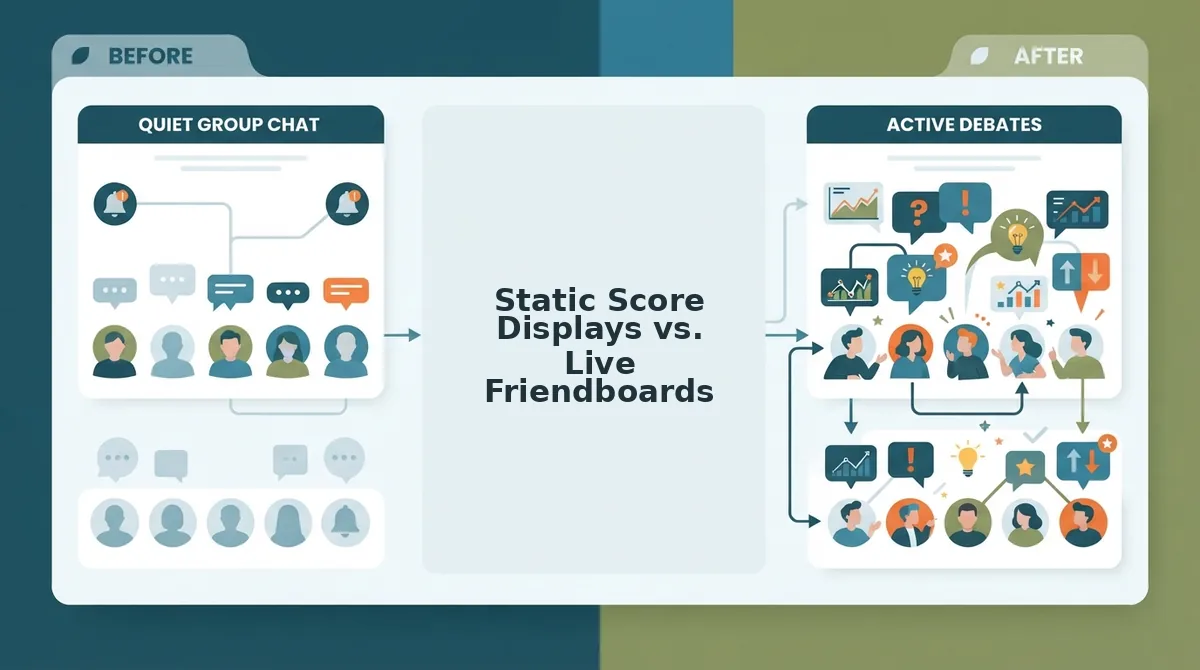
A static score display shows a final result once and gives no reason to return; a live friendboard updates in real time, shows rank gaps, and invites re-challenges. Both formats have legitimate uses depending on what the quiz creator wants from their group.
| Feature | Static Score Display | Live Friendboard |
|---|---|---|
| Update frequency | One-time, after quiz completion | Real-time, as each friend submits |
| Rank visibility | Single score, no comparison | Full ranking with gaps between positions |
| Re-challenge trigger | None built in | Rank gaps and leader callouts invite rematches |
| Group chat integration | Shareable screenshot only | Shareable link that updates on every open |
| Retention mechanism | Relies on user memory | Built-in decay and refresh cycle |
Static displays are not a design flaw. They work well for one-off trivia, classroom quizzes, or personality tests where the answer is the point and comparison is irrelevant. A final score feels conclusive, which is exactly what some creators want.
Best for casual quiz takers: Static score displays suit people who want a single answer and no follow-up, such as a "Which character are you?" quiz shared once in a feed.
Best for group chat instigators: A live friendboard suits friend groups that thrive on rivalry. The board's real-time updates and visible rank gaps create a natural reason to re-open the link, re-challenge a friend, and keep the chat thread moving.
Why Bragging Rights Decay (And Why That's a Feature)
Bragging rights decay is the predictable loss of perceived value a leaderboard position holds over time without a refresh or rotation. Think of it like a high score on an arcade cabinet: the moment you set it, it feels monumental, but by the next day the glow has faded and nobody is standing around the machine anymore.
The decay timeline is consistent. Immediately after a quiz reveal, the winner gets a spike of social capital in the group chat. Within a few hours, the jokes and reactions taper off. After roughly a day without any board update, the ranking carries near zero conversational weight. This is not a bug in the design; it is the mechanism that creates a natural re-challenge window.
Group chat admins can exploit this decay deliberately. When the board goes quiet, posting a fresh challenge link or resetting the ranking converts fading bragging rights into renewed competition. The silence after a win is not the end of engagement; it is the countdown to the next round.
For a group that wants sustained activity, the decay curve matters more than the initial score. A board that refreshes weekly turns a one-time victory into a recurring contest, where each decay cycle resets the stakes and pulls players back without any manual nagging.
How to Set Up a Friendboard That Keeps Chats Active
A friendboard only sustains a group chat if you set it up with rotation, timing, and rivalry in mind. You need a completed quiz link from Friend Quiz and a group chat where members are active at predictable hours.
- Pick prompts that invite debate, not just factual recall. When creating your quiz, choose questions about habits, opinions, and quirks rather than straightforward facts. A prompt like "What's my go-to late-night snack?" sparks arguments; "What's my birthday?" ends the conversation. You should see friends defending their answers in the chat before the results even load.
- Share the link at peak chat hours. Drop the quiz link when your group is most active, typically evening or lunch breaks. Sharing at 2 a.m. means half the group sees it the next morning with zero momentum. You should see the first responses land within minutes of posting.
- Call out the current leader after each round. Once the friendboard updates, tag or name the person at the top and challenge the runner-up directly. A simple "Sarah's still ahead by 2, Jake" fuels the rivalry. You should see immediate re-challenge attempts from the people just below the leader.
- Rotate or reset the board on a weekly cadence. Set a recurring day, such as every Sunday evening, to reset the rankings or launch a new quiz. A friendship dare quiz works well as a rotation variant when the standard format gets stale. You should see the group start anticipating the reset and asking about it before you post.
Once your rotation is running, the board becomes a standing appointment rather than a one-off event. The next section answers the most common questions about keeping that appointment alive.
FAQ
Live friendboards answer the most common questions players ask after their first quiz: how rankings update, when scores reset, and how to keep a group challenge running without manual tracking.
How do live scoreboards work in a group chat?
Live scoreboards update in real time and show rank changes immediately after each attempt. When a friend finishes a quiz, their score posts to the shared board, reshuffles the order, and sends a visible rank-change signal that pulls the group back to check who moved up or down.
Why does my friend quiz leaderboard reset?
Friendboards reset when the quiz creator chooses a new round, week, or season. Resetting a friendboard weekly or after a season keeps momentum without killing rivalry because it gives everyone a clean shot at the top spot while preserving the ongoing bragging-rights narrative.
How do I track BFF quiz scores without counting manually?
Tracking BFF quiz scores is automatic on a live friendboard; no manual tally needed. Every attempt logs to the board, ranks players instantly, and keeps a running order so nobody has to screenshot results or maintain a separate spreadsheet in the group chat.
What is a friendship dare scoreboard?
A friendship dare scoreboard works the same way as a trivia friendboard but uses dare-based prompts instead of trivia questions. Players complete dares, submit results, and the board ranks them in real time. You can start one at friendquiz.org/friendship-dare-quiz.
How often should I reset a friendboard to keep a chat active?
Weekly resets work best for fast-moving group chats, while monthly or seasonal resets suit slower circles. The key is a predictable cadence: players return when they know a reset is coming and they have a fresh chance to claim the number-one slot before the next cycle closes.
The Friendboard Is the Game, Not the Quiz
Friendboards turn one-time quizzes into repeat loops by making scores visible, comparable, and beatable. The quiz itself is just the entry point; the board is what keeps the chat pinging at midnight. Live-updating boards outperform static score displays because they create a reason to return, every rank change is a notification, every notification is a dare.
Next step: create a friendboard on Friend Quiz, drop the link in your group chat, and let the first rank change do the recruiting for you. Then share this article with the friend who still thinks they know you best. The board is waiting, and the top spot won't hold itself.