Friend quiz without account logins for busy group chats
The quiz was never the problem. The signup screen was. You dropped a link in the group chat, three people replied "ok doing it now," and then the thread went quiet â not because your friends stopped caring, but because a form loaded where a question should have been.
That's a design failure, not a social one. This is the whole path for a friend quiz without account friction: one link, one mobile browser, one name the friend types themselves. No email capture, no password, no app store detour, no profile to build before question one appears.
You'll get the mechanism first â why a no-login quiz even works â then an honest accounting of every screen sitting between a tap in the chat and the first prompt, which is where most quizzes actually die. The fix is a rule about taps, not a pep talk in the group chat.
One thing worth flagging now, because quiz makers leave it out: dropping the account also drops something for the creator. What disappears along with the login is the part almost nobody explains, and it changes how you should share the link.
Can friends play a friend quiz without making an account?
Yes. A friend can play a no-account quiz without installing anything, because the quiz runs as a web page inside the browser they already have open. The recipient taps the link, types a name, and answers the first question â no email, password, download, or profile stands in between.
A no-account friend quiz is a personal trivia challenge delivered as a shareable web link and played entirely in the recipient's browser, with nothing verified and nothing stored beyond a self-declared name. That's the entire mechanism, and it's short enough to sound suspicious until you see what it removes.
At the simplest level, the friend taps and answers. At the intermediate level, it matters that nothing is authenticated: the name field is self-declared, so your friend could type "your mom" and the quiz would score it, which is exactly why a group chat finds it funny. At the advanced level, the absence of an account changes what the score is for â it belongs to the conversation, not to a saved history, so the payoff has to land in the thread rather than in a dashboard.
Think of an account-gated quiz like a gym that makes you sign a contract at the door before you're allowed to look at the machines. A no-account quiz is a pickup game: you show up, you play, you leave. The game doesn't get worse for skipping the paperwork.
What no account actually removes
Four things disappear, and the order matters because each one is a screen the friend never has to survive:
- Email capture â the first ask, and the first place a stranger weighs whether the quiz is worth an inbox.
- Password creation â a second decision that exists only to protect the account you just avoided making.
- Profile setup â display name, photo, preferences: all of it before question one, all of it unpaid-for attention.
- App install â the store detour, the permissions prompt, and the wait, which asks for more commitment than the quiz itself.
The name field is the ceiling of friction. Anything past a name is a design choice, not a technical requirement â on Friend Quiz, creation starts with a name and a run of personal prompts about habits and quirks, and the shareable link is ready immediately, so recipients land on question one instead of a gate.
Why do busy group chats abandon a quiz before question one?
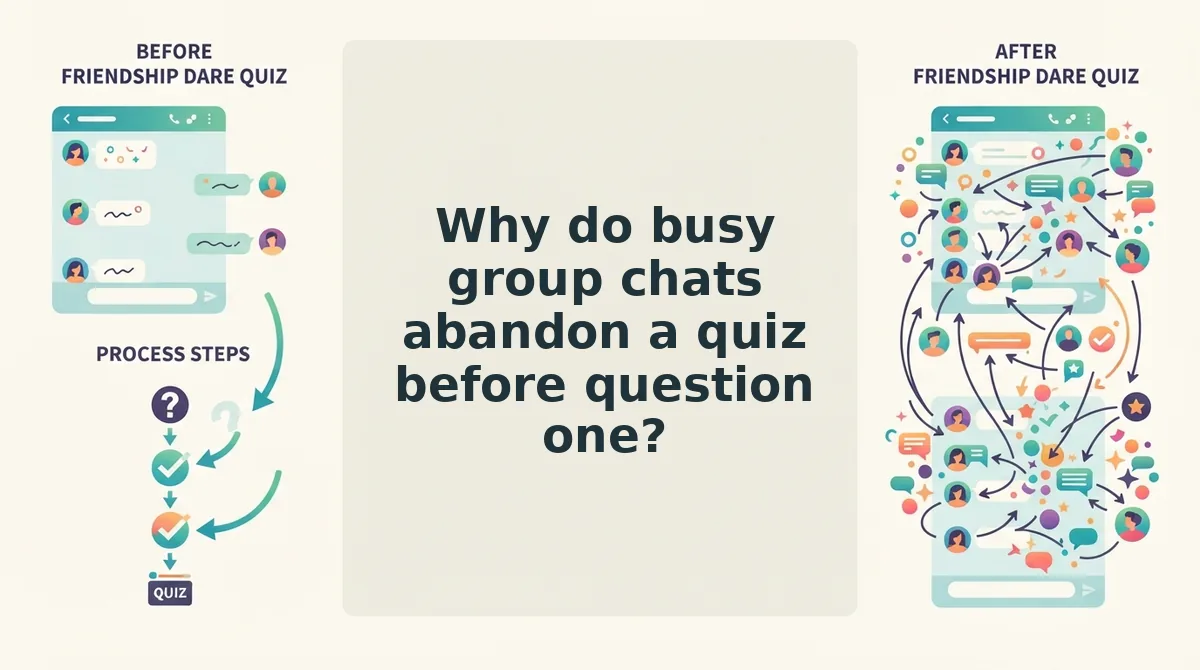
Because every screen before question one is a place where the friend has invested nothing and loses nothing by leaving. The 3-Tap Rule says a recipient must reach question one in three taps or fewer, with no text entry beyond their own name. Count the taps between the link and the first prompt â each extra one is a chance for a busy thread to swallow the quiz whole.
Here are the four interstitials that break that rule, ordered by how much they cost:
- Account creation. A form asking for an email or username before the quiz appears. It forces the friend to spend an identity before earning a single question, which is the worst trade in the sequence. If a quiz maker demands it, treat the tool as a private link generator and find one that opens straight into prompts.
- Email verification. The step that sends the friend to their inbox to prove they're real. Switching apps can drop a lightweight browser session, and coming back often means restarting from the top with the link. Any quiz that routes you through your mail app has already lost the chat.
- App install. The store detour â a download decision, a permissions screen, a wait. Before any account exists, this is pure commitment with no payoff in sight, and it's why a browser link beats a "get the app" prompt in a thread where people are half-reading. Keep the quiz in the app everyone already has open.
- Tutorial overlay. Coach marks, swipe instructions, a "how it works" carousel. Nothing is at stake yet, so a tutorial reads as homework rather than help. Pick a quiz whose first screen is a question, not an explanation of questions.
None of this is about patience. A public, group-visible score is the payoff â the best friend test formats that spread through chats work because results land back in the thread where everyone can compare, the way Beta Squad's format does. A private, half-finished attempt carries none of that.
Fix the taps and the link does the rest â which is what the next step covers.
How do you set up a friend quiz link in under two minutes?
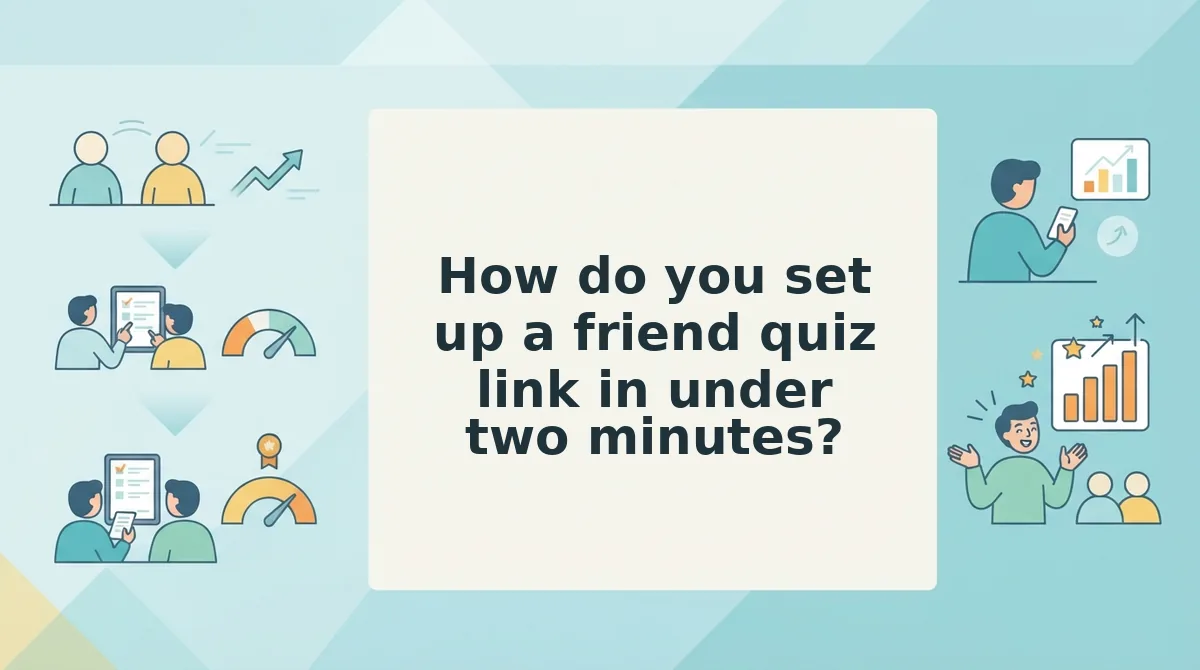
Five steps and roughly 90 seconds of tapping: open friendquiz.org, type your name, answer the prompt sequence, copy the link, paste it into the chat. The only prerequisites are a mobile browser, your own name, and about ten answers you can give without thinking hard.
- Open friendquiz.org in your mobile browser (10 seconds). Type the URL directly rather than hunting for an app. You should see the name field sitting on the first screen with no install prompt, no popup, and no email gate in front of it. That matters more than it looks: every screen between the tap and question one is a place where a friend decides this is too much work.
- Type your name into the field (15 seconds). Use the name your group chat actually calls you, not your full legal name. You should see it carry through to the first prompt, which is how friends know whose quiz they just opened.
- Answer the prompt sequence, one screen at a time (60â90 seconds). Tap through prompts about your habits, quirks, likes, and dislikes, choosing the answer that fits you and moving on. Ten prompts is the practical sweet spot for a chat quiz â long enough to genuinely rank friends, short enough that everyone finishes inside a coffee break.
- Copy the generated link (5 seconds). Tap the share control and copy the URL to your clipboard. You should see a single shareable https link â that link is the deliverable. Everything you did in steps one through three is invisible to the people who play.
- Paste the link into your group chat (10 seconds). Drop it into WhatsApp, iMessage, or Snapchat with one line of context ("ten questions, be honest"). You should see the preview card appear, which tells you the link resolved correctly before anyone taps it.
Setup order matters more than setup speed: name first, then prompts, then share. Building the link before the questions exist is the most common wasted round trip, because you end up with a blank quiz and have to start the sequence over.
Ready to skip the reading and just build it? Open the homepage, type your name, and start answering â the link exists before your coffee goes cold. If you would rather raid a ready-made list of prompts first, borrow them from the best friend test page so you arrive at the builder with answers in hand instead of a blank screen.
Who tests you back when nobody has a profile?
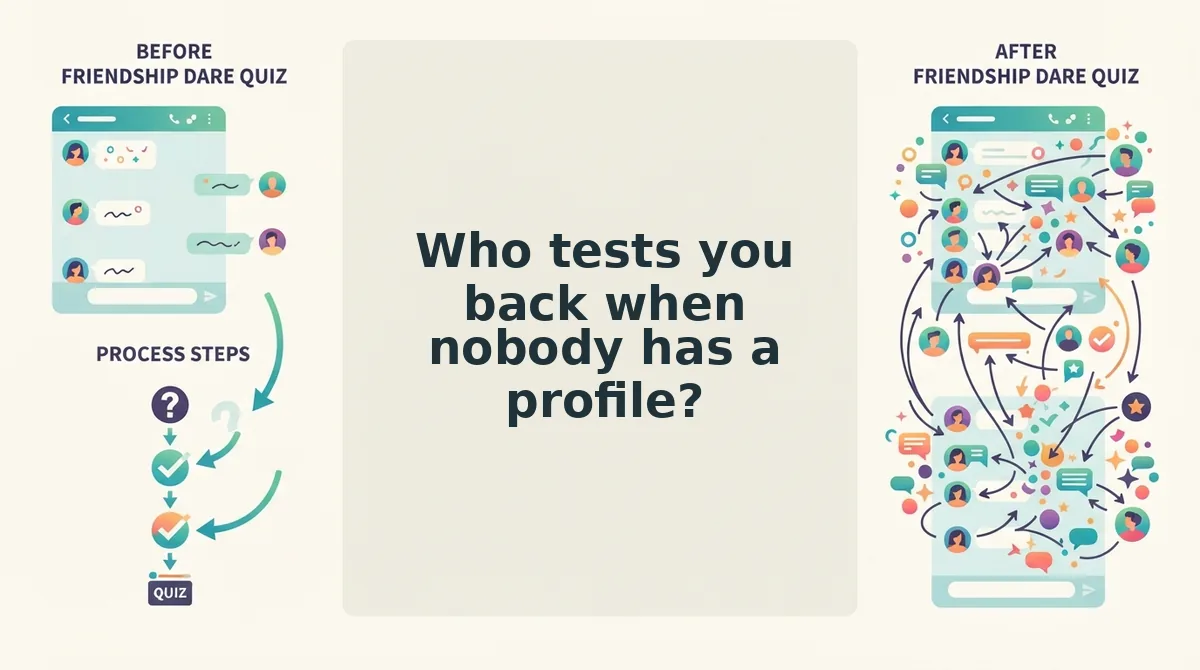
Nobody does it for you â reciprocation happens by handshake, not by notification. With no accounts there is no push alert, no reminder email, and no friend list to nudge, so the return quiz arrives because a friend chooses to send one.
A reciprocation handshake is an informal two-way agreement in which the person who receives a quiz link commits to sending one back through the same flow. Think of it as buying a round: no bouncer enforces it, but everyone at the table keeps score and nobody wants to be the one who never gets them in.
The loop, in four lines of chat
- You send your link into the group.
- A friend opens it and submits their guesses about you.
- That friend builds their own quiz using the same three-input flow â name, prompts, link.
- You play theirs, and the scoreboard stays level.
Quiz N' Chill frames the best friend test as something better done while you are actually with the friend, and that instinct is exactly what the handshake formalises: the quiz is a conversation with a score attached, not a form you submit into the void.
What it looks like in practice
A friend taps your link inside the WhatsApp in-app browser, guesses nine out of ten, and gets a score card. There is no button that says "now make your own," so the ask has to come from the chat. One honest nudge â "your turn, I already lost" â converts far better than any reminder email an account would have enabled, because it is social rather than automated.
The system holds up because the ask is symmetrical. You cannot demand a quiz back that you would not take yourself, and in a group chat that symmetry is visible to everyone watching.
Does the link work the same in WhatsApp, iMessage, and Snapchat?
No â the link opens everywhere, but each app handles it differently, and those differences decide how many friends actually finish. A friend quiz link sent to WhatsApp arrives as a tappable preview card, to iMessage as a Safari handoff, and to Snapchat inside a browser that punishes app-switching hardest.
Sky Sports runs its best friend test segments as a two-person head-to-head rather than a solo form, which is the right mental model here: you are moving a duel through a chat, not distributing a survey.
| Channel | How the link arrives | What the friend sees | Friction to watch |
|---|---|---|---|
| As a link preview card that expands in the thread | A single tap opens the quiz in the in-app browser | Jumping to another app mid-quiz can drop the page and lose progress | |
| iMessage | As a rich preview that opens Safari on most devices | A full browser tab, cleaner rendering, no in-app wrapper | The friend leaves the chat thread entirely, so the return nudge needs a second message |
| Snapchat | As a bare link inside the chat, often without a preview | Snapchat's in-app browser, which is the least forgiving of app switches | Shorter quizzes finish more often; ten prompts is close to the ceiling here |
The practical consequence competitors skip: a preview that fails to expand makes the tap a guess, and a friend who cannot see what they are opening will scroll past. Test your own link in the exact app before you send it to twelve people.
Which brings back the number this article opened with. The "30 seconds" claim is about the friend's side of the transaction, not yours â a friend taps, answers ten prompts, and sees a score in under a minute. The creator spends closer to 90 seconds, and the gap between those two numbers is the whole reason the no-account format works: the person doing the work is the one with motivation to finish.
Three things worth doing next: send your link to exactly one friend first to confirm the preview renders, keep the quiz at ten prompts for Snapchat, and set the expectation in your message that you will play theirs back. When the handshake becomes the habit, the format gets sharper â try the friendship dare quiz to raise the stakes once plain trivia stops being enough, and let the group chat keep score.