Do Friends Need to Sign Up to Play My Quiz Link
You send your friend quiz link into the group chat, someone taps it, and the first thing they see is a "Create Account" wall. The banter dies before it starts. If you've ever watched a quiz link flop because of a login screen, you already know the exact problem this article solves.
Here's the short version: do friends need to sign up to play my quiz? No, not on a platform built for group-chat speed. Friend Quiz is designed so your friends tap the link, answer in their mobile browser, and submit in under a minute. No account, no email, no app download, no friction.
In the next two sections, you'll get the direct answer with a zero-account definition, then a step-by-step walkthrough of exactly what your friends see when they open your link, including the Friendboard moment that keeps the chat alive. Stick around for one surprising reason most quiz links die, and how to make sure yours never does.
The Short Answer: No Sign-Up Required, Ever
No, friends do not need to sign up to play your quiz link. They open it, answer, and submit, nothing else.
Zero-account participation is a quiz flow where the recipient opens a link in their mobile browser and answers immediately, with no account creation, no email prompt, and no app download. Think of it like passing a paper quiz across a lunch table: the person just grabs it, writes answers, and hands it back. Nobody asks for their ID first.
Every extra tap between your friend and the first question costs you players. A login wall is the single biggest reason friend quizzes die in group chats, the momentum collapses the moment someone sees a form instead of a question. Friend Quiz removes that wall entirely, so the quiz starts the second the link opens.
Here's the full flow in one self-contained answer: When you create a quiz on Friend Quiz, you get a shareable link. You paste that link into WhatsApp, iMessage, Instagram, or any chat app. When a friend taps it, their mobile browser opens the quiz directly, no name prompt, no email field, no app-store redirect. They answer your questions, tap submit, and instantly see how they rank on the Friendboard against everyone else who has played. The entire recipient experience is built for chat-app browsers, which means it works exactly where your friends already are. Contrast that with quiz tools that require sign-up before answering: those platforms trade your group-chat momentum for their user-acquisition goals, and your quiz pays the price.
What Your Friends Actually See When They Tap the Link
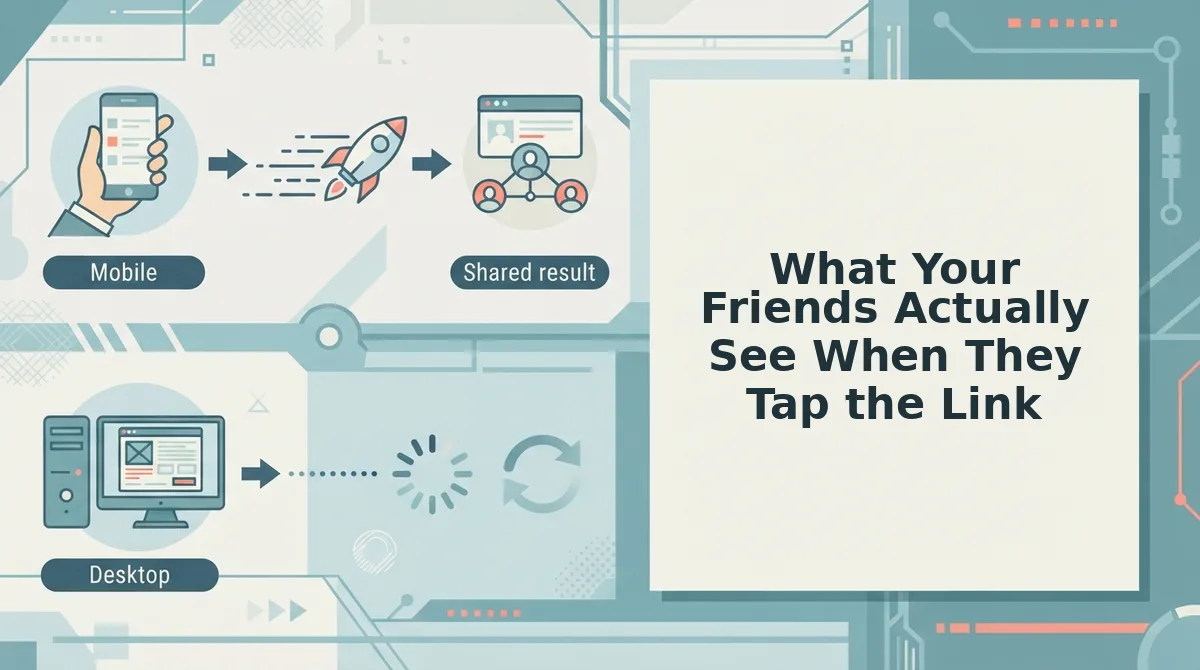
Your friends see a quiz that opens instantly in their mobile browser, no login wall, no email prompt, no app-store redirect. Here's the exact recipient flow, step by step.
Prerequisite: You've already created your quiz and copied the share link from Friend Quiz. That's the only setup required.
- Tap the link in the chat. Your friend taps your quiz link inside WhatsApp, iMessage, Instagram, or any chat app. The quiz opens directly in their mobile browser, no redirect to an app store, no intermediate landing page. Expected result: the first question appears within about one second.
- Answer the questions. Your friend reads each personal trivia question about you and taps their answer. There is no name field, no email prompt, and no account-creation step anywhere in the flow. Expected result: they move through the questions with zero interruptions.
- Tap submit. After the final question, they hit the submit button. Their answers are recorded instantly. Expected result: a confirmation appears immediately, with no "check your email to verify" step.
- See the Friendboard. Their score and ranking appear on the real-time Friendboard, showing how they stack up against everyone else who has played your quiz. Expected result: they see their name or position on the board and can screenshot it straight back into the group chat.
The entire flow takes under a minute for most players. That speed is the point: Friend Quiz is built for chat-app browsers, so the quiz works exactly where your friends already are, no downloads, no accounts, no friction between tap and first answer.
Ready to see the recipient side for yourself? Create a best friend quiz in under two minutes, send the link to your own phone, and tap it like a friend would. You'll experience the exact zero-account flow your group chat will get.
Next, let's look at why account walls kill friend quizzes, and how to make sure yours never hits one.
Why Account Walls Kill Friend Quizzes (And How to Avoid Them)
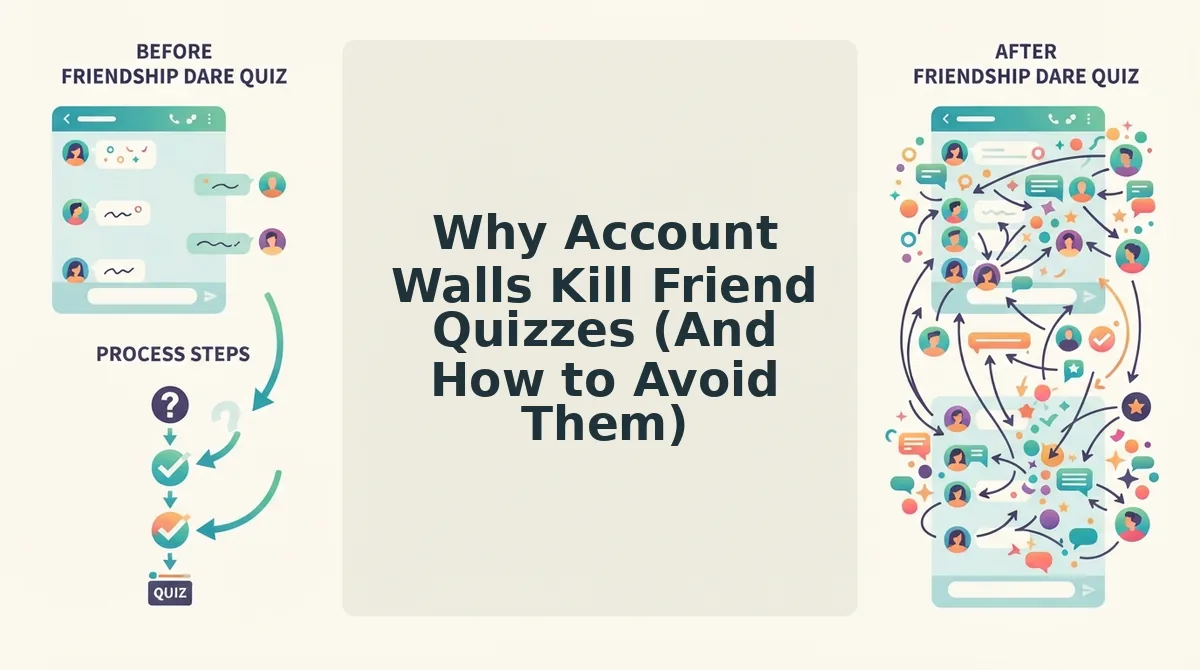
Sign-up friction is the deciding factor in whether a friend quiz gets played or ignored, not a minor annoyance. Every extra tap between tapping a link and answering the first question costs you players in group chats where attention spans are measured in seconds.
Before choosing a quiz platform, run the 3-point zero-account test on any link you plan to share: (a) does the recipient see a login wall before answering? (b) does the link work inside a chat app's built-in browser without opening a new tab? (c) does the quiz finish in under 60 seconds? If any answer is no, expect drop-off.
Some platforms with account requirements do offer legitimate value. Apps with persistent profiles let creators track scores across multiple quizzes, build friend networks, and unlock social features like leaderboards and streaks. Those strengths matter for power users who want a long-term trivia hub, not a one-off link.
| Platform Type | Sign-Up Required? | Works in Chat Browser? | Best For |
|---|---|---|---|
| Zero-account web quiz (Friend Quiz) | No, recipient answers instantly | Yes, no new tab needed | Group chat instigators who want a link shared and played in under a minute |
| Login-required quiz apps | Yes, account or email before playing | Often no, forces app or external browser | Power users who want persistent profiles, score history, and friend networks across many quizzes |
| Social media native polls | No, but limited to that platform | Partial, locked to one app's ecosystem | Casual pollers who only need a single question, not a full personalized quiz |
The logic is simple: every extra tap loses players. A login wall in a WhatsApp group chat is where quizzes go to die, because the moment a friend sees "create an account to continue," they swipe back to the conversation and move on.
How to Share Your Quiz Link for Maximum Group-Chat Speed
Keep the link inside the chat app so friends never leave the conversation. These seven tactics remove friction and get your quiz answered in seconds.
- Paste the link directly into the chat instead of asking friends to search for it. A tappable URL in WhatsApp or iMessage is one tap away from playing. Asking friends to find your quiz on a website or social profile adds steps that kill momentum.
- Use a short, clean link that works inside chat app browsers without opening a new tab. Friend Quiz links load directly in the in-app browser, so friends stay inside the conversation while answering. Avoid long URLs with tracking parameters that look spammy in a group chat.
- Send the link with a one-line challenge, not a paragraph. A message like "Think you know me? Prove it" creates instant curiosity. Long explanations delay the tap and give friends time to scroll past.
- Share during active chat hours, not at midnight. Group chats have peak engagement windows, lunch breaks, evenings, weekends. Timing your link to when friends are already active increases the chance of immediate plays and banter.
- Drop the link in multiple chats at once. Your best friend group, family thread, and work chat are all fair game. Each chat has its own dynamic, and the same quiz can spark different conversations in each.
- Follow up with your own score or a taunt after the first few answers. "Sarah got 8/10, can anyone beat that?" turns a passive link into a competition. Bragging rights are the fuel that keeps friend quizzes circulating.
- Re-share the link the next day for friends who missed it. Not everyone checks the group chat immediately. A single follow-up message catches the late responders without feeling spammy.
If you want a friendship test with zero sign-up that loads instantly in any chat app, create your quiz in under two minutes and paste the link straight into your group chat. Your friends answer without accounts, downloads, or leaving the conversation.
FAQ: Friend Quiz Links and Sign-Ups
Direct answers to the most common questions about sharing and playing friend quiz links.
Do my friends need to download an app to play my quiz?
No. Friend Quiz links open directly in any mobile browser, including the built-in browsers inside WhatsApp, iMessage, and Instagram. Friends tap the link and start answering immediately, no app store visit, no installation, no waiting.
Can friends play in a group chat without leaving WhatsApp?
Yes. The quiz loads inside WhatsApp's in-app browser, so friends answer questions without switching apps. They stay in the conversation the entire time, which means they can share scores and taunt each other immediately after finishing.
What happens if a friend opens the link on a desktop?
The quiz works the same way in any desktop browser. The layout adapts to the screen size, and friends answer the same questions without creating an account. Desktop players get the identical zero-friction experience as mobile users.
Why does my quiz link ask for a name before playing?
The name field is how the quiz tracks who answered, so the creator can see which friend got which score. It is not an account sign-up, no email, password, or verification is required, and the name is only used for that quiz session.
How do I make a BFF quiz link my best friend can play instantly?
Create a BFF quiz link by entering your name and answering personal trivia prompts. The platform generates a shareable URL immediately. Paste that link into your chat, and your best friend starts playing with one tap.
Send the link, skip the sign-up, that is the entire playbook.
Send the Link, Skip the Sign-Up
The entire friction-free design of a friend quiz comes down to one mechanic: your friends tap, they answer, they see their score. No email capture, no password reset, no "verify your account" dead end. That zero-account flow is what keeps a group chat moving from "wait, how do I play this?" to "I got 9/10, you're done" in under a minute.
So here's the three-point test before you share any quiz link:
- Tap it yourself in an incognito tab. If you hit a sign-up wall, your friends will too.
- Send it where the banter already lives. WhatsApp, iMessage, Instagram DMs. Not an email thread.
- Drop it with a challenge line, like "Bet you can't beat my best friend's score." That's the whole game.
Your next action: create a quiz in under two minutes and send the link to your group chat. That's it. No setup, no waiting, no "check your inbox."
The best friendship tests don't feel like tests at all, they feel like a dare your friends can't ignore. A quiz link that opens instantly is a conversation starter; a quiz link behind a login is a conversation ender.