QuizYourFriends vs Friend Quiz for discovering new quizzes
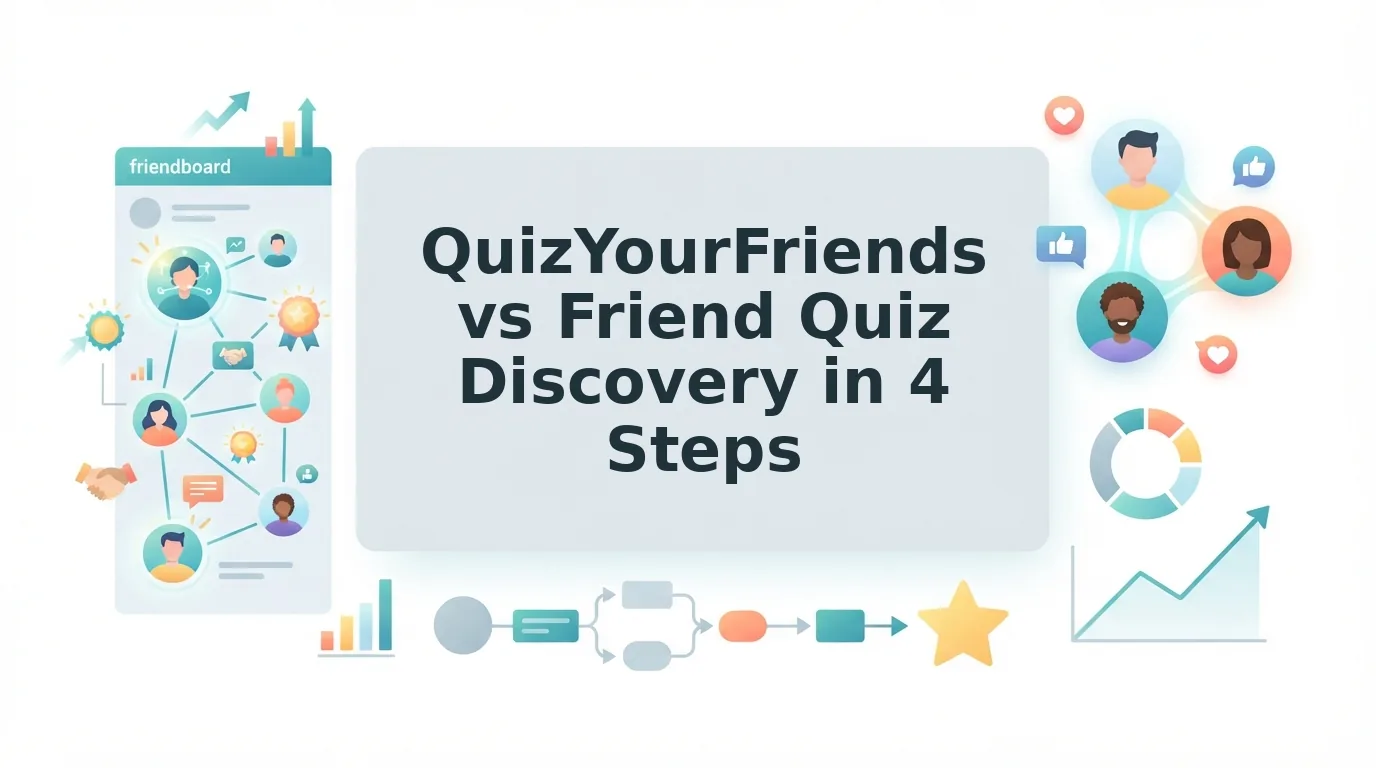
The group chat has gone quiet. Everyone already played the last quiz, the scores are old news, and someone needs a fresh one to drop right now.
Finding a new quiz is often harder than making one. Account walls, ad clutter, multi-page reloads, and clunky layouts can stall the chat before friends ever reach question three.
This head-to-head on quizyourfriends vs friend quiz discovery skips the full feature checklist. It focuses on one job: getting a new quiz from a browse screen into your group chat fast.
You will get a direct verdict, two plain-English definitions, and a 4-step Discovery Friction Score covering find, open, play, and share-back. One of those steps decides whether your friends play at all, and it is not the one most people expect.
Friend Quiz is the stronger pick for mobile quiz discovery because its trending, new, weekly, and monthly directories open in the mobile browser with no account or app download. QuizYourFriends leans on a make-your-own, desktop-era flow, so check its current product before you commit.
Which Is Better for Discovering New Quizzes, QuizYourFriends or Friend Quiz?
Friend Quiz is better for discovering new quizzes on mobile. Its discover directories, sorted into trending, new, weekly, and monthly picks, open in the mobile browser with zero-account play. QuizYourFriends follows a static, desktop-era flow built mainly around making your own quiz rather than browsing quizzes others have made.
The reason is where browsing happens. Friends discover quizzes on phones inside chat apps, so the platform that keeps every step in the mobile browser keeps the group moving.
Two terms that shape the verdict
A quiz discovery directory is a browsable list of quizzes sorted by views such as trending, new, weekly, and monthly. It works like the "Trending now" row on a streaming app: scroll, tap, start.
A static quiz flow is a fixed form-based path, typically one page per step, designed around desktop browsing. It resembles a paper form at a front desk, where each page must load before the next question appears.
The Friend Quiz workflow is short: see what's trending, tap a quiz, answer in the browser, and paste the link back into the chat.
One trust note: QuizYourFriends traits here are inferred, so this verdict covers discovery only, not every feature.
Want to feel the zero-account flow yourself? Take a friendship test, then build your own quiz in under two minutes without an email or app download.
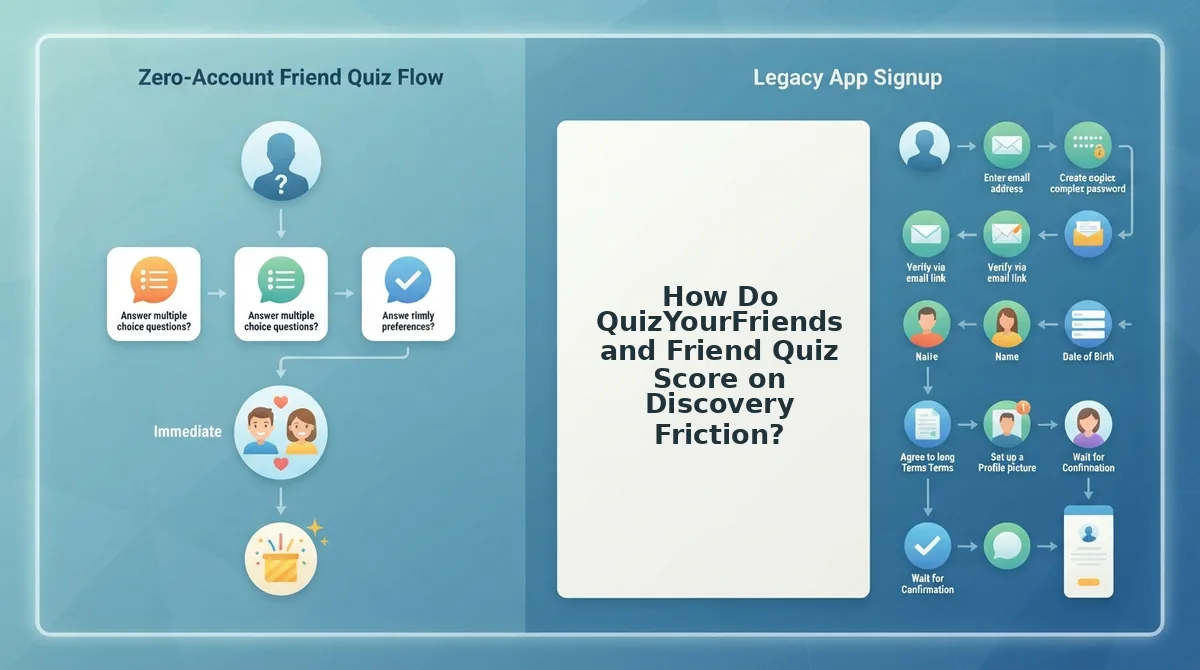
How Do QuizYourFriends and Friend Quiz Score on Discovery Friction?
The Discovery Friction Score rates a quiz platform across four steps: find, open, play, and share-back. At each step, it flags a login wall, a page reload, or a desktop-only layout. Friend Quiz clears all four steps in the mobile browser, while QuizYourFriends cells are inferred and need verification.
| Funnel step | Friend Quiz | QuizYourFriends |
|---|---|---|
| Find | Login wall: No. Trending, new, weekly, and monthly directories. Mobile-first layout. | Login wall: verify. Browsing secondary to quiz creation (inferred). Desktop layout: verify. |
| Open | No app download. Opens directly in the mobile browser. | Page reload: verify. Desktop-era layout inside in-app browsers: verify. |
| Play | No account needed. Built to avoid multi-page form reloads. | Static, one-page-per-step flow (inferred). Page reload: verify. |
| Share-back | Shareable link for WhatsApp, iMessage, and Snapchat. Scores tracked on real-time Friendboards. | Link sharing: verify. Mobile share flow: verify. |
Why the open step decides everything
The open step is where most discovery friction loses players. When a friend taps a quiz link inside WhatsApp or iMessage, it loads in a cramped in-app browser rather than a full desktop window. A login wall, a slow page reload, or a layout built for wide screens hits at the exact moment curiosity is highest. Chat momentum works on a short fuse: friends who stall before question three tend to drift back to the conversation and never return. A platform that opens straight into play inside that in-app browser keeps the group in the game. That makes the open step the quietest yet most decisive point in the four-step funnel.
Where QuizYourFriends holds up
QuizYourFriends deserves credit for its focused make-your-own format. If your goal is building a personal quiz rather than browsing, a form-based path can feel structured and predictable on a large screen.
Best-fit recommendations
- Best for group chat instigators on phones: Friend Quiz, because discovery, play, and share-back all run in the mobile browser without an account.
- Best for desktop users building from scratch: QuizYourFriends, provided its current product still matches the inferred form-based flow.
To check the inferred cells, start with how QuizYourFriends surfaces new quizzes.
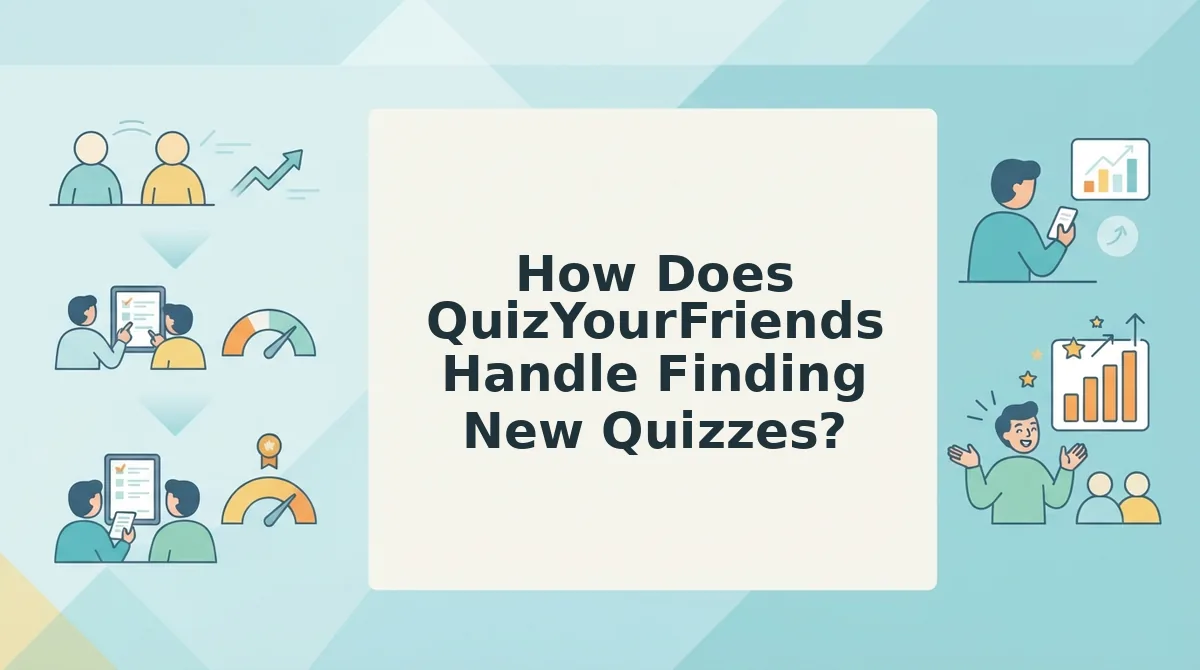
How Does QuizYourFriends Handle Finding New Quizzes?
QuizYourFriends is a quiz-making website where finding new quizzes mostly means building your own quiz and sending the link out. It is not built around browsing a feed of fresh quizzes. If you want something new to play there, you usually create it yourself or wait for a friend to send one.
The simple version: make it, then send it
The core workflow has four steps. You fill in questions, save the quiz, copy the link, and paste it to friends.
Think of it like a fill-in-the-blank greeting card. You write the content, then mail it to people who already know you. Nobody stumbles across it on a shelf.
The intermediate view: a static, form-based structure
The following traits are inferred from how the site presents itself, not confirmed facts:
- Static forms: fixed pages where you submit answers, then wait for the next page to load.
- A desktop-era layout: a design sized for wider laptop screens.
- Possible account steps: some users report sign-in steps before saving or tracking results. Verify this yourself before you rely on it.
To be fair, that familiar flow works well. If you are on a laptop, playing solo and in no rush, a classic form feels predictable and easy to use.
The advanced view: what happens inside an in-app browser
An in-app browser is the mini web viewer that opens when you tap a link inside WhatsApp, Instagram, or Snapchat. It has a smaller screen area and may not share the saved logins from your usual browser.
A desktop-era form with several page reloads can feel cramped in that window. Any login step may also stall friends who just want to guess.
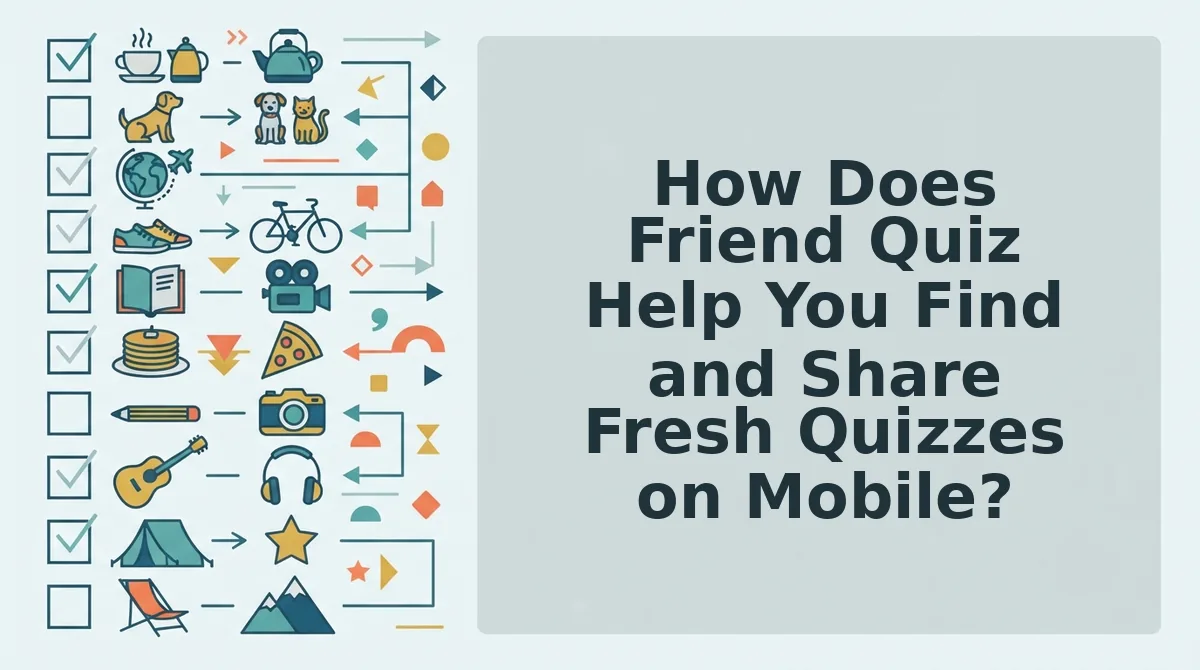
How Does Friend Quiz Help You Find and Share Fresh Quizzes on Mobile?
Friend Quiz lets you browse fresh quizzes through four discover views, then play and compare scores in your mobile browser without an account. If nothing fits, you can make your own in under two minutes.
What you need: a phone with a web browser and a group chat such as WhatsApp, iMessage, or Snapchat. You do not need an app, an email address, or a sign-up.
How to find new friend quizzes on mobile
To find new friend quizzes on mobile, open friendquiz.org in your phone's browser and go to the discover directory. The trending view shows quizzes people are playing right now, and the new view shows the latest additions. The weekly and monthly picks highlight standout quizzes from those periods. Tap any quiz to play it right away in your browser. You do not need to download an app or create an account. When you finish, drop the link in your group chat so friends can guess too. Then compare everyone's scores on the Friendboard.
- Open the trending view. Scroll the quizzes getting the most play right now. You should see a list of active quizzes within seconds.
- Check the new view. Browse newly added quizzes for fresh picks your group hasn't seen. This takes about 30 seconds.
- Scan the weekly and monthly picks. Use these views when the trending list feels repetitive. You should spot a few quizzes that kept people's attention over a longer stretch.
- Tap a quiz and play. Zero-account play means you and your friends answer without signing up or logging in. Your first question appears right away.
- Compare scores on the Friendboard. A Friendboard is a live ranking of who scored highest on a quiz. Your name appears in the ranking as soon as you finish.
Worked example: You paste a quiz link into your WhatsApp group. Each friend taps it, and the quiz opens in their mobile browser. They start guessing with no profile and no app download, and the Friendboard fills up as they finish.
Speed-run: make your own when nothing fits
- Enter your name on the homepage. The first trivia prompt loads.
- Answer the prompts about your habits, quirks, likes, and dislikes. Your personal quiz is generated.
- Share the link in your chat. Friends can start playing right away, and the whole run takes under two minutes.
Stuck scrolling with nothing that fits your group? Try a BFF quiz on your phone, or make a best friend quiz and drop it in the chat tonight.
Who Should Use Which, and Where Does Friend Quiz Fall Short?
Use Friend Quiz for mobile group chats, fresh quizzes to browse, and no sign-ups. Use QuizYourFriends if you prefer a familiar static form on a desktop, playing solo.
| If you want⦠| Use | Why |
|---|---|---|
| Quizzes that play inside a mobile group chat | Friend Quiz | Links open in the mobile browser with no app download. |
| Fresh quizzes to browse | Friend Quiz | It has trending, new, weekly, and monthly discover views. |
| No sign-ups for you or your friends | Friend Quiz | It uses zero-account play, with no email or login. |
| A solo desktop session in a familiar static form | QuizYourFriends | Its classic form layout suits wider screens and a slower pace. |
Best for QuizYourFriends: desktop users who like predictable, page-by-page forms and are building a quiz on their own.
Best for Friend Quiz: group chat instigators on WhatsApp, iMessage, or Snapchat who want quick banter and bragging rights on a Friendboard.
Where Friend Quiz falls short
Friend Quiz is mobile-first and focused on friendship. It is built for personal quizzes shared in chats, not as a broad general-trivia catalog.
The directory picks also won't always match your group's inside jokes. Sometimes making your own quiz is the better move.
Recommendation: To discover new quizzes on mobile, start with Friend Quiz's discover directories. For a different format, send a Friendship Dare.
So which tool should you open first?
Which Discovery Tool Should You Open First?
Open whichever tool lets you answer without a login, then make your own Friend Quiz if nothing you find fits your crew. Discovery only pays off when the quiz actually lands in the chat.
- Check the open step first. If a quiz demands an account or app download before question one, skip it. Your friends will bounce too.
- Pick from a directory. Choose the quiz that matches your group's inside jokes, not the most popular one.
- Share back through one link. If nothing fits, build your own in under two minutes and drop a single link that opens in any mobile browser.
Remember that quiet group chat? It doesn't need another browsing session. It needs a fresh link with your name on it.
Enter your name on the Friend Quiz homepage, and your challenge is ready to send.
The best quiz to discover is often the one about you, built fast enough to share before the chat goes quiet again.