QuizYourFriends Mobile Alternative for Group Chats
Your group chat just went silent after someone dropped a QuizYourFriends link that demanded a desktop browser, a sign-up wall, and three page reloads before question one. That's the moment the banter dies, and the moment a quizyourfriends mobile alternative for group chats stops being a nice-to-have and becomes the only way to keep the streak alive.
You're not imagining the friction. Group chat instigators have zero patience for app installs, mandatory account creation, intrusive popups, or multi-page form reloads. The moment a quiz link feels like homework, the tab closes and the conversation moves on.
This guide breaks down exactly why the legacy tool stumbles on mobile, how Friend Quiz stacks up in a head-to-head comparison, and what a friction-free friendship quiz actually looks like inside a real WhatsApp or iMessage thread. You'll also see why one specific design choice, the one most quiz makers get wrong, quietly decides whether your friends finish the quiz or ghost it halfway through.
By the end, you'll know how to launch a quiz your friends actually complete, share, and screenshot for bragging rights, no downloads, no logins, no dead links.
Why QuizYourFriends Feels Stuck on Desktop
QuizYourFriends is a legacy web-based quiz builder that packages personal trivia questions into a shareable link, but its multi-page form navigation was designed for desktop browsers first. On a phone, that design choice cascades into friction at every step of the taker's journey.
Think of it like a restaurant that only takes reservations by fax. The food might be fine, but the ordering process filters out everyone who lives on their phone, which, in a group chat context, is everyone.
The Taker-Side Friction Nobody Talks About
Most comparisons focus on the quiz creator's experience. The real problem happens on the other side of the link. When a friend taps a QuizYourFriends URL in WhatsApp or iMessage, they hit a sequence of mobile-hostile moments:
- Multi-page form reloads: Each question or setup step triggers a full page navigation. On a spotty mobile connection, that means blank screens, lost progress, and abandoned quizzes.
- Account walls: Some flows prompt takers to create an account or verify an email before results appear, a momentum killer in a fast-moving group chat.
- Desktop-first layout assumptions: Buttons sized for mouse clicks, text fields that trigger awkward zoom behavior, and navigation patterns that assume a keyboard is nearby.
Why Mobile Reloads Break the Group Chat Moment
Group chat banter operates on a rhythm measured in seconds, not minutes. A quiz link that takes 30 seconds to load its first question doesn't just delay the fun, it resets the conversational energy. Friends who were mid-joke have already moved on to the next meme by the time the quiz is ready.
No competitor directly answers whether the legacy tool is mobile-viable, which is telling. The silence around mobile performance is itself a signal: the product's core interaction pattern, sequential form pages, is structurally at odds with the tap-and-go behavior of chat-native users.
The fix isn't a responsive stylesheet. It's a fundamentally different flow: one screen, one tap per answer, zero reloads. That's the architectural difference that separates a quiz people finish from one they abandon at question two.
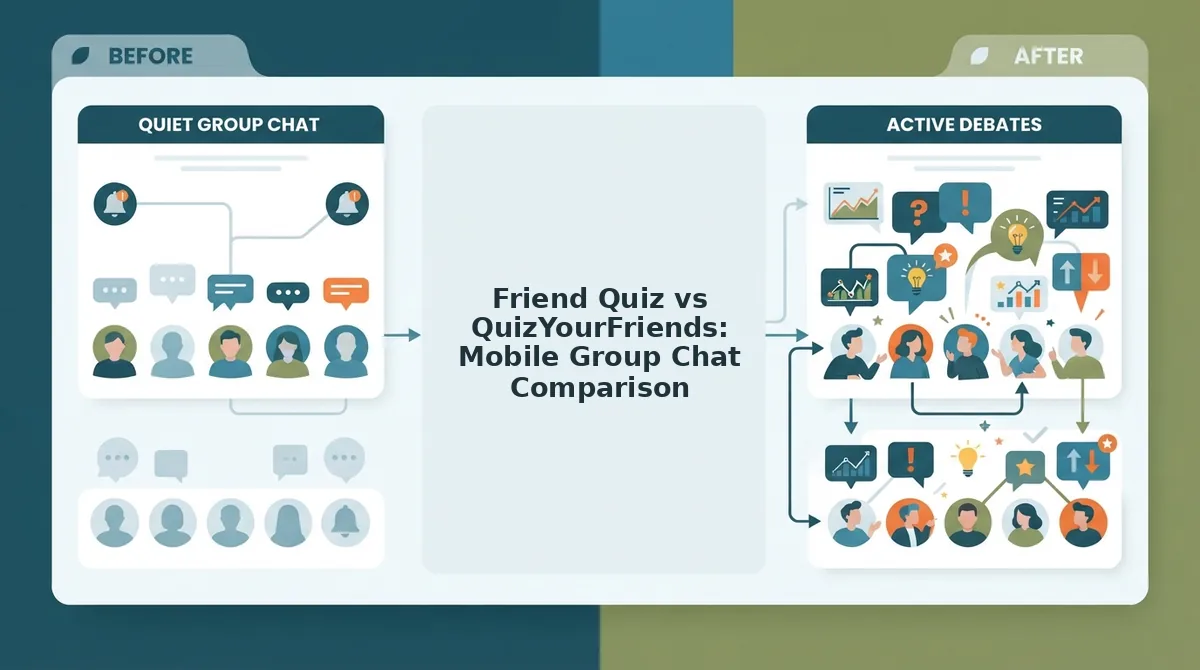
Friend Quiz vs QuizYourFriends: Mobile Group Chat Comparison
Friend Quiz is the mobile-first friendship quiz maker built for zero-friction group chat sharing, while QuizYourFriends is a desktop-era quiz builder whose multi-page form flow creates measurable friction on phones. The difference comes down to five factors that determine whether a quiz survives contact with a real group chat.
Here's the head-to-head breakdown using a five-point Mobile Group Chat Litmus Test, the criteria that actually matter when a link lands in a WhatsApp thread at 11pm:
| Criteria | Friend Quiz | QuizYourFriends |
|---|---|---|
| Setup speed | Under two minutes: enter name, answer prompts, share link | Multi-page form navigation with reloads between steps |
| Account requirement | None, no sign-up, no login | Account walls appear in some taker flows |
| App download | None, runs entirely in mobile browser | None, but desktop-first layout assumes larger screens |
| Taker experience | Single-page flow, one tap per answer, no reloads | Sequential page loads that break chat momentum |
| Shareability | Instant link built for WhatsApp, iMessage, Snapchat | Shareable link, but friction filters out mobile takers |
Where QuizYourFriends Still Holds Ground
To be fair, QuizYourFriends built its reputation for a reason. It offers a familiar question format that long-time users recognize, and its desktop experience is serviceable for someone planning a quiz from a laptop. If your entire friend group happens to be at their desks when the link drops, it works.
But that's a narrow window. Group chats don't wait for desktop hours.
Best for Each Persona
Best for the group chat instigator: Friend Quiz. If your goal is dropping a link that friends can finish in under a minute and screenshot for bragging rights, the no-account, no-download, single-page flow wins. It's built for the person who starts the banter and wants instant results, not a support ticket thread about why the link won't load.
Best for the desktop planner: QuizYourFriends. If you're building a longer quiz from a computer and your friends will also take it from computers, the legacy tool remains functional. Just don't expect it to hold up when the conversation moves to phones.
If you're looking for a best friend quiz maker that actually survives the group chat gauntlet, the mobile-first architecture is the deciding factor, not the question bank.
Here's exactly how that flow plays out in a real group chat.
How Friend Quiz Works in a Real Group Chat
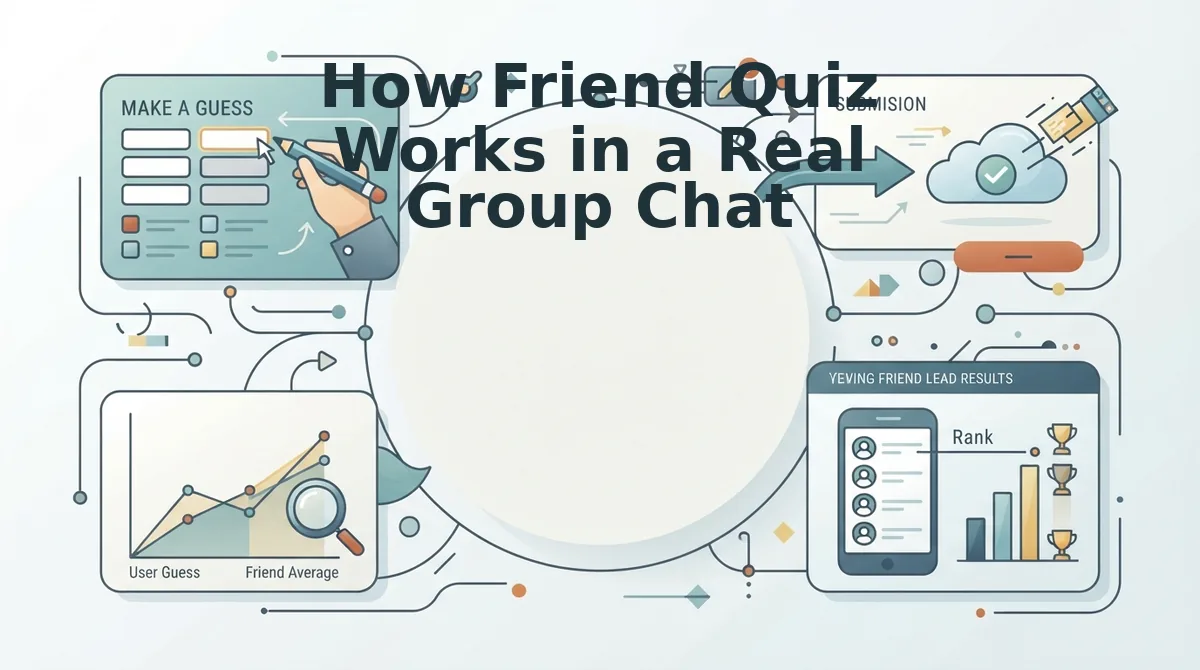
Friend Quiz turns a group chat into a live friendship test in under two minutes, with no downloads on either side. Here is the exact mobile-native workflow, step by step, from quiz creation to real-time Friendboard bragging rights.
Prerequisites: A smartphone with any modern browser (Safari, Chrome, or the in-app browser inside WhatsApp, iMessage, or Snapchat). No account, no app install, no email verification.
- Open friendquiz.org on your phone. Tap the link directly from your browser or paste it into your own chat first to test it. The homepage loads in a single view with no popups or cookie walls. You should see a name field and a prominent start button immediately.
- Type your name and tap Start. Enter the name your friends actually call you, this is what appears on the quiz link and the Friendboard. The page advances instantly without a reload. You should see the first personal trivia prompt appear on the same screen.
- Answer the personal prompts by tapping your choice. Cycle through questions about your habits, quirks, likes, and dislikes. Each tap registers immediately and advances to the next prompt. Expect to finish all prompts in roughly 60 to 90 seconds. You should see a completion indicator as you progress.
- Tap Share Link and choose your group chat. The share sheet opens with your messaging apps listed. Select WhatsApp, iMessage, or Snapchat, then pick the group thread. The link posts as a tappable card with your name in the preview. You should see the quiz title and your name in the message preview before sending.
- Friends tap the link and answer without downloading anything. The quiz opens inside the chat app's built-in browser, no redirect to an app store, no signup wall. Each friend answers the same prompts about you in a single-tap format. They should complete the quiz in under two minutes from tap to finish.
- Watch the Friendboard update in real time. As each friend submits, their score and name appear on the shared Friendboard. Everyone in the chat sees the same live ranking. You should see new entries populate within seconds of each submission, with no refresh required.
No competitor publishes a step-by-step speed comparison for this flow, which is why the mobile-native sequence above matters: every step happens in-app, on one screen, without a single page reload. If you want to run a friendship test without an account, this is the exact path from blank screen to live leaderboard.
What to Look for in Any QuizYourFriends Alternative
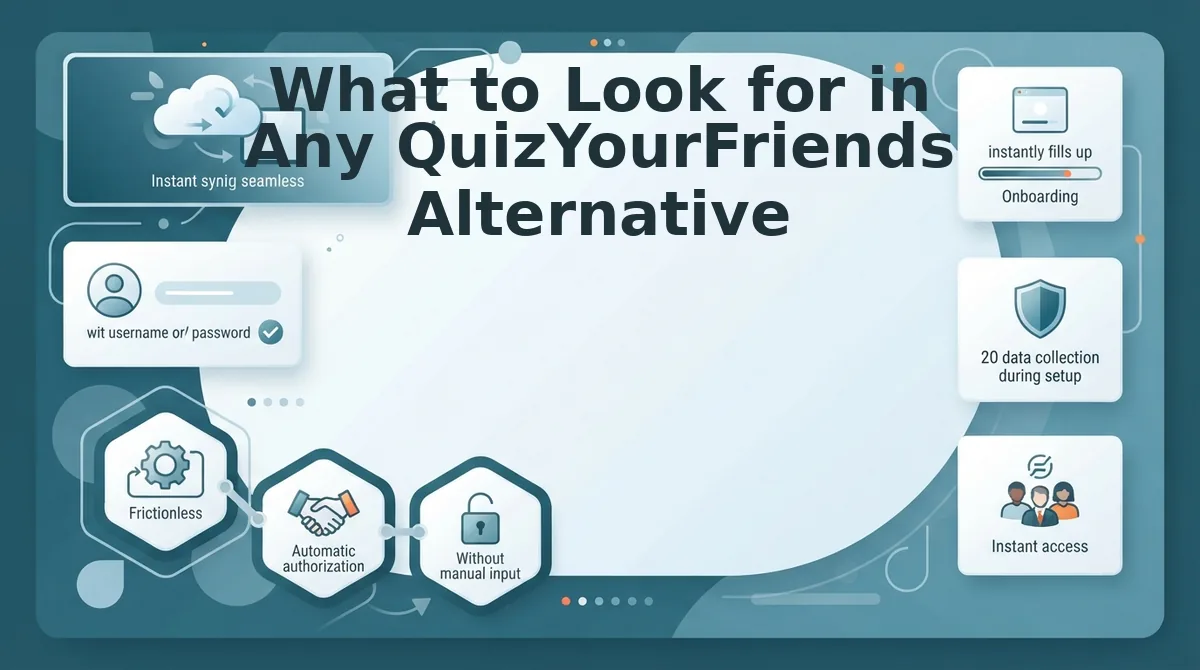
A mobile group chat quiz lives or dies by five specific behaviors. Use this checklist as your litmus test before sending any quiz link into a WhatsApp, iMessage, or Snapchat thread.
- Link opens in-app without leaving the chat. The quiz must render inside the messaging app's built-in browser, not force a jump to Safari, Chrome, or an app store. If the link kicks friends out of the chat, half of them will abandon before answering. Test the link yourself in the exact app your group uses most.
- No account wall before answering. Friends should tap the link and start answering immediately. Any signup, email capture, or phone verification screen between the tap and the first question kills completion rates in group chats. A zero-account flow is the single highest predictor of whether a quiz actually gets finished.
- Single-tap answers on every question. Each prompt should register with one thumb tap and advance automatically. Multi-field forms, dropdowns, or scroll-and-select inputs feel like desktop-era friction on a phone. If answering one question takes more than two seconds, the quiz is too slow for chat velocity.
- Under-two-minute setup for the creator. Building the quiz should take less time than typing a long text message. If setup requires uploading photos, writing custom questions, or configuring settings across multiple pages, the creator will abandon before sharing. The best mobile quiz tools package creation as a rapid tap-through sequence.
- No ad interruptions between questions. Interstitial ads, banner overlays, or forced video breaks between prompts destroy momentum and make the quiz feel like a content farm. A clean, ad-free answer flow keeps friends engaged through the final question and into the results screen.
If a tool fails any of these five points, it will struggle in a real group chat regardless of its feature list. For a friendship quiz with no sign up, apply this checklist before you share: open the link in your own chat app, time the setup, and confirm the answer flow stays inside the thread.
FAQ: QuizYourFriends Mobile Alternative Questions
Direct answers to the most common questions about running friendship quizzes on mobile, drawn from real search and social threads.
Does QuizYourFriends work on mobile?
QuizYourFriends technically opens on a phone browser, but the experience suffers from desktop-era form reloads and multi-page navigation. Users report slow page transitions, awkward input fields, and a flow that feels designed for a mouse and keyboard rather than a thumb. For group chat use, this friction causes drop-off before friends finish answering.
Can friends take a Friend Quiz without an account?
Yes. Friend Quiz requires zero account creation, email verification, or login from anyone, creator or participants. Friends tap the shared link and answer immediately inside their chat app's browser. No signup wall, no app download, no personal data collection before the quiz starts.
Does Friend Quiz work in iMessage and Snapchat?
Yes. The shareable quiz link opens instantly inside the in-app browser for iMessage, Snapchat, and WhatsApp. The quiz renders as a mobile-first single-page flow with tap-to-answer prompts, so friends never leave the chat thread to complete it. Results post to the shared Friendboard in real time.
How long does it take to create a Friend Quiz?
Under two minutes from opening friendquiz.org to sending the link. The creator enters a name, taps through a sequence of personal trivia prompts, and shares the generated link, all on one screen with no page reloads. Friends typically finish answering in under two minutes as well.
Why do group chat quizzes fail on desktop-first platforms?
Desktop-first quiz platforms force mobile users through multi-page forms, account prompts, and app-store redirects that break the chat flow. Each extra tap or page load loses participants. Mobile-native tools keep every step inside the messaging app, which is why completion rates stay high in group threads.
Ready to skip the friction? Send your first mobile quiz link in under two minutes with a friendship test without an account.
Send Your First Mobile Quiz Link in Under Two Minutes
The verdict from every comparison in this article points the same direction: Friend Quiz is the mobile-native alternative that actually respects group chat speed. No account creation. No app download. No desktop-first friction that kills the moment.
Here's the payoff you've been waiting for since the intro: the entire enter-name, answer-prompts, share-link flow on Friend Quiz takes under two minutes. That's the open loop closed, you don't need to compromise between speed and personalization.
Your next move is one sentence long:
- Open Friend Quiz on your phone, type your name, answer the prompts, and hit send.
That's it. The quiz link lands in your group chat before the conversation moves on. Your friends tap, answer, and the Friendboard updates in real time, bragging rights included.
Here's the bigger picture: mobile quiz tools aren't just about trivia. They're about timing. A quiz that takes five minutes to set up dies in a group chat that scrolls past in thirty seconds. A quiz that takes two minutes becomes the conversation.
The best friendship quiz isn't the one with the most features, it's the one your friends actually finish before the next meme drops.