How to See Who Scored Highest on a Dare Quiz

You sent the dare quiz link. The replies are rolling in. Now who actually won? That exact moment of uncertainty, staring at your phone while friends claim they crushed it, is where most people get stuck. The good news: you can see who scored highest on dare quiz results in under ten seconds, no screenshots or group-chat interrogations required.
You're not wrong to expect a clear answer. You built the quiz, you shared it, and you deserve a definitive winner without digging through notifications. Friend Quiz gives you exactly that through a real-time Friendboard that ranks every participant automatically.
Here's what you'll learn: where your dare quiz results actually live, how to open the Friendboard in seconds, and how to read the rankings so you can crown the winner with confidence. Stick around for the surprising detail about what appears first on your board, it's not what most people expect, and it changes how you'll announce the results.
If you haven't built your dare quiz yet, create your own dare quiz first, it takes about a minute and generates an instant shareable link for your group chat.
Where Your Dare Quiz Results Live
Your dare quiz results live on your Friendboard, a real-time ranking page that updates automatically every time a friend completes your quiz. You don't need to refresh, download anything, or ask friends to screenshot their scores.
Prerequisites: You need a published dare quiz with at least one completed response. If you haven't made one yet, create your own dare quiz first.
- Open your quiz link. Tap the same link you shared in your group chat. This takes you to your quiz's landing page, which doubles as your results hub. You should see your quiz title and your name at the top.
- Locate the Friendboard section. Scroll down past the quiz intro. The Friendboard appears directly below your quiz details. You should see a list of names, these are the friends who have already completed your dare quiz.
- Check the top entry. The first name on the Friendboard is your highest scorer. Friend Quiz ranks every participant from highest to lowest score in real time, so the winner is always at the top. You should see their name, score, and a visual score bar.
- Watch it update live. Keep the page open while friends are still responding. Each new completion pushes a new entry onto the board and re-sorts the ranking automatically. You should see the order shift without refreshing.
The Friendboard ranks every friend who completed your dare quiz from highest to lowest score, in real time. The top name is your winner. You don't need to refresh, download anything, or ask friends to screenshot their results, the board does the sorting for you the moment each response lands. This is the fastest way to settle a dare quiz rivalry without a single follow-up text.
Once you've spotted the top name, you're ready to decode exactly what the board is showing you, and why the winner highlight matters more than the raw number.
How to Read the Friendboard Rankings
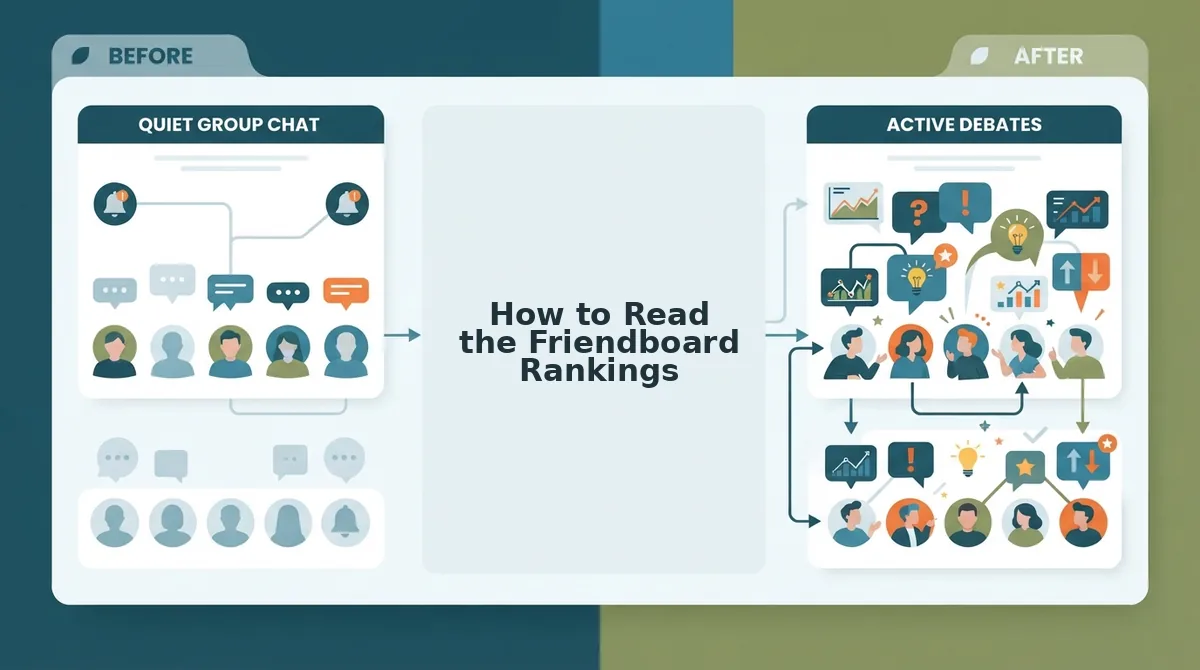
The Friendboard is a real-time leaderboard that ranks every friend who completed your dare quiz from highest to lowest score, with the winner pinned at the top. Reading it takes seconds once you know what each element means.
Think of the Friendboard like a race results board at a school sports day. The fastest runner stands on the top step, the second-fastest on the next, and so on down the line. Your dare quiz works the same way, except the "race" is answering questions about you, and the board updates itself the moment each friend crosses the finish line.
Start with the simple layer: rank order. The list runs top to bottom, highest score first. The name in position one is your winner, no tiebreakers or scrolling required. If two friends tie, the board still shows both scores clearly, so you can call it a draw or demand a sudden-death rematch.
Next, look at the score bars. Each friend's entry includes a horizontal bar that fills proportionally to their score. A nearly full bar means they nailed almost every dare question. A short bar means they have some catching up to do. These bars let you compare performance at a glance without reading raw numbers.
Finally, the winner highlight, the visual marker on the top entry, makes the highest scorer immediately identifiable. You can screenshot the board and drop it straight into your group chat as proof. No arguments, no recounts.
For a deeper dive into how rankings work across all quiz types, check out the leaderboard page. Now that you can read the board like a pro, it's time to make it official in the group chat.

Crowning the Winner in Your Group Chat
You can crown the highest scorer in under two minutes using the Send to Watch to Crown framework. You need the quiz link you already created and access to the group chat where you shared it.
- Open your quiz results page. Tap the quiz link you originally shared, then tap View Friendboard. You should see the full ranked list of everyone who completed your dare quiz, with the top scorer pinned at the top.
- Take a screenshot of the Friendboard. Press your phone's screenshot buttons (side button + volume up on iPhone, power + volume down on most Android devices). You should see a thumbnail preview confirming the capture. Screenshots consistently outperform link shares in group chats because the ranking appears instantly without anyone tapping through.
- Send the screenshot to the group chat. Open your chat app, select the group, and attach the image. Add a one-line caption like "Official results, crown goes to [name]." You should see reactions start within seconds, because the visual leaderboard removes all friction.
- Watch the Friendboard fill in real time. Keep the results page open on your phone while the chat reacts. You should see late responders' scores appear as they complete the quiz, which often triggers a second wave of reactions and rematches.
- Crown the winner publicly. Reply in the chat with a crown emoji 👑 and tag the top scorer. You should see the winner respond and the group shift into banter about a rematch, which is exactly the social moment the Friendboard is built to create.
If you want maximum reactions, screenshot beats link share every time. A link requires a tap, a load, and a scroll; a screenshot delivers the ranking in one glance. For a rematch, create a fresh dare quiz at friendquiz.org and repeat the same three-step flow.
Why the Top Score Isn't the Whole Story
A dare quiz score is a measure of how accurately a friend guessed the answers you entered, not a measure of how much they care about you. Think of it like a trivia night about your life: the person who wins is the one who studied your stated preferences, not necessarily the one who has been there for you longest.
This distinction matters because creators often feel disappointed when a close friend scores low. But a low score can mean the friend knows a different version of you, the one who changes their coffee order seasonally or the one whose "favorite movie" depends on the mood. That friend may know your emotional patterns better than your listed favorites.
Dare quizzes reward recall of self-reported data. They are excellent for banter and bragging rights, but they are not a diagnostic tool for friendship depth. If you want a more rounded measure of how well someone knows you, pair your dare quiz with a classic BFF quiz that mixes surface-level trivia with deeper questions, or try a best friend test designed to capture shared history and inside jokes. The highest dare quiz score earns the crown for the night; the friends who show up consistently earn something that no leaderboard can rank.
Dare Quiz Results FAQ
Dare quiz results show who scored highest on your personalized challenge, with the Friendboard ranking every participant in real time. Here are the answers to the questions creators ask most after sending a quiz.
Can I see who answered what on my dare quiz?
You can see each participant's total score and their rank on the Friendboard. Individual answer-by-answer breakdowns are not displayed to the creator, which keeps the experience fast and avoids awkward scrutiny of specific wrong guesses.
Do friends need an account to see their scores?
No. Friends complete the dare quiz and see their score instantly without creating an account or downloading an app. The entire flow runs in the mobile browser, which is why group chats adopt it so quickly.
Can I reset my Friendboard for a new round?
Yes. Create a new dare quiz to generate a fresh Friendboard. The previous results remain on the old link, so you can compare rounds or start clean without deleting anything.
Why does my Friendboard show fewer people than I sent the quiz to?
Only friends who complete the full quiz appear on the Friendboard. Anyone who opened the link but abandoned it midway will not show up, so a short nudge in the group chat usually fills the missing slots.
For a deeper look at how scores compare across different quiz formats, check your friendship test results next. Ready to settle the score for real? Crown your winner tonight.
Crown Your Winner Tonight
The Send to Watch to Crown loop takes under three minutes from quiz creation to group chat coronation. You already know where the Friendboard lives, how to read the rankings, and why the top score only tells part of the story. What's left is the part everyone actually remembers: the moment you name the winner.
Here's the pattern that works every time:
- Send, drop your dare quiz link into the group chat with a one-line challenge.
- Watch, let the Friendboard update in real time while scores roll in.
- Crown, screenshot the final ranking and post it with a crown emoji. Bragging rights locked.
One question remains: who's daring enough to take the top spot next? Create your own dare quiz tonight and find out before the group chat moves on.
The scoreboard resets, but the rivalry doesn't have to. Every crowned winner is just one new dare quiz away from being dethroned.